


Not to brag, but I type extraordinarily fast on my phone for one simple reason: I use swipe-typing instead of thumb-typing.
Swipe typing has been around for years, and anyone who has spent the time learning it knows that it's very speedy, allowing you to type entire words by drawing lines on the keyboard. And whether on Gboard, Samsung keyboard, or any modern equivalent — swipe typing has been pretty much perfected.
But what if the keyboard could combine two "gesture streams" into one word? That's the promise of Kinetica keyboard, a free open-source app, which I was excited to try as an avid swipe-typer. And while any new input method has a learning curve, Kinetica offers an interesting capability: the ability to swipe with two thumbs and not just one.
Swipe typing is already the fastest way to type
But it can only accept one trace at a time
Swipe typing we have today built into all major keyboards is the fastest way to type because you can input words without lifting your finger off the screen, as shown in the video above (intended to show those who are not familiar with swipe typing how it works). Once you get used to it, typing becomes about making swipe gestures in the approximate location of the letters and the software magically guesses what you were intending. For example, if you're typing "HELLO" but you begin the path at a letter next to "H", the swipe keyboard software will understand that you wanted "HELLO" by looking at the rest of your path.
Swipe typing lets you type entirely with your dominant thumb, reducing your range of motion dramatically versus using two fingers to type each individual key by hunting and pecking. The prediction engine is the heart of swipe typing and can understand what you're trying to type even if your swipes aren't perfect.
But there's one major problem with swipe typing: it's not multitouch, and as soon as you try to construct words with more than one path, the keyboard ignores the second path and the word doesn't come up at all.
The prediction engine is the heart of swipe typing and can understand what you're trying to type even if your swipes aren't perfect.
Kinetica keyboard lets you swipe with two thumbs at once
It works on any Android
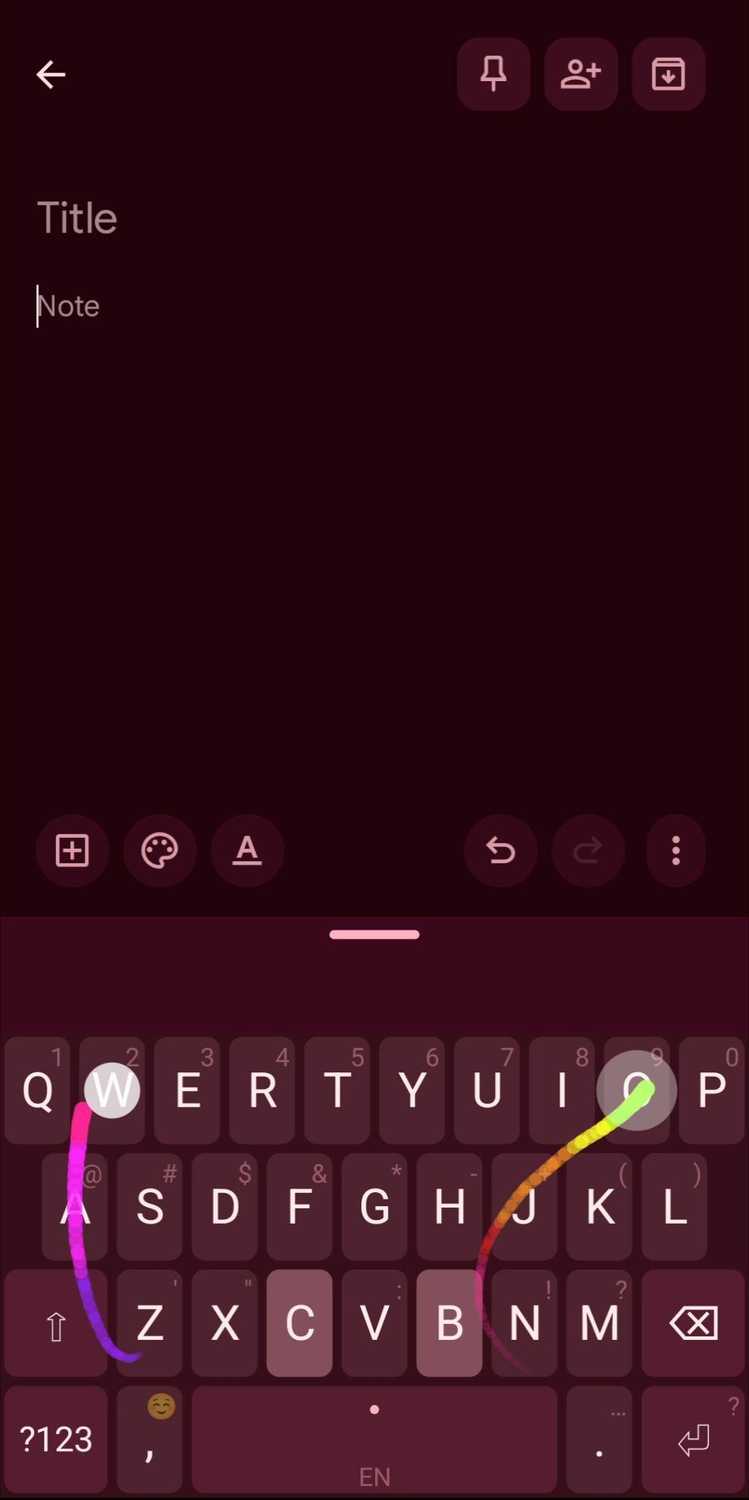
What is actually happening here when you use Kinetica keyboard, which lets you swipe with both thumbs? The above video shows the keyboard in action, but it needs further explanation.
The listing from GitHub explains the concept well: "Two independent swipe/tap streams, one per thumb, merged by contact time. Each thumb is read with its own cursor, so a word can go back and forth between them in any order."
What does this mean, in practice?
Kinetica solves a problem I didn't realize swipe keyboards had: if you have a big phone, reaching to the left side of the keyboard with your right thumb is a stretch. Assuming you are right handed (and the reverse is true for lefties) Kinetica lets you start words with your left thumb (with letters that are out of reach from your right thumb) and finish them with your right thumb.
It's as if your thumbs can tag-team text input when swiping, instead of just relying on one thumb to do the whole word.
How to download Kinetica keyboard app
The app lets you customize the keyboard


 Credit: F-Droid
 Credit: F-Droid
 Credit: F-Droid
 Credit: F-Droid
 Credit: F-Droid

You can find Kinetica on GitHub, where you can download the latest APK install directly to your phone. Or you can download Kinetica on F-Droid, which is an open-source app store for Android that offers the additional benefit of being able to easily get app updates like you would in the Play Store, versus downloading from GitHub when you'll have to manually apply updates over time.
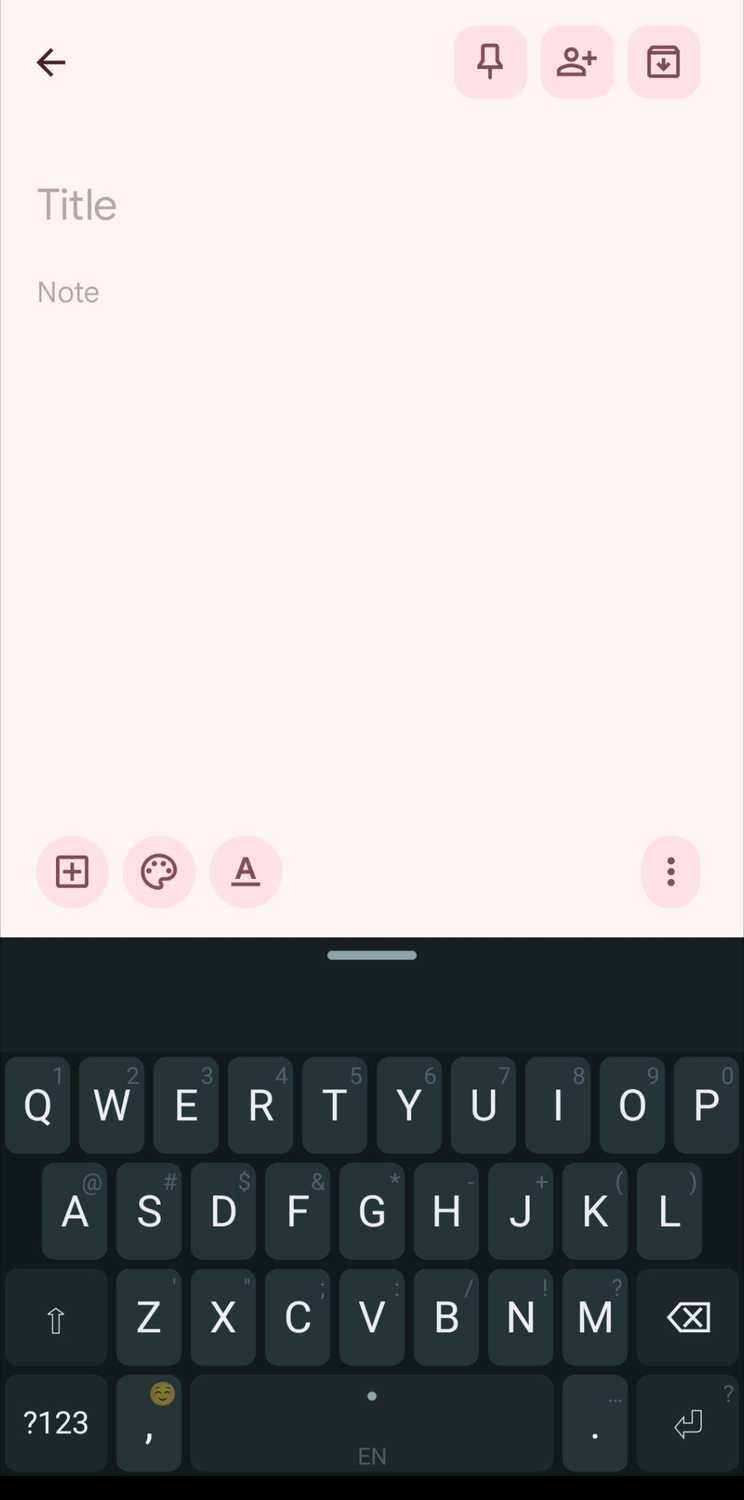
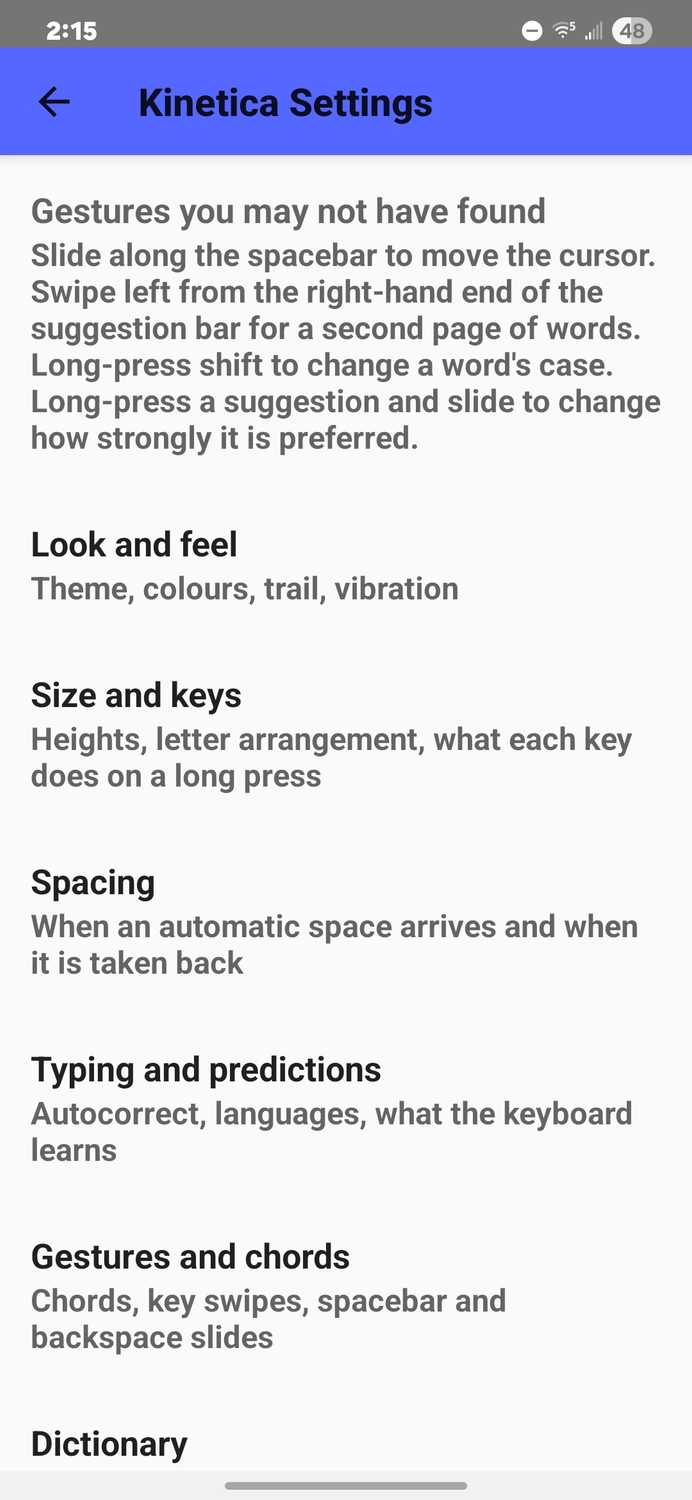
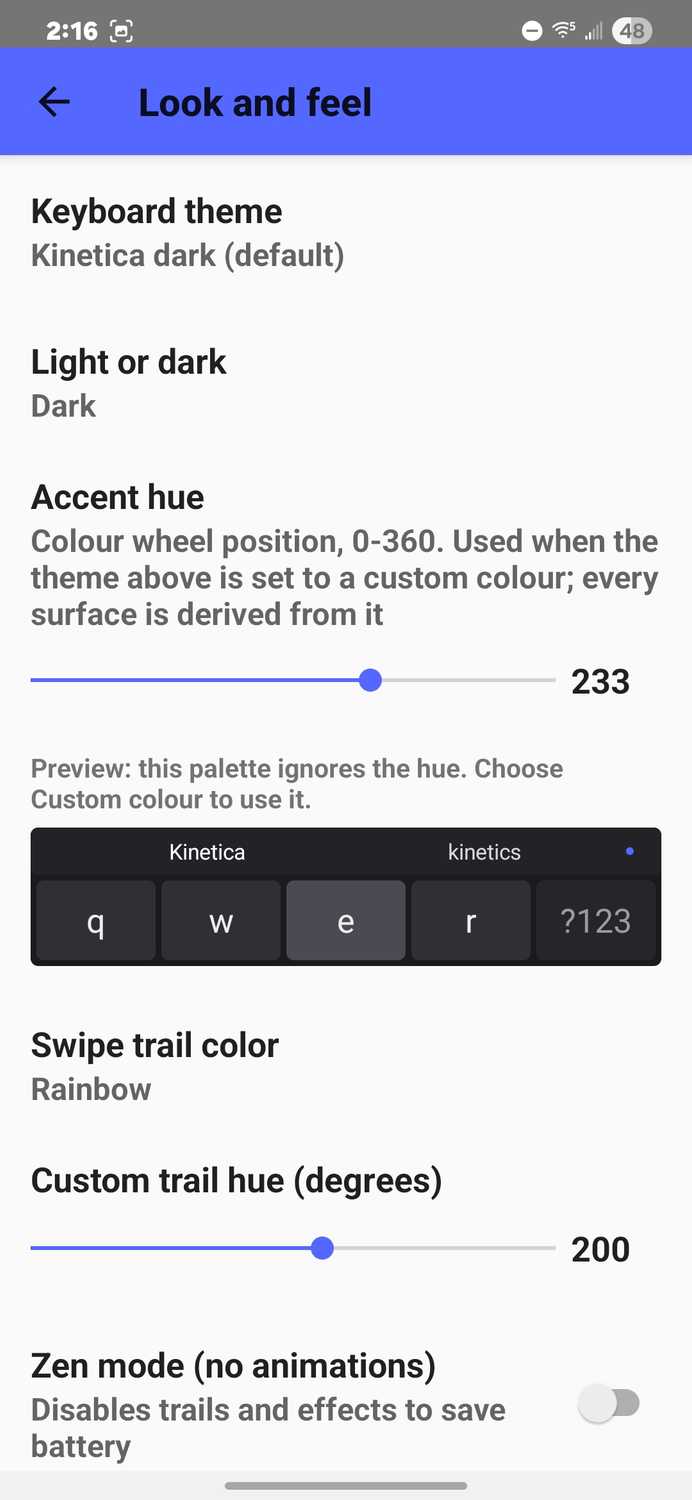
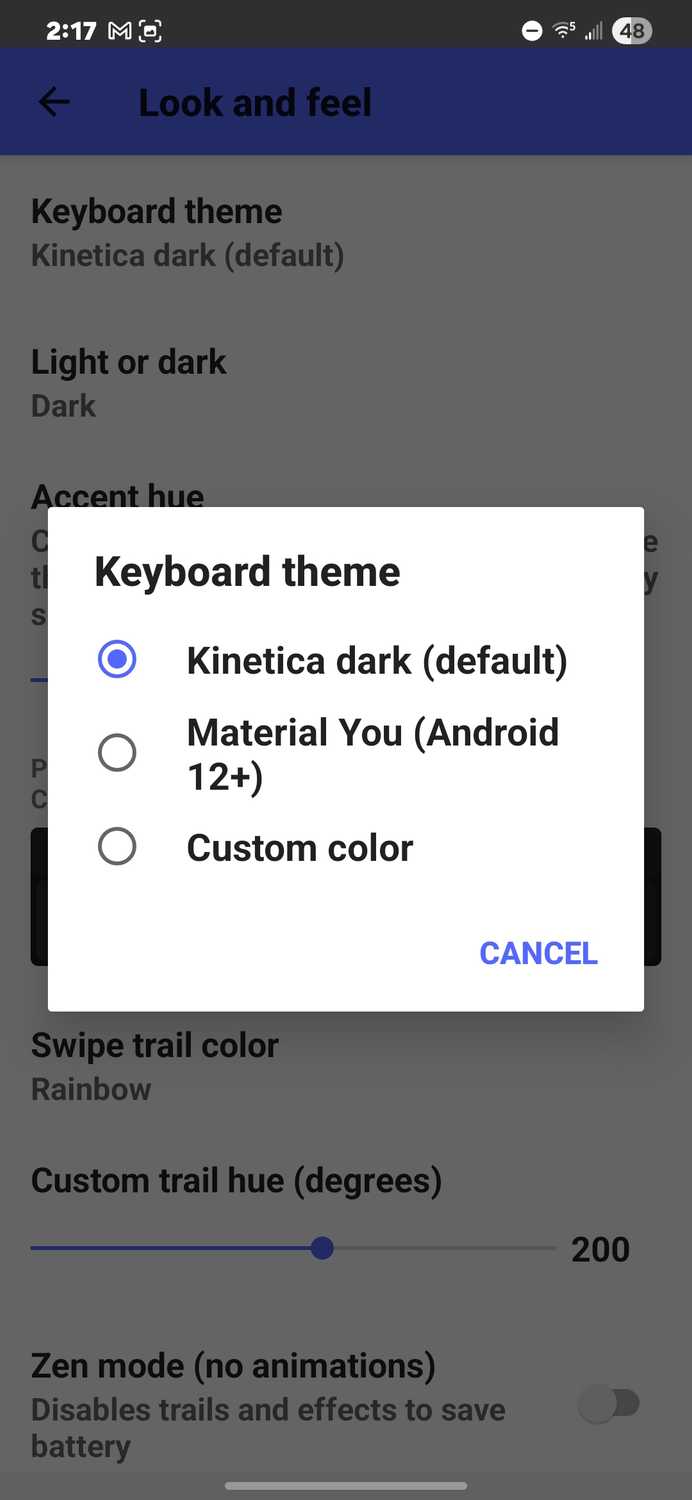
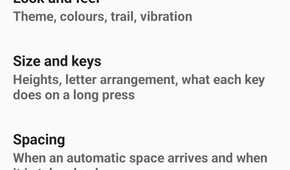
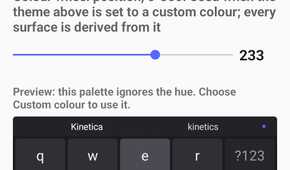
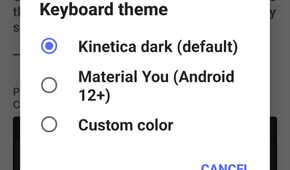
The app itself lets you customize the keyboard and tweak settings like you would any other keyboard. You can change keyboard themes, change the color of the swipe tail (or keep it rainbow, which is the default), adjust haptics, tweak the keyboard height and suggestion bar height, and switch between various keyboard layouts like QWERTY, AZERTY, and other variations. There are more advanced options like sliding left on the backspace key to delete, options for sliding on the space bar, and more. Overall, I left the settings as default.
The app operates like any other third-party keyboard — you'll be instructed to enable the keyboard from settings.
One of the highlights of Kinetica is that it requires no network permission, so nothing you type leaves the phone (like FUTO keyboard, which is another offline keyboard). All decoding and prediction happens on-device, which gives it a privacy edge.
But there's a catch
Is it actually faster?

I spent a solid week using Kinetica on my Samsung Galaxy S22+. Will I stick with it? Probably not, simply because I'm already so adept at swipe typing on Gboard and I don't feel the need to learn a new input method that, in my estimation, would have me typing 10-20% faster. Especially at a time when on-device AI lets phones input text as fast as you can speak, I just don't see a need for something like this unless you're willing to put the time in.
But Kinetica is a compelling idea and an interesting twist on an input method many of us have been using now for many years. If you struggle to type on a large phone, or you just want to experience a new input method that builds on the brilliant concept of swipe typing, you should give it a try.