


CAPTCHAs are such a normal part of online life that we complete them without thinking. And while there’s nothing malicious about clicking matching images or entering skewed text, you can’t trust every CAPTCHA you see either.
I recently received an email that raised red flags. When I looked into it for this article, I confirmed my suspicions. I’d heard about these dangerous CAPTCHAs before, but this was the first time I saw one in the wild.
The suspicious email
Three details immediately gave it away

I received a short message in my work inbox claiming someone had published a news article about me that included my contact information.
Three details immediately made me suspicious. First, its format resembled older social media message scams, in which compromised accounts would send messages like “did you see this crazy video they took of you?” with a malicious link.
Second, the sender’s name didn’t match the email address it came from. The email address used a .cl domain, which is for Chile. The company behind that website is real, but it makes no sense that someone from a Chilean catering company would reach out about this.
Third, the website name intentionally has a space before “.com”—this was likely done to avoid scam detection. If they had hyperlinked the URL, Gmail would likely have scanned it, seen it was malicious, and filtered it.
Digging into the domain
A trail of strange snapshots

While I didn’t want to engage with the email since it was suspicious, I decided to see what the scheme was so I could raise awareness about it. I did a site: search on Google for the domain, which brought up the site but nothing in particular on it, even when I included various keywords.
I fired up a virtual machine sandbox to check the website. Meanwhile, I checked the URL in the Wayback Machine to see what it looked like. I was surprised to see that the site had snapshots saved going back years, since these fraudulent sites usually pop up and disappear quickly.
The website looked different depending on which date I checked. Sometimes, it redirected to a “parked domain” page for other URLs. Other times, it had the look of a real news website, though a closer look revealed low-quality content.


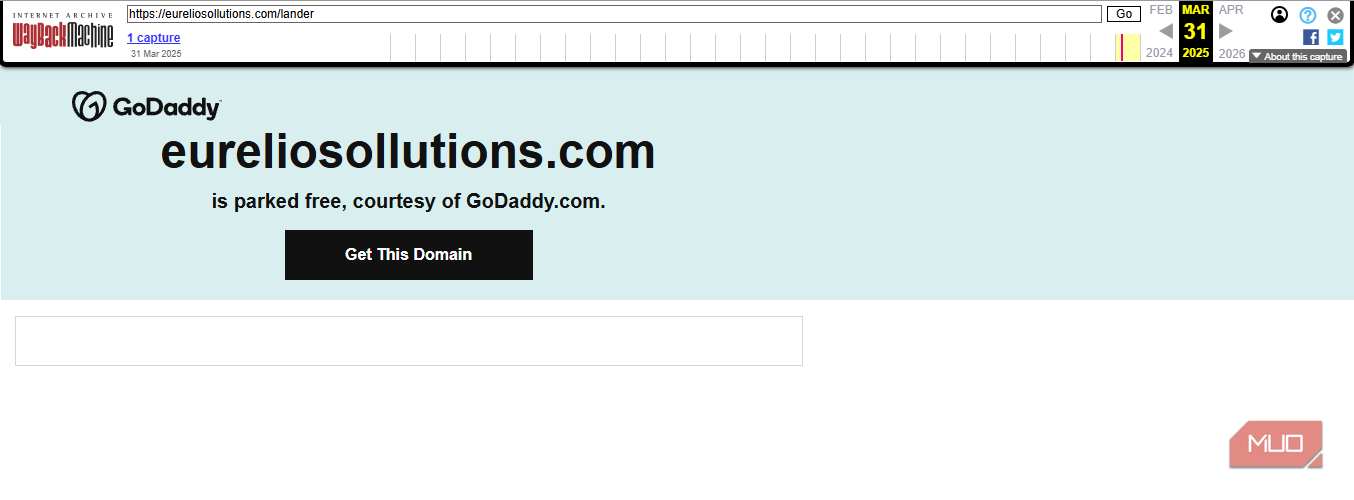
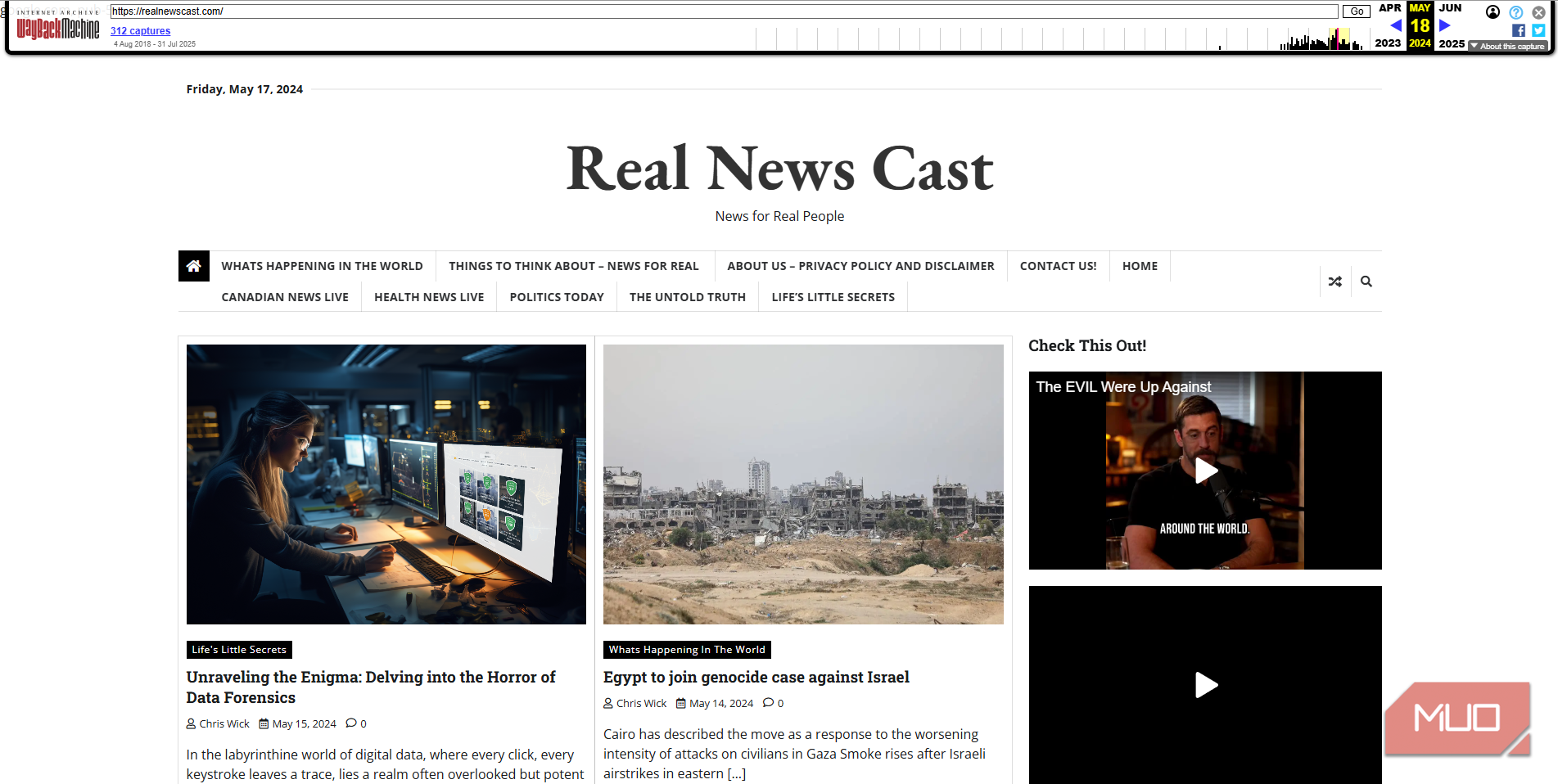
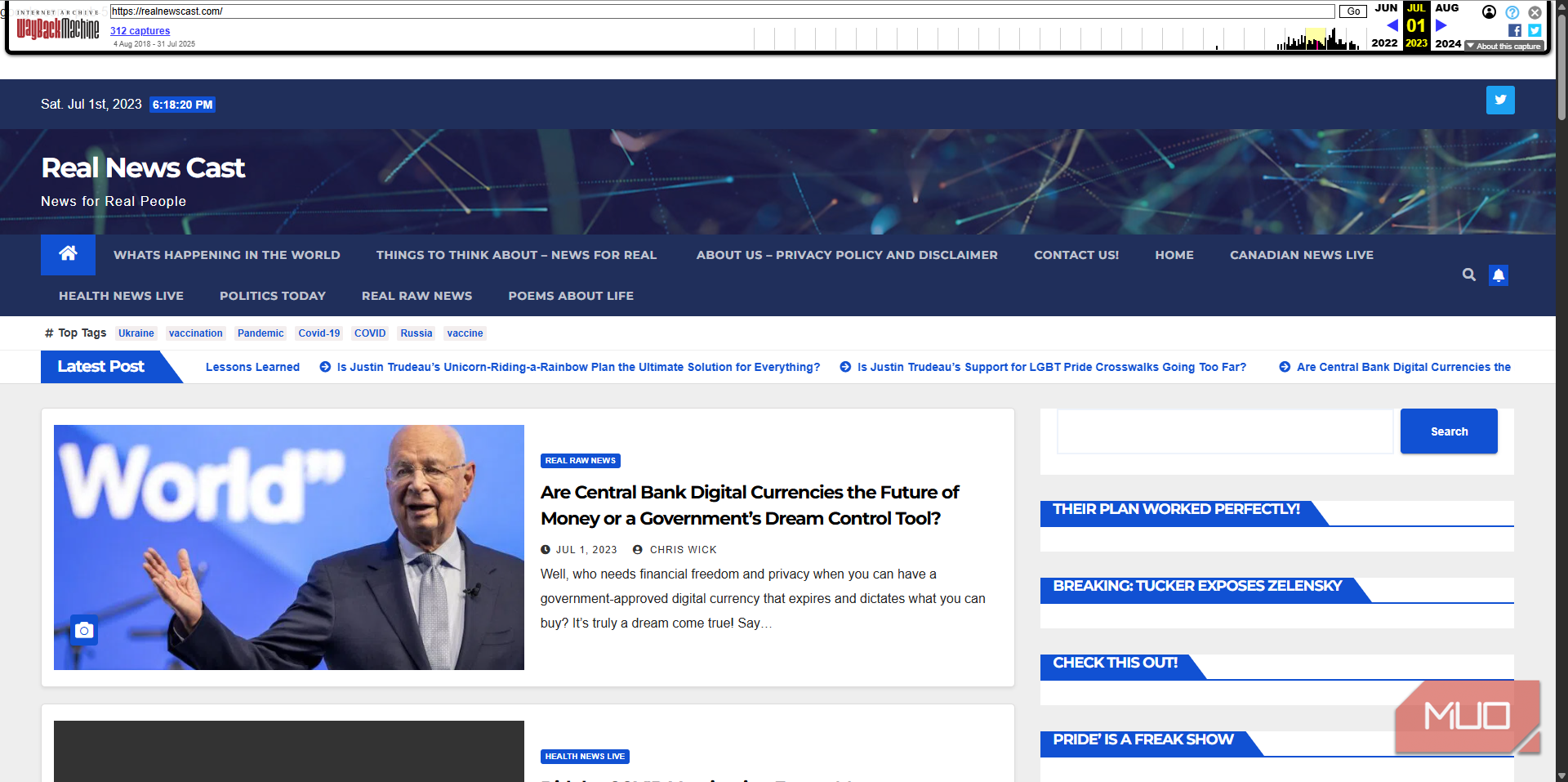
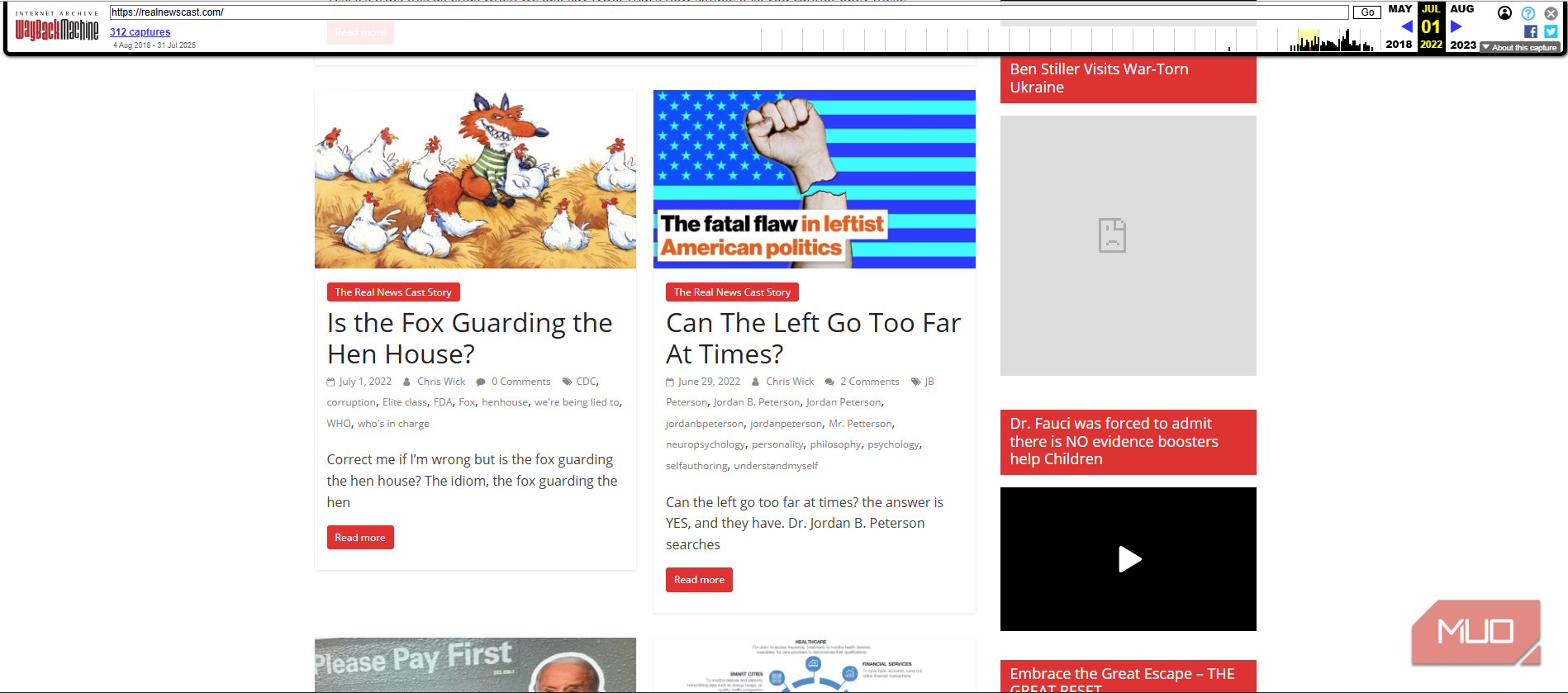
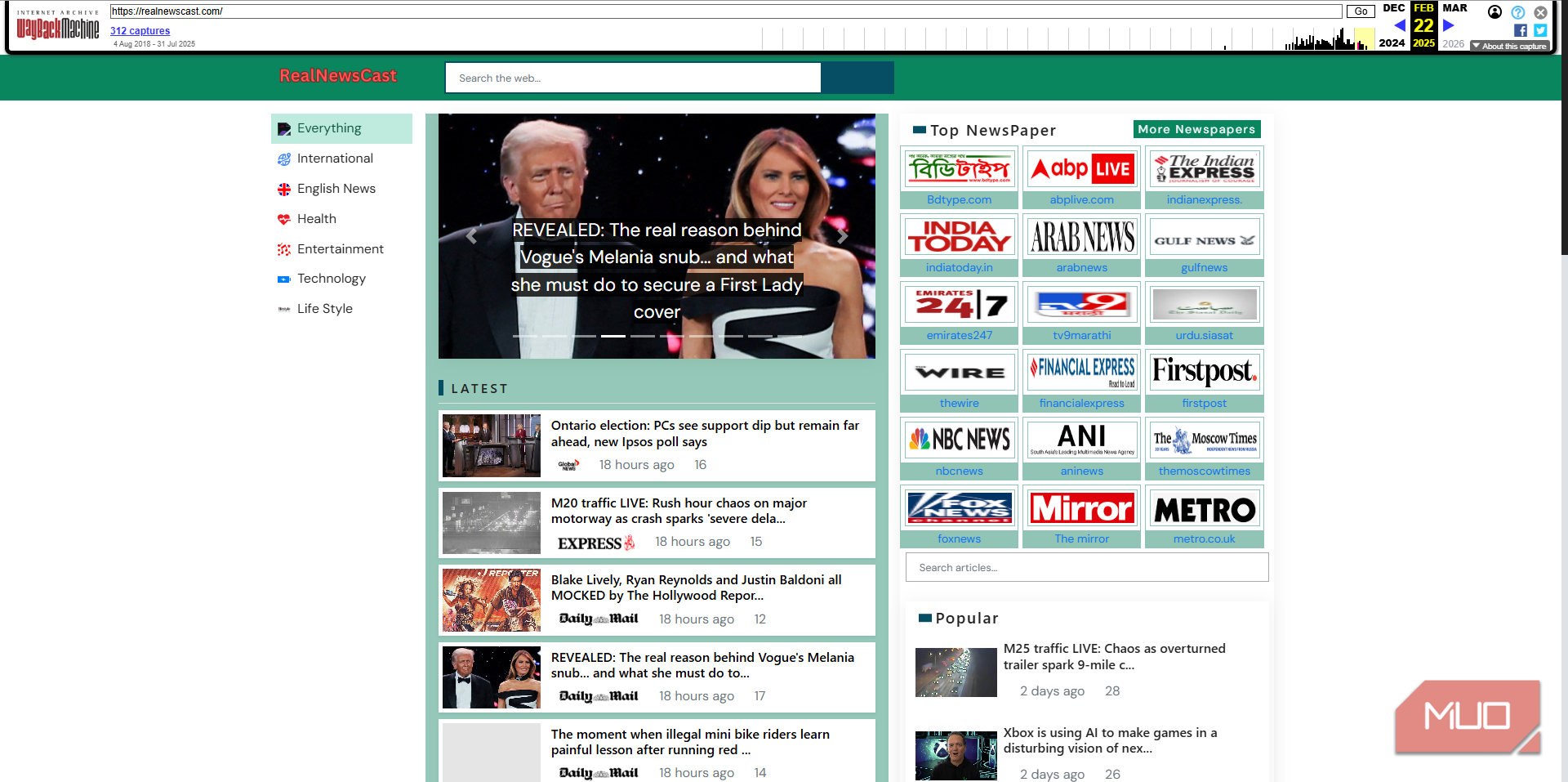
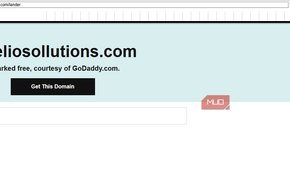
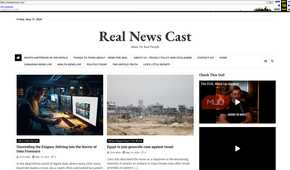

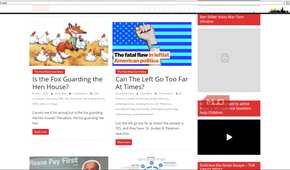
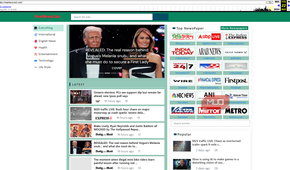
The latest version (February 2025) had blurry logos of other news sources; another had a top navigation bar with an “About Us” page alongside top news and “Poems About Life”. The site was of poor quality overall, no matter how it looked. All but the latest snapshot had a similar look and tone, so it’s possible that the site was compromised earlier this year.
My guess is that this is a low-quality junk website that was recently hacked and used to host this attack. It’s also possible that the site was dangerous from the start and constantly changed its look to appear legitimate to web crawlers, but this seems less likely from the evidence.
The fake CAPTCHA trap
A verification prompt with a hidden payload

You don’t get a chance to worry about the website’s visual changes if you visit the URL directly. Instead, you’re greeted with a CAPTCHA that claims to be from Cloudflare, asking you to verify you’re a human before accessing the site.
Legitimate sites use Cloudflare tools to check if you’re a person, especially when you’re using a VPN, but these happen automatically. If you’re not paying attention, this looks genuine. The giveaway is what you’re asked to do.
After clicking the I’m not a robot button, a pop-up appears telling you to open the Command Prompt, hit the Ctrl + V keyboard shortcut to paste, and then click Verify to “finish”.
When you first click the prompt, the site places a malicious command on your clipboard. If you follow the instructions, you run that command to download malware and run it on your system.
At that point, the damage is done; the site is irrelevant. Most malware installed in this way steals passwords from your browser, cryptocurrency on your system, and other sensitive information.
What the clipboard really held

Hopefully, this raises alarm bells and prompts you to close the window immediately. No legitimate website will ever ask you to run a command on your computer to verify you’re not a robot. There are many other ways of doing this that don’t involve any risk to your system.
I pasted the command into Notepad to see what it contained. I was familiar with this attack and know some versions prompt you to enter a snippet into the Run dialog. Those show you innocuous-looking text like “I am not a robot | Verification Hash 1234”, but hide the command in a bunch of gibberish.
This one was similar — it uses variables and other text to obfuscate its true purpose.
How to stay safe
Spot the manipulation, not just the typos

I ran a WHOIS lookup on the domain and reported it to GoDaddy, which was listed as the registrar. Not long after this, the website started giving an error when visiting it; it seems my report led to swift action.
I also reached out to the contact email of the Chilean company whose domain was used in the initial email to me. This was likely spoofed, but I wanted to let them know in case others have gotten a similar email or one of their staff’s accounts was compromised.
The lessons here echo other advice for avoiding phishing emails and malware. You should treat every unexpected message as dangerous; many modern attacks involve tricking you into doing something that circumvents your device’s protections.
Never run commands on your computer if you aren’t certain what they do. It’s one thing to run a troubleshooting command mentioned in an article on a trusted website, but you should assume random instructions from unfamiliar sites are meant to harm you.
In this case, the telltale sign of poor grammar and spelling wasn’t present. It’s an important reminder to stay vigilant and not act without thinking.