

Summary
- NotebookLM now uses Gemini 3.5 and Antigravity and shows expanded thinking steps.
- The tool also gains several new output formats and the ability to help you find sources.
- These updates are rolling out today to AI Ultra users, with expanded availability coming later.
On June 8, Google announced major updates for its NotebookLM research tool. NotebookLM has been a big hit here at MUO, and these updates make it even smarter and more useful for complex research projects.
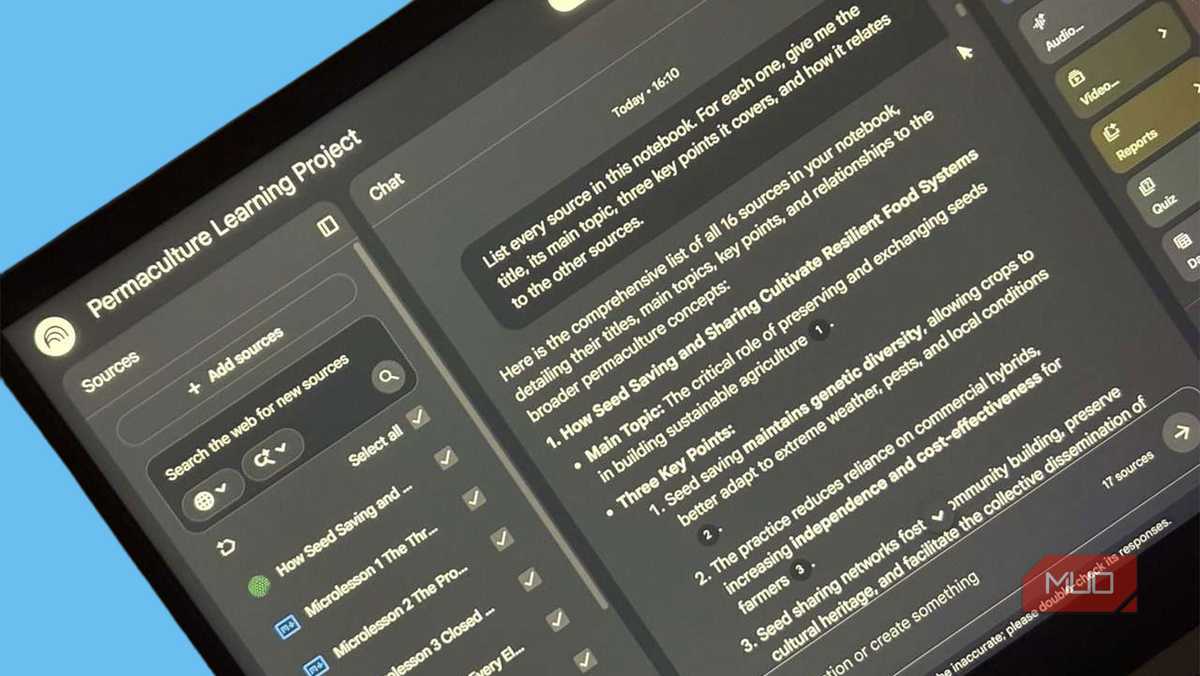
There's a NotebookLM prompt that gives you a bird's-eye view of everything you've uploaded
The Master Index prompt is the first thing to run in any NotebookLM notebook.
What is NotebookLM?
If you're not familiar, NotebookLM is an AI research tool from Google. It's unique in that it only uses sources you explicitly provide. This makes it a great tool for pulling together research and materials and then extracting insights. Here are some examples:
- You can feed it a syllabus, lecture slides, and study notes, and have it create interactive study guides.
- It can scan documents and spreadsheets and pull out key insights.
- You can connect your Obsidian vault and use NotebookLM to analyze your notes.
What's new with NotebookLM?
NotebookLM's latest updates fall into a few broad categories: an upgraded chat experience, improved output formats, and an easier process for finding sources.
Upgraded chat
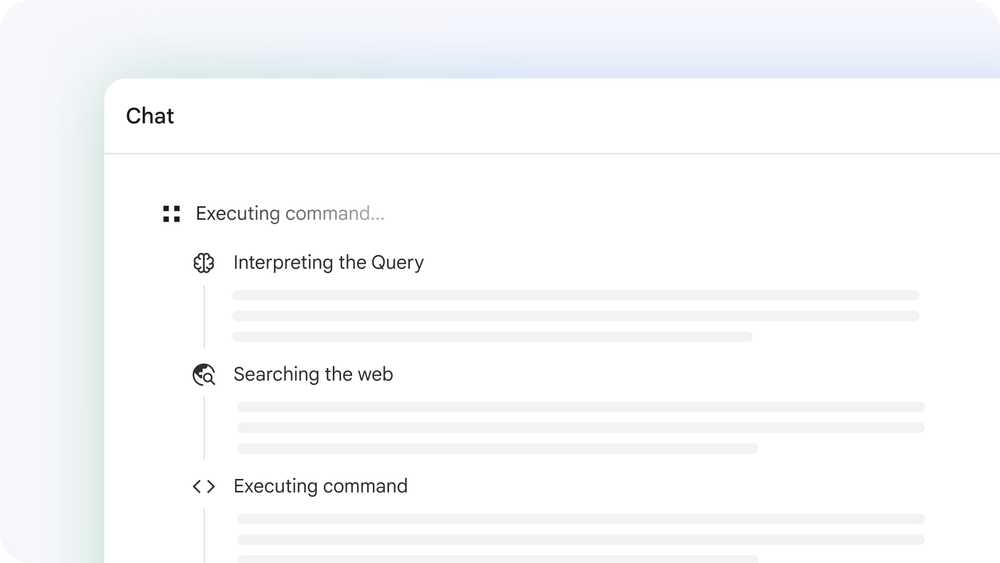
NotebookLM has been upgraded to use Gemini 3.5 and Antigravity. Google says this results in "more accurate and reliable information along with better visibility into the thinking process." Each notebook is now equipped with a "secure cloud computer," so it can write and run code to help accomplish your research tasks. This includes over 100 "curated software skills."
Perhaps more importantly, this updated chat experience will show expanded thinking steps directly in the chat. This makes the tool a lot more transparent, giving you insight into exactly how it arrives at its answers. Google says this upgraded chat makes for a significantly better experience in several key areas, particularly large document analysis and source discovery (just make sure you set it up properly).
More (and better) output formats
Next, NotebookLM gains more output options. New formats include:
- Data visualizations and charts (png, svg)
- Documents (PDFs, docx, markdown, text files)
- Images with Nano Banana (png, jpg, gif)
- Structured data (csv, json)
- Microsoft Excel (xlsx)
- Microsoft PowerPoint (pptx)
In addition to new formats, you can also provide detailed instructions to help guide the output. Google's examples include PDF reports with charts and tables, detailed budget spreadsheets, and bespoke student worksheets. You can also edit these after creation. Even more formats are coming in the future.
Finding sources

Finally, the process of starting up a new research project has gotten much easier. Instead of needing to bring your own sources, you can provide NotebookLM with ideas and questions, and it will "guide you through building your source repository directly in your chat." Examples include finding primary sources in other languages or creating a list of related works by an author.
Additionally, NotebookLM can use Google Search to find "relevant, high quality sources from the web." Crucially, Google says you're still in control of what sources get added to your notebook, and NotebookLM will continue to focus on only the sources you add, which has been one of the tool's biggest strengths.
Availability
Google says these updates are rolling out globally on the web starting today. They'll initially be available for Google AI Ultra users (or Google Workspace customers with AI Ultra access), but will "expand to others over time."

- OS
- Android, iOS, Web-based app
- Developer
- Pricing model
- Free
NotebookLM is Google's AI-powered research tool. It can read what you upload and help you transform it into structured summaries, explanations, and visuals — now with expanded capabilities thanks to Gemini 3.5.