


Linux distributions are oddly mortal for projects that spend so much time preaching stability. A distro can lose corporate backing, fracture into forks, switch foundations, or fade from industry conversation until it survives only as a hazy memory of an installer screen you used years ago. The package manager it introduced, meanwhile, often carries on without much concern, traversing Linux history with its dependency graph intact and its purpose unchanged.
That is the fun part of package managers. They are not just commands you copy from a forum while hoping your system does not burst into flames. They are infrastructure, and infrastructure often outlives branding. A distribution can disappear, shrink, or move into a different role, but if its tools solved a real problem, those tools tend to find new homes. Sometimes they become the base layer for enterprise Linux. Sometimes they become compatible muscle memory. Sometimes they end up hiding inside a build system for devices that look nothing like the distro that inspired them.

The 5 Best Linux Package Managers
A key difference between the different family of Linux distros is the package manager used. Here are some of the best Linux package managers.
RPM
Red Hat Linux's package format became everyone's plumbing
RPM is the obvious place to start, because it is probably the most successful example of a package tool escaping its original distro context. The old Red Hat Linux line ended in the early 2000s, with Fedora becoming the community-facing branch and Red Hat Enterprise Linux becoming the stable, supported, subscription-friendly version built for companies that enjoy phrases like "certified platform." RPM, meanwhile, did not pack up its macros and retire.
Originally known as the Red Hat Package Manager — later adopting the clever, recursive acronym "RPM Package Manager" — it gave Linux software a more disciplined way to install, query, verify, upgrade, and remove. That sounds mundane now, but "mundane" is a compliment when the alternative is manually unpacking tarballs and discovering that your system has become a dependency crime scene.
The important caveat is that Red Hat did not disappear. It became more influential, not less. What RPM outlasted was the original Red Hat Linux context that gave it its name. Today, RPM remains the base layer for Fedora, RHEL, CentOS Stream, AlmaLinux, Rocky Linux, openSUSE, Mageia, OpenMandriva, Oracle Linux, and many enterprise software distributions. Most users do not touch it directly every day because DNF, Zypper, and other front-end tools sit above it to manage packages on RPM-based Linux distros, but that only proves the point. RPM became plumbing, and good plumbing is not something you think about every morning. You quickly notice when it stops working.
YUM
Yellow Dog's updater lineage became Red Hat muscle memory
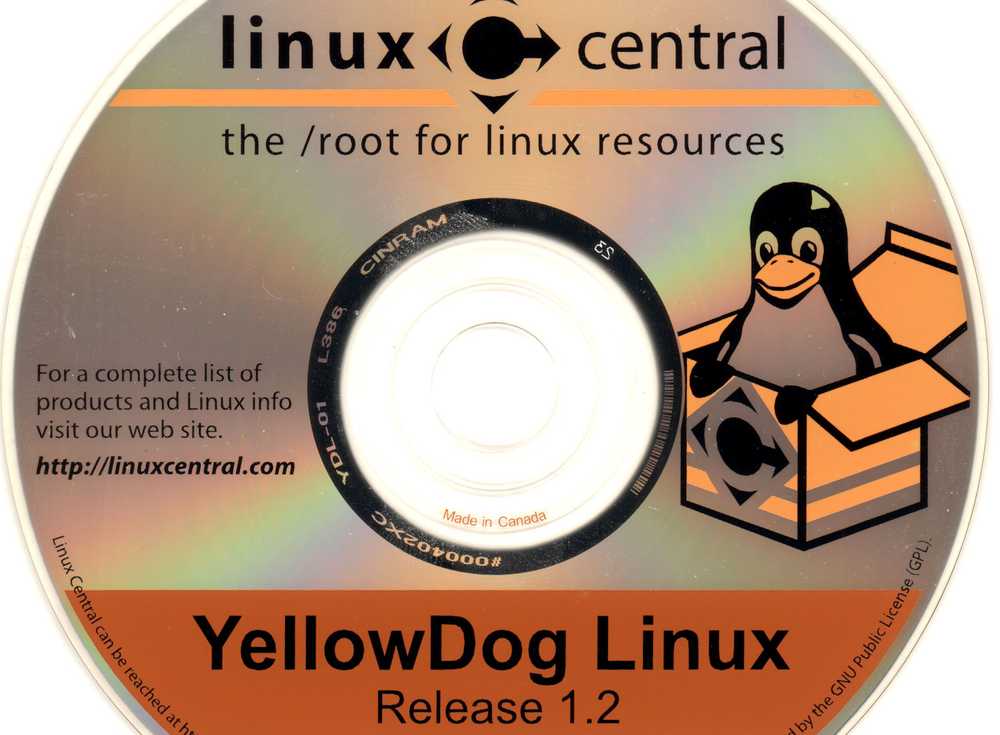
YUM has one of those Linux names that sounds like a joke until you realize how much server history is hiding inside it. Yellowdog Updater, Modified came from the Yellow Dog Updater (yup) lineage, but the tool itself was developed at Duke University to make RPM-based package management less painful. That distinction is important because YUM was not simply Yellow Dog Linux's package manager wandering into Red Hat territory. It was a rewrite and an evolution of an idea that grew far beyond its original PowerPC-flavored ancestry. Its job was simple to explain and glorious to experience: stop making people chase RPM dependencies by hand.
Before tools such as YUM became normal, installing software on an RPM-based system could involve a grim scavenger hunt through nested requirements. You wanted one package, then it wanted three libraries, then those libraries wanted something else, and eventually you were asking yourself hard questions about your weekend plans. YUM made that process saner by working with repositories, resolving dependencies, and pulling in the necessary packages.
For a long time, YUM was the package manager you expected to use on Fedora, CentOS, RHEL, Scientific Linux, Oracle Linux, and other RPM-based systems. If you learned Linux administration in that era, yum install probably lives in the same drawer of your brain as service httpd restart and a mild fear of broken repositories.
The funny survival story here is not that YUM remains the shiny future. It does not. Fedora moved to DNF as the default command-line package manager years ago, and modern RHEL uses DNF technology under the hood. However, Red Hat kept the yum term around for continuity. When you examine how APT, DNF, and YUM compare, you will find that on newer systems yum and dnf often behave as compatibility paths into the same modern machinery.
APT-RPM
The Frankenstein monster that outlived a Brazilian pioneer

APT-RPM is the entry I would include for readers who enjoy finding secret corridors inside Linux history. Back in the late 1990s and early 2000s, the Linux ecosystem was divided not just by desktop environments and init arguments but also by package management philosophies. On one hand, Debian had apt-get, which was magical because it could resolve and download software dependencies automatically. RPM-based distributions, on the other hand, had the RPM format, which was powerful and widely used. However, the day-to-day experience could still turn into dependency hell if you were managing packages manually.
Conectiva looked at that problem and chose chaos, but the useful kind. The Brazilian Linux distribution liked RPM packages, but it clearly did not enjoy the pain that often came with managing them. So its developers adapted Debian's Advanced Packaging Tool to work with RPM databases instead of Debian's .deb packages. APT-RPM gave RPM users an apt-style experience before YUM and DNF became the obvious answers. It could install, upgrade, and remove software while automatically handling dependencies, which made it feel like someone had smuggled Debian ease into RPM territory. If you were stuck in the middle of the old package-management divide, that was a big deal.
Conectiva itself did not survive as an independent distro. In 2005, Mandrakesoft acquired Conectiva, and the combined company became Mandriva. Mandriva later fractured and faded into the history of Linux, leaving behind projects, forks, and memories of a time when desktop Linux was a crowded bazaar, with everyone shouting over different package formats. Meanwhile, APT-RPM kept moving for much longer than Conectiva's name did. Distributions such as ALT Linux, Vine Linux, and PCLinuxOS used it as a serious package-management tool. PCLinuxOS, in particular, paired APT-RPM with Synaptic for years, creating the wonderfully odd experience of managing RPM packages through tools many users associated with Debian-style systems.
The modern caveat is important: APT-RPM is no longer the future. Its development cooled, the wider RPM world consolidated around YUM and then DNF, and even PCLinuxOS has been moving toward DNF because its old APT/Synaptic stack is no longer actively maintained enough for the long haul.
Portage
Gentoo never died, but Portage traveled farther than expected
Portage is the trickiest entry here because Gentoo did not die. It is still active, still proudly Gentoo, and still waiting for the right sort of person to decide that compiling a browser is a character-building exercise. So the story is not that Portage outlasted Gentoo in the same way RPM outlasted Red Hat Linux or APT-RPM outlasted Conectiva. The better story is that Portage outgrew Gentoo's mainstream footprint.
Gentoo once occupied a peculiar place in Linux culture. During the early and mid-2000s, running it carried a certain prestige. It was the distribution for people who wanted every package compiled specifically for their hardware, every feature controlled through finely tuned USE flags, and every corner of the system assembled from source code. The compile times could be punishing, though the bragging rights and deep customization often made switching to Gentoo Linux worth the headache. As Linux became more accessible and distributions such as Ubuntu popularized an experience that required minimal effort, Gentoo's influence gradually receded from the mainstream conversation.
Portage, however, never followed the same trajectory.
Portage is a source-based package management system built around ebuilds, profiles, overlays, dependency logic, and USE flags, which let features be enabled or disabled at build time and allows a system to be shaped in fine detail.
That level of flexibility is also why Portage found an unlikely second life in the development of Chromium OS and Chrome OS. Google's Chromium OS build environment uses Gentoo's Portage and emerge for package management. In that context, Portage is not being used because someone wanted a retro enthusiast desktop. It is being used because its model of ebuilds, overlays, per-board configuration, cross-compilation, and feature flags maps well to the messy reality of building operating-system images for many hardware targets.
Resilience is still evident in Google's ChromeOS Bazel migration work. Even as ChromeOS moves toward Bazel, the old Portage configuration model is too deeply embedded to rip out in a single heroic commit. The migration design discusses ebuild repositories, overlays, USE flags, and the difficulty of translating Portage's expressive configuration model directly into Bazel concepts.

Gentoo
Gentoo is a Linux distribution that aims to prioritize performance and flexibility over everything else. As such, the packages compiled on the system tend to be very performant, being built from source code.
Distros die; good tools don't
Package managers solve a problem that doesn't go away when a distro's funding runs dry or its target audience moves on. As long as software needs to be installed, updated, and removed on Linux systems, any tool that does that job well will find new employers.
Distros get the screenshots and release names, but package managers often become the machinery Linux keeps using long after the original story has moved on.