


There's the pairing. There's the setup. There's the unboxing. There's the mounting. When you're bringing new smart home devices into the fold, there are a few things that you need to focus on. You want to make sure that you have the best options for your smart home.
This doesn't mean that they have to be from the same company or even fall under the same ecosystem. There are a lot of devices that you can use and set up in your smart home. But, you should consider doing a few things before you install your new devices. It'll go a long way to having a connected home immediately.
Put your IoT devices on a separate network
There are multiple ways of doing this
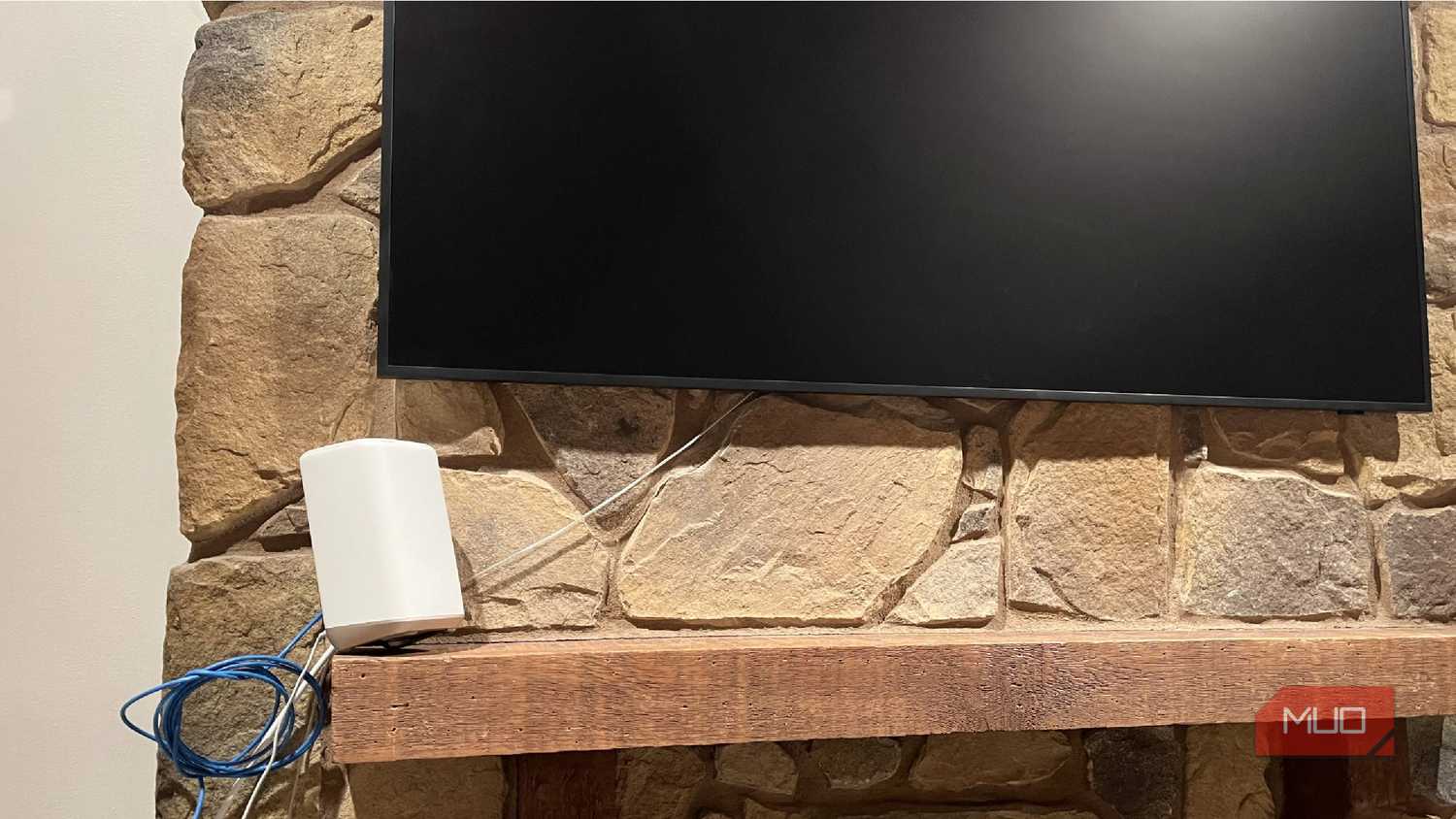
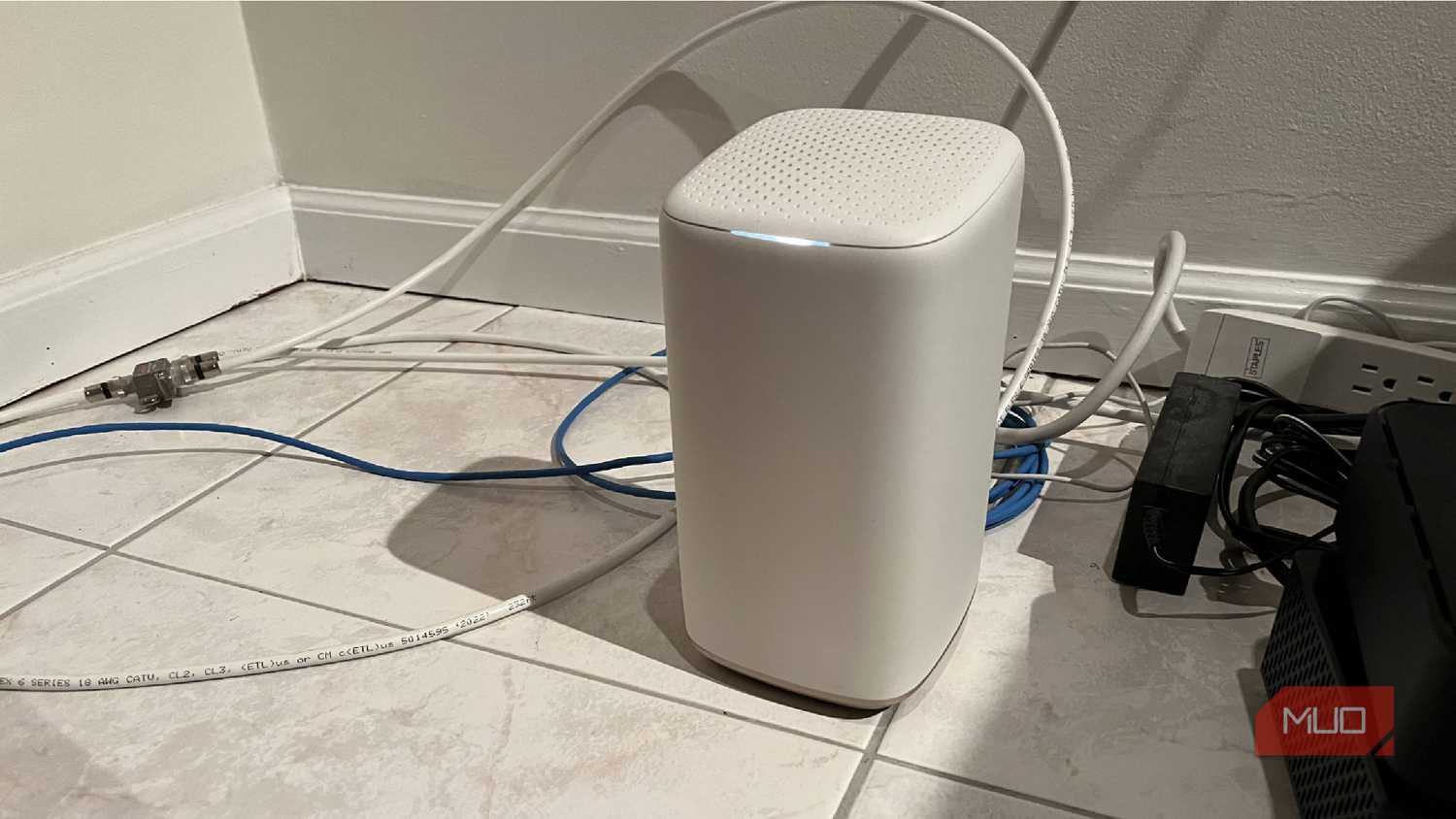
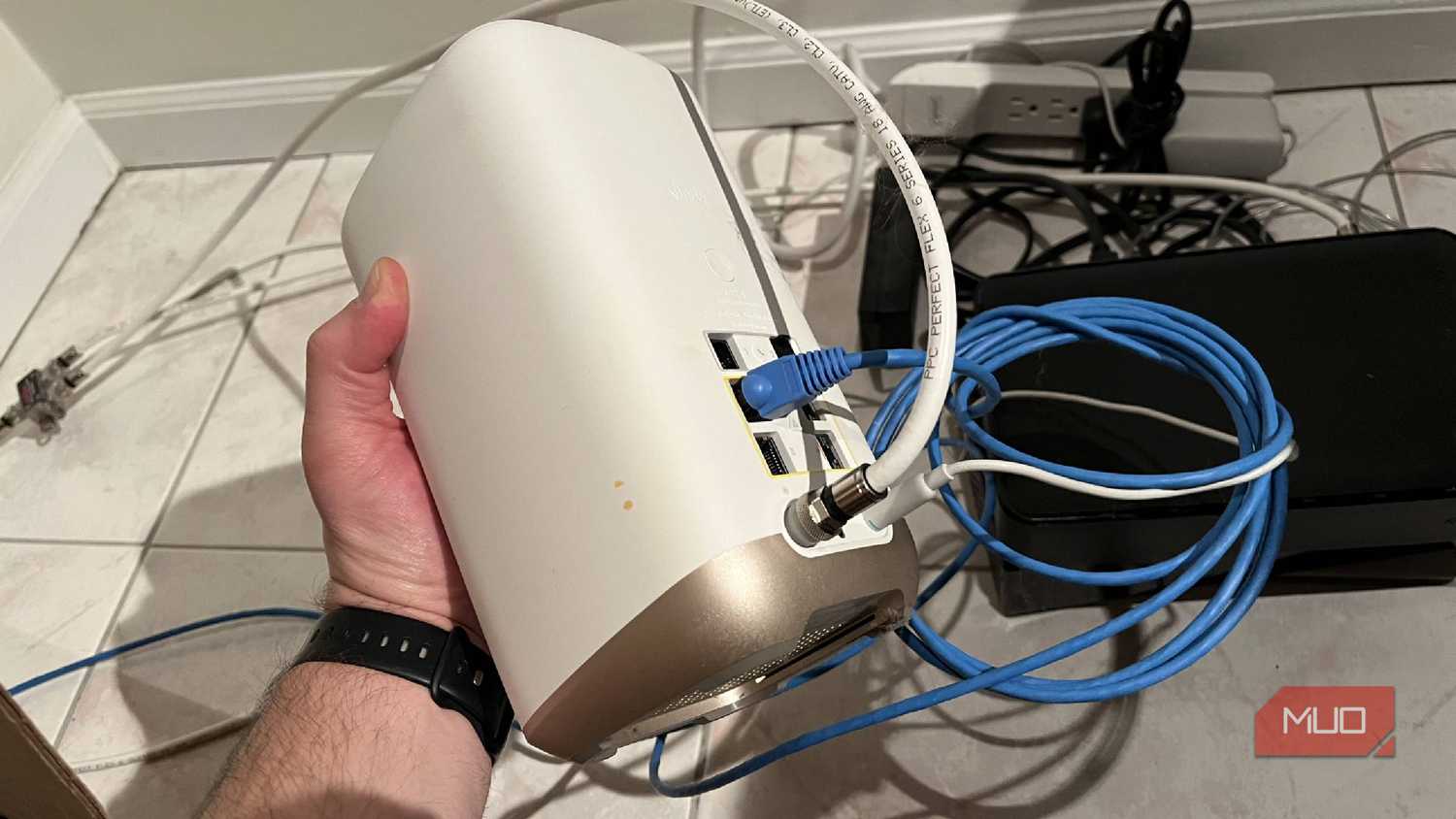
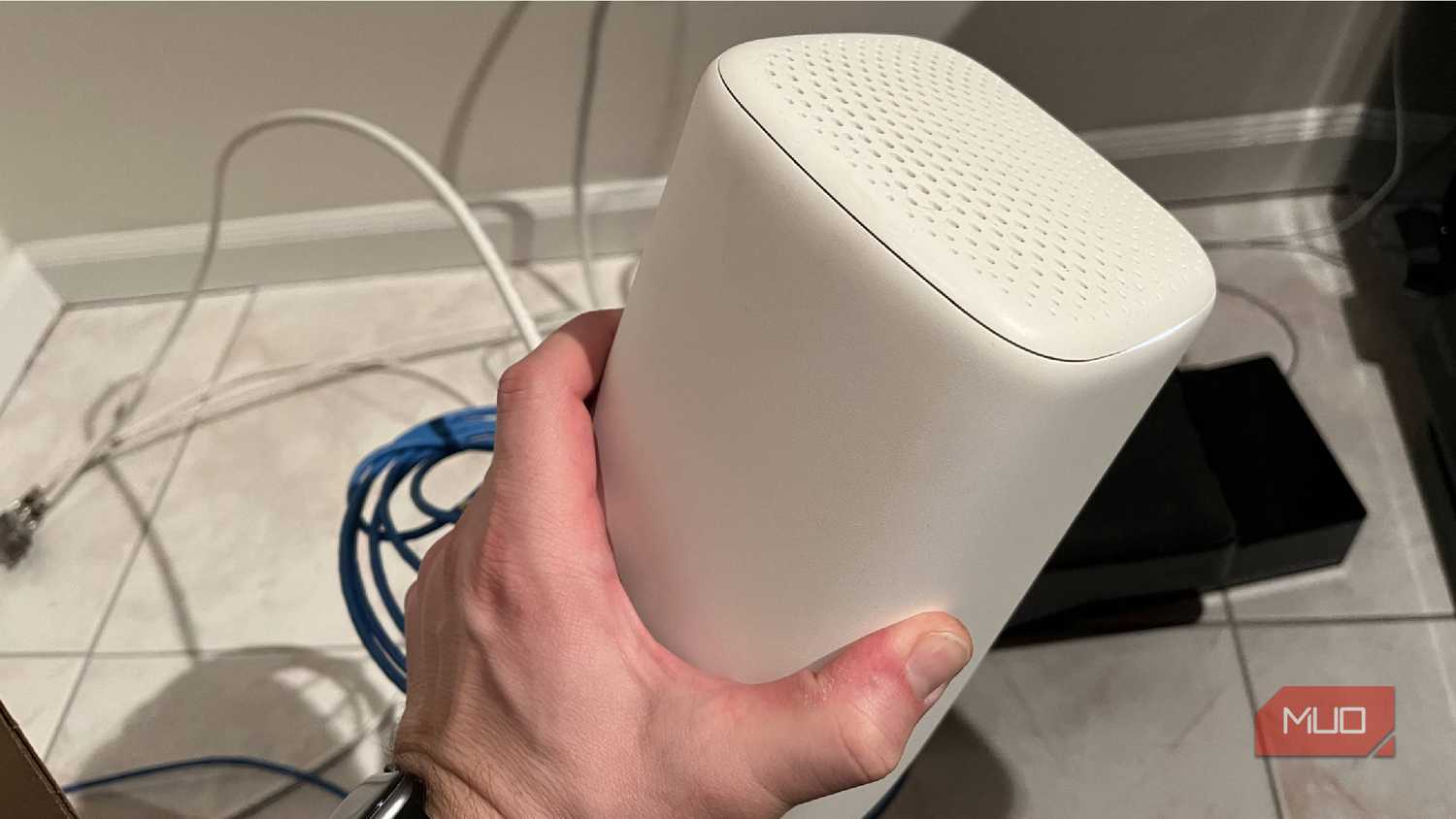


 Credit: Chris Hachey / MakeUseOf
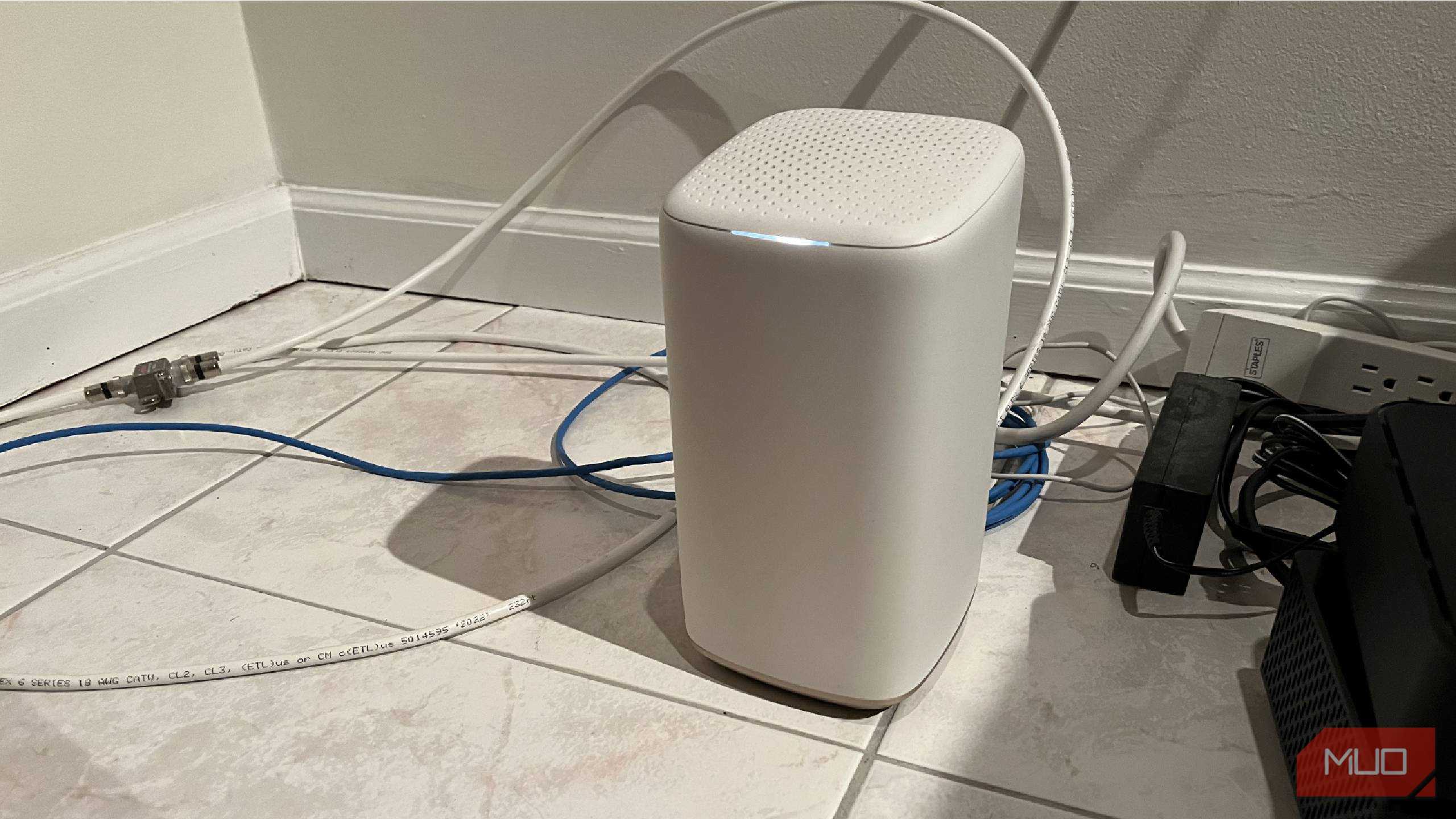 Credit: Chris Hachey / MakeUseOf
 Credit: Chris Hachey / MakeUseOf
 Credit: Chris Hachey / MakeUseOf
 Credit: Chris Hachey / MakeUseOf
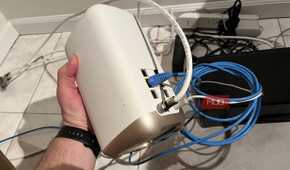
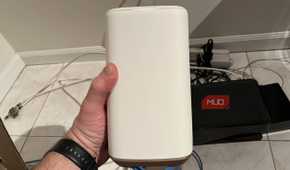
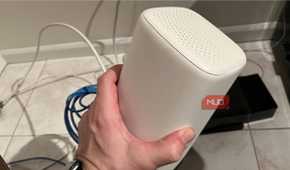
Unless you're installing devices that work better on open protocols rather than Wi-Fi, you're probably going to be setting your devices up on your home network. Even if you are using something like Thread, you'll still need to install a Thread Border Router which connects to the internet anyway.
Most smart home devices fall under the Internet of Things (IoT) category, meaning they connect to the internet to exchange data and interact with one another. Many of them only need a 2.4GHz connection or will only work on that. Keeping them on a 5GHz band is only overcrowding your network.
You can create a separate network for your IoT devices to keep your phones, TVs, laptops, and computers running faster. Creating a guest network is a quick and easy way to separate your devices. This is done by typically creating a unique SSID in your router's browser settings.
You can also create a new network in your router's settings and give it a specific VLAN ID and IP subnet. From there, you can set up an SSID that is specifically for your new devices.
You will need hardware that supports micro-segmentation in order to create the dedicated IoT network.
I went a different route and separated my Wi-Fi network, splitting my 5GHz and 2.4GHz bands. It has worked well for me, keeping most devices on the slower band and my more high-powered ones on the 5GHz.
Create firewalls to stop your devices from phoning home
Keep your smart home devices separated from the rest

If you go the VLAN route, you need to create firewalls to protect your devices and network. When devices phone home, they are connecting to servers, usually for software updates and patches. They are mostly programmed to do this so they don't miss firmware updates and such.
But, there are reasons people don't want their devices phoning home. It makes it easier to track user behavior and data as well as it can create openings and vulnerabilities for hackers.
Setting up firewalls isn't difficult once you've set up your VLAN. You are already isolating them from the other devices, so you can set up firewalls like a DROP ALL traffic rule which eliminates that VLAN from dialing home to remote servers and connecting to other devices on the network.
You need a router and software like pfSense or OPNsense to set up your firewall. You'll want to set up a rule that devices can return traffic to the network if you need them to. Blocking DNS access to your gateway from the IoT VLAN is also a good idea.
Check for firmware updates
Make sure your network is protected

When you're setting up your devices on your Wi-Fi network, you want them to be as secure as possible. But you also want your network to be as safe as possible.
Having your devices as up to date as possible is very important, especially when they are connected through your home network. Your devices need to have the most current security patches to keep both them and your network secured.
As soon as you set up your devices onto the network, it's important to check for updates. Usually, you can do this through the settings of your device with a "Check for updates" option.
For smart home devices, it is important to check the device information panel to make sure they are as secure as they can be. If you want to make sure that your router is updated, log into your router's IP address and look at an option like System Tools or Advanced to look for updates.
Map your home out for the right spots
You'll want to get the best locations for each device

Think logically before you make the purchases of smart home devices. You can buy a 12-pack of smart bulbs or a 6-pack of smart plugs. But where are you going to put them?
Are you going to be plugging them into extension cords? Are you going to have more than one in the same room? Can your Wi-Fi network reach those specific areas?
These are all vital questions to ask. I've had the misfortune of trying to set up Wi-Fi smart bulbs in an area of my house that is farthest from the router, making them lose their connection frequently. For anyone who has had to set up a smart bulb multiple times just to get it to work, you know how frustrating it is to have to repeat the same manual pairing process over and over.
It's important to be realistic about where you are going to put your smart home devices. If you have a hub, you want to make it a central location that's near your router. This will help widen the coverage for your home, as it can reach more places in the house.
If you're using Thread, Matter, Z-Wave, or Zigbee devices, those can be placed more widely apart from one another as they create their own low-power mesh network to connect. But if you're solely relying on Wi-Fi, thinking through where the devices are going to be used is crucial.
Take care of your smart home before you're set up
Be smart about the setting up of your smart home devices. You want to make sure your home network is secured when you're putting your smart home together. It will run much more efficiently if you take the time to do so.
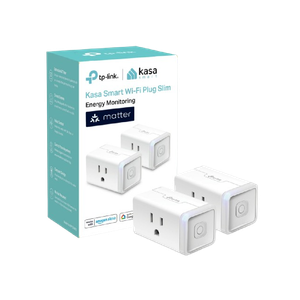
Kasa Matter Smart Plug KP125M
- Integrations
- Matter
- Dimensions
- 1.57"D x 2.62"W x 1.5"H
Monitor your energy use with the Kasa Matter KP125M smart plug. This works with multiple smart home ecosystems as well.