


I didn’t leave Chrome because of one big privacy scare or some sudden principled stand; it happened much more gradually. I was really getting tired of that nagging feeling that almost every website I visited was keeping tabs on me. I’d look at something once, then see ads for it following me around for days. So, almost on a whim, I made DuckDuckGo my default browser. I fully expected the experiment to last a week before I inevitably crawled back to Chrome.
Except I never did. The longer I’ve used DuckDuckGo, the harder it has become to imagine switching back. Privacy was what pushed me to try it, but surprisingly, that isn’t the only reason I’ve stayed. Some of my favorite DuckDuckGo features are simple, everyday things that Chrome could have offered years ago but still doesn’t.
DuckDuckGo made one subscription disappear
YouTube ads? What YouTube ads?


 Credit: DuckDuckGo
 Credit: DuckDuckGo

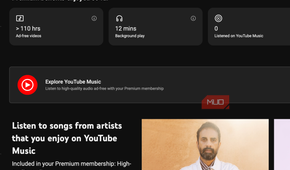
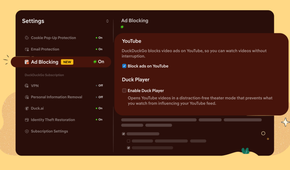
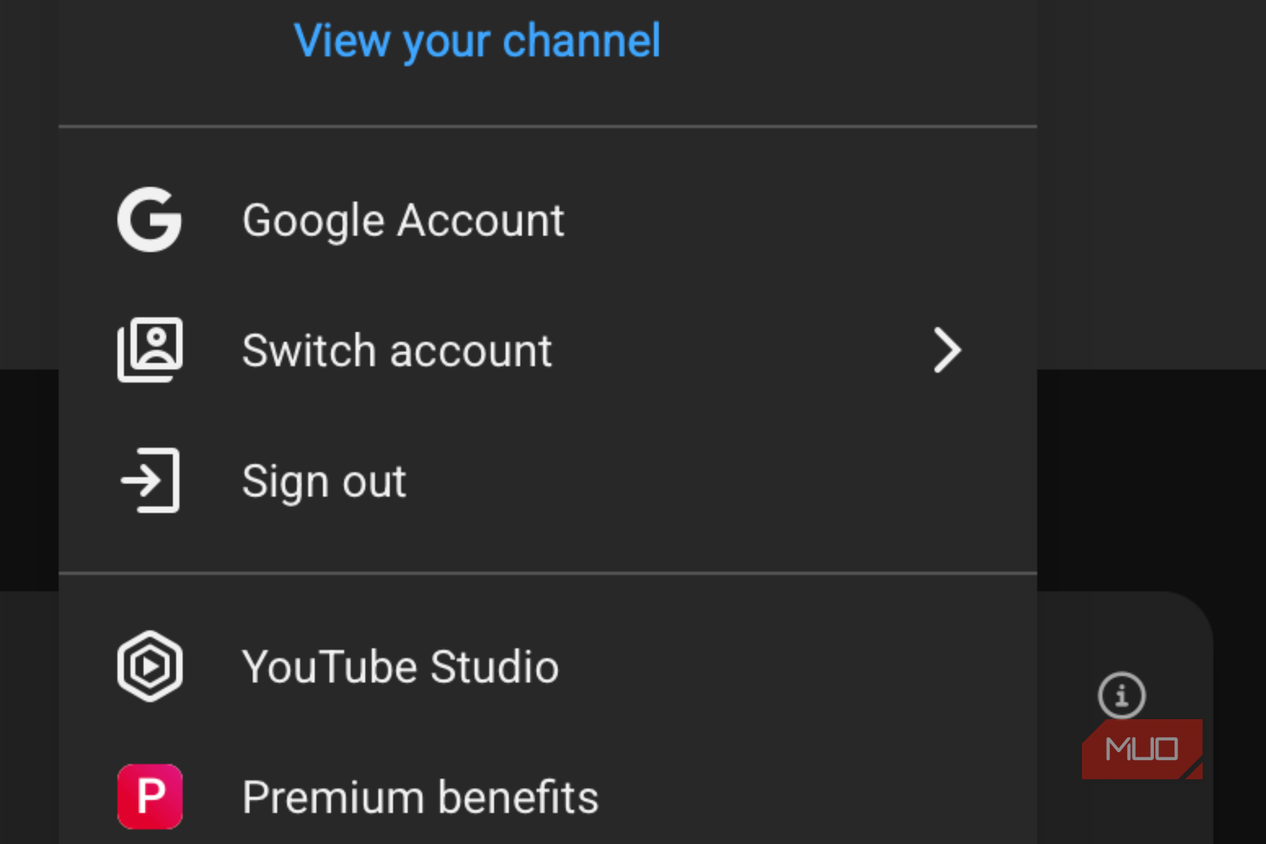
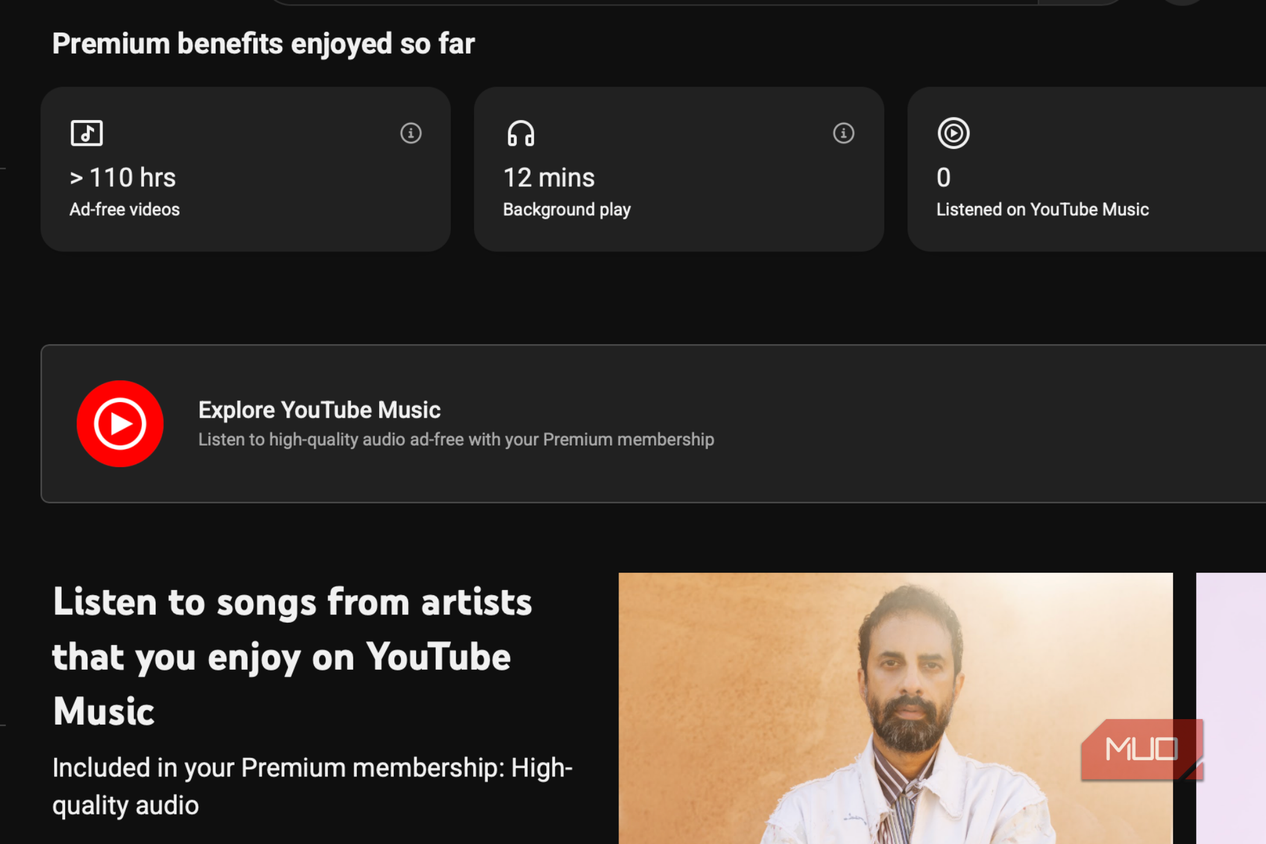
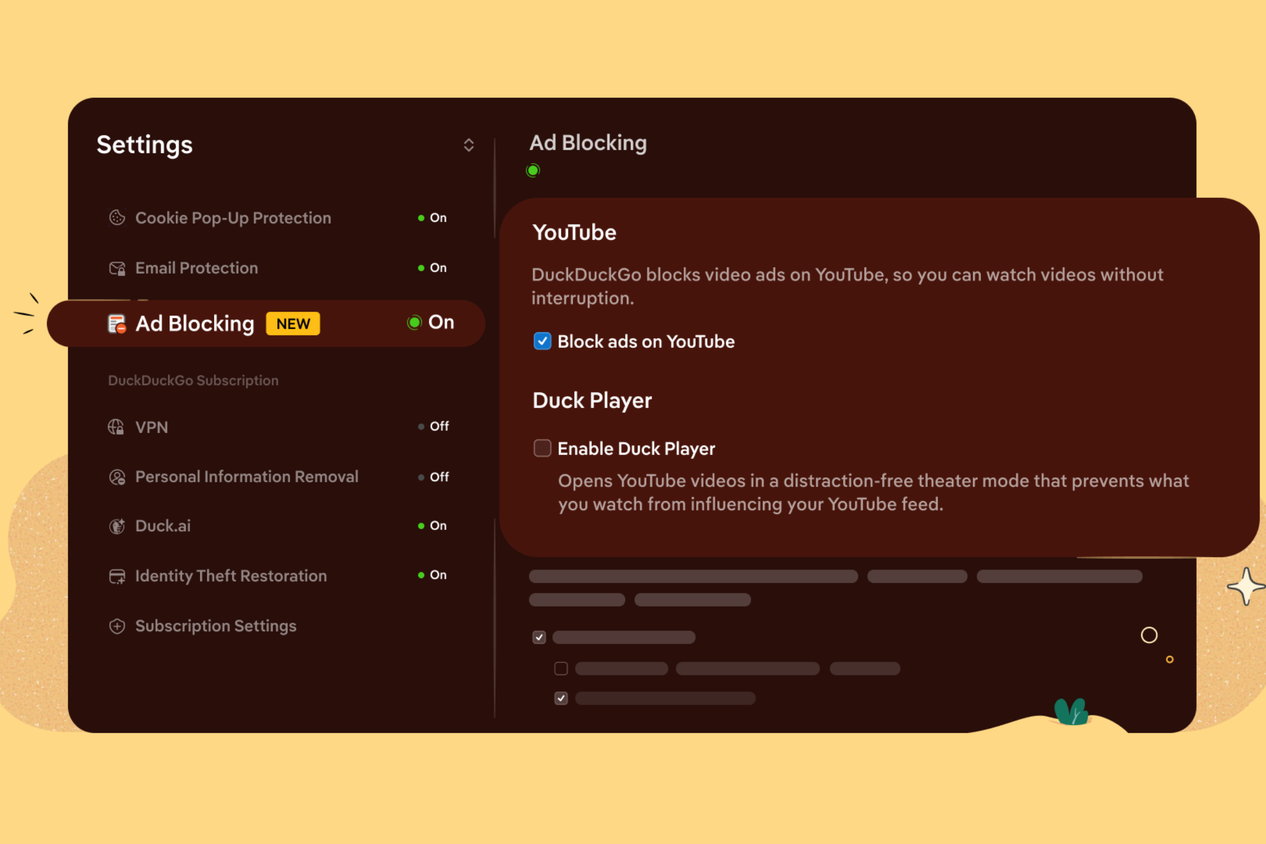
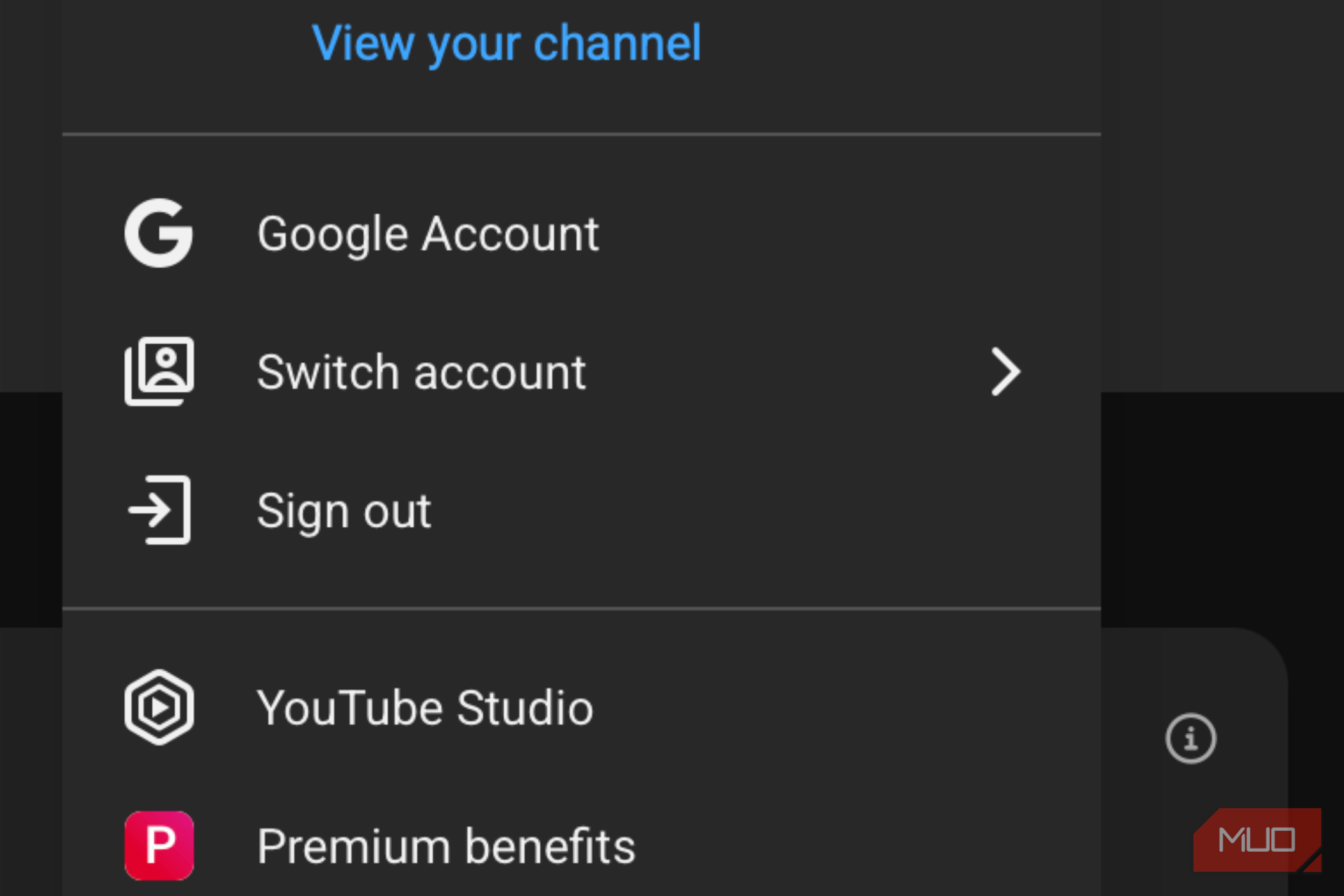
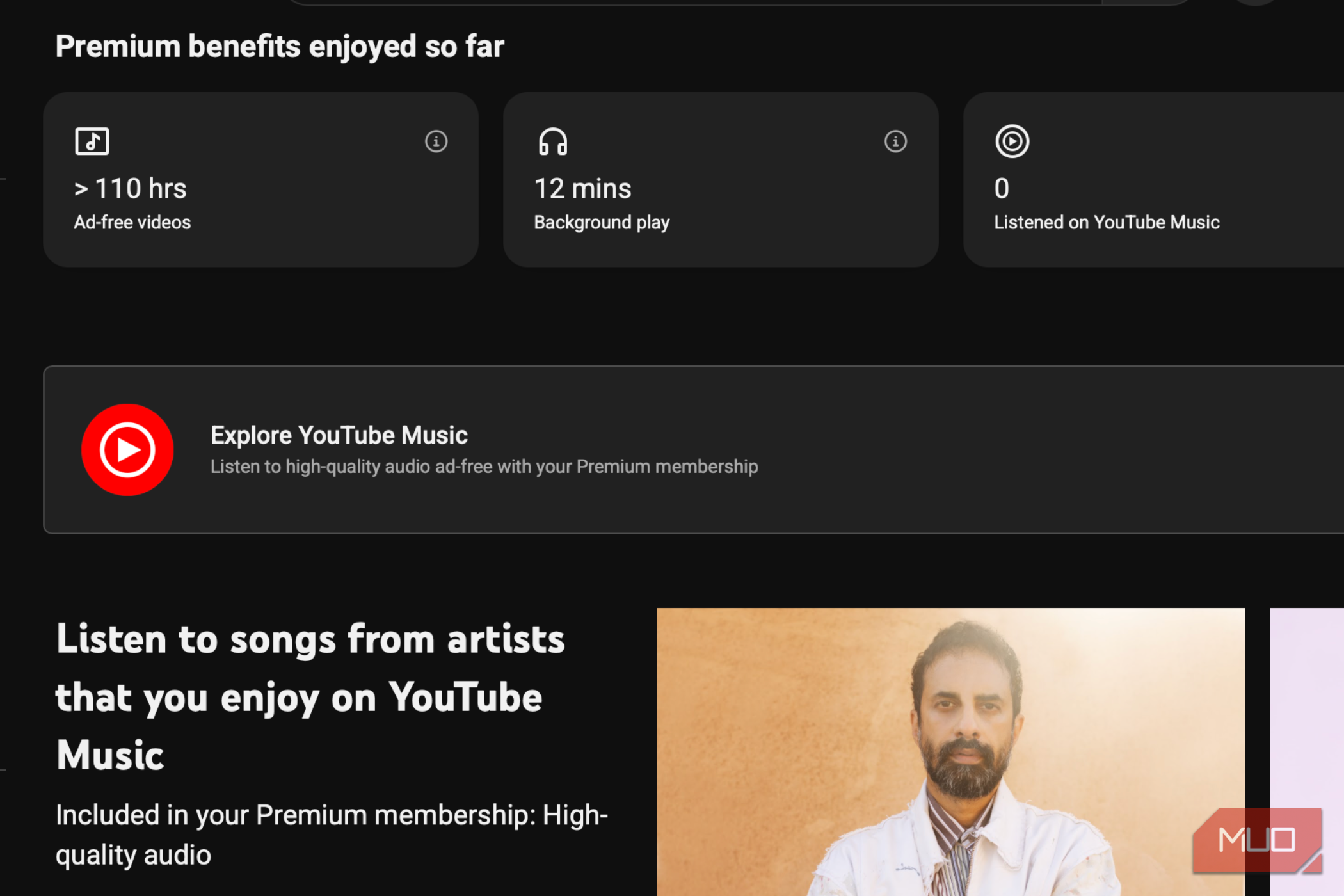
I already pay for plenty of subscriptions, including Netflix and, until recently, YouTube Premium. But after switching to DuckDuckGo, I’ve actually dropped YouTube as a subscription. The main reason I paid for Premium was that I hated the ads. I didn’t really care about downloads or the other extras, and DuckDuckGo now gives me what I wanted most without a subscription.
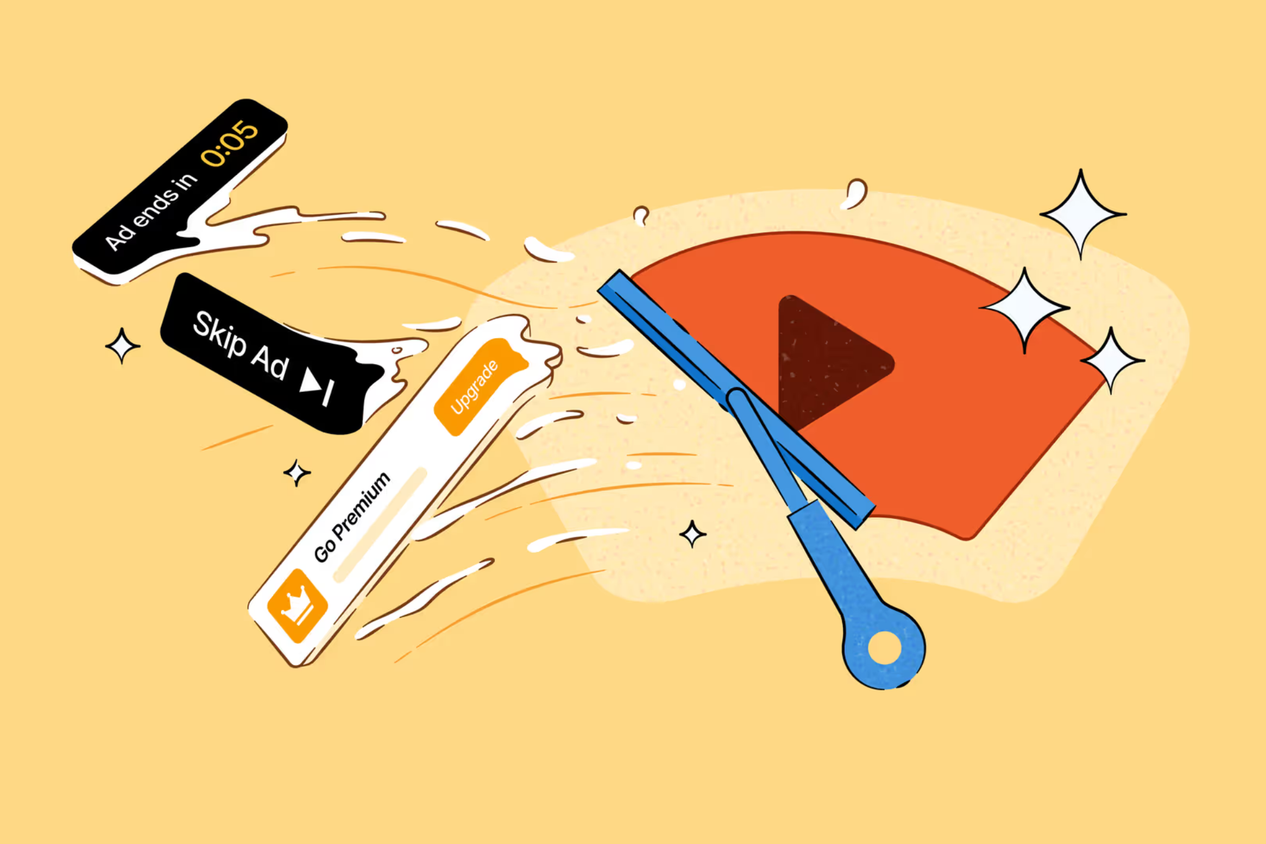
That’s because video ad blocking is built directly into the browser. DuckDuckGo uses community-maintained filter lists, including some also used by uBlock Origin, along with its own rules. Better yet, YouTube still works like YouTube. I can sign in, access my playlists and watch history, and continue videos where I left off. Occasionally, a video takes a little longer to start, but that’s a trade-off I’ve been happy to make.
The feature is enabled by default on Windows, Mac, and iPhone, while Android users can turn it on manually. It’s also a striking contrast with Chrome: DuckDuckGo is building ad blocking into the browser, while Chrome has made traditional ad blockers harder to use.
It also stopped the internet from following me
The trackers finally lost my trail

The second feature is actually one of the reasons I feel more comfortable using DuckDuckGo every day. It automatically blocks many third-party trackers before they can load, so companies have a harder time following what I’m doing as I jump from one website to another.
I’ve noticed this in everyday use. I can look up a pair of headphones, read about a hotel, or randomly check the price of a desk chair without feeling like that one search is going to haunt me with ads for the next three days. It still happens occasionally, of course, but nowhere near as often as I remember when I was using Chrome.
The best part is that I haven’t had to change the way I browse. I just use DuckDuckGo normally, and most of this happens automatically in the background. That’s exactly what I want from a privacy feature: protect me without turning privacy into another chore. And that’s probably the biggest difference I’ve felt coming from Chrome. Google has plenty of privacy controls, but advertising is also a huge part of its business. DuckDuckGo doesn’t depend on tracking-based advertising in the same way, and after actually living with both browsers, I’ve found its approach much easier to trust.
A browsing experience built around privacy, not bolted onto it
One button and poof, it's gone

The third reason I enjoy using DuckDuckGo isn’t really one feature; it’s how little I have to think about privacy while I’m browsing. Cookie pop-ups are a perfect example. I absolutely hate opening a website only to have half the screen covered by a banner asking me to accept, reject, or customize a dozen different things. DuckDuckGo can automatically handle many of those consent pop-ups for me, so I don't have the same annoying conversation with every website I visit.
Then there’s the Fire Button, which has become one of my favorite browser features. Whenever I want a fresh start, one tap clears my open tabs, browsing history, and site data. I don’t have to dig through settings or figure out exactly what I want to delete. I tap one button, and I’m done.
Sure, I could probably recreate parts of this experience in Chrome with extensions and enough tweaking. But that’s exactly why I prefer DuckDuckGo: I didn’t have to build a more private browser myself; it actually came that way.
It's genuinely simple to try, and easy to leave
After using DuckDuckGo for this long, I’ve realized I don’t need my browser to do anything extraordinary. I just want it to stay out of my way, cut down the annoyances, and give me more control over what happens while I’m online. DuckDuckGo does that well enough that I no longer find myself wondering what I’m missing from Chrome. If anything, going back reminds me of everything I’d be giving up.