


The Raspberry Pi is an extremely capable single-board computer that lets you run anything from Python scripts to Docker containers for your homelab. Lately, Raspberry Pis are getting more expensive than they usually have been, courtesy of the memory shortage, but the Raspberry Pi everyone stopped talking about is still worth buying, and mine is running three self-hosted apps flawlessly.
Now you can spin up Docker containers on your own, but that can be rather confusing for complete beginners. The solution? CasaOS — an open-source personal cloud operating system built around Docker that gives you a clean, browser-based dashboard where you can install, manage, and monitor containerized apps without ever touching a command line.
Pi-hole
Pi-hole remains one of the best uses for a Raspberry Pi


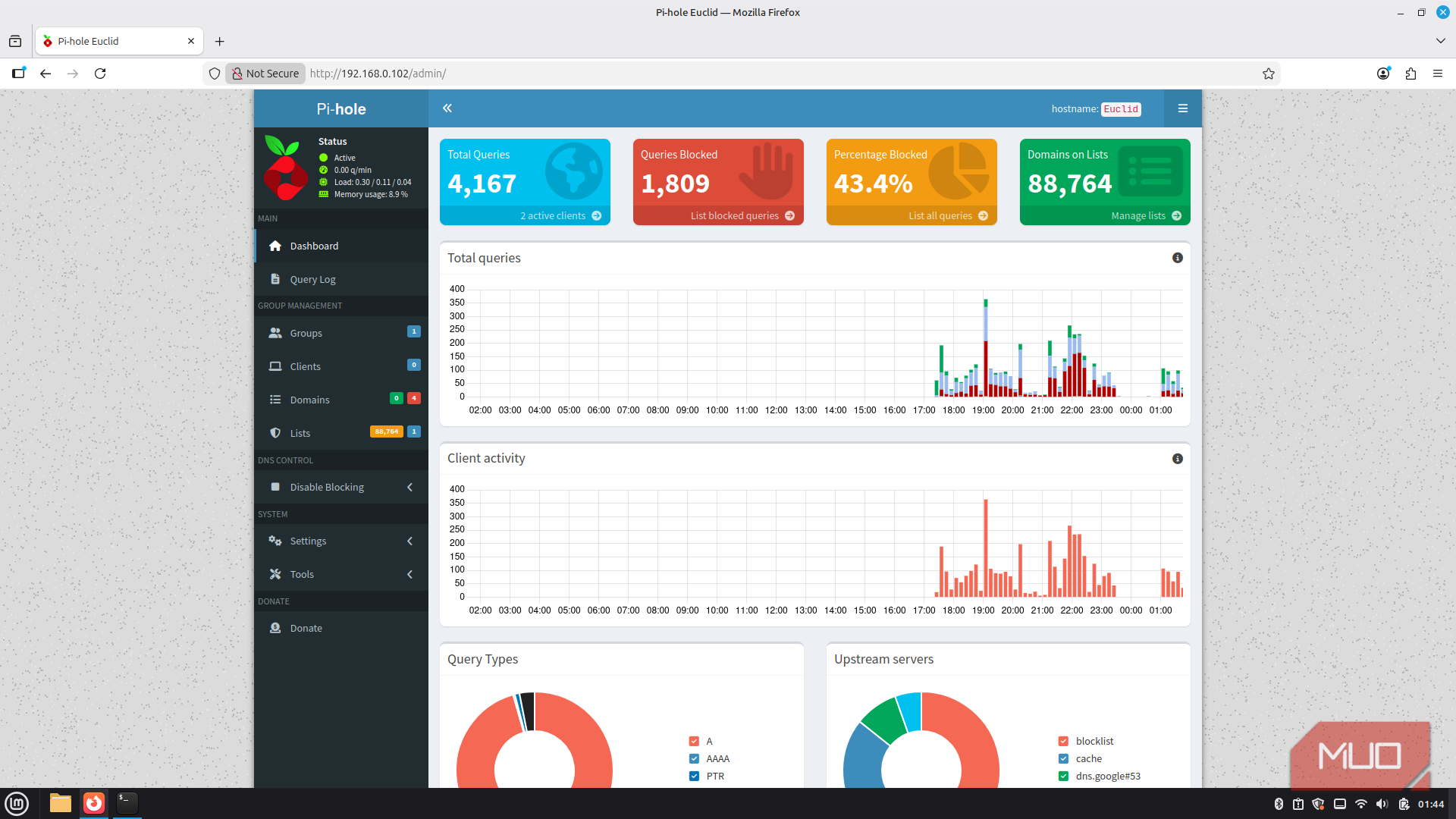
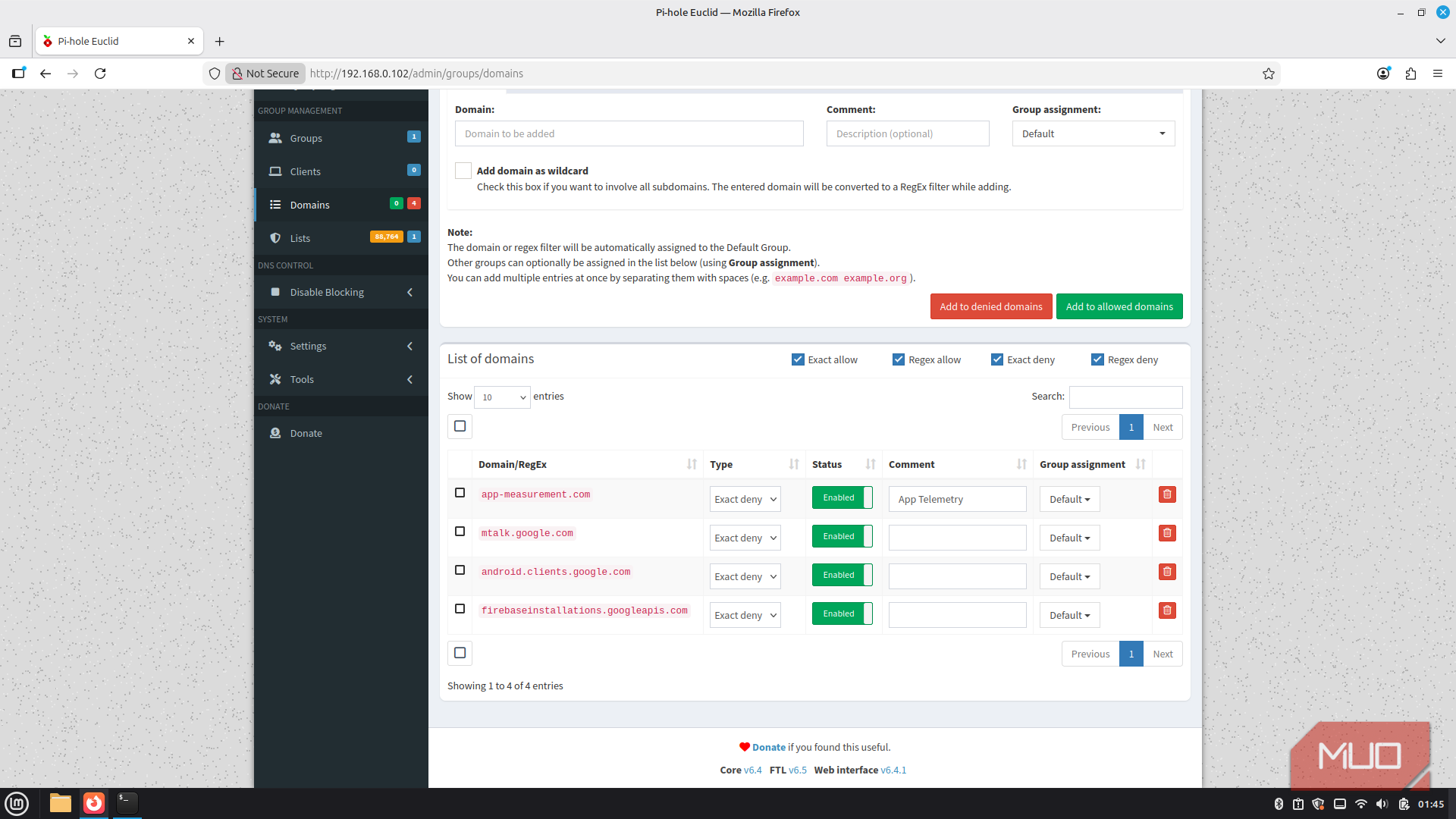
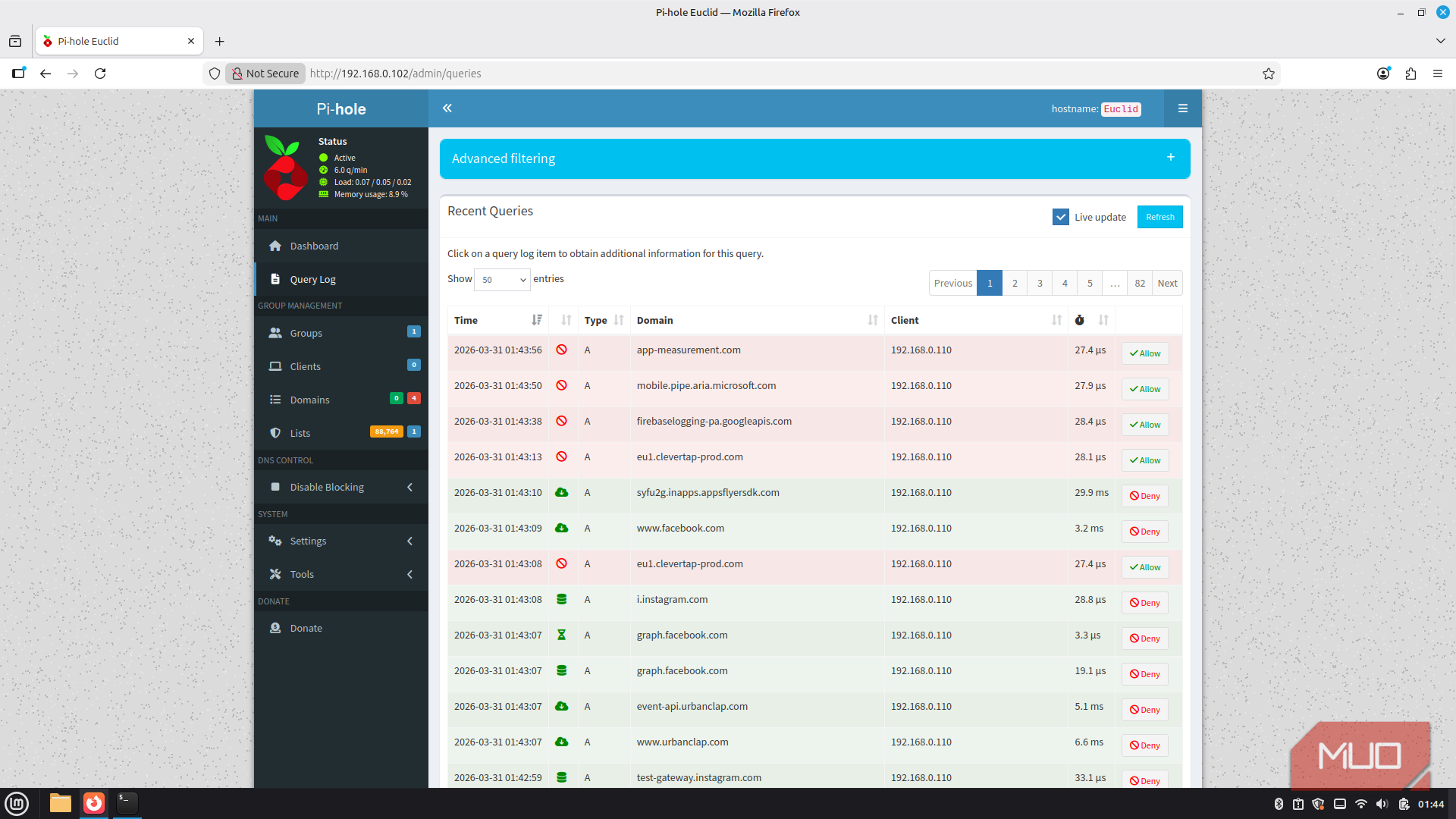
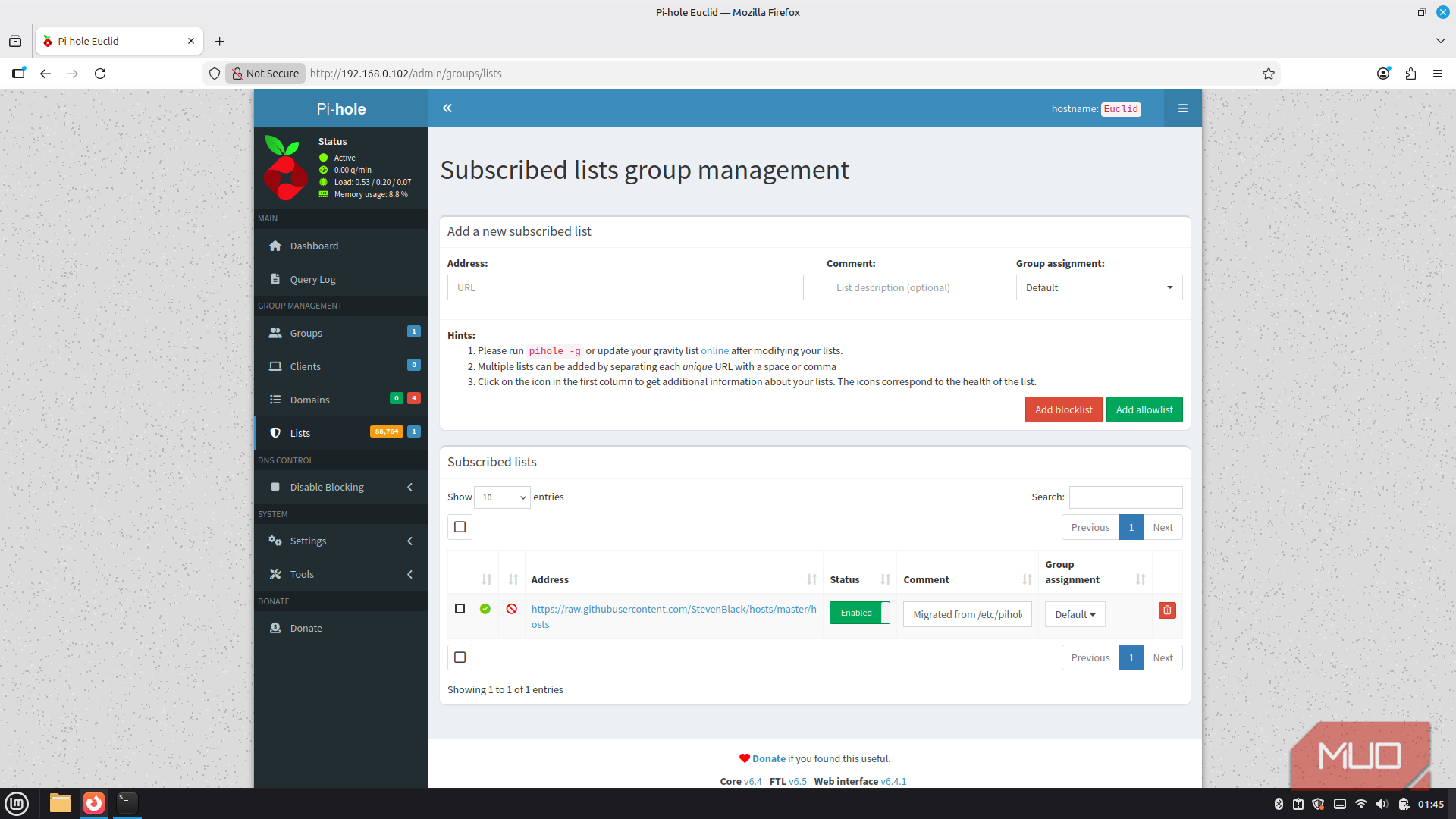
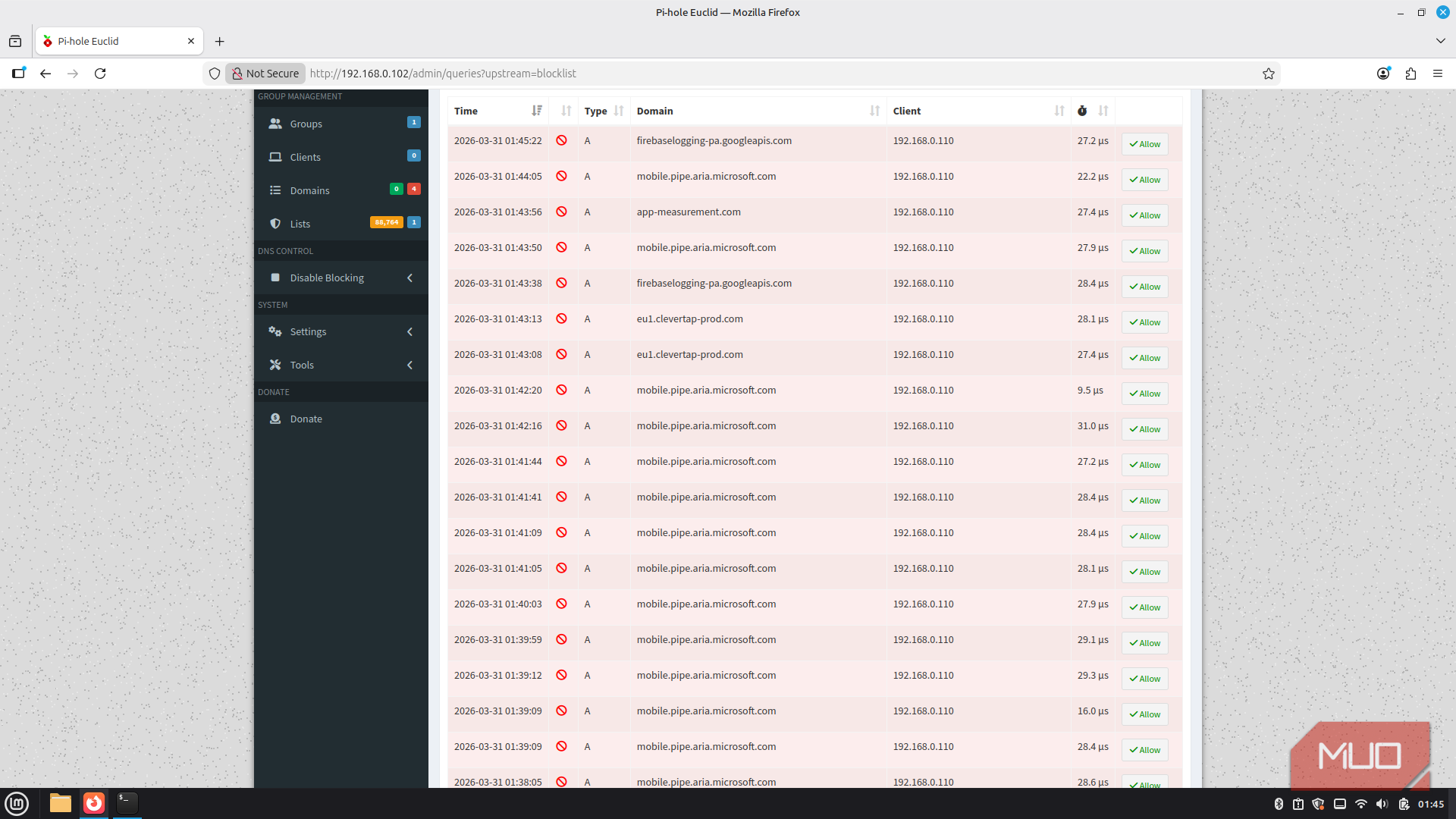
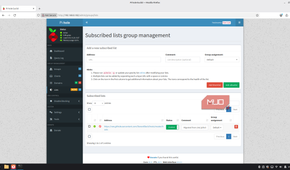
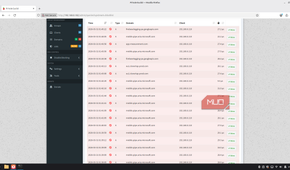
The first app on the list is my Pi-hole instance. It's a network-wide DNS sinkhole that intercepts every DNS query your devices make and blocks the ones pointing to trackers, telemetry endpoints, and ad servers. Unlike a browser extension, however, it works at the network level, which means every device in your home gets the benefit. Setting up Pi-hole on your network can make the internet feel like a different place, all without ever having to deal with extensions on various devices.
Setting it up through CasaOS is as simple as downloading an app from your app store. Open the App Store, search for Pi-hole, hit Install, and CasaOS pulls the Docker image and starts the container automatically. The only manual step that you have to do in this case is to change your router's DNS to point to your Pi's local address. Once you do that, Pi-hole starts intercepting DNS queries for every device on the network.
Pi-hole is meant to run on Raspberry Pis, which means it's lightweight and can run well within container allocation, giving you memory headroom for other apps. Even with an extremely busy network like mine, where some device is constantly phoning home, Pi-hole can block hundreds of thousands of DNS requests without the Pi 3B+ breaking a sweat.

Vaultwarden
Premium password management on tiny hardware

Another rather lightweight but useful app is Valtwarden, an unofficial, open-source implementation of the Bitwarden server, written in Rust. It's fully compatible with every official Bitwarden client — the browser extensions, the Android and iOS apps, the desktop clients — so the experience for daily use is identical to the paid Bitwarden service, except everything lives on your Pi.
The entire container is written in Rust for the best possible efficiency and speed, and the entire data source is a lightweight SQLite database. CasaOS handles the Docker setup, so you're looking at a few clicks and a couple of configuration fields — mostly just setting a volume path for persistent data.
Apart from its tiny footprint, one real consideration you need to keep in mind is your storage medium. Vaultwarden will frequently access your storage, meaning running its directory off a microSD card long-term isn't ideal because of the write wear. A small USB SSD connected to the Pi solves this problem entirely. Once it's running, point your Biwarden client at your Pi's local IP address (or domain name if you've setup reverse proxy and want internet access), and you're good to go. No subscription, no cloud dependency, and no sensitive data sitting on someone else's server.

Vaultwarden
- Developer
- Daniel García
- Price model
- Free, Open-source
Vaultwarden is a lightweight, self-hosted password manager compatible with Bitwarden clients, designed to run efficiently on low-resource servers.
Uptime Kuma
A dashboard that tells you when things break


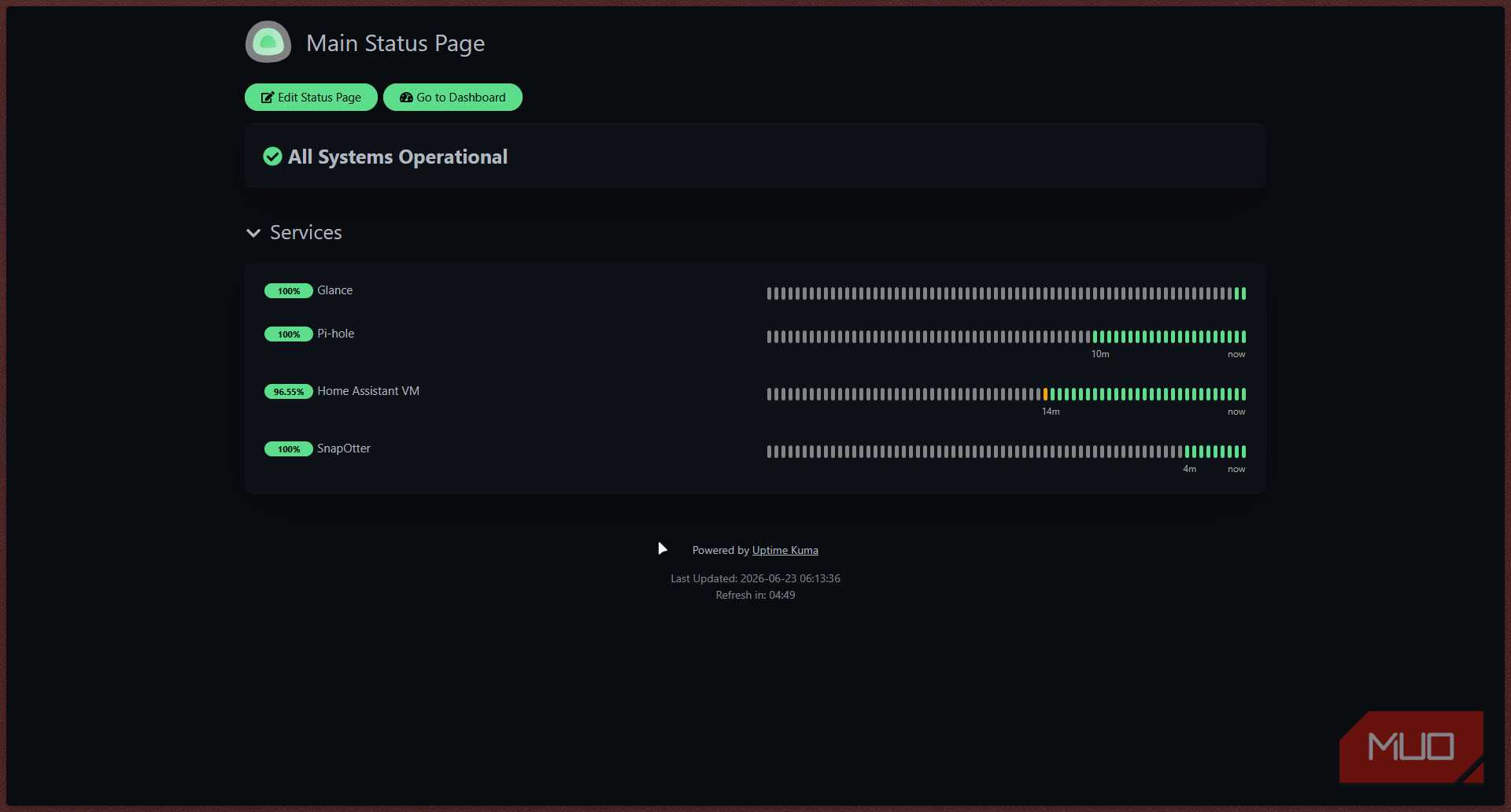
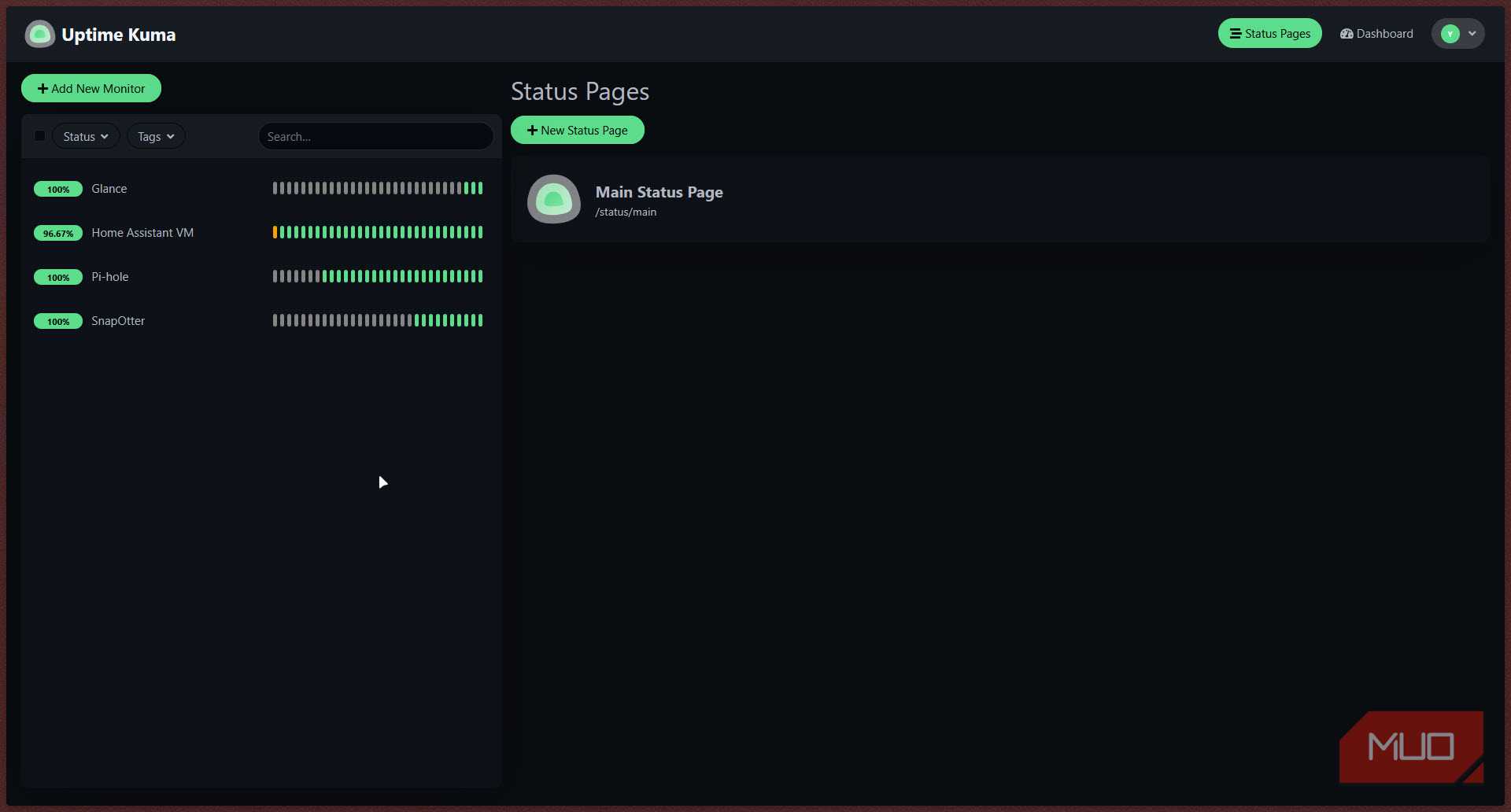
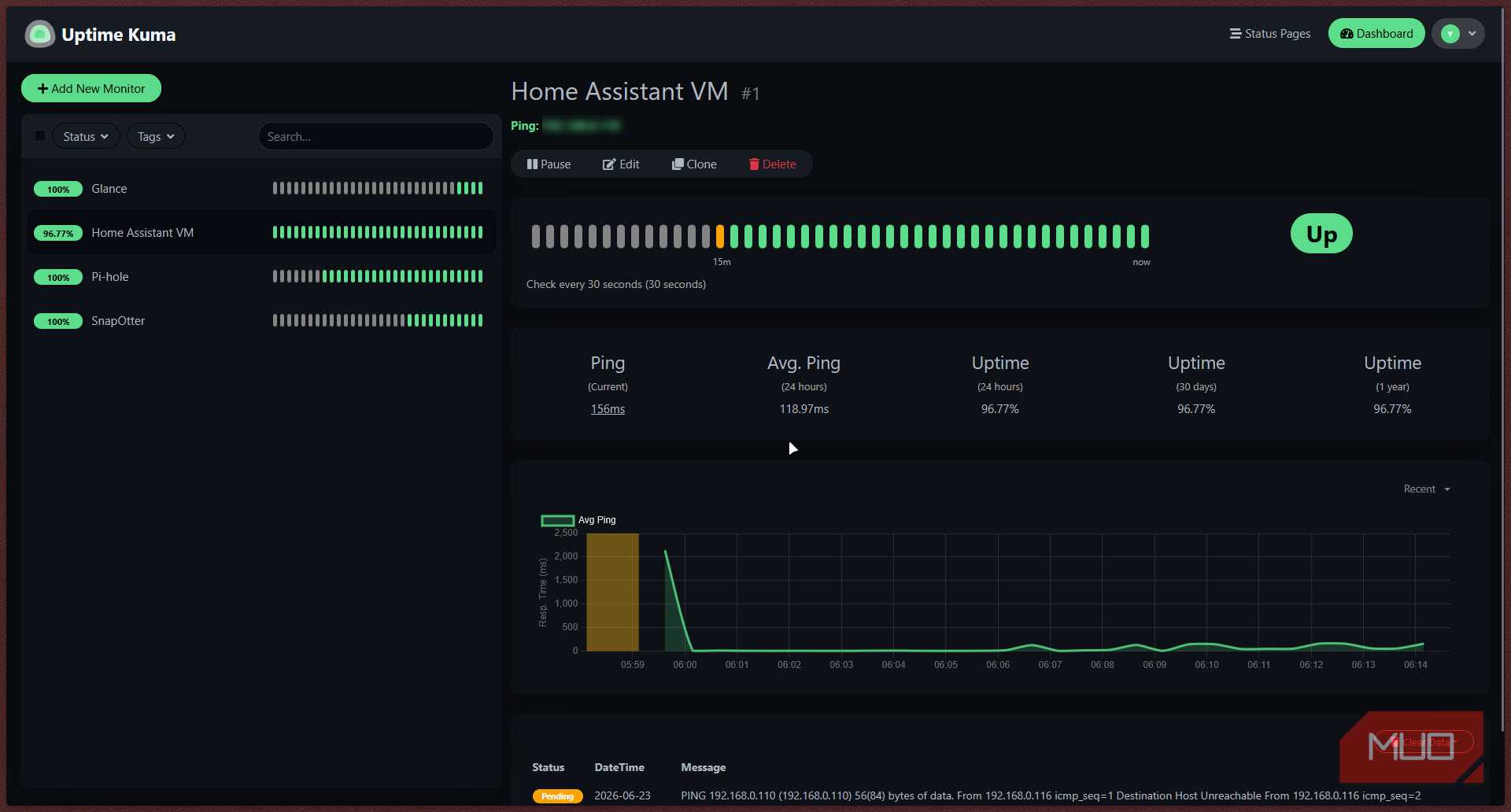
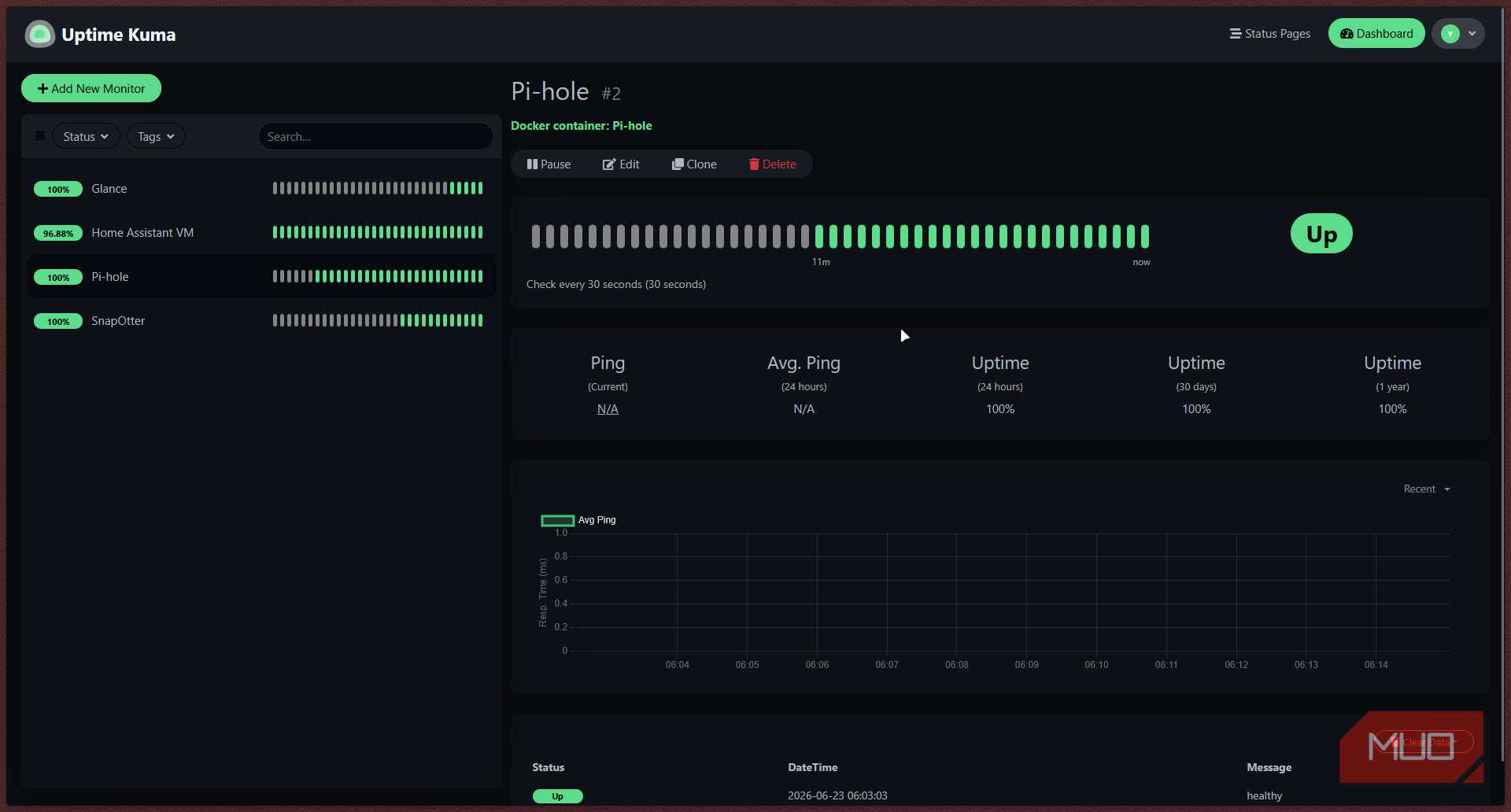
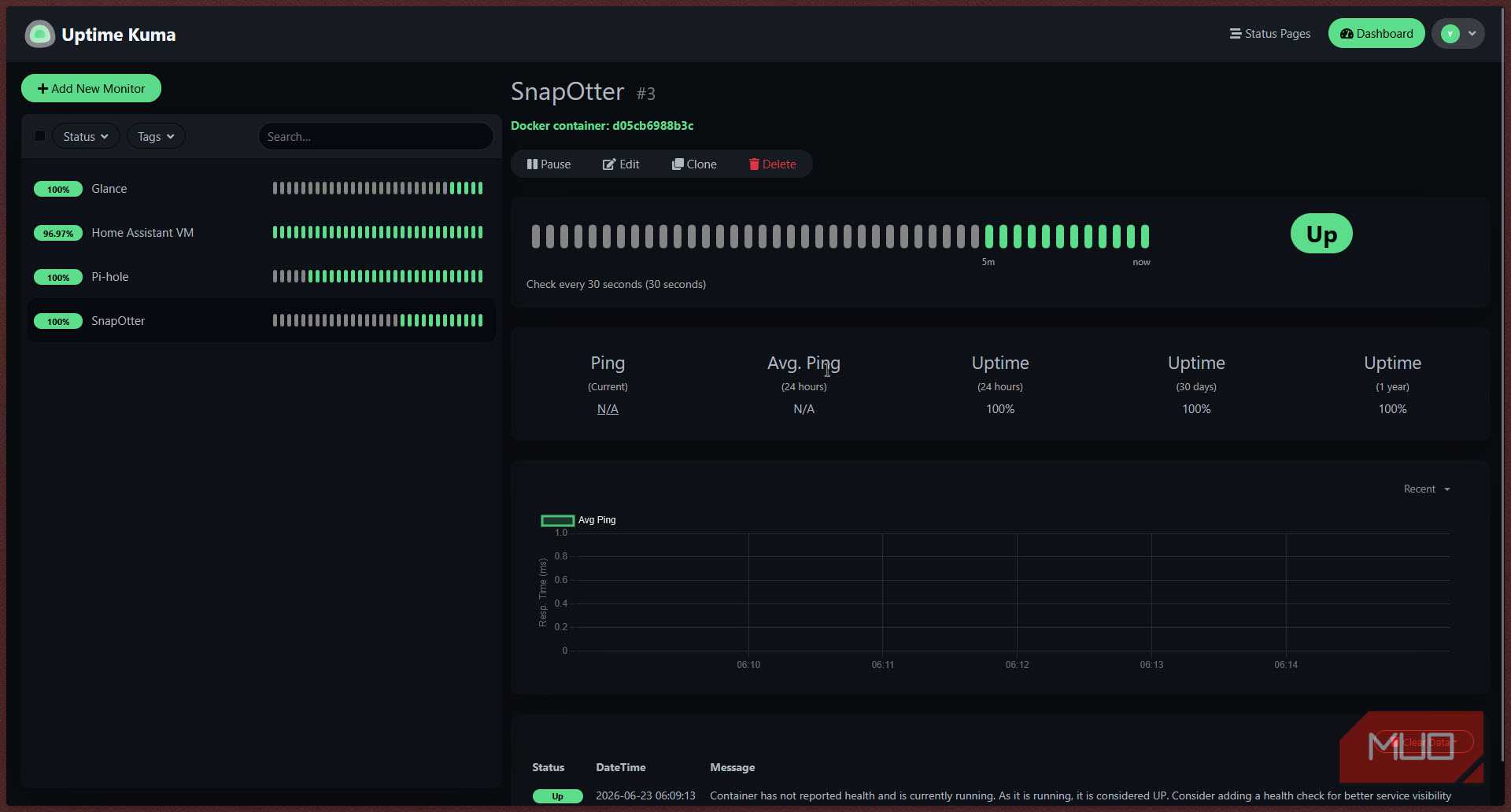
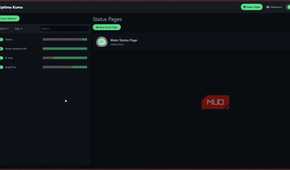
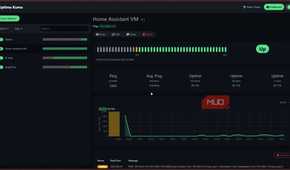
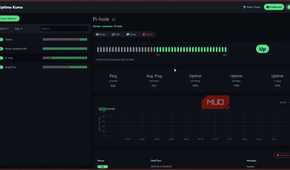
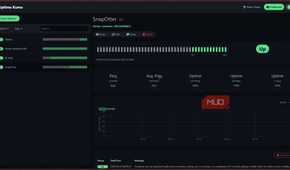
The third app is a tool I use for network monitoring. Uptime Kuma is a self-hosted monitoring tool similar to services like UptimeRobot. It gives you a clean, modern dashboard where you can add monitors for HTTP endpoints, TCP ports, ping targets, DNS queries, Docker containers, and more. When something goes down, it sends you a notification over whatever channel you prefer.
On the Pi 3B+, Uptime Kuma's ARM64 Docker image runs natively and uses under 100 MB of RAM. CasaOS can install and run it in minutes, and you access the interface at port 3001 on your Pi's local address. You'll have to follow a setup wizard on your first login to create an admin account and add your first monitor.
For a home server setup where there are multiple ESP32s, smart devices, VMs, Docker containers, and other endpoints running, you want to know immediately if any of them stop responding. Uptime Kuma monitors them all, and you can even give it the Docker socket to watch container health directly.

Uptime Kuma
- OS
- Linux, Windows, Docker
- Developer
- Louis Lam
- Price model
- Free, Open-source
Uptime Kuma is a lightweight, self-hosted monitoring tool that tracks websites, servers, and network services, sending alerts whenever something goes offline.
This little board still has plenty left to give
The reason this stack runs smoothly on a single Raspberry Pi 3B+ is resource discipline. Pi-hole is a DNS server; it handles lightweight text queries, not file transfers. Vaultwarden is a Rust binary backed by SQLite, and it's mostly idle unless you're syncing a vault. Uptime Kuma wakes up on a schedule to ping endpoints, then goes quiet. None of them is fighting for a CPU or RAM at the same time, which is exactly what you want on a device with only 1 GB of memory.
CasaOS ties it all together, but you can do much more with the newer and more powerful Pi 4 and Pi 5. They're expensive, yes, but that extra memory means you can easily run Home Assistant alongside these services and add home automation to the list of tasks your Pi handles as well, and that's just the beginning. With a more powerful Pi, you can upgrade to UmbrelOS and have an even more polished experience with a larger selection of containerized apps to work with.

- Brand
- Raspberry Pi
- Memory
- 1 GB
Raspberry Pi 3B+ is a compact single-board computer featuring a quad-core ARM processor, Gigabit Ethernet, dual-band Wi-Fi, and Bluetooth, making it ideal for DIY, IoT, and home server projects.