


For months now, my desk has looked like a small server room. A Windows laptop on one side, a Linux laptop on the other, and a tangle of cables in between because I refused to buy two of everything just to switch between them.
Every time I wanted to jump from Windows to Linux, I would have to either switch over at least three peripherals by hand, or reach out like an orangutan to use the Linux laptop's keyboard. So I gave both my PCs one set of peripherals, and now they feel like one computer.
One button, one set of peripherals
Two computers, one dumb button, zero re-pairing


The simplest solution to this problem is a hardware KVM. I ended up picking the Lemorele G98 from Amazon, and it's about as no-frills as KVM switches get. It's a small box with two HDMI inputs, one HDMI output, two USB-A host ports, and four USB-A input ports for peripherals, all wrapped in a plastic shell that costs less than a decent USB cable.
You plug both computers in, plug your monitor, keyboard, and mouse into the switch, and press a button to flip between machines. There's no software, no drivers, and no app to babysit. It just works the way a physical switch should work, and for someone who already has enough software running in the background, that simplicity was the whole appeal.
Once you have your KVM in hand, setup takes less than five minutes. I connected my Windows laptop to input one and my Linux laptop to input two, ran a single HDMI cable to my 1080p monitor, and plugged my keyboard and mouse into the USB hub side. The KVM also needs external power, but that's a simple USB cable you can run to a phone charger or regular USB port. And that's about it. One tap of a physical button, and I can switch from my Windows desktop to my Linux one. No reboots, no re-pairing, no fuss. For two machines fighting over one set of peripherals, that's exactly the kind of dumb but reliable and invisible technology you'd want.
The bandwidth bottleneck I didn't see coming
Cheap KVMs cap out fast, and mine hit its ceiling at 4K 30Hz
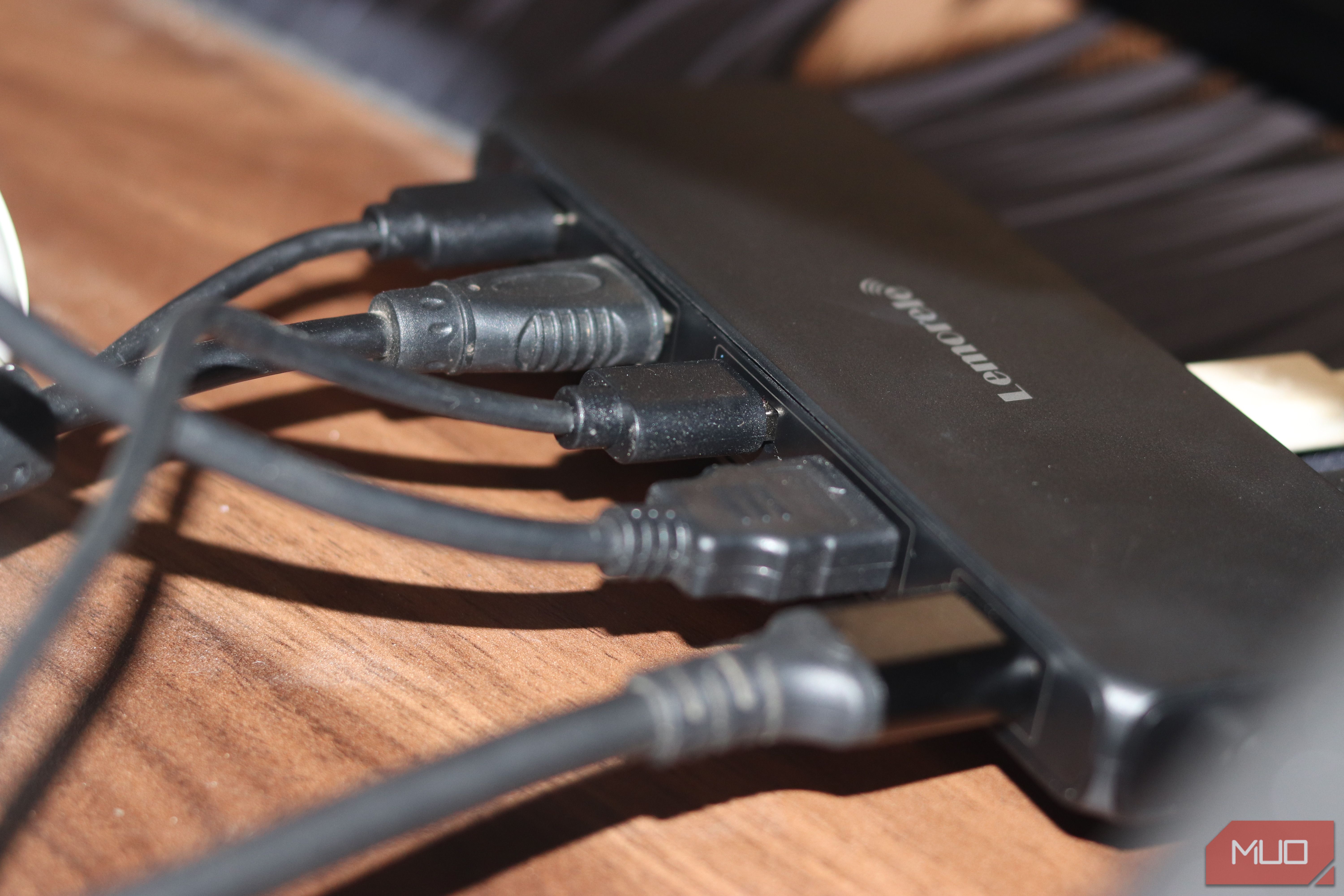
KVMs come in a few different formats, and I wanted something that could do HDMI and USB at the same time. If you're buying one with HDMI, however, you need to make sure that the chip inside can carry the resolution and refresh rate you want. And this is where I got burnt for making a hasty decision.
The G98 I bought tops out at 4K 30Hz, which seemed fine to me on paper because I assumed it should be able to do 1080p at 144Hz too. Once I got done setting everything up, I started noticing green specs across my screen, the kind you'd see when you have a failing GPU. One mini heart attack later, I figured it was the KVM running out of bandwidth instead of my GPU kicking the bucket.
I was able to get rid of the artifacts at 1080p 120Hz, which sits just below the bandwidth the G98's HDMI output port can reliably run. I also felt that the colors were a bit dull on the display when running through the KVM, and that's also almost entirely because of the on-board chip not being able to carry enough bandwidth.
This is exactly the kind of gotcha that can get you burnt when buying USB-C docks, so it's worthwhile to read the manual or product specifications before buying one. As a general rule of thumb, cheaper KVMs like the G98 will be limited to lower resolutions and refresh rates, so do your research before placing an order.
Day to day, it just disappears
The best hardware is the kind you stop noticing
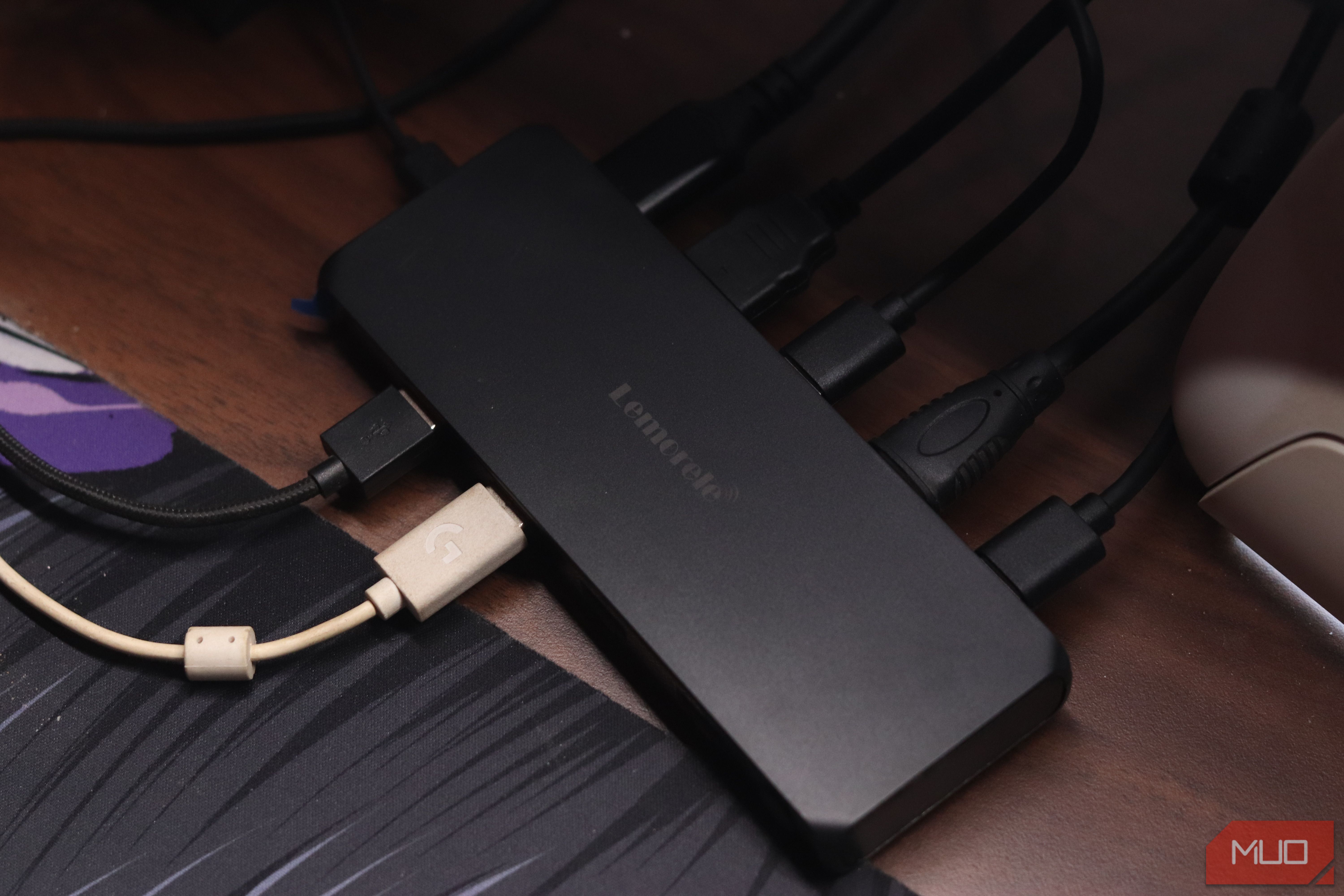
Once I figured out the visual artifacting, the G98 disappeared into the background, which is the best compliment I can give a piece of hardware. Switching between my Windows and Linux laptop now takes the press of a button and happens almost instantly. My keyboard and mouse feel like they belong to whichever machine I'm looking at, and I'm yet to see any lag or connection drops on either machine.
There are limits to this approach too, however. This isn't a switch for anyone editing 4K video across two machines, and if your monitor doesn't tolerate refresh rate juggling as gracefully as mine did, you might see some artifacting without a simple settings change being the fix. The USB 3.0 hub is fine for keyboard and mouse, but I wouldn't expect blazing fast external drive speeds through it. Build quality is also what you'd expect from a $30 piece of hardware: lightweight, plasticky, and not something you'd want to drop.
Was it worth the $20?
One button, one annoyance solved, no software required
For the price I paid (roughly $20), absolutely. The KVM solved a very specific annoyance, and it solved it without needing any additional software or drivers, creating any other points of failure. It's a reliable piece of plastic that sits on my desk and does what it's supposed to.
The display limit is something that's enforced by hardware, so I do see myself buying a better, more expensive KVM in the future to fix that. But apart from this completely self-inflicted mistake, the KVM's one button does more for my workflow than almost anything on my desk.