


Buying a microSD card should be one of the easiest tech purchases. Pick the storage size you need, grab one from a brand you trust, and get on with your day. Then you actually look at the card and find C10, U3, V30, A2, a Roman numeral, and some heroic read-speed number all fighting for attention on a piece of plastic smaller than your thumbnail.
Most people look at that mess, assume the bigger number means the faster card, and call it a day. Fair enough. Nobody wants to earn a minor degree in flash storage just to buy a 128GB card on Amazon. The problem is that those symbols measure different kinds of speed, and the number manufacturers shout about most often may have very little to do with the job you actually bought the card for.
The alphabet soup is doing five different jobs
Somehow, all of these logos mean different things
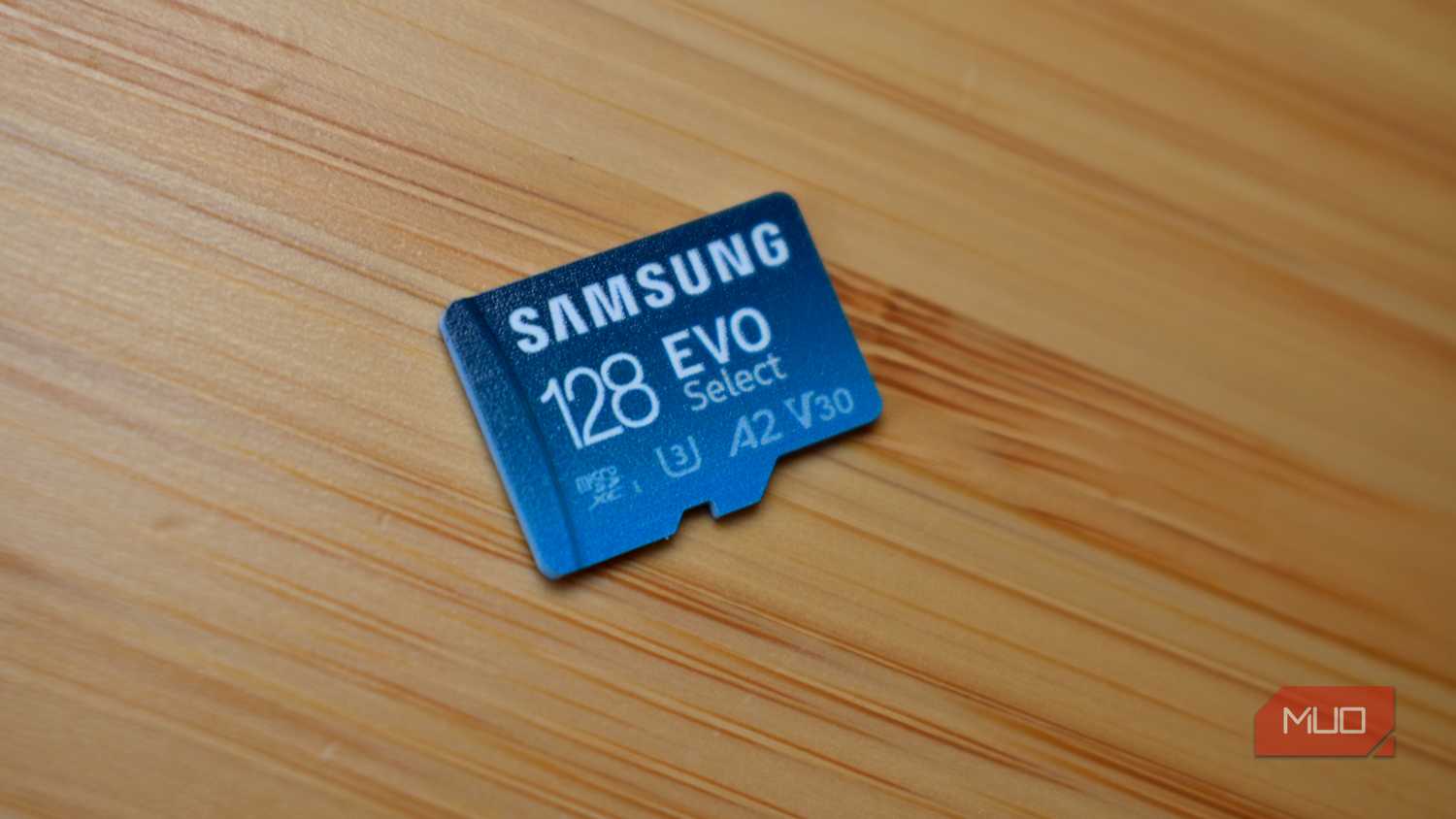
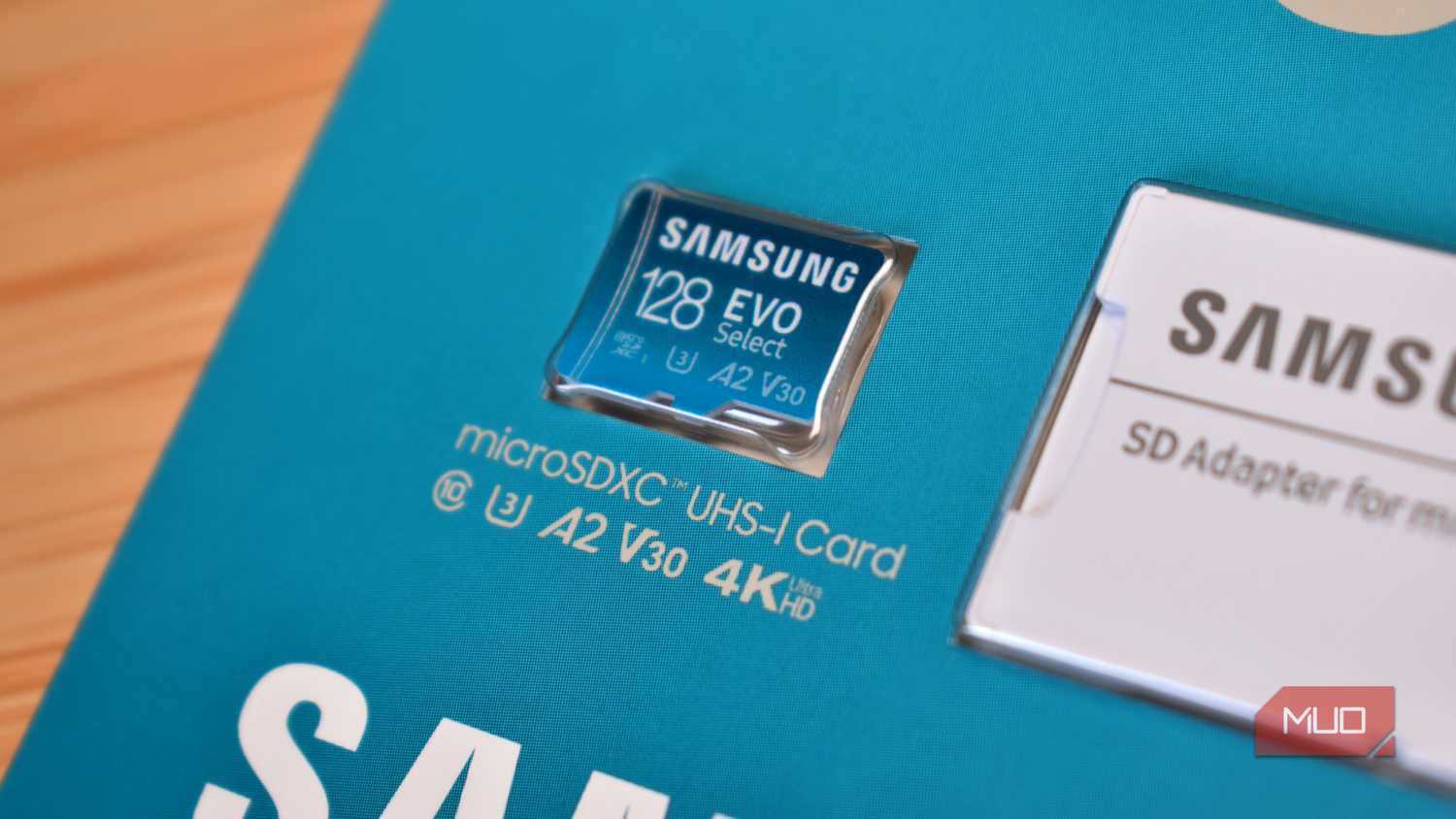
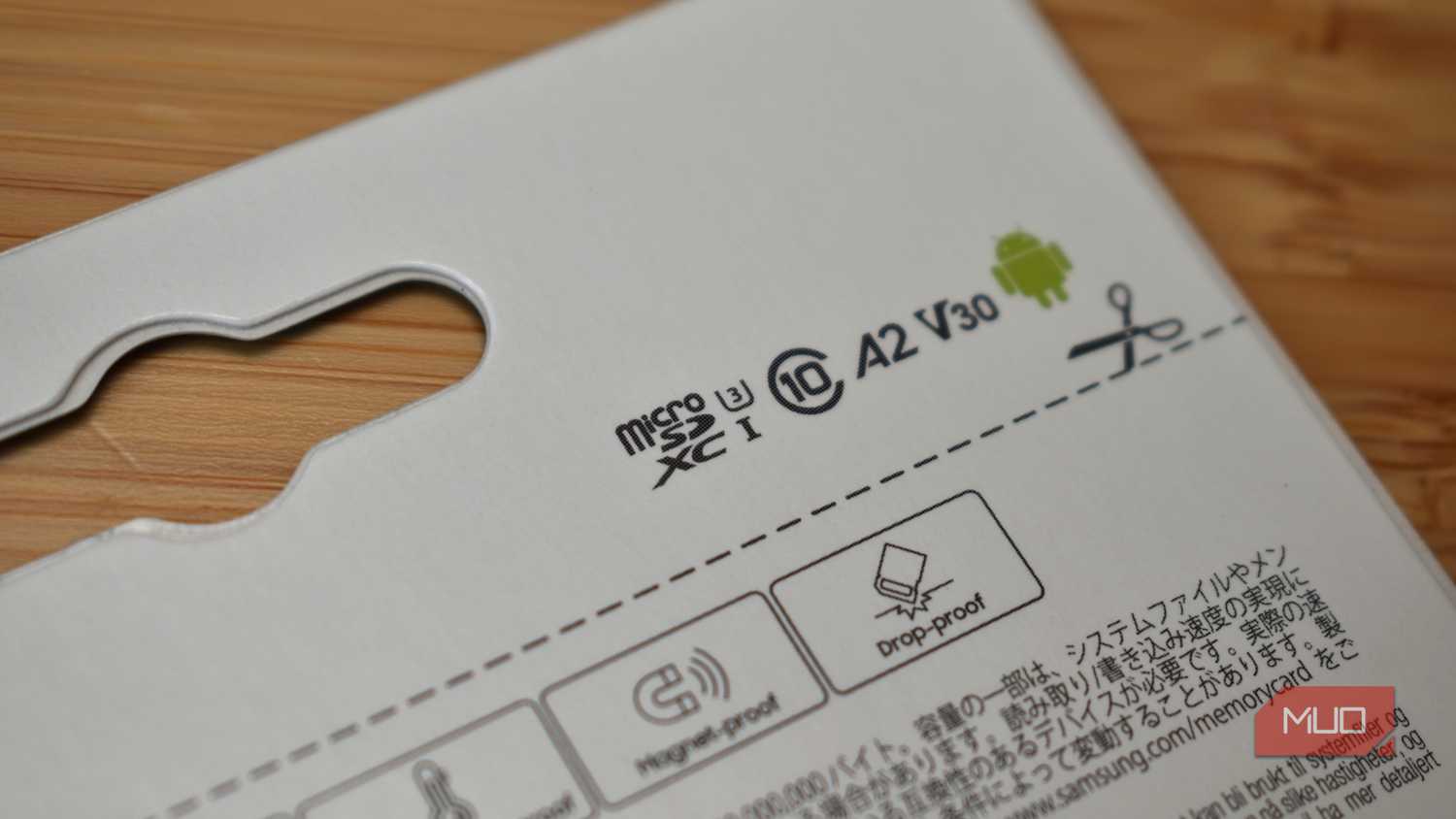
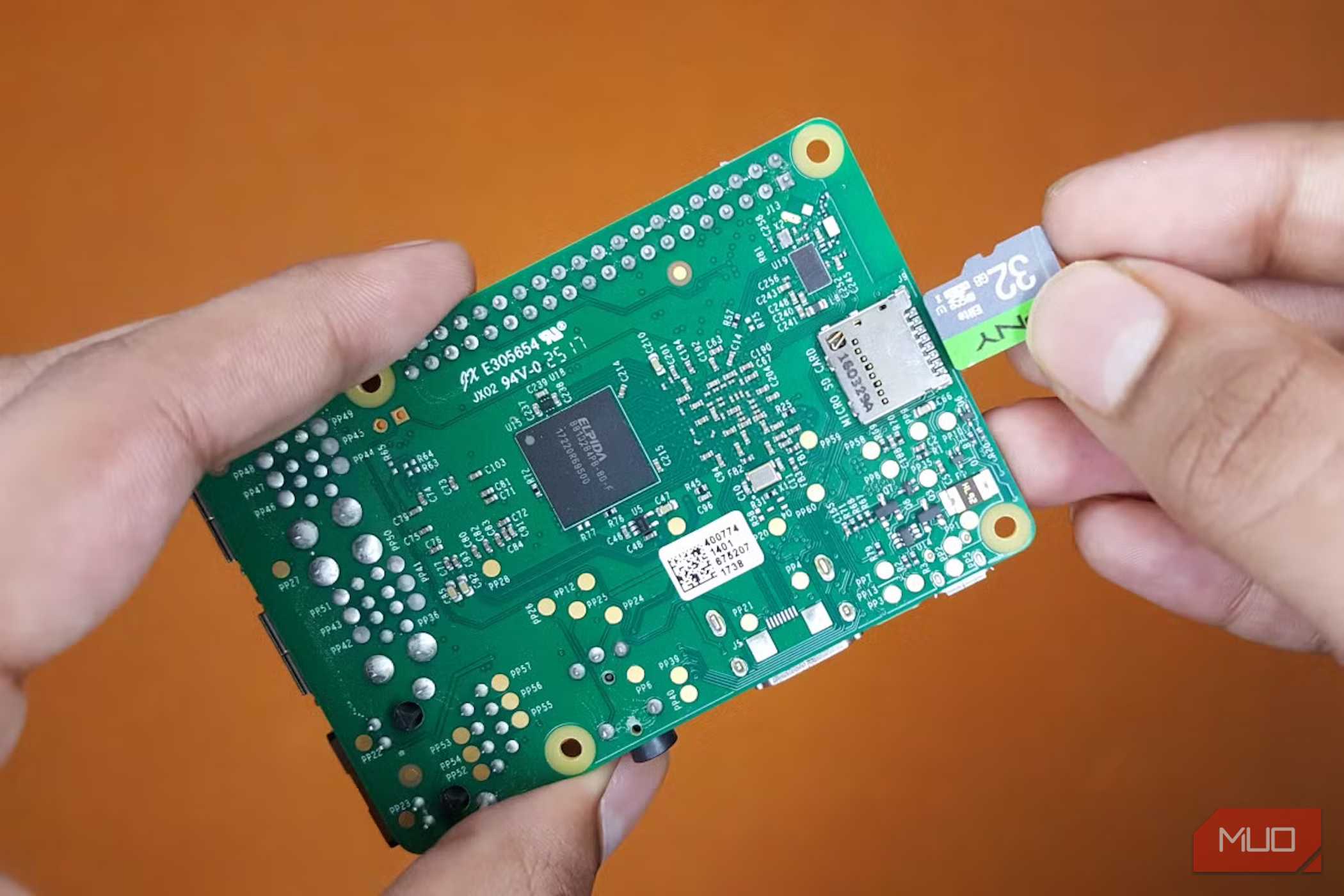

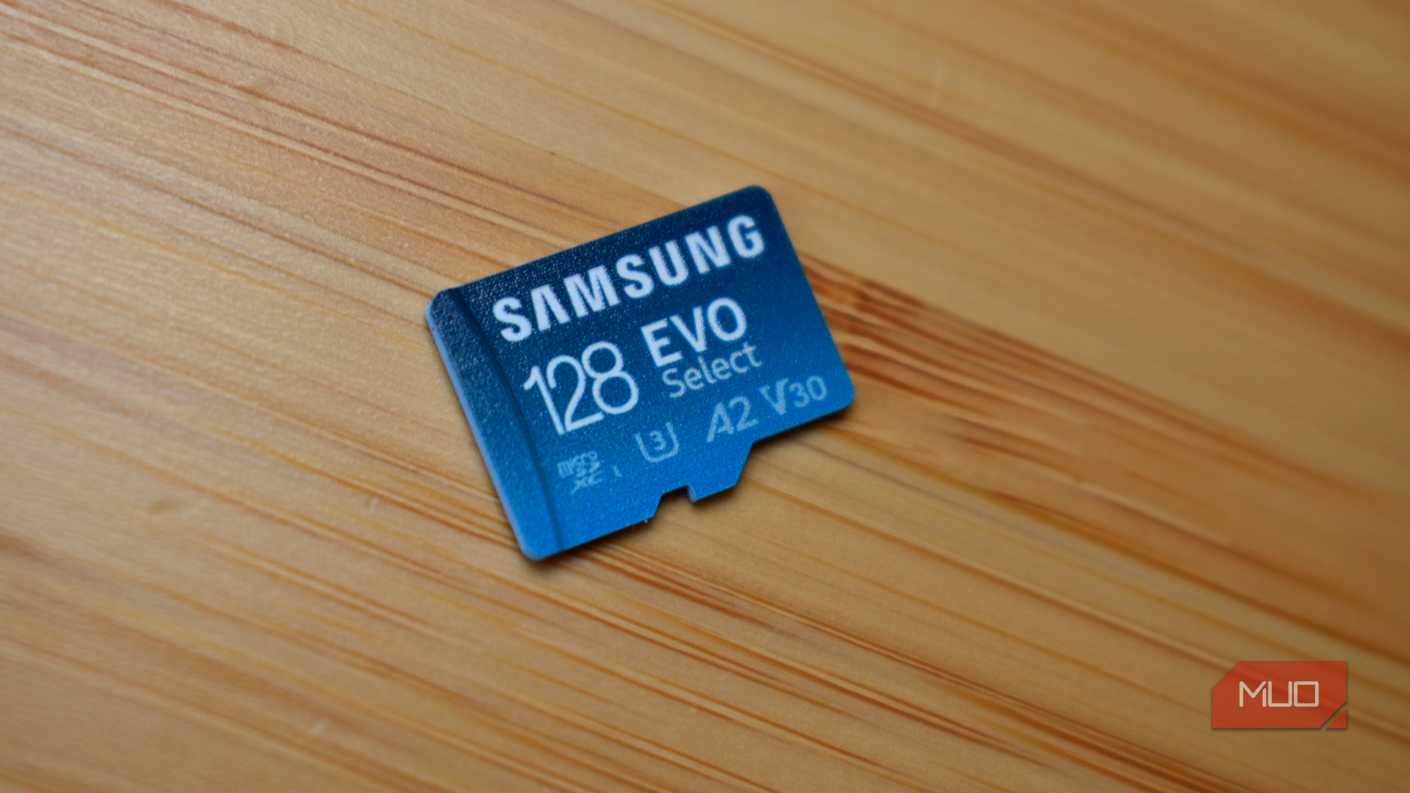


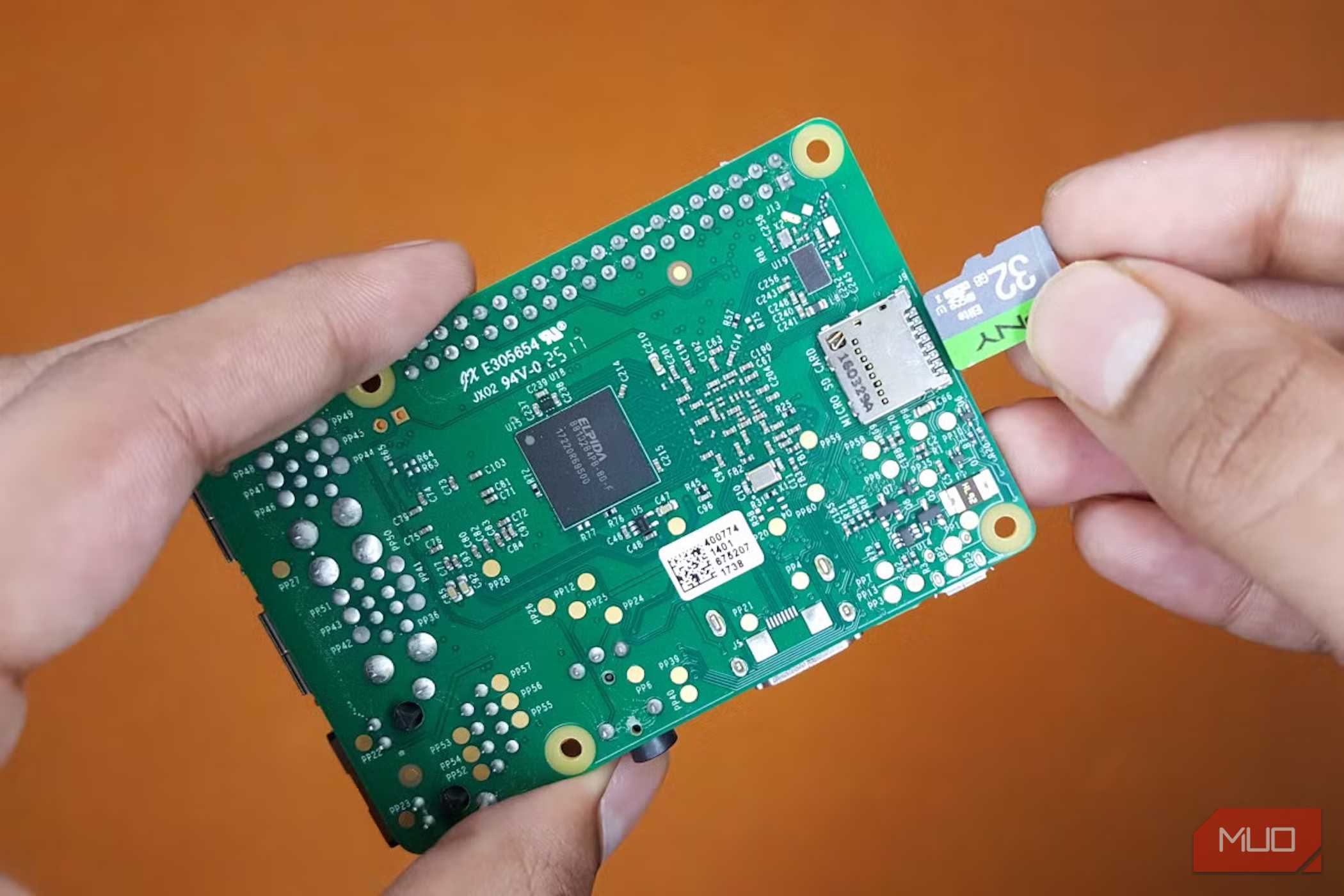

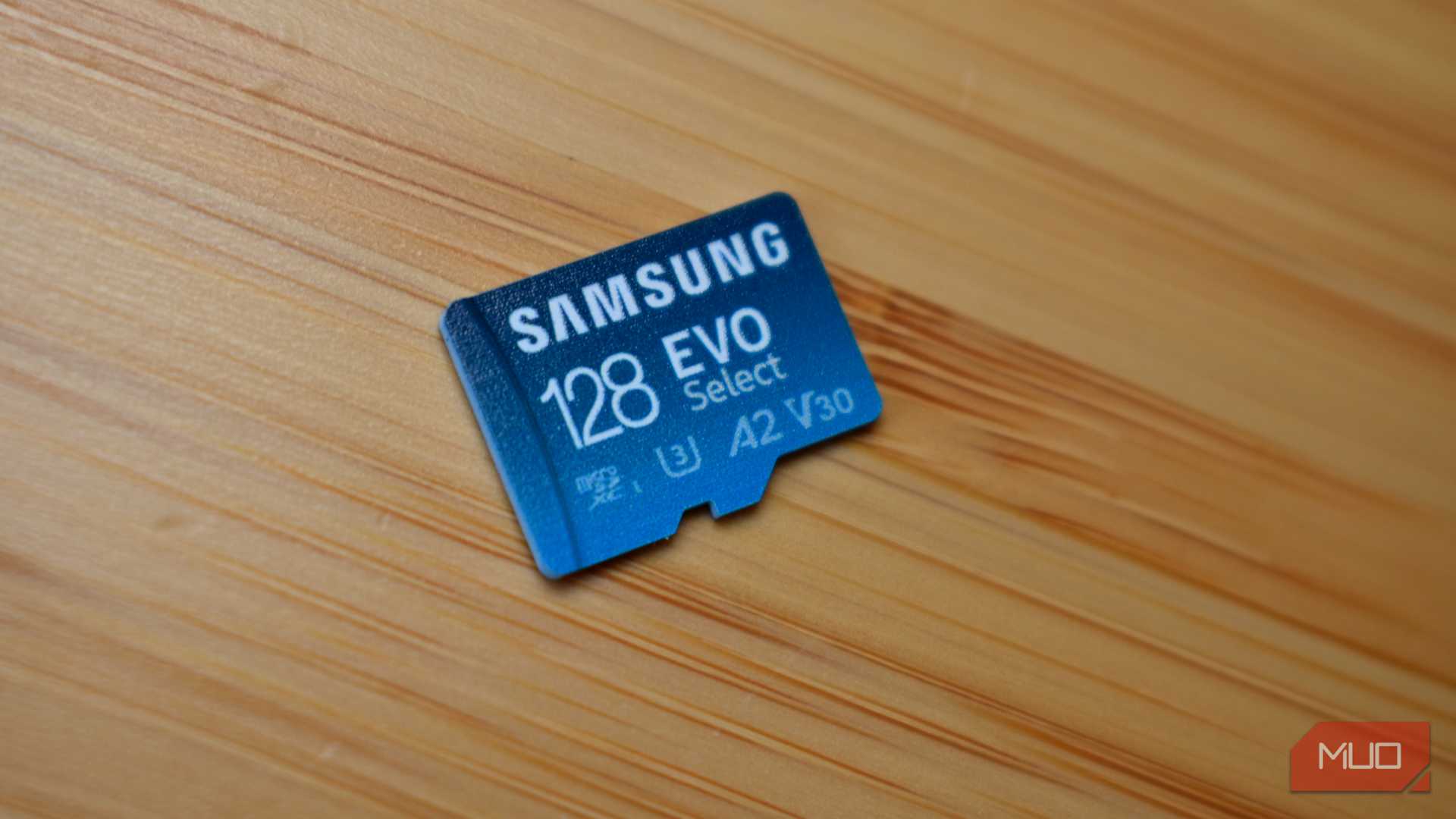
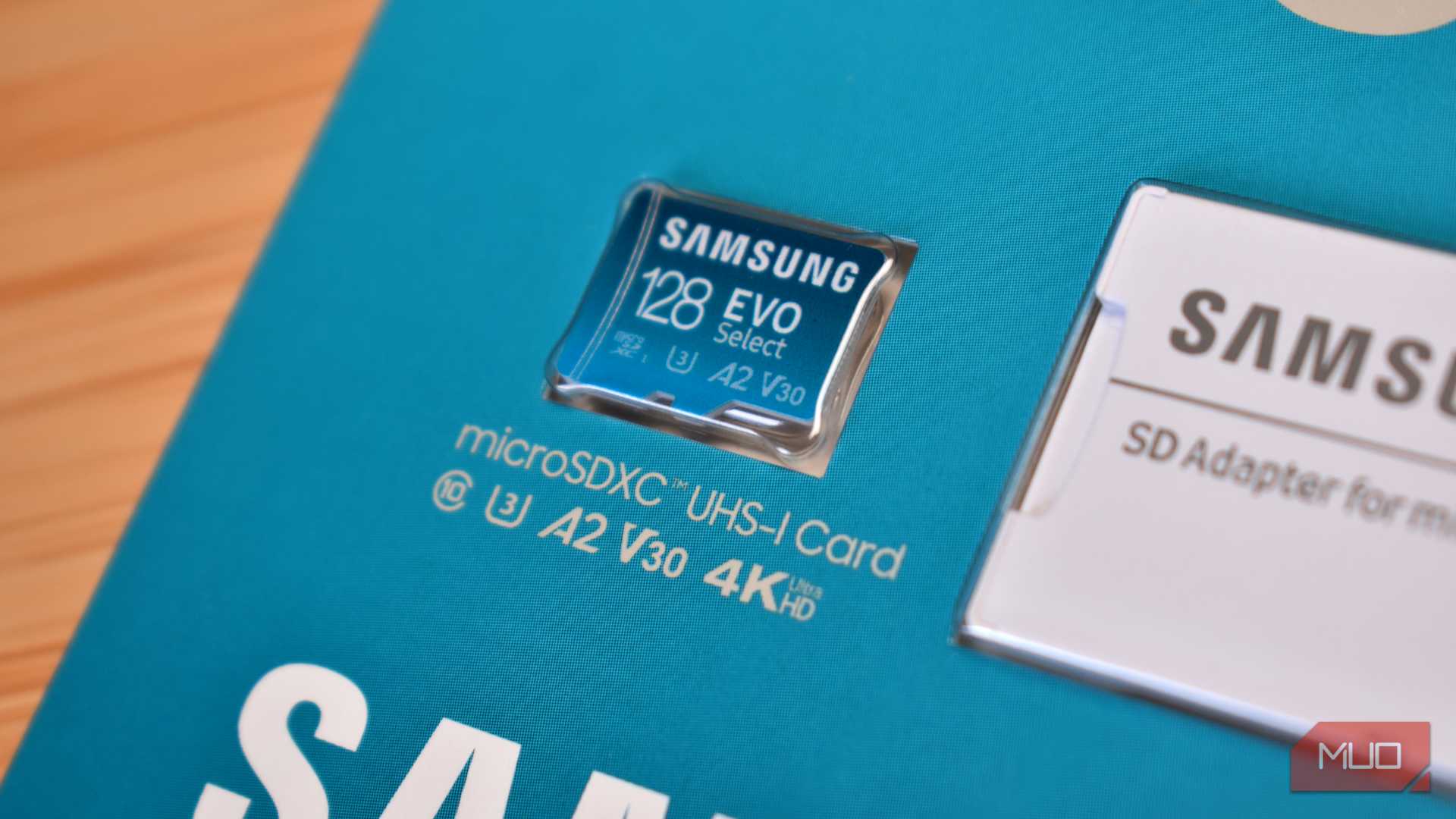

 Credit: Yadullah Abidi / MakeUseOf
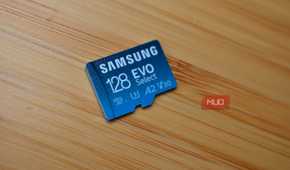
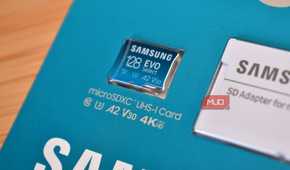


The easiest mistake is assuming all those speed logos sit on one neat little ladder. They don’t. The SD Association kept adding new performance classes as cards got faster and devices started asking more of them. That's how one tiny microSD card ended up looking like a race car plastered with sponsor logos.
|
Marking |
What it tells you |
Common ratings |
|---|---|---|
|
Speed Class |
Minimum sequential write speed |
C2, C4, C6, C10 |
|
UHS Speed Class |
Minimum sequential write speed on UHS hardware |
U1, U3 |
|
Video Speed Class |
Minimum sequential performance for sustained recording workloads |
V6, V10, V30, V60, V90 |
|
Application Performance Class |
Random read/write performance plus sequential performance |
A1, A2 |
|
SD Express Speed Class |
Minimum read/write performance on SD Express |
E150, E300, E450, E600 |
The first three ratings are especially easy to mix up because they overlap so much. C10 guarantees at least 10MB/s sequential writes, U1 also lands at 10MB/s, and V10 arrives at, yes, 10MB/s again. If you move up a step, U3 and V30 both point to 30MB/s, which is the sort of duplication that makes you wonder whether anyone involved owned a whiteboard.
That doesn’t mean U1 and V10 are interchangeable, though. Each class was designed around its own access methods and host requirements, so if a camera manual specifically asks for V30, that’s already the answer. Buying a V30 card saves you from standing in an electronics aisle trying to reverse-engineer the SD Association’s naming history.
The Roman numeral refers to something else entirely. UHS-I, UHS-II, and UHS-III describe the bus interface between the card and the host, which sets the ceiling for how quickly data can move across that connection. UHS-I reaches 104MB/s under the standard. UHS-II can hit 312MB/s in half-duplex mode. And UHS-III goes as high as 624MB/s. Those numbers describe the interface, not a guaranteed speed from the card itself, which becomes fairly important once the packaging starts shouting even bigger numbers at you.

SanDisk Extreme microSD Card
- Brand
- SanDisk
- Capacity
- 512GB
- Speed (Read, Write)
- 245MB/s Read/170MB/s Write Speed
- Application Performance Class
- A2
A1 and A2 wander off in another direction because sequential speed doesn’t tell you much about how a card behaves when an app is constantly opening, updating, and creating tiny files. A1 requires at least 1,500 random-read IOPS (Input/Output Operations Per Second) and 500 random-write IOPS, while A2 raises those minimums to 4,000 and 2,000. Both still require at least 10MB/s of sustained sequential performance.
A2 also comes with one wonderfully annoying footnote. The host has to support A2 features before the card can deliver its full performance. So paying extra for the logo does not magically teach an older device about Command Queuing and Cache. Application Performance Class was designed for workloads such as running apps from removable storage, and there are still ways to use a microSD card with a phone that lacks a dedicated slot. It's so sad that phone makers have spent years escorting removable storage toward the exit.
Then SD Express showed up with E150, E300, E450, and E600. These specify minimum read and write performance of 150, 300, 450, and 600MB/s under the standard’s defined conditions. If microSD Express still sounds like some exotic branch of the family, Nintendo has done a pretty good job of dragging it into the mainstream.
Your camera and your handheld care about different numbers
Fast depends entirely on what you’re asking it to do

A microSD card can be blisteringly fast at one job and still be the wrong card for another. Which is why the biggest number on the package only tells you so much once the card is actually being used.
Video recording is a sustained-write workload, and cameras can only paper over a slow card for so long with their internal buffers. If the card can’t keep accepting data quickly enough for the recording mode you picked, that buffer eventually fills and the camera has to deal with the backlog somehow. Depending on the device, that can mean interrupted recording, reduced performance, or an error message where your footage should be.
This is exactly why the little V rating is worth paying attention to. If your camera asks for V30, buy V30 and move on. A giant 190MB/s read-speed claim elsewhere on the packaging doesn’t cancel out the sustained write performance your camera expects while recording.
Apps create a completely different workload, which is why A1 and A2 exist in the first place. Opening, updating, and juggling hundreds of small files puts a very different kind of pressure on storage than copying one enormous video, so a card can post impressive sequential speeds and still feel sluggish when random I/O enters the picture. An A2 card in an A2-capable device is built with that behavior in mind.
Gaming adds another wrinkle because Nintendo split the rules across two Switch hardware generations. The original Switch accepts conventional microSD cards, while Switch 2 requires microSD Express for expandable game storage. Nintendo doesn’t demand a particular E150, E300, E450, or E600 class, so the important requirement is microSD Express itself. If you put one of those cards into an original Switch, Nintendo says it falls back to ordinary microSD read and write performance, which is a very expensive reminder that the host still gets the final say.
That giant speed number needs an asterisk
Big number, very specific circumstances

Manufacturers know which number your eyes will land on first, and it probably isn’t the tiny V30 wedged between half a dozen other symbols. A card boasting 190MB/s or 200MB/s reads looks much faster on a product page than one promising 30MB/s sustained writes. The problem is that those numbers are measuring completely different parts of the card’s performance.
That big read-speed figure carries some weight when you’re copying photos or video onto a PC, assuming your card reader and interface can keep up. SanDisk even sells UHS-I cards rated above the standard 104MB/s ceiling by using proprietary technology with compatible hardware. There’s plenty of fine print involved, though, because the speed you actually get still depends on the card, reader, host device, and interface.
You shouldn’t ignore maximum read speed, but don't also treat it like the final score. Before you dig into any of these numbers, make sure the card is real. Testing whether an SD card is fake or has falsified capacity can save you a lot more pain than arguing over V30 and V60.
A little homework buys a lot of indifference
A good microSD card should vanish into the background. You put it in your camera, phone, handheld, or whatever else you bought it for, and ideally you never have to think about it again. Getting there just means surviving one of consumer tech’s stranger piles of logos, numbers, and tiny print first.
Spend a minute checking what your device actually requires before you buy, and you can go right back to ignoring the card completely. Which, frankly, is exactly what a good microSD card should let you do.