


No matter how expensive your Windows PC is, it comes with the same baggage. Microsoft pre-installs a lot of apps that are straight-up useless, and even the ones that aren’t pale in comparison to their free alternatives. That’s why the first thing I do on any new Windows machine is go through the app list and start trimming.
Clipchamp
Give me a real video editor

Clipchamp is a video editor, and probably the only reason it’s preinstalled is because Microsoft acquired it back in 2021. It’s essentially a browser-based editor wrapped into a desktop app, which means most of its features don’t work offline. The timeline is basic, and Clipchamp caps video quality at 1080p on the free tier. For anything beyond slapping two clips together and adding a text overlay, Clipchamp falls flat almost immediately.
The kicker is that Windows used to ship a genuinely decent video editor. The Photos app had a built-in video editor that wasn’t flashy, but it worked quite well without requiring a Microsoft account or pushing OneDrive integration. You can still try it if you’re curious.
Most importantly, a video editor isn’t something everyone needs. And for those who do, there are far better options, like DaVinci Resolve and OpenShot.
Outlook
Nobody likes it

Microsoft broke a lot of hearts when it replaced both the Mail and Calendar and Outlook Classic with the new Outlook. I’ve tried to make it work, but it has never quite clicked for me.
The biggest issue with the new Outlook app is that it's slow and unreliable, which are the last two things you want from an email app. And then there are the ads. The new Outlook app serves sponsored messages styled to look like unread emails, which makes them even more annoying.
If anything, I feel Microsoft should’ve at least kept the old Mail and Calendar app instead of forcing everyone to switch. So yes, Outlook is another app I don’t keep. My current go-to is Wino Mail. It takes inspiration from the old Windows Mail app and offers everything I need without getting in my way.
Copilot
Of course, there is AI


 Credit: Brady Snyder / MakeUseOf
 Credit: Brady Snyder / MakeUseOf
 Credit: Brady Snyder / MakeUseOf
 Credit: Brady Snyder / MakeUseOf
 Credit: Brady Snyder / MakeUseOf




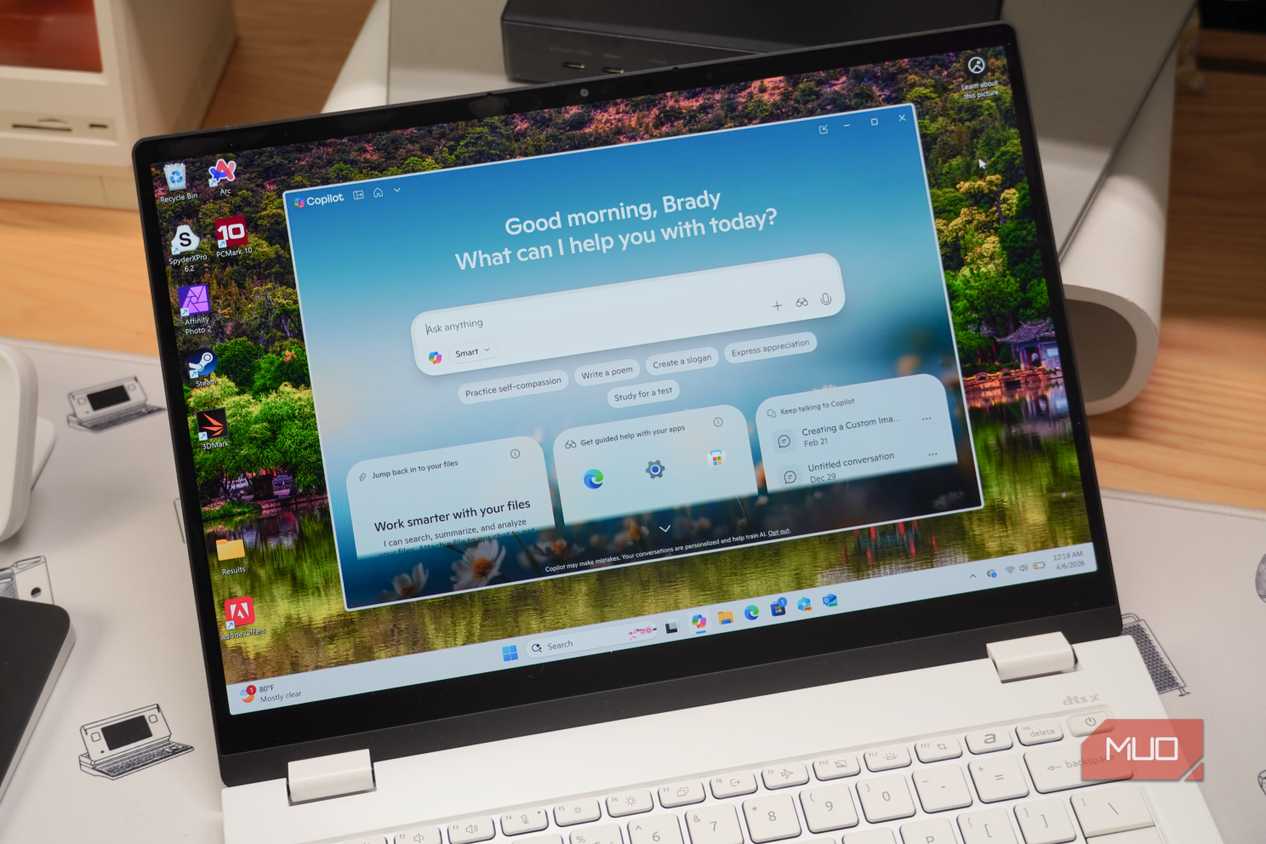
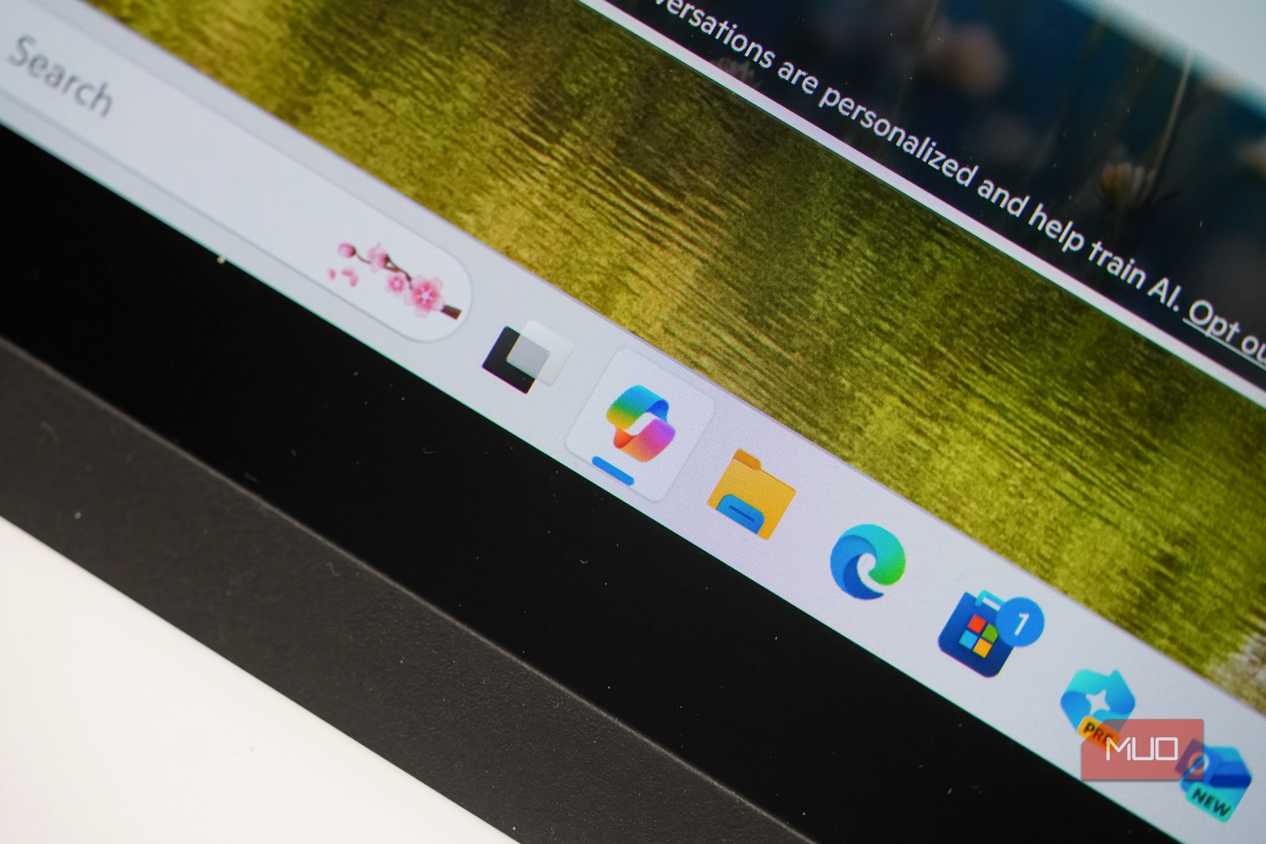
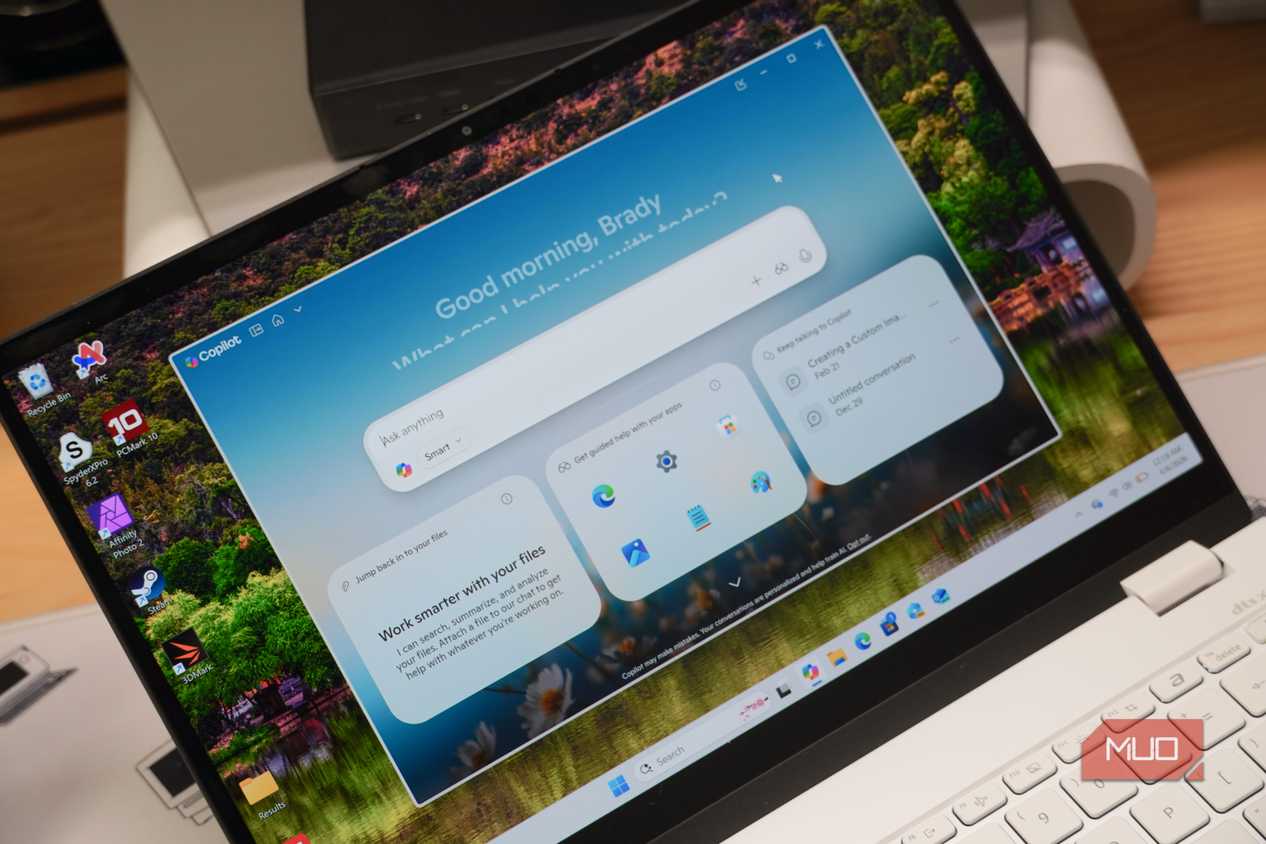
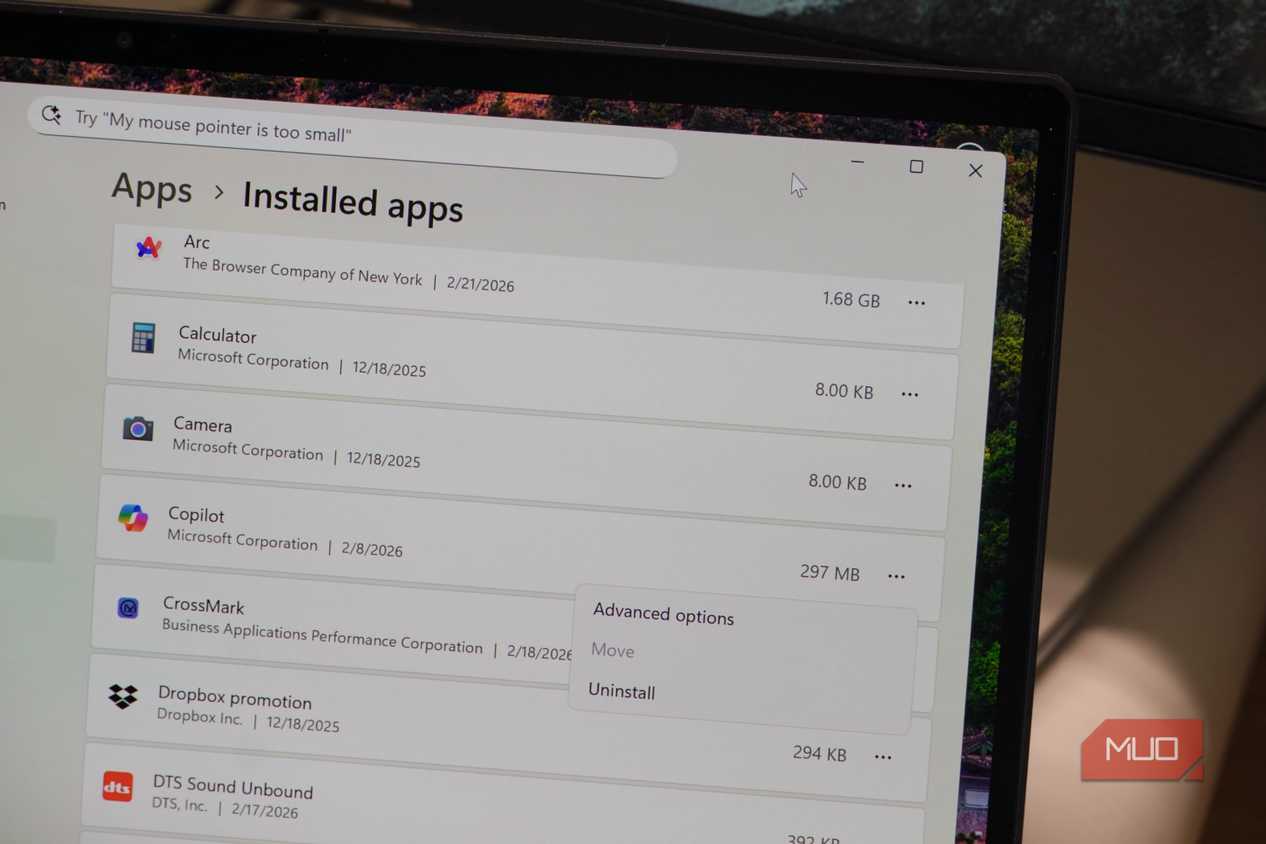
Copilot is Microsoft’s AI assistant, and it’s hard to miss. It’s pinned to the taskbar and integrated into almost every other Microsoft app that comes pre-installed. It’s there because Microsoft wants you to reach for it before you even think about alternatives. I personally prefer Gemini and Claude, so Copilot is something I always uninstall.
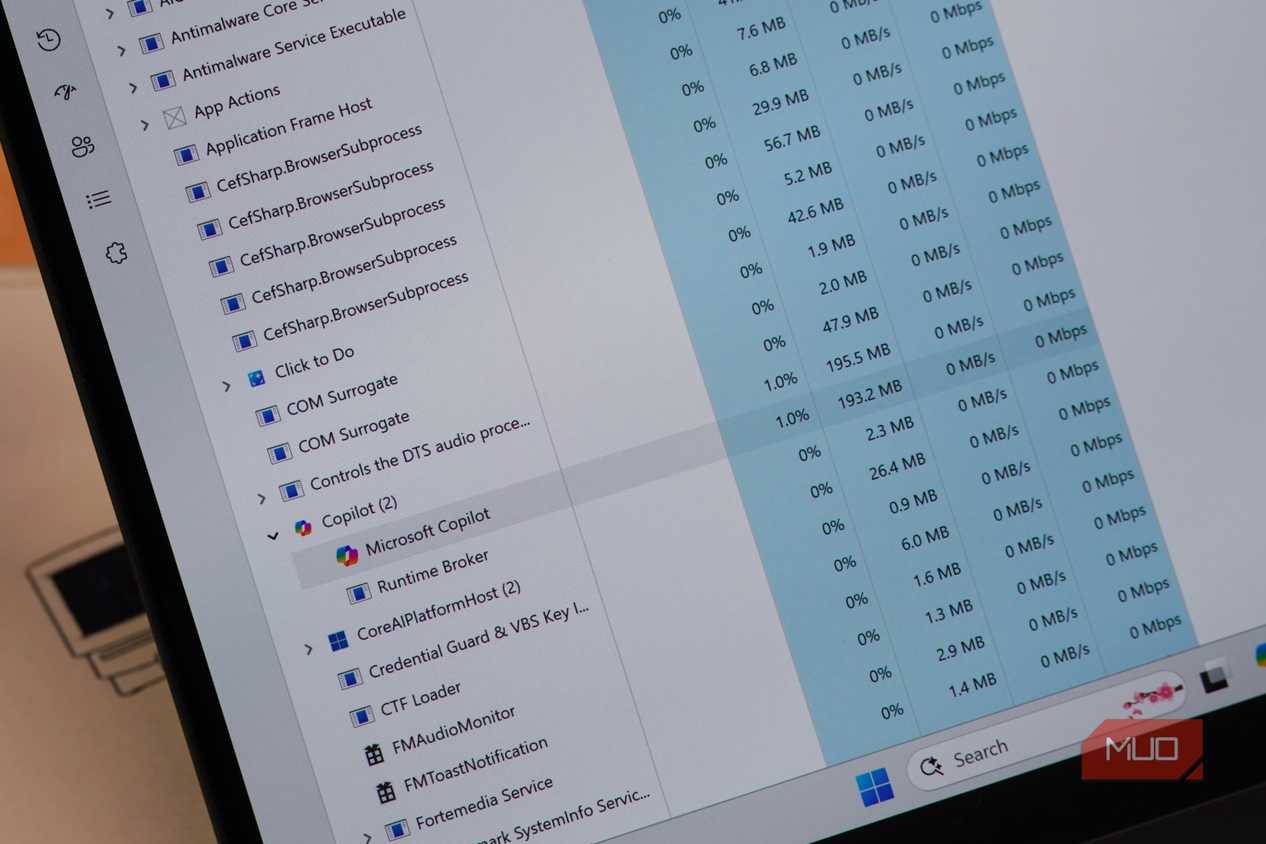
Even if you do find Copilot useful, I still don’t think the pre-installed app is worth keeping. It’s built on WebView2, which means much of its interface is rendered using Microsoft Edge’s web technologies. That doesn’t make it slow, but web-based apps generally consume more memory than native alternatives, and Copilot is no different. If you need to use it, you can always open it inside a browser instead of keeping a dedicated app installed.
Media Player
It’s not bad, VLC is just better

I don’t have anything against Media Player. It’s a decent app, handles most video formats, and has a clean interface. But when you’ve used VLC for so many years, going back to anything else just feels like a downgrade.
VLC is faster, and it goes well beyond just playing videos. You can use it to stream videos, convert files, record your screen, extract audio, and a lot more. It’s also completely free and open-source. Media Player can’t really compete with that feature set, which is why it doesn’t survive the first round of cleanup on any new PC of mine.
Microsoft To Do
You can do better

Microsoft To Do looks fine at first, but once you spend any real time with it, the cracks show up fast. Its interface is more complex than it needs to be, and there’s a lot of structure for an app whose job is just to help you remember things.
Microsoft To Do is the definition of bloatware for anyone who doesn’t live inside the Microsoft ecosystem. If you’re not already using Outlook, Games, or Microsoft 365, a big chunk of what makes To Do useful simply doesn’t apply to you. There are plenty of options like Google Tasks, Todoist, and TickTick that can do the same job better.
And there are the obvious ones...
The apps above need some explaining. But Windows also ships with a whole load of stuff that’s just useless and doesn’t really need a deep dive.
For instance, Feedback Hub only exists so you can send bug reports and feature requests to Microsoft. The Camera app doesn’t make much sense either, because nobody is using a 2MP webcam to take photos and videos. Microsoft Solitaire Collection is also dated at this point — it’s still Solitaire, except now it comes with ads.
And I could go on and on about Movies & TV, Weather, Sound Recorder, Sticky Notes, and Quick Assist, but you probably get the idea. If you haven’t opened these in the first week of owning your PC, you probably never will.

Lenovo Slim 7 Ultra Aura Edition

- Operating System
- Windows 11
- CPU
- Intel Core Ultra 7 355
- GPU
- Intel Arc Xe3
- RAM
- 32GB LPDDR5X