


Microsoft has had plenty of time to rethink how Windows users manage their files. What we have gotten instead is incremental polish applied to what has not fundamentally changed since the Windows 7 era.
Sigma File Manager, a free and open-source app, makes that conservatism even more glaring. I have been using it alongside File Explorer for day-to-day tasks, and while it may not be a perfect replacement for everyone, it makes a convincing case that file management on Windows could be much more considered than it currently is.
File Explorer is better than it was
But that's a low compliment

To Microsoft's credit, File Explorer has picked up some really useful features over the past few years. My most appreciated changes are tabs finally arriving in Windows 11, the ribbon toolbar being simplified, and OneDrive integration becoming tighter. These are real improvements, and even if you tried dozens of Windows file managers and came back to File Explorer, you may find it more tolerable now.
However, the ceiling is the limit. If you open File Explorer today, you may notice it still carries the unmistakable weight of software built on top of software built on top of software. The navigation panel is rigid; previewing a file means hoping the Preview Pane cooperates, and search is technically present but slow and unreliable enough that most people just open Everything or use the Start menu instead. The interface communicates no real sense of what you're doing or where your most important work lives. At its core, it is still a directory browser with a toolbar, and its basic logic has not moved that far beyond the Windows 7 era.
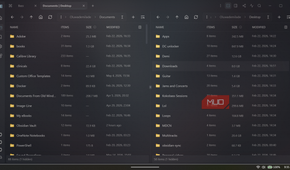
That is what drew me to Sigma File Manager. Many of the workflows people want around File Explorer, such as better tabs, faster project switching, tagging, previews, and more precise search, have usually required File Explorer alternatives or awkward workarounds. Sigma pulls many of those ideas directly into the file manager itself. The moment you open Sigma, that changes. The home screen greets you with a full-bleed background image and, beneath it, a clean grid of your user directories and a drive space readout for each connected volume, including WSL-related locations such as Docker Desktop and Podman machines on my setup.
Sigma’s best ideas show up during ordinary file work
The boring stuff wins


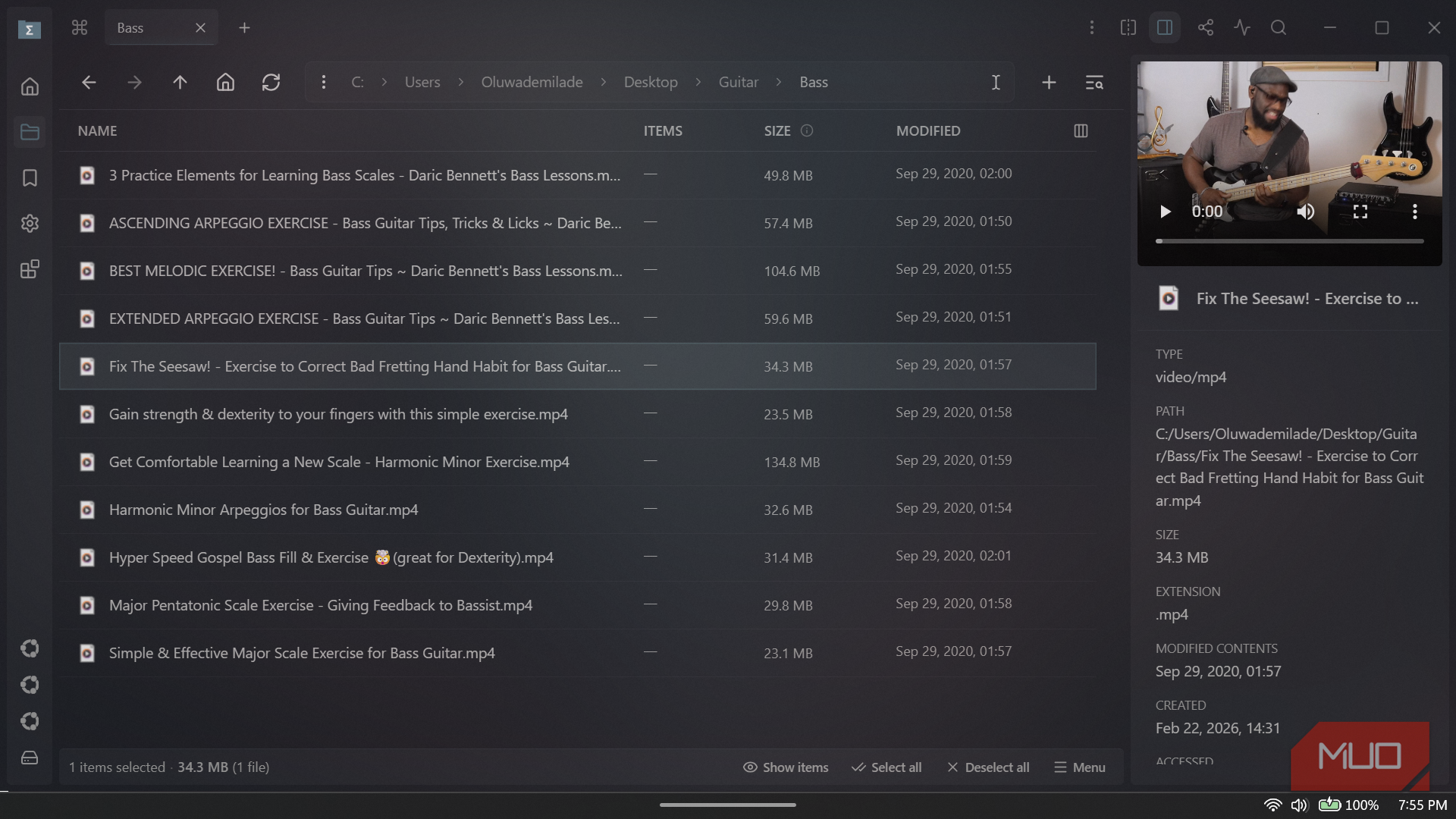
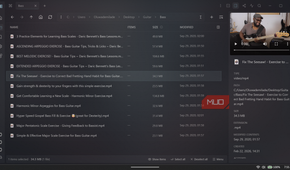
The info panel is one of the first things I came to rely on. Whenever you select a file, the right panel instantly displays its type, full path, size, extension, creation date, and modification date. With a video file selected, a playback preview loads directly in the panel, and you can even play the video right there! I found myself using it constantly while sorting through a folder of bass guitar lesson recordings, scrubbing through clips to confirm which was which without ever double-clicking into a media player. File Explorer's preview pane technically does some of this, but it's nothing like Sigma's.
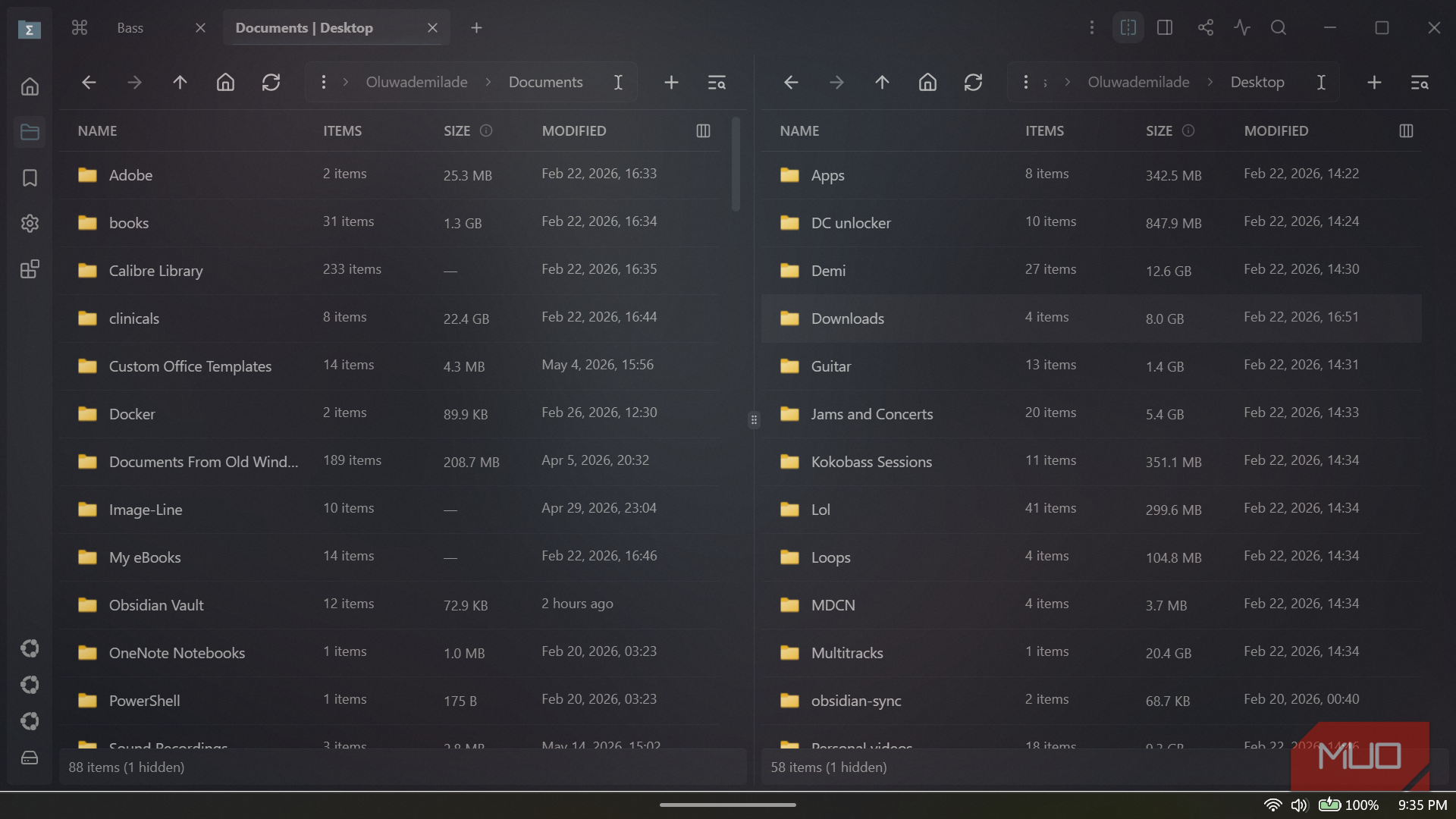
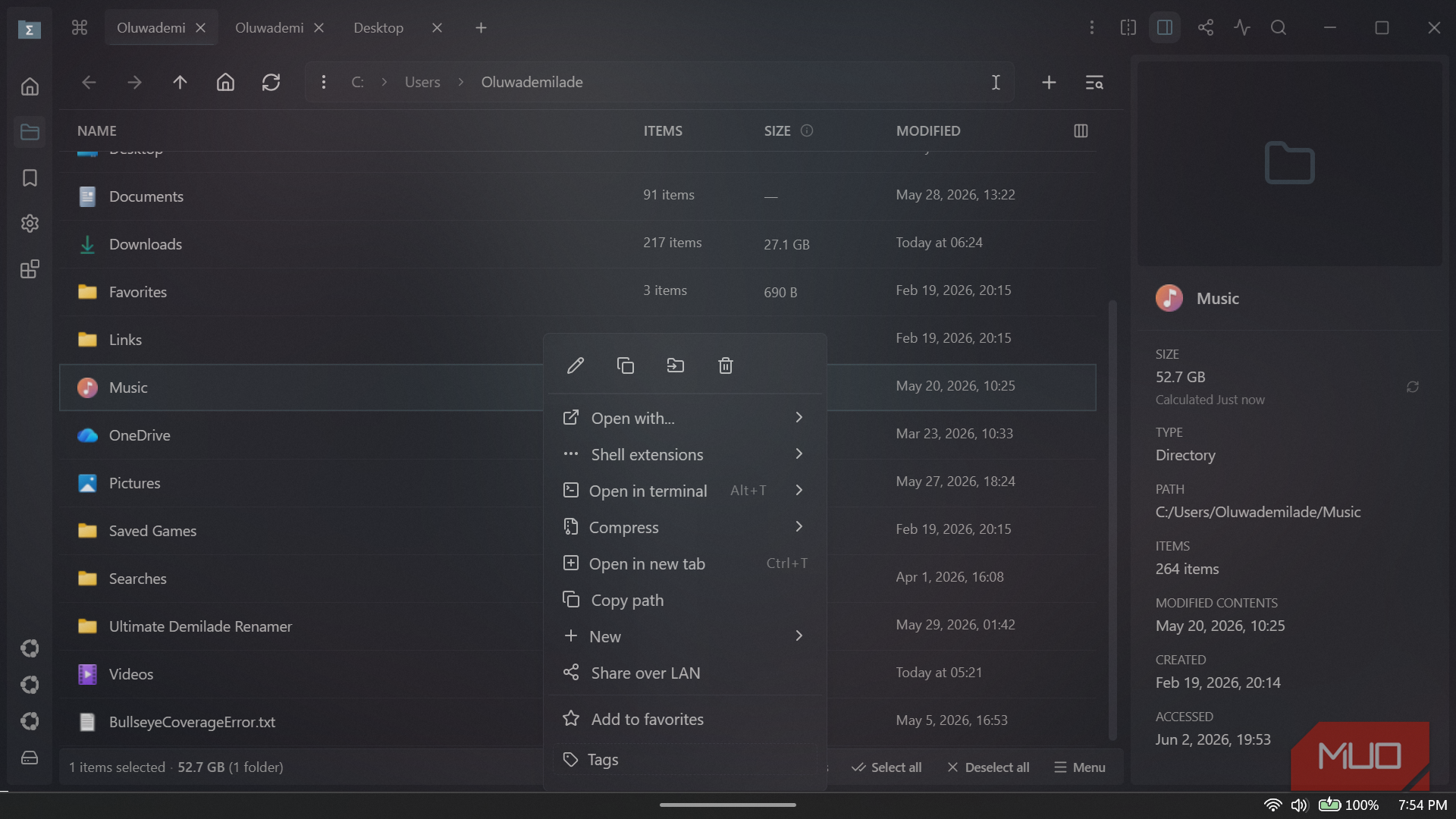
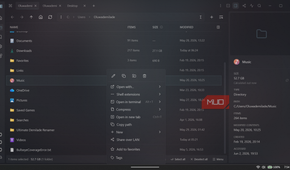
Talking about navigation, the address bar doubles as a full-path launcher — you can type a partial filename and watch matching results appear below it in real time, then navigate backward, forward, or up to a parent directory, all from the same input. The context menu is also noticeably cleaner than Explorer's. Right-clicking a folder gives you a short, sensible list of options: open in terminal, compress, open in a new tab, copy path, share over LAN, add to favorites, and tag it. Tabs also let you keep multiple directories open and switch between them instantly. Any tab can be split into two panes that you can navigate independently and transfer files between with ease. The split view, in particular, is something I use constantly when moving files between project folders. It removes a whole category of drag-and-drop frustration that I had long accepted as just the cost of using a Windows machine.
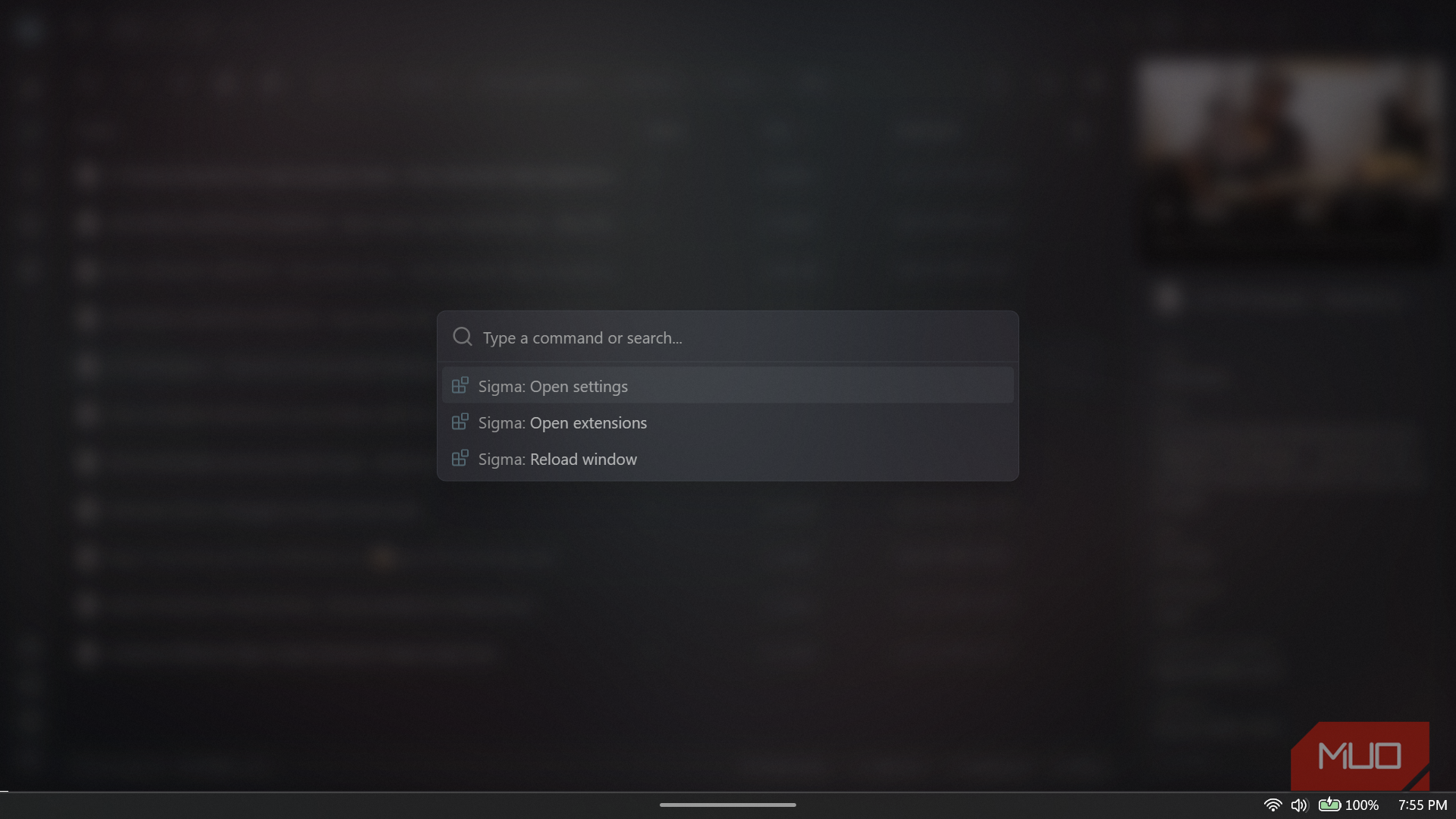
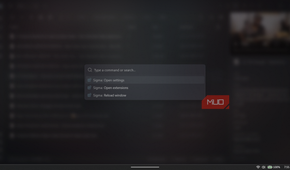
The global search is where the gap between the two apps becomes hard to ignore. When I opened it, it reported that 231,254 items were already indexed across seven directory levels, with typo tolerance enabled by default. Searching for a file, I half-remembered the name of — wrong word order, missing part of the title — produced the correct result immediately. The quick search within the navigator now has two modes: a passive mode that filters the current directory as you start typing, without interrupting keyboard navigation, and an active mode for more precise control. There is also a command palette that surfaces app actions via a simple overlay, so you rarely have to navigate menus to find a setting or trigger a function.
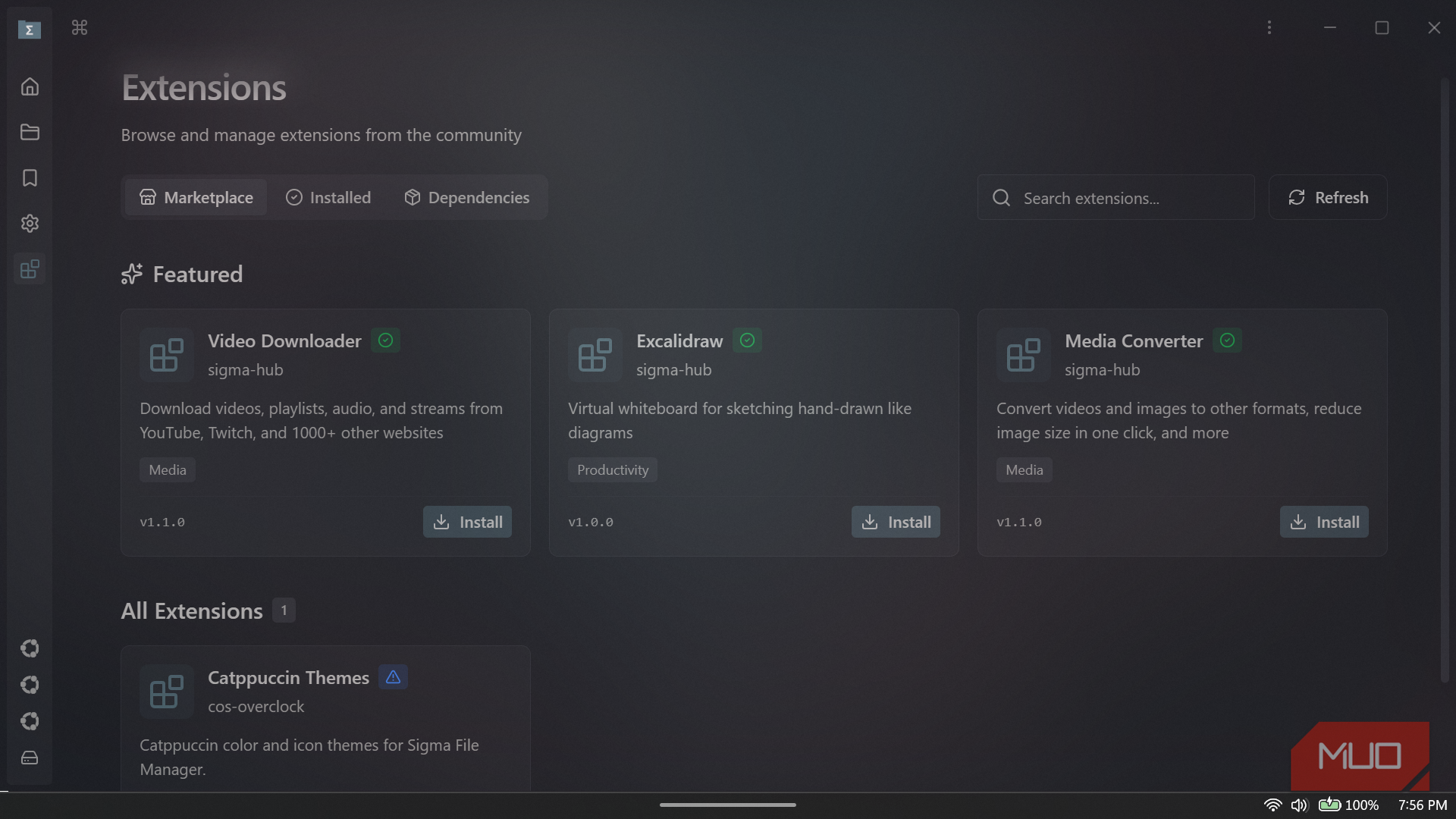
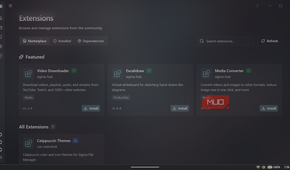
Recent updates have expanded the app beyond basic file browsing, too. Sigma now includes a full extension system with an open marketplace, LAN file sharing, a quick access menu, ZIP archive support, and improved quick view and search. Network location support is also being worked on, including SSHFS, NFS, SMB, and CIFS connections, though it is still in alpha and not something I would lean on for critical work yet. The extension marketplace has obvious promise, but it is still young, and the ecosystem needs time to grow into the idea.
Microsoft should take notes
Sigma File Manager does not make File Explorer obsolete, and I do not think it needs to. Windows still benefits from having a default file manager that is stock, cautious, and tightly integrated with the operating system. The problem is that Microsoft has let caution become the entire personality of File Explorer.
After using Sigma for normal file work, especially media folders, desktop cleanup, search, previews, shortcuts, and folder context actions, File Explorer feels even more conservative than it did before. Sigma is not perfect, but it understands that managing files these days involves more than opening folders and dragging items between windows.
Sigma is free and is available on the Microsoft Store, on GitHub, and via the command line if you prefer to install and manage apps with WinGet.

Sigma File Manager
- OS
- Windows
- Price model
- Free (open-source)
Sigma File Manager is a modern, highly customizable file manager that reimagines file browsing with workspaces, smart actions, and a polished interface. It feels like a productivity-focused upgrade to traditional file managers, blending powerful features with an unusually thoughtful design.