


I recently ran dir /x in Command Prompt just to see the 8.3 short names Windows 11 still keeps around for compatibility. Next to familiar folders like Downloads, Documents, and Favorites, I saw entries like DOWNLO~1, DOCUME~1, and FAVORI~1. They are leftovers from a rule DOS inherited, adapted, and popularized in 1981: eight characters for the filename, three for the extension, and nothing beyond that.
That limit disappeared decades ago. Modern Windows filenames, including their extensions, can now be up to 255 characters. Yet if you show file extensions in Windows 11 and count how many exceed three letters, you'll find that few do. Here is the hardware story behind that old limit, and why the habit survived long after the rule stopped mattering.
A floppy disk sector wrote the actual rule
The number that mattered was 32, not 8 or 3
teachernz / Wikimedia Commons


 Credit: Ruben de Rijcke/Wikimedia Commons
 Credit:
 teachernz / Wikimedia Commons
 Credit: VWestlife / YouTube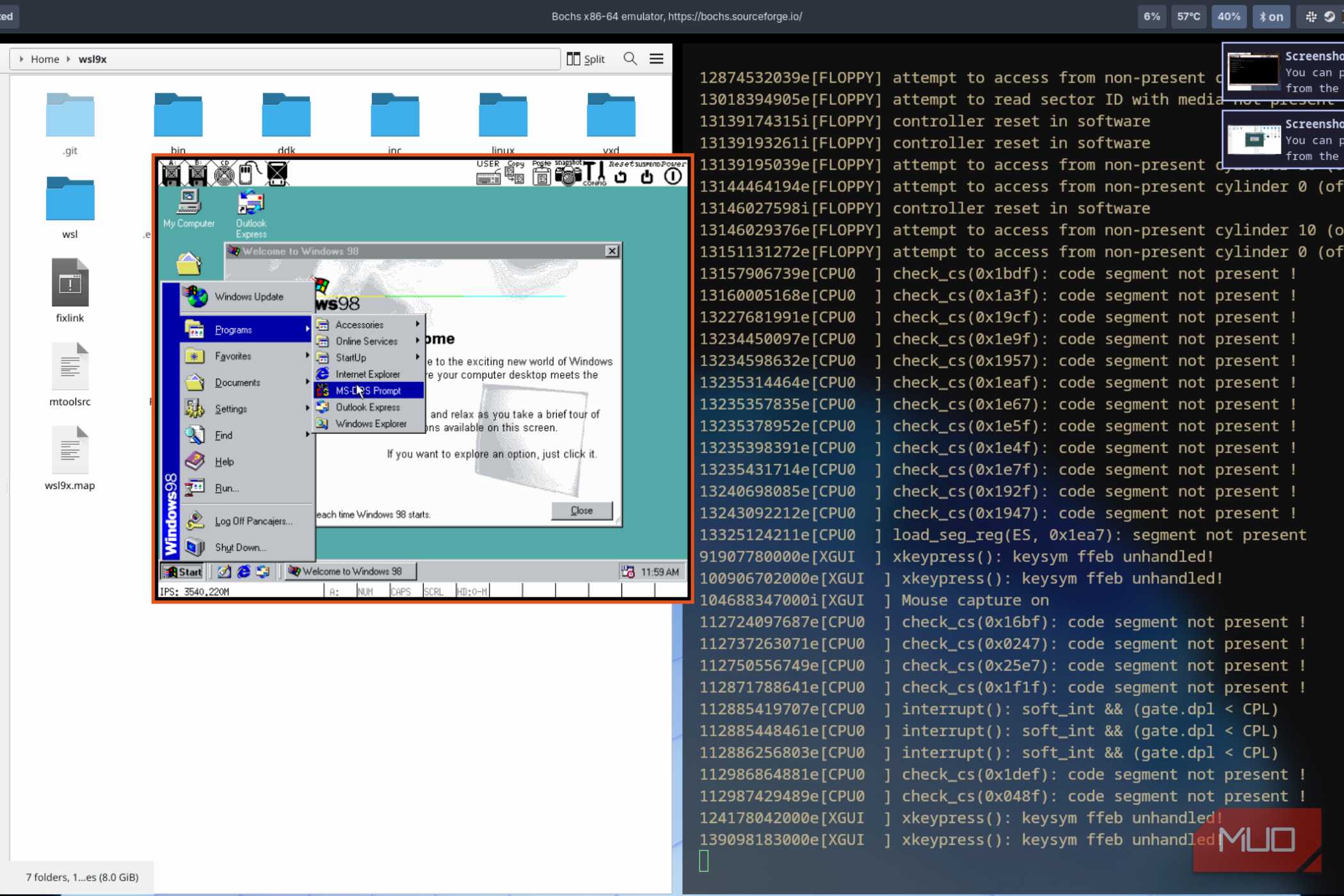
 Credit: Epov Dmitry / Shutterstock
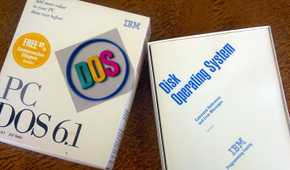
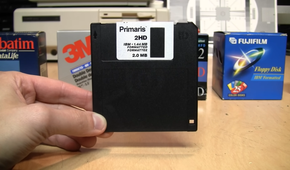

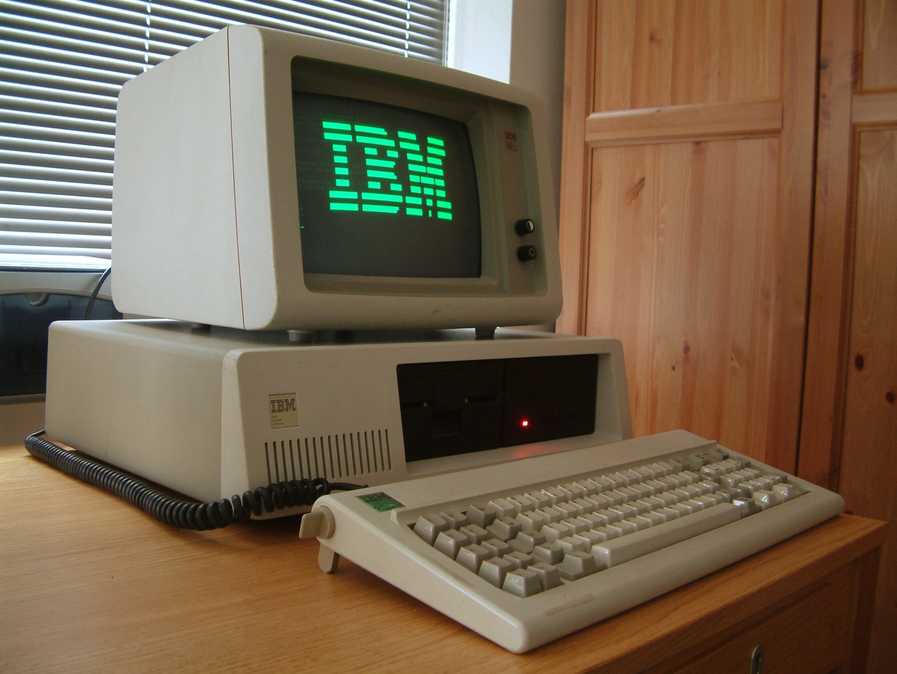
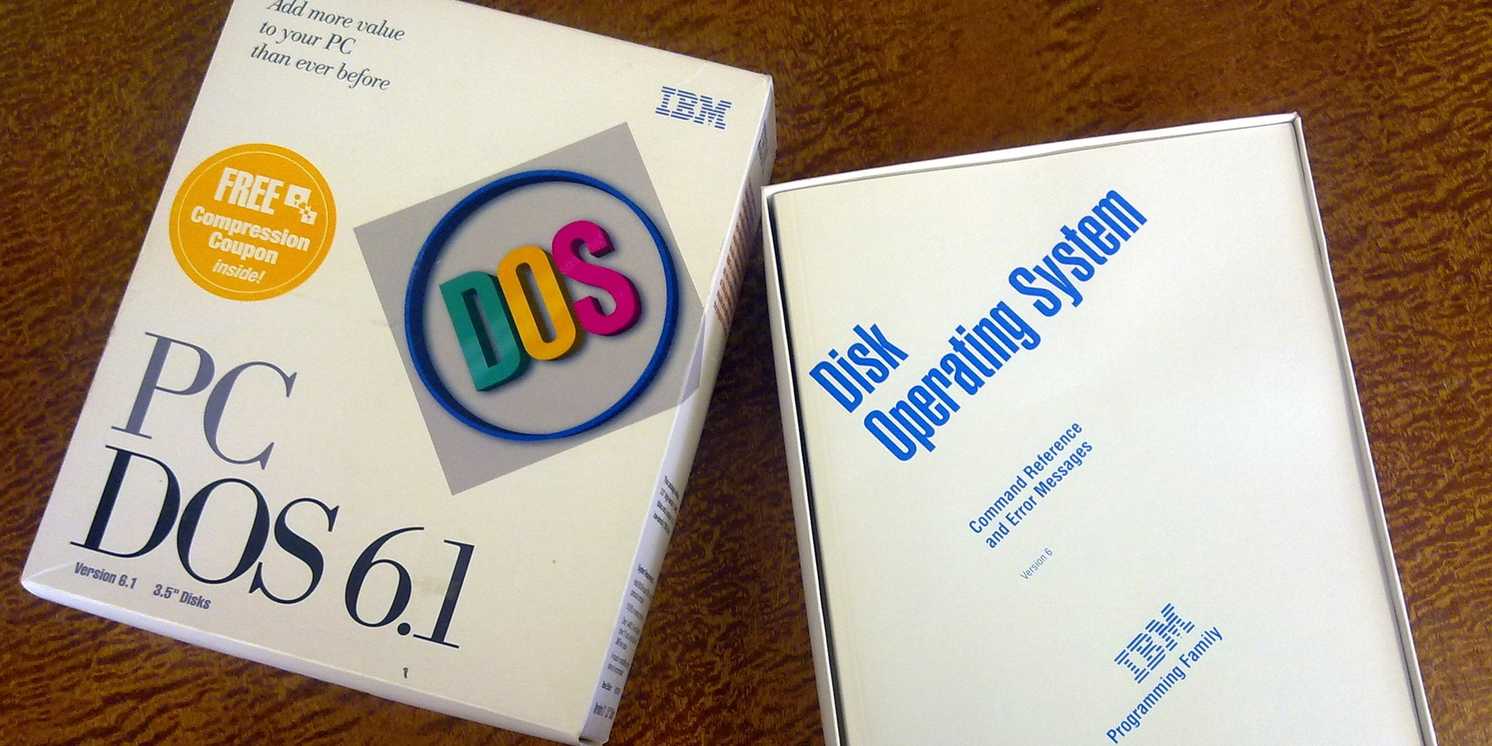
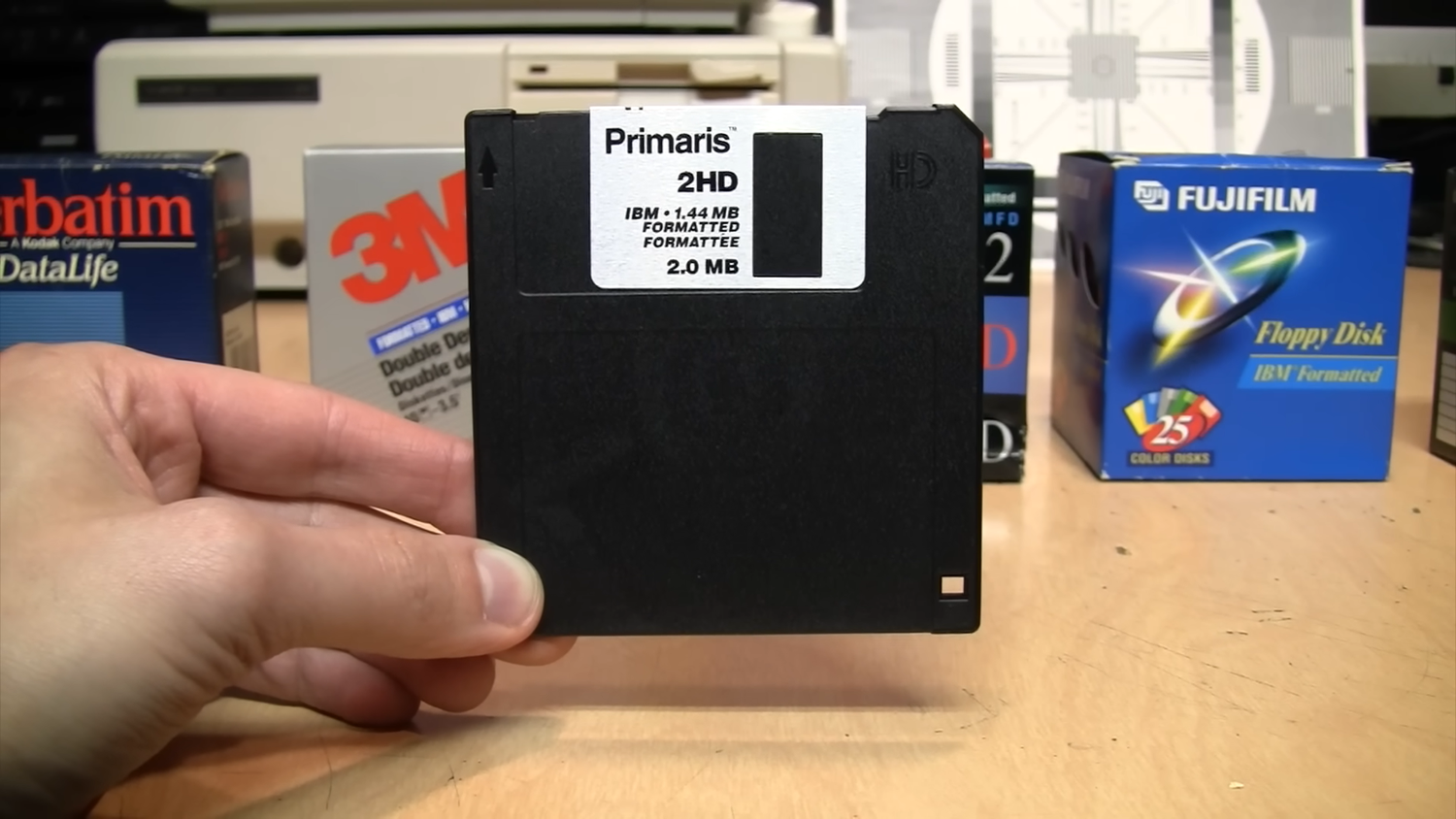
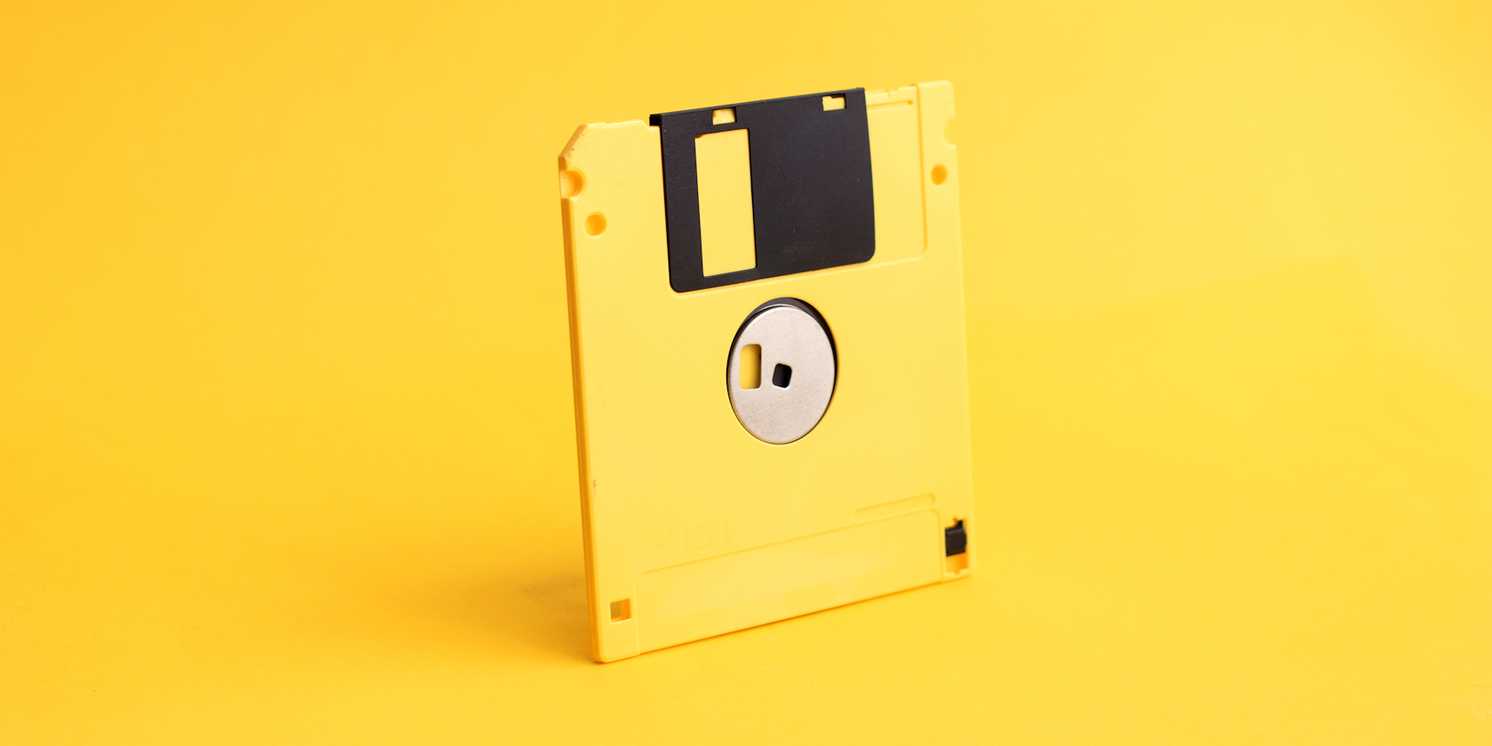
The IBM PC arrived in August 1981 with hardware that looks almost comically small now. The base IBM PC had just 16KB of memory, and if you added a 5.25-inch floppy drive, early disks held around 160KB. DOS had to keep track of files within those tight limits, so its designers used directory entries exactly 32 bytes long. A directory entry is basically the file system's index card for a file: its name, location, size, and basic metadata. That size made sense because those floppy disks used 512-byte sectors, and 512 splits neatly into sixteen 32-byte entries without wasting space.
Inside each 32-byte entry, DOS had to fit everything it needed to describe a file. Eight bytes were used for the filename, three for the extension, and the remaining space was used for details such as attributes, creation date, creation time, starting cluster, and file size. Once all of that was packed in, there was simply no room for longer names within the original short-name structure.
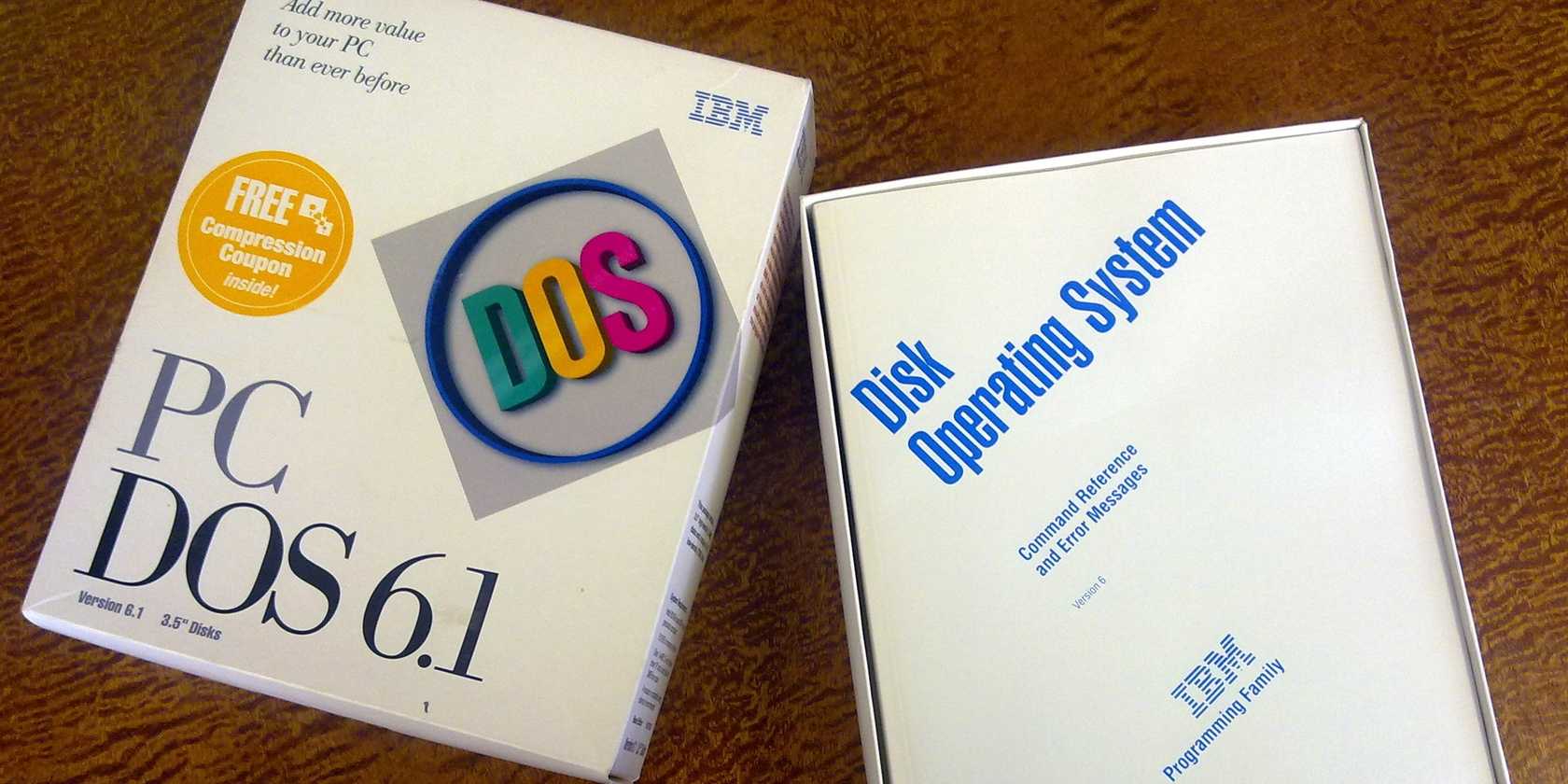
The 8.3 format was not really Microsoft’s grand invention either. Tim Paterson wrote 86-DOS in 1980, the operating system that later became MS-DOS, while closely following Gary Kildall’s CP/M. CP/M had already used an eight-character filename plus a three-character file type back in 1974 on 8-inch floppies, so Paterson kept the same convention partly to make CP/M source code easier to move over.
The hardware kept the usable namespace brutally small, while the eight-and-three split came from the world DOS was trying to be compatible with. By the time PC users encountered it, that strange little format already had years of momentum behind it.
Microsoft's fix was a trick, not a redesign
The short name never actually disappeared

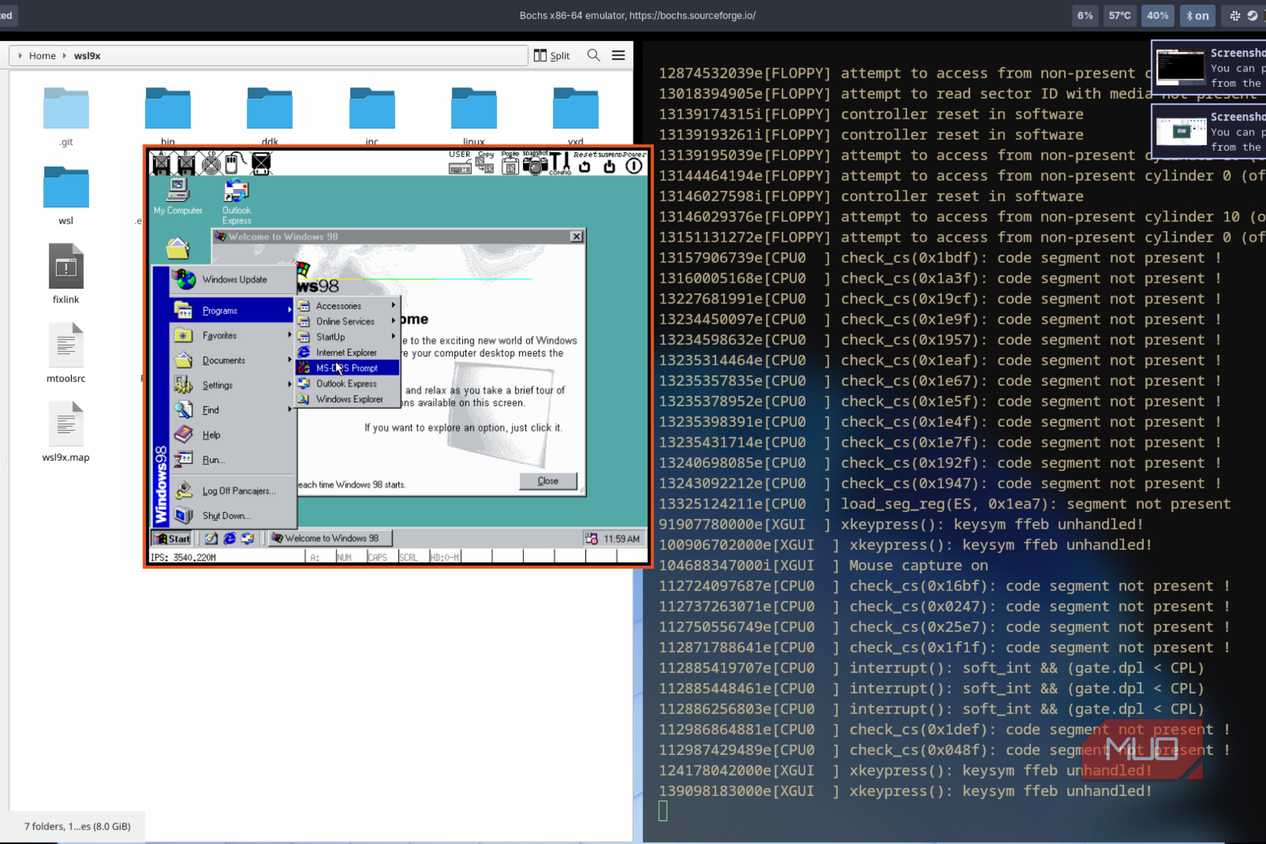
By the early 1990s, filenames like BUDGETQ1.XLS were starting to look painfully cramped next to what people actually wanted to write, such as Budget Q1 Projections.xls. Microsoft’s fix was VFAT, which brought long filename support to mainstream Windows while preserving the old 32-byte directory entry that older DOS software expected.
Instead of discarding the old structure, Windows stored long names in extra 32-byte entries placed directly before the normal file entry, with each holding up to 13 characters. Up to 20 of those entries could be chained together, allowing filenames to stretch to 255 characters. It was a neat bit of engineering because the old structure stayed in place while Windows built a longer name around it.
The trick was making sure older DOS software ignored the extra entries. Windows marked each one as hidden, system, read-only, and volume label at the same time, an attribute combination no normal file would use. Older programs saw that odd combination and skipped past it, while Windows 95 recognized that those strange entries were actually parts of a long filename.
For programs that still needed the old format, Windows generated an 8.3 alias in the background, turning a name like Quarterly Budget Report.xlsx into something like QUARTE~1.XLS. That tilde became so familiar that during Microsoft’s 2001 antitrust trial, people joked that a broken-up Microsoft would become MICROS~1 and MICROS~2.
That compatibility shadow never fully disappeared. Install Windows 11 today, and depending on the volume and system settings, NTFS can still generate 8.3 aliases for long filenames, mostly to support old software that might stumble if those names were to vanish completely. The original rule is long dead; however, Windows still keeps a little doorway open for the world that needed it.
The limit died decades ago, but the habit didn't
Three letters became comfortable, not necessary

Once the technical restriction faded, the habit kept moving under its own momentum. JPEG is the cleanest example, and the split between JPG and JPEG is still one of the easiest ways to see the old three-letter habit in the wild. The format’s full name has four letters, yet early DOS and Windows software had to squeeze it into .jpg. Systems without DOS’s 8.3 ceiling could afford spellings like .jpeg, while DOS and early Windows software helped make the shorter .jpg spelling feel normal. Both versions work almost everywhere today, although .jpg still dominates because Windows popularized the shorter form early and the rest of the software world adjusted around it.

Newer formats show that the ceiling is truly gone. When Microsoft rebuilt Office’s file formats in 2007, it moved to four-letter extensions such as .docx and .xlsx, partly so the newer XML-based documents would look different from the older binary .doc and .xls files at a glance. That was a design decision, not a hardware compromise. The same is obvious across modern file types such as .html, .jpeg, .webp, .heic, and even longer browser-related extensions like .crdownload. Windows is not holding those names back.
Even now, plenty of newer and still-common formats end in three letters, including .png, .svg, .css, and .zip. My own theory is that three characters simply feel natural after decades of typing filenames. It is compact enough to disappear into the rhythm of using a computer, yet distinct enough to signal a real file type. The old world behind the habit has not vanished either. FAT32 is still part of the FAT lineage, and removable storage still keeps old compatibility habits alive, even though newer systems like exFAT are not simply trapped in the original 8.3 design. The ghosts of 1981 are no longer enforcing the rule, but they are still shaping what feels normal.
The limit is gone, but the fossil is still standing.
Three-letter extensions survived because they became a language. Once enough people, programs, cameras, websites, and manuals agreed that .jpg meant an image and .exe meant “be careful,” the abbreviation stopped being a limitation. It became normal.
Windows has outgrown the old 8.3 cage, but it still carries the markings. Every .jpg, .txt, and .exe is a tiny fossil from a time when computers had to be economical with every character, and somehow those fossils still organize our files today.