


My trusty RX 5600 XT is now six years old, and it's been right there by my side through thick and thin. However, lately I've noticed this RDNA 1 GPU starting to struggle, and in multiplayer games, even the slightest frame drops or stutters can ruin the gameplay experience.
An upgrade has become almost necessary for me at this stage, but GPU prices are too high to even consider. Fortunately, I found a hidden setting in AMD Adrenalin Edition: Radeon Boost, which has helped rejuvenate my GPU, and I think I can put off an upgrade for a little while longer.
How Radeon Boost works
Dynamic resolution that only kicks in when your camera moves

We're slowly approaching a paradigm in which raw hardware power matters less than it used to. Instead, newer GPUs rely on software-based enhancements to deliver more performance in games. One example is dynamic resolution, a real-time performance optimization technique used in games to adjust resolution based on system load to maintain a consistent frame rate.
For instance, in a closed space, your system won't have much to render, and dynamic resolution can help increase the pixel count. Conversely, in open spaces where your system has to work extra hard, you'll get a much lower resolution to help maintain consistent frame rates.
Radeon Boost uses the same idea but with a slightly different execution. When your camera moves fast, it puts a load on your system, making it work harder and potentially causing frame drops or stutters. Radeon Boost kicks in at that specific moment and reduces the resolution, and you won't even notice the drop because of the motion of the player.
Once the camera is stable, your game returns to its native resolution. So for people who aren't fans of upscaling or want consistent frame rates throughout their game, Radeon Boost is an excellent feature that won't even compromise on visuals, unless you have super sharp eyes.
My test rig and the games I used
Ryzen 5 5600, RX 5600 XT, 16GB DDR4 RAM, with GTA 5 and Apex Legends

I currently run a Ryzen 5 5600, an RX 5600 XT, and 16GB of DDR4 RAM. Before testing Radeon Boost, note that this feature only works with specific games. For my convenience, I already have Apex Legends and GTA 5 installed on my system, both of which support Radeon Boost.
Apex Legends is built on the now 22-year-old Source engine, which has been heavily modified to meet today's standards. This outdated engine is quite taxing on hardware, and with its fast-paced gameplay and movement, I get micro-stutters and delays when panning the camera quickly that throw off my aim and make me lose the match (trust me, it's not my skills that are to blame).
On the other hand, GTA 5 has also been regularly updated for more than a decade to improve the game's overall visuals, which is why the game's system requirements have increased with the new Enhanced version, now requiring almost double the hardware of the legacy version.
I don't really prefer using upscaling methods because of my 1080p display and the fact that newer FSR versions aren't supported on my RDNA 1 card. Native resolution is a better choice for me unless I want to sacrifice visuals, which I really don't.
Benchmarking Radeon Boost
Quality mode struck the best balance


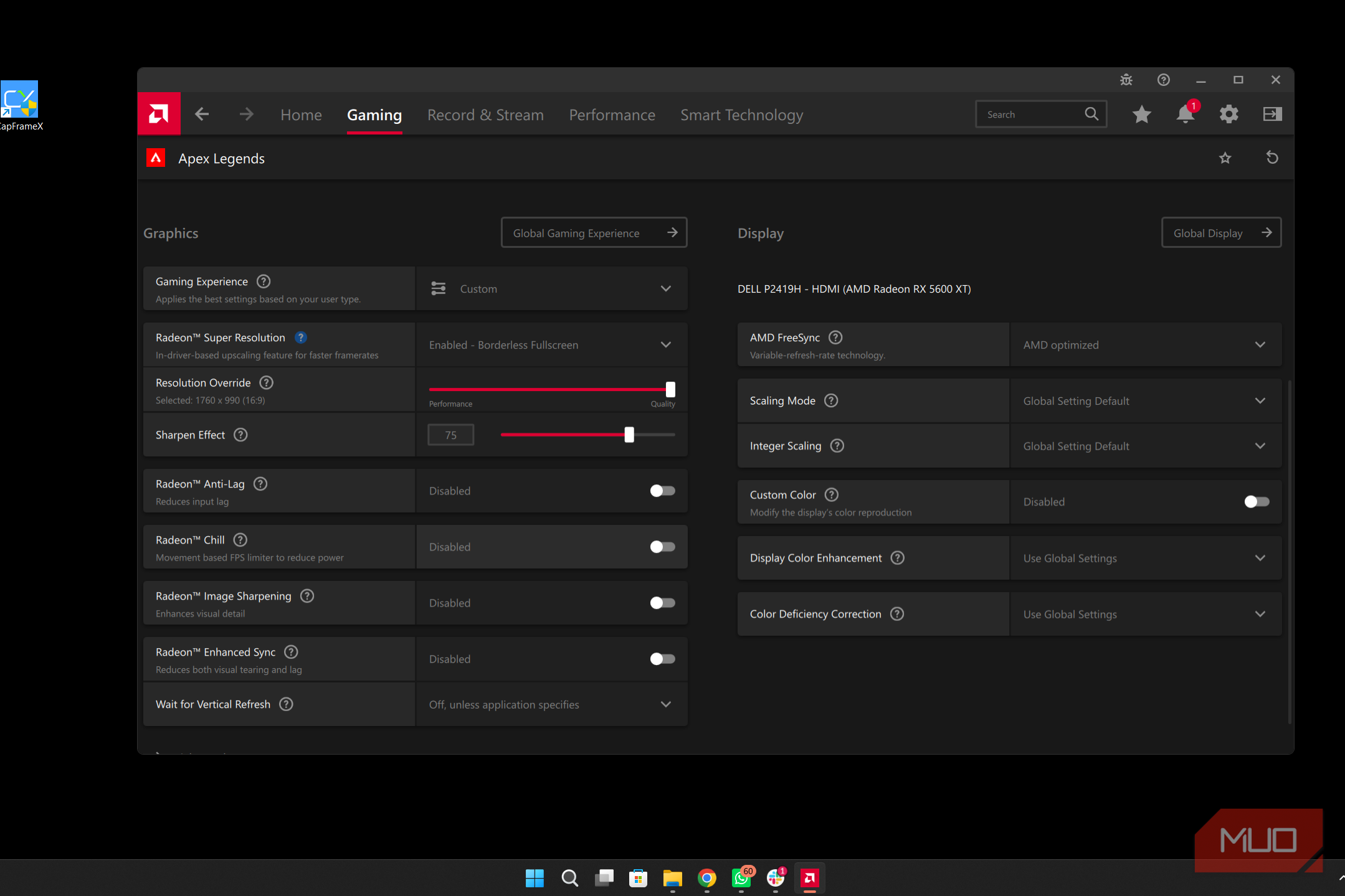
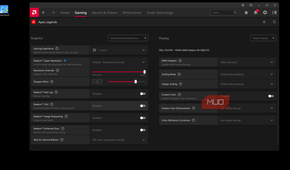


The first step in this process is to enable Radeon Boost, and it's pretty straightforward.
- Open AMD Software: Adrenalin Edition.
- Go to the Gaming tab.
- Select your game.
- Under the Graphics option, find Radeon Boost and enable it.
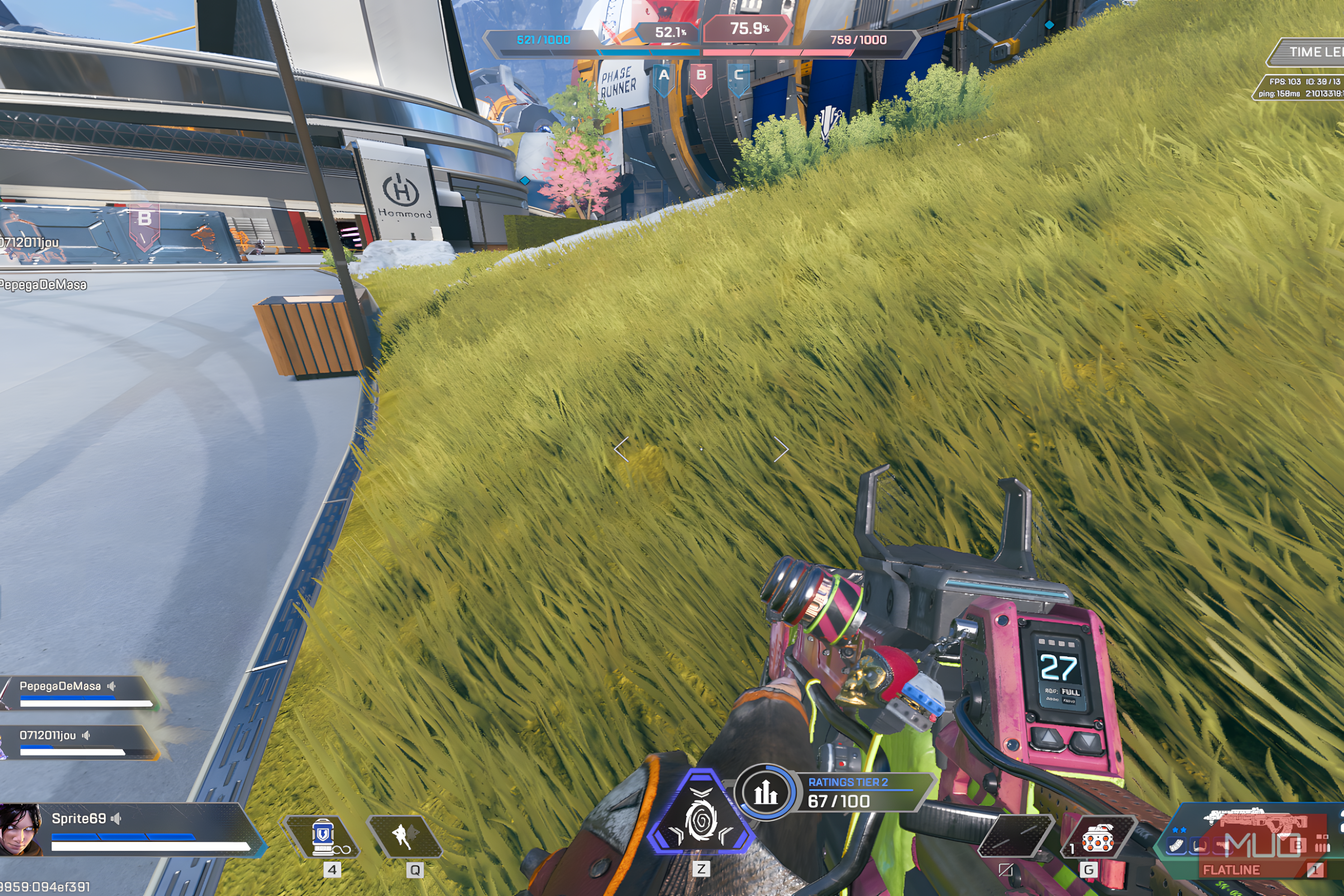
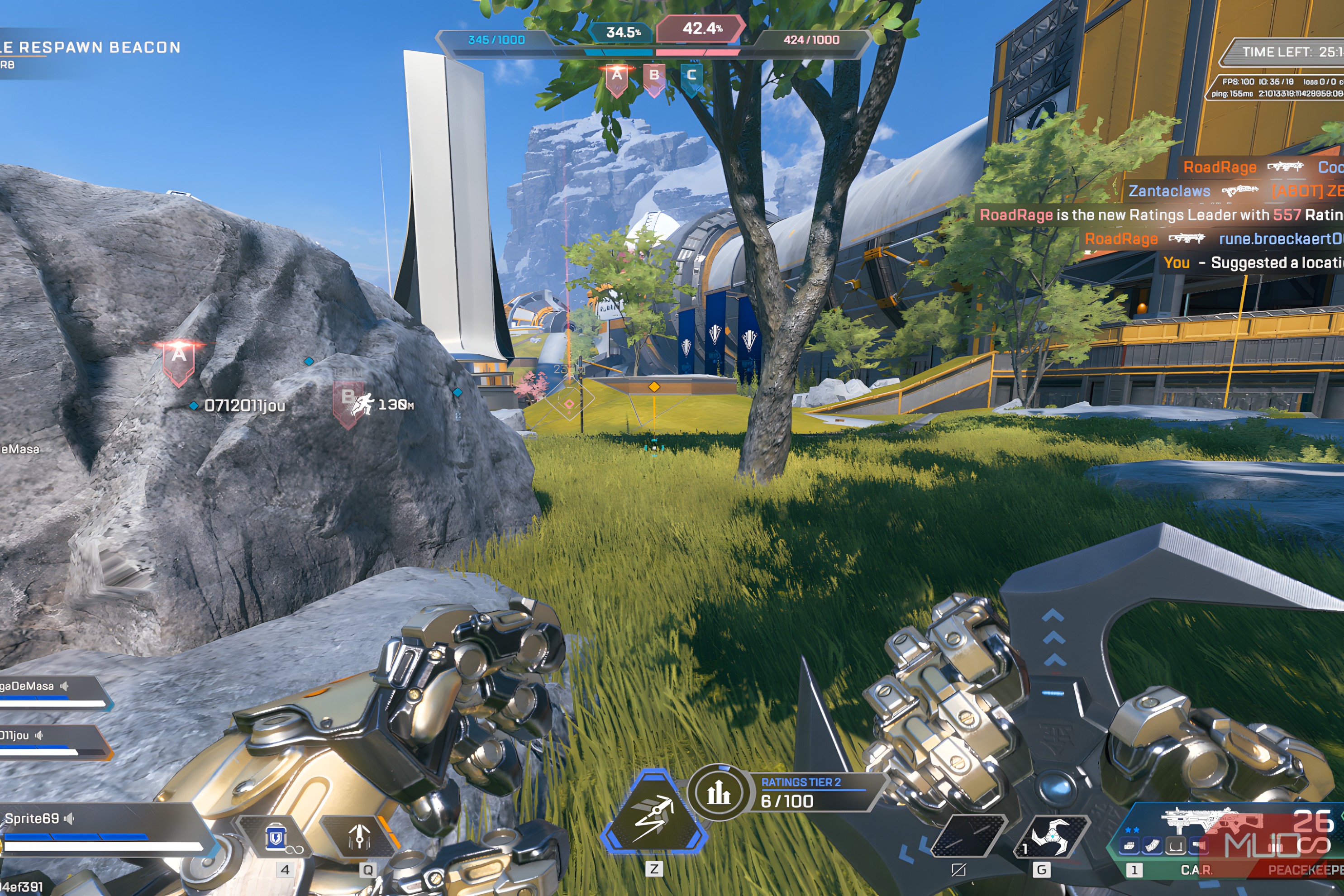
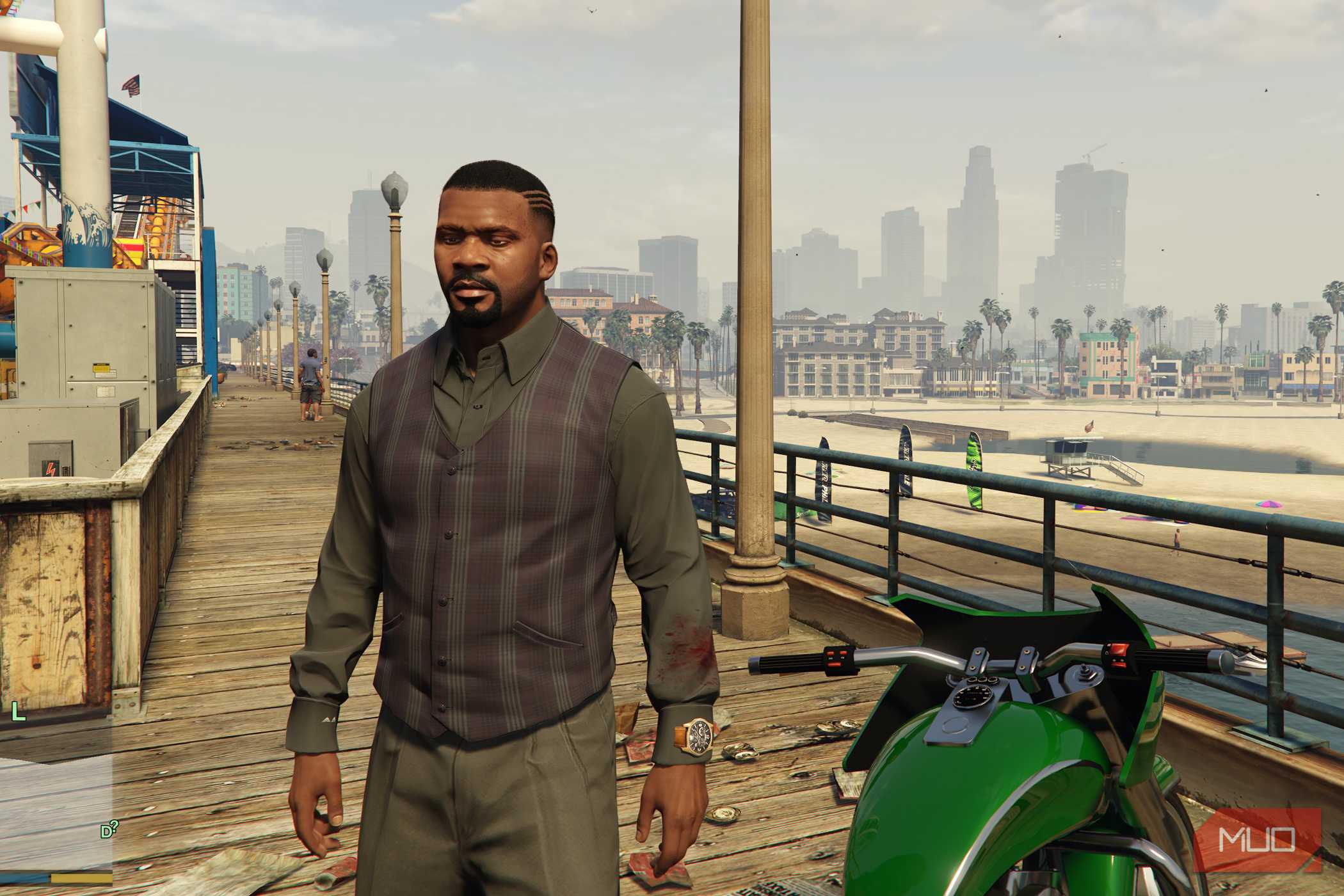
Now, for the benchmark process, I used MSI Afterburner to log FPS, 1% lows, and frame times. I ran Apex Legends at medium graphics settings, 1080p native, with FPS uncapped, both with and without Radeon Boost enabled. For GTA 5, I ran the game at high graphics settings at 1080p native, again with and without Radeon Boost.
Under Radeon Boost, you get two options: Quality and Performance. Under Quality, the resolution is at least 83.3%, whereas in Performance mode, it can drop to 50%.
I tested both settings to see how much of an FPS increase there was and whether the visuals became messy at the 50% minimum resolution. Here are the results.
|
Game |
Average FPS |
Minimum FPS |
Average FPS (Radeon Boost Quality) |
Minimum FPS (Radeon Boost Quality) |
Average FPS (Radeon Boost Performance) |
Minimum FPS (Radeon Boost Performance) |
|---|---|---|---|---|---|---|
|
Apex Legends |
120-130FPS |
75-85FPS |
125-135 |
85-99FPS |
135-150FPS |
85-105FPS |
|
GTA 5 |
70-80FPS |
48-58FPS |
76-88FPS |
52-63FPS |
82-95FPS |
56-68FPS |
I noticed a drastic difference in Apex Legends, and I no longer feel the frame drops and the stutter when diving in from the sky. Radeon Boost worked wonders for me, and I rarely noticed the image getting blurry even at 50% resolution, because the feature only kicks in when the mouse is moving and, with a stable camera, you get full native resolution.
For GTA 5, the game is more CPU-dependent and has too many visuals, and its frame drops are more affected by rendering, which makes Radeon Boost less effective. I also noticed softness in GTA 5 at a 50% resolution scale, so I recommend Quality mode, at least for single-player titles.
On RDNA 2 and 3 GPUs, you get VRS support for Radeon Boost, which means the feature lowers resolution only in parts of the image where the resolution scale has the least impact, so the downgrade doesn't seem noticeable. I couldn't test it since I was running this benchmark on an RDNA 1 GPU.
A patch for old GPUs, not a permanent fix
While Radeon Boost is great, it's become a legacy feature that AMD has abandoned, which is understandable since newer features like FSR 4.1 and frame generation have made it pretty much obsolete. In the past few years, AMD has added support for only a handful of games, such as Alan Wake 2 and Resident Evil 4 Remake. For those with an older GPU like mine, Radeon Boost is worth turning on. Otherwise, I recommend using newer upscalers like FSR 4.1 that are actually good and don't make your image as blurry as past iterations.