
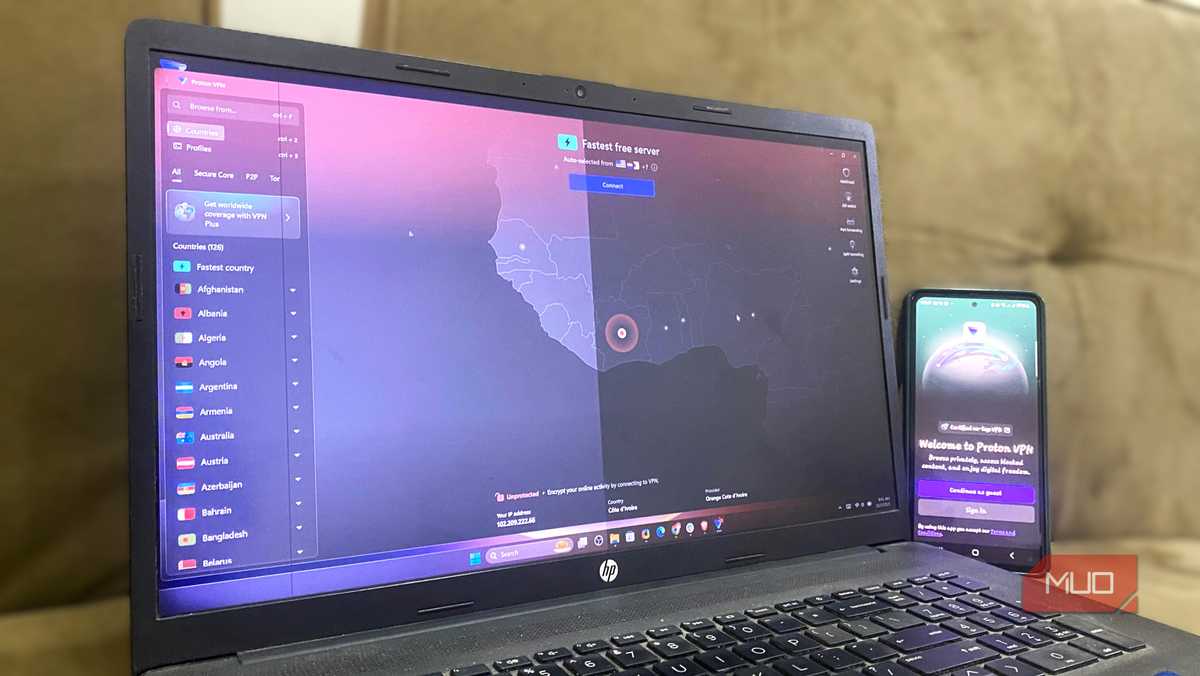

In this digital world, where everything about you is being collected, I used to feel pretty secure about my setup. VPN on, private browsing window open, and a sense that no one could track me. Then I went to Cover Your Tracks, a free tool from the Electronic Frontier Foundation, and watched in real time as the website told me my browser had a nearly unique fingerprint among millions of browsers tested.
This was a bit of a gut punch because I had the VPN turned on the whole time. That's when I realized my VPN isn't stopping my unique browser fingerprint. Your browser is doing exactly the same, too, but there are some ways you can claw your privacy back.
The illusion of total anonymity
Your browser performs fingerprinting
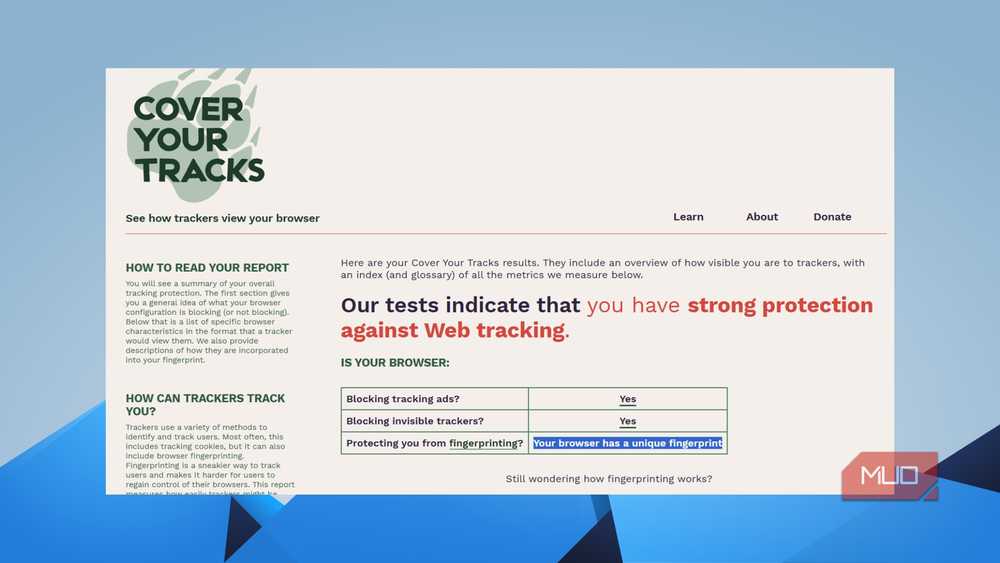
The simplest way to understand what browser fingerprinting is: think of it this way: you load a webpage, and your browser quietly announces a bunch of details about itself. Not just your IP address — but your screen resolution, your operating system, which fonts are installed on your device, your browser version, your timezone, the graphics card you are using, and dozens of other tiny details.
While individually, none of these details gives away much about you. But when combined, they create something uniquely yours. This combination of different data points is your browser fingerprint, and according to research by EFF, around 84% of browsers have a fingerprint unique enough to track them across the web without using cookies or your IP address.
You will be shocked to know what data browser fingerprinting can read. Here is a partial list of what fingerprinting scripts can read from your browser:
- Browser type and version
- Operating system and version
- Screen resolution and color depth
- Installed fonts
- Browser plugins and extensions
- Timezone and language settings
- Canvas and WebGL rendering
- AudioContext fingerprint
- CPU core count and available memory
We have covered many guides on how to protect yourself against browser fingerprinting and even shared a Chrome extension that fights it. These methods will help you keep your fingerprint anonymous through camouflage.
Why your VPN doesn't stop browser fingerprinting
It just hides your IP address

Browser fingerprinting is a bit hard to block. Regular tracking methods, such as cookies, remain on your device. You can delete or block them, since websites are legally required to obtain your consent in many countries.
Browser fingerprinting is different. It doesn’t store anything on your device, and only reads what’s already there. And since your hardware and software configuration doesn’t change just because you open a private tab or use a VPN, the fingerprint remains consistent.
A VPN is great for hiding your IP address. It routes your traffic through a server somewhere else. However, while your VPN hides your IP address, it does absolutely nothing to hide all the data that your browser can scrape. When you connect to a website, your IP address is routed through the VPN server. But everything else, your fonts, screen resolution, browser plugins, your GPU rendering, etc., comes from the actual device you are using.
The VPN cannot affect any of that, which is why it is unhelpful at hiding anything except your IP address. Incognito mode? It just stops your browser from saving your history and cookies locally.
There are only a few ways to protect yourself
It’s not your VPN; it's your browser


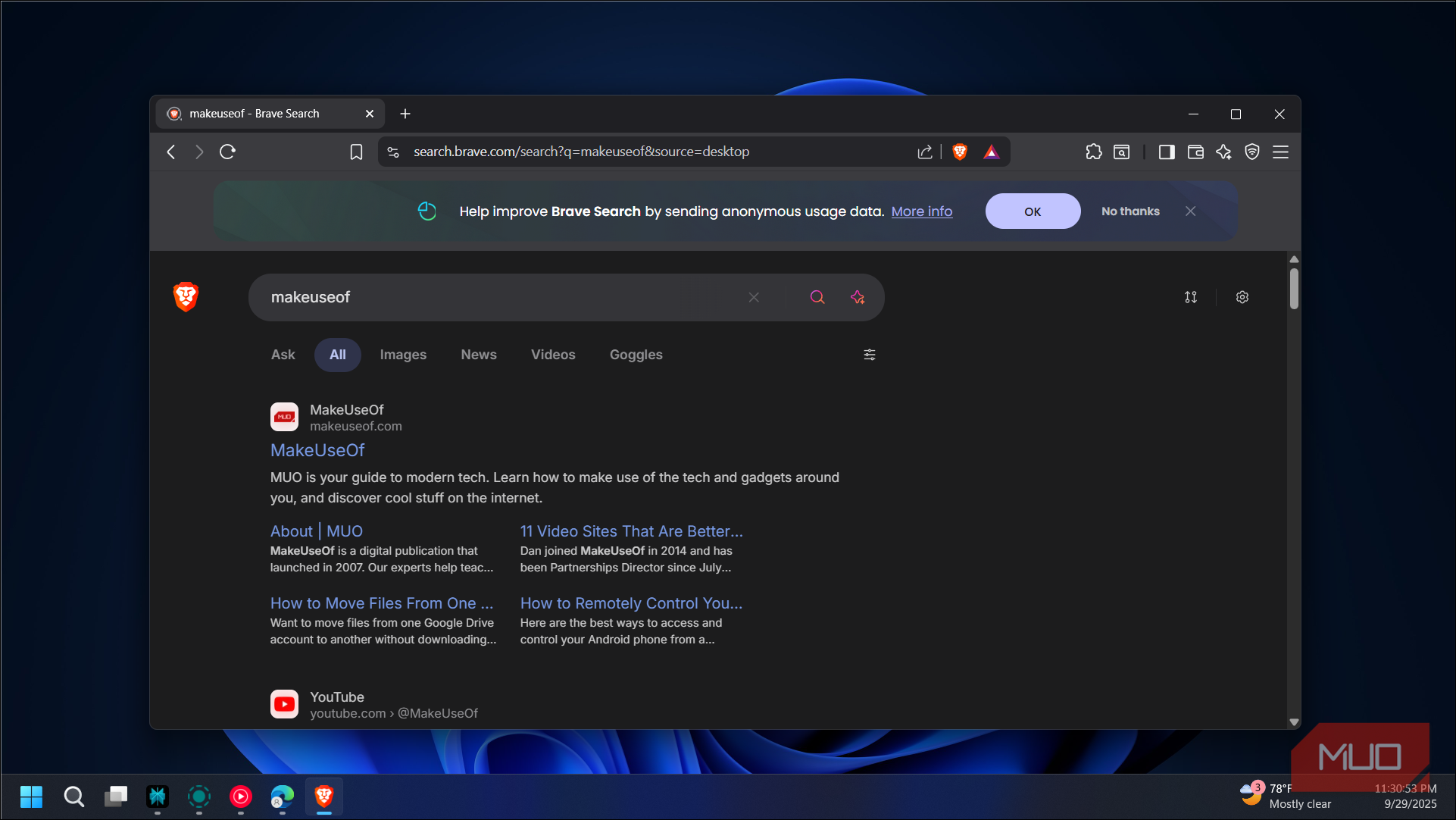
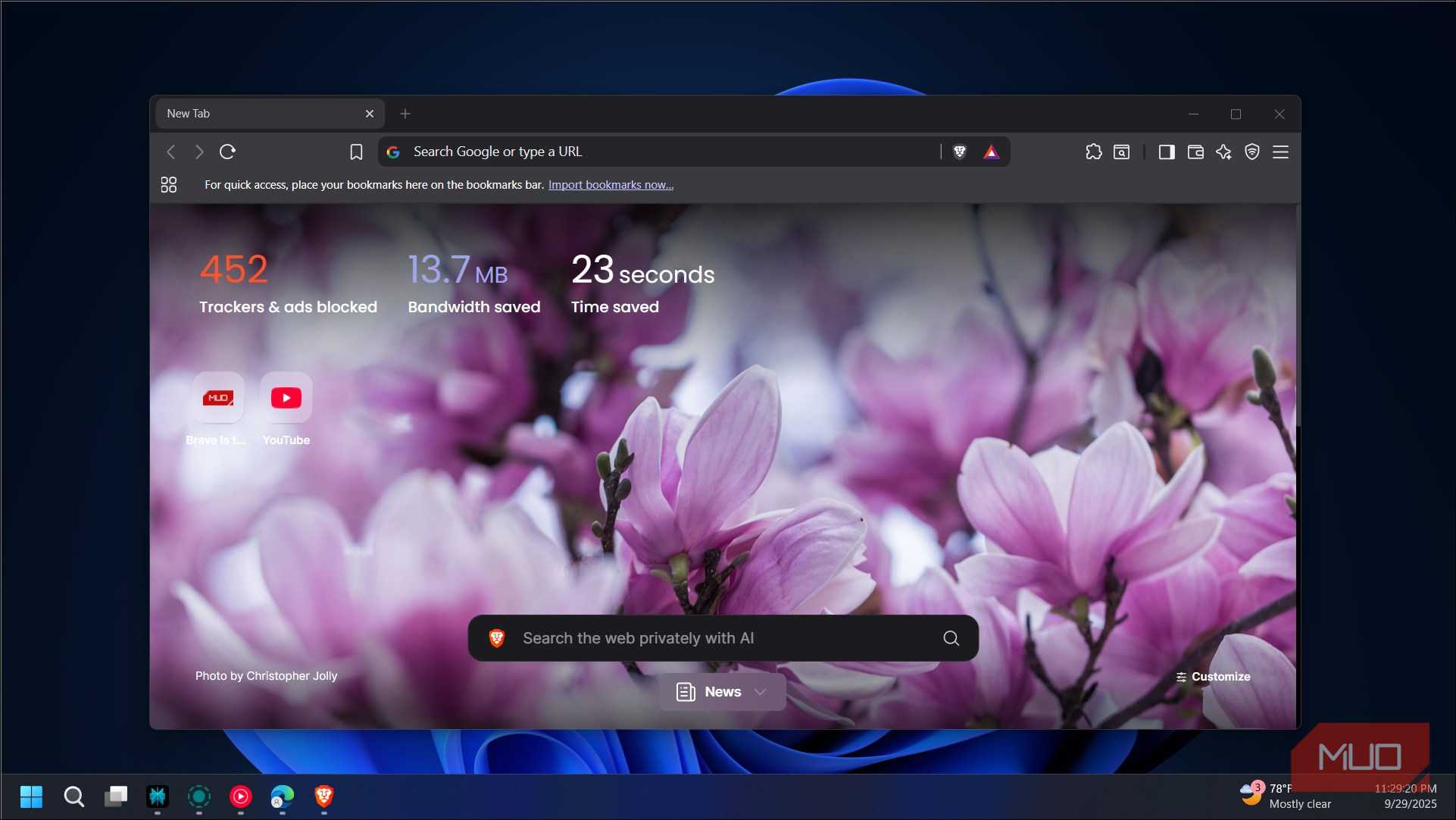
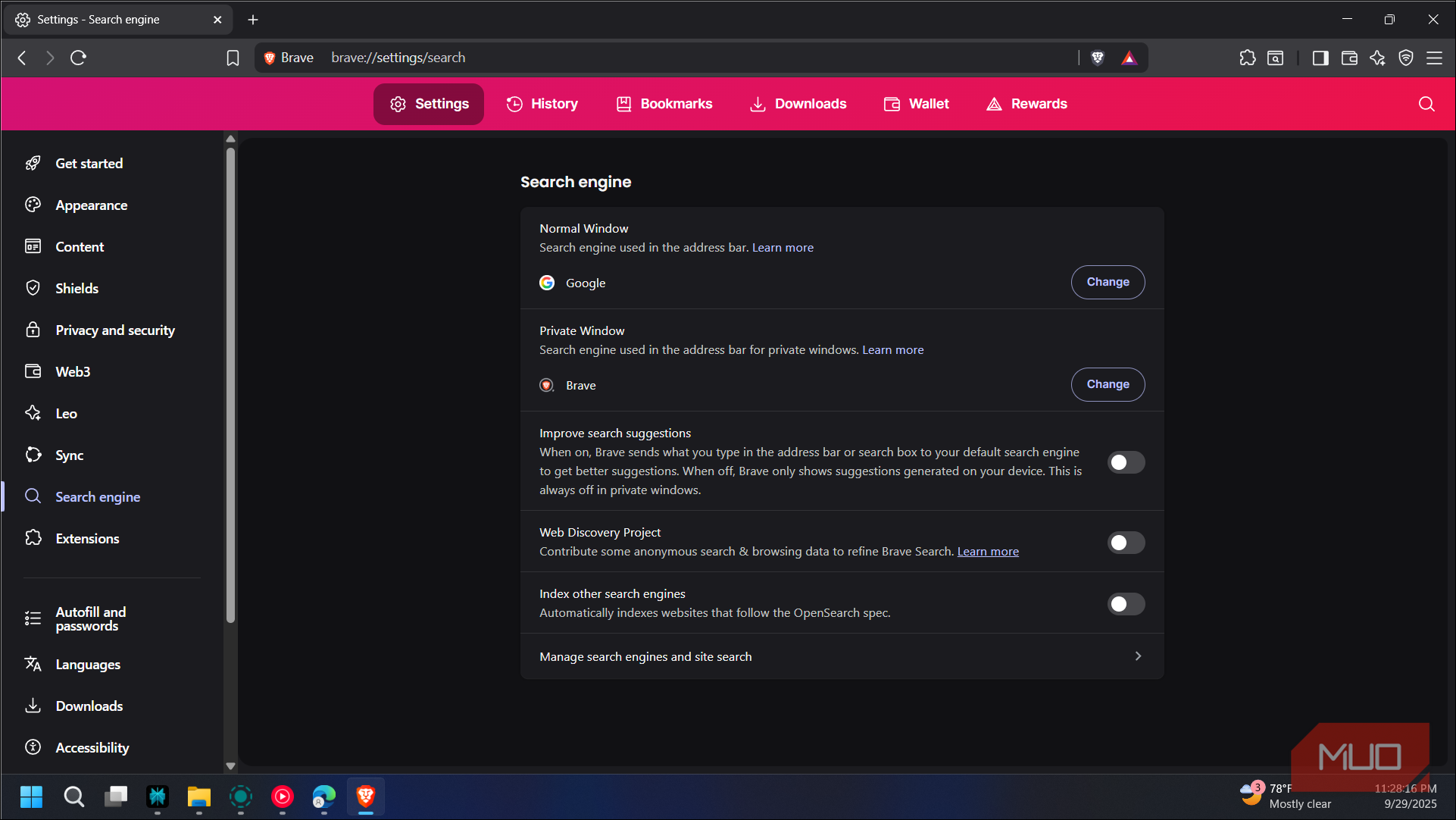
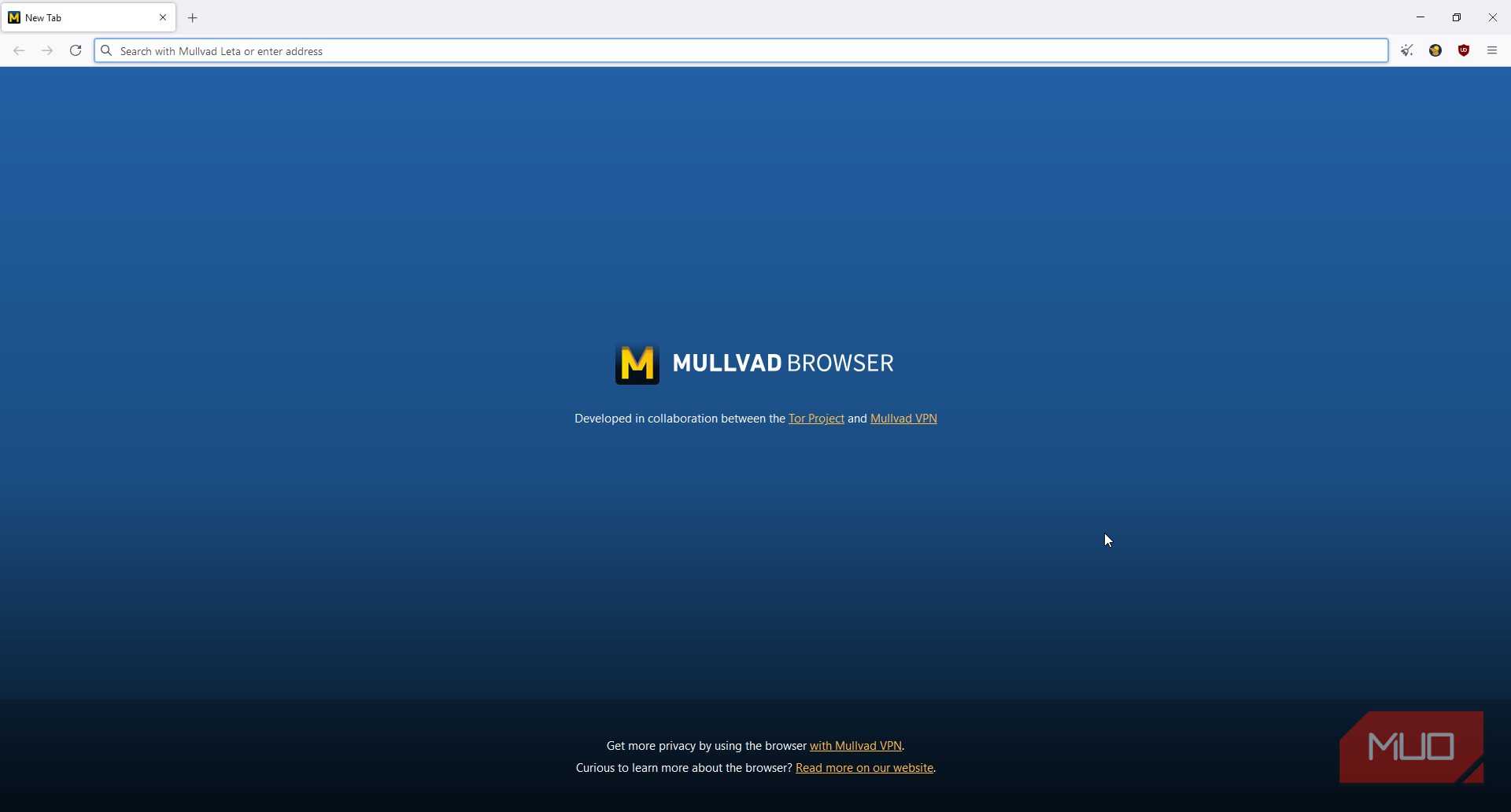
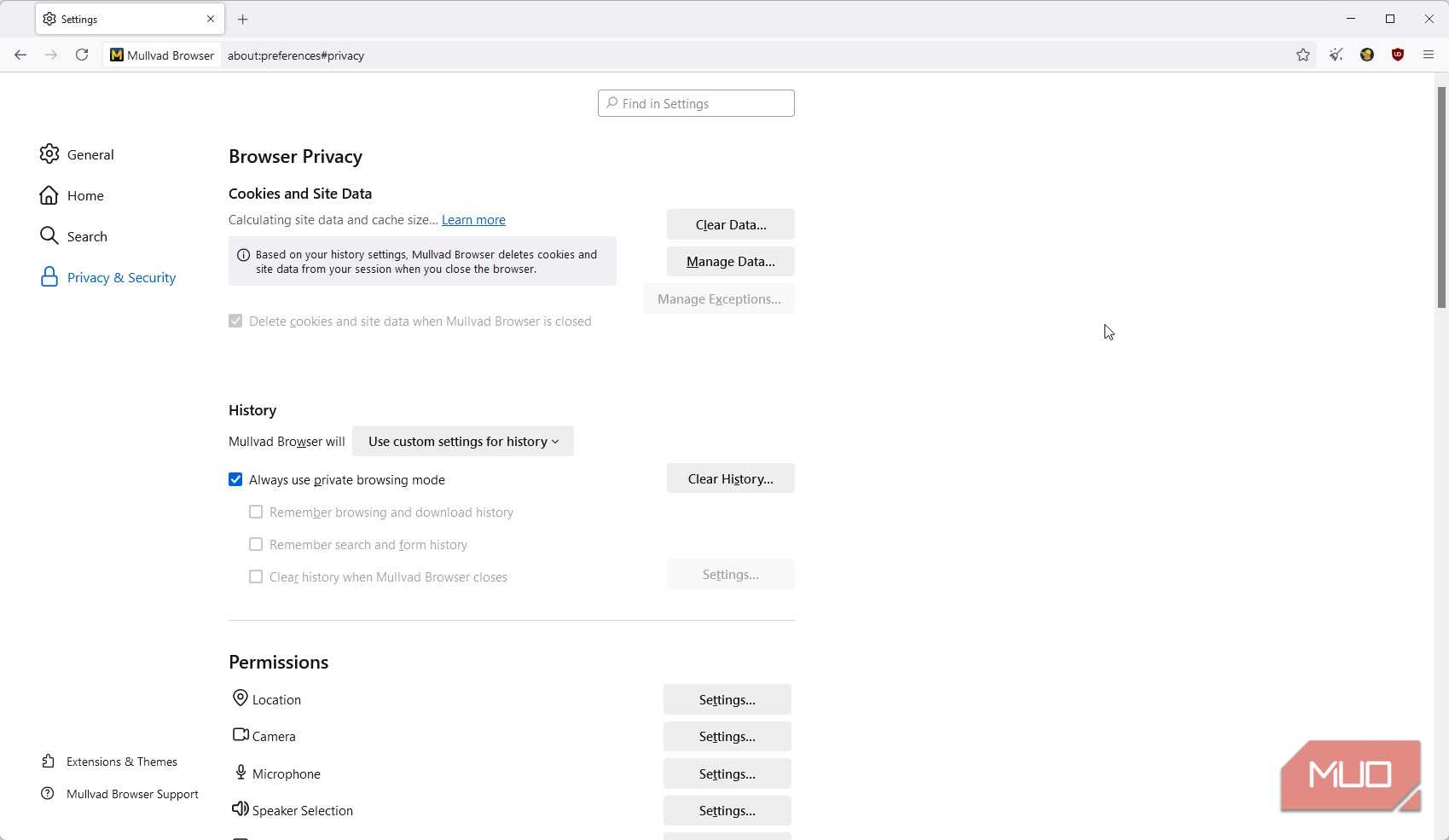
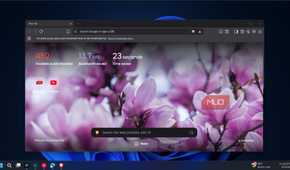
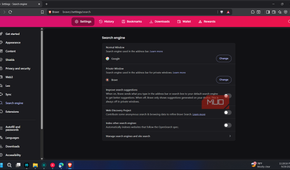
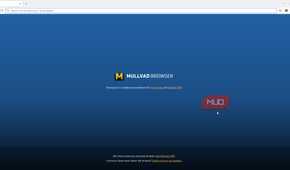
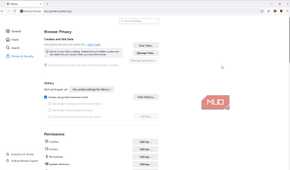
The main question is, if your VPN cannot protect you from this, what can? To fight browser fingerprinting, you do not need to abandon the browsers everyone uses; you need to make your browser look less unique. A well-configured mainstream browser can be part of that strategy, but browsers like Brave and Mullvad Browser go a step further by actively reducing the data sites can use to identify you. Brave uses farbling to randomize certain fingerprinting signals, while Mullvad Browser adopts Tor Browser’s anti-fingerprinting approach to make many users appear more alike.
Brave is built on the same engine as Chrome, but it implements security features in such a way that fingerprinting is randomized. Every time you visit a website using Brave Browser, it feeds slightly different randomized hardware data, making it impossible for trackers to build a unique profile. In my opinion, it is one of the best browsers available in terms of performance and privacy.
Mullvad Browser is a combined effort of the Tor Project and Mullvad VPN, and is a browser that is designed to make every single computer identical. We have a guide that explains in depth about Mullvad Browser. In short, it hides your personal data and online activity by concealing your metadata. Mullvad Browser is incredibly effective for true anonymity.
One warning is that you should not go ahead and try installing 20 extensions that say they protect you from fingerprinting. Ironically, having a highly customized browser setup and a unique combination of extensions makes your fingerprint stand out. When it comes to fingerprinting, customization is the enemy. Some other effective methods against fingerprinting are disabling JavaScript and using a tracker blocker.
Don’t cancel your VPN subscription yet
Again, out of frustration that your VPN isn’t doing much to protect your identity, you shouldn’t cancel your VPN subscription yet. It is still doing a highly important job of securing your network traffic and hiding your IP address. You need to remember that to have true privacy, you need a layered approach. If you still think your VPN isn’t doing a good job, there are a few other options that you can try. Start by heading over to EFF’s Cover Your Tracks tool and understanding how unique your browser looks. And then check after you have applied all the safety mechanisms. The results might change your thinking about how online privacy works.