


For years, the usual advice around changing your Domain Name System (DNS) resolver was to switch to Cloudflare's 1.1.1.1 or Google's 8.8.8.8, so you might get slightly faster or more reliable lookups. More recent comparisons have shown that the bigger difference between Google DNS and Cloudflare DNS isn't raw speed, but speed was usually the easiest reason to care.
In 2026, DNS sits much closer to the privacy side of the web. Newer technologies can hide information that HTTPS used to leave exposed, but those protections work best when your DNS lookups are protected too. Your DNS settings now affect who can see the domains you look up, which encrypted DNS options you can use, what gets filtered, and how much you benefit from newer privacy features such as Encrypted Client Hello.
HTTPS is finally hiding one of its oldest leaks
ECH fixes a problem HTTPS never fully solved

HTTPS has protected the contents of web traffic for years, but it historically left behind one obvious clue. When your browser started a secure connection, the Server Name Indication (SNI) inside the TLS ClientHello could reveal the hostname you were trying to reach.
Think of it like sending a locked letter with the destination written clearly on the outside. Your ISP couldn't read what was inside, but it could often tell which site you were connecting to.
That's what Encrypted Client Hello (ECH) is designed to fix. Standardized in RFC 9849 in March 2026, ECH encrypts the sensitive portion of the TLS ClientHello, including the real server name. Android 17 pushed this further by bringing broad ECH support into a major mobile operating system, with ECH already available in most desktop browsers. Actual use still depends on the app's networking library and the destination server supporting it, but the direction is clear: hiding the hostname is becoming part of the normal web stack rather than an experimental browser feature.
DNS is closely tied to that process. A site that supports ECH publishes the information a client needs through HTTPS DNS records, which can include an ECH configuration containing the public key and other parameters required for the encrypted handshake.
The rough sequence looks like this:
Your device → asks DNS for an HTTPS record → receives the ECH configuration → connects to the website using ECH
You don't need a special DNS resolver that somehow "understands" ECH. The more important issue is whether the DNS lookup itself is exposed.
If your device asks for example.com using ordinary plaintext DNS, your ISP may already have seen that hostname before ECH gets a chance to hide it during the HTTPS connection. You fixed one leak, but the same information escaped a moment earlier.
That's why encrypted DNS and ECH work so well together. ECH hides the website name during the TLS handshake, while encrypted DNS hides the lookup that came before it.
DNS encryption is becoming normal internet plumbing
DoT, DoH, and DoQ all solve the same basic leak differently


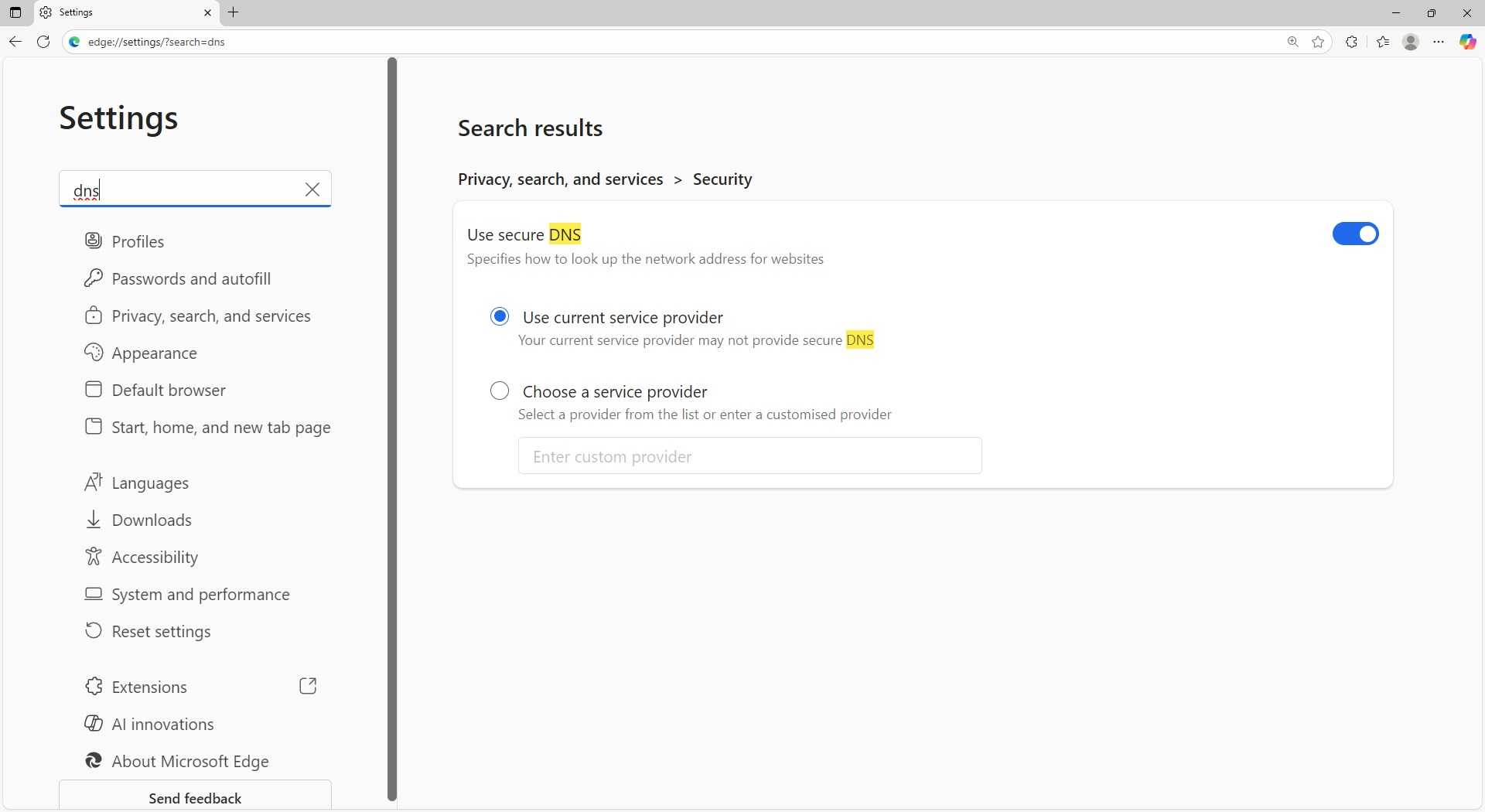
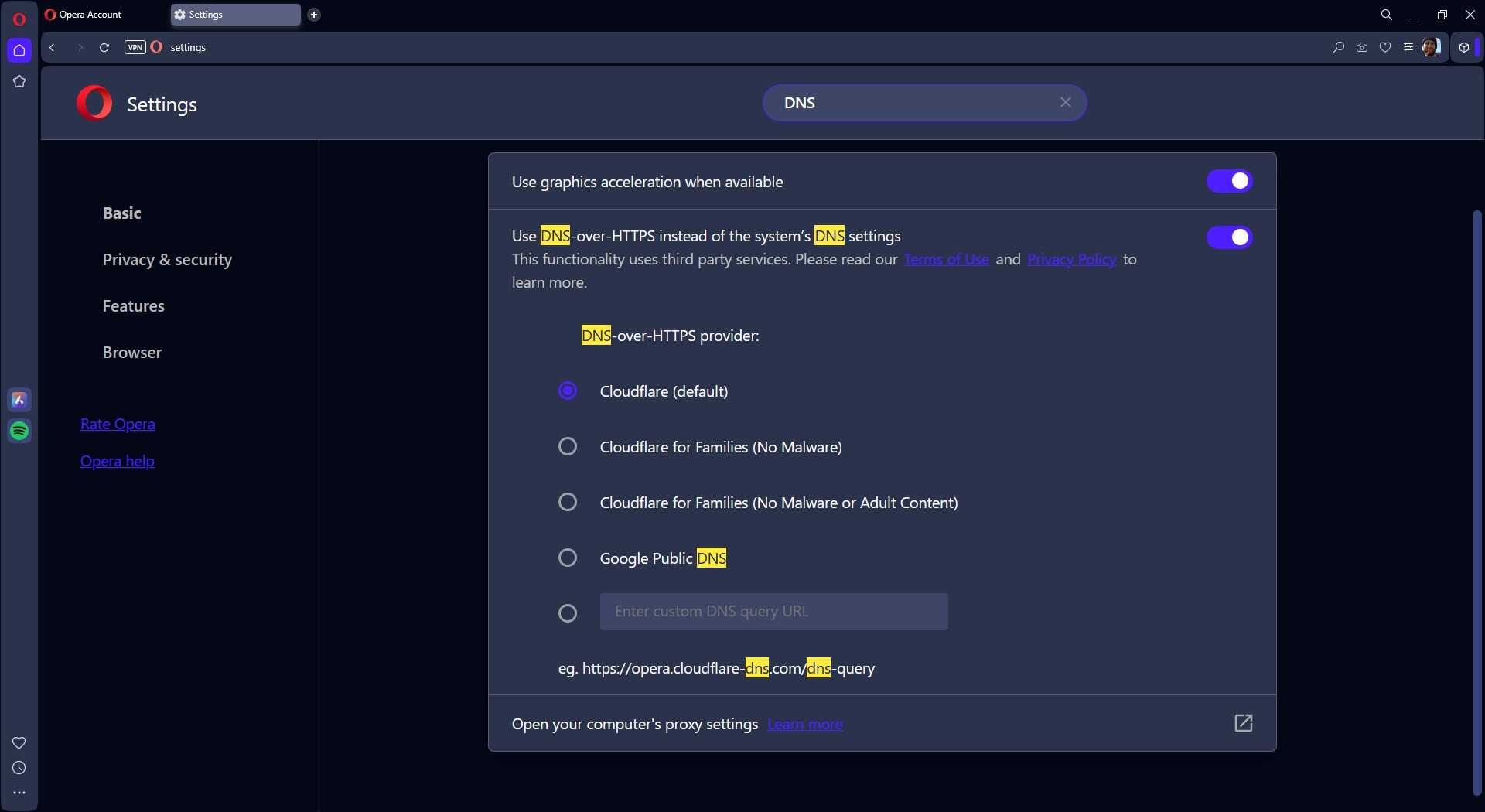
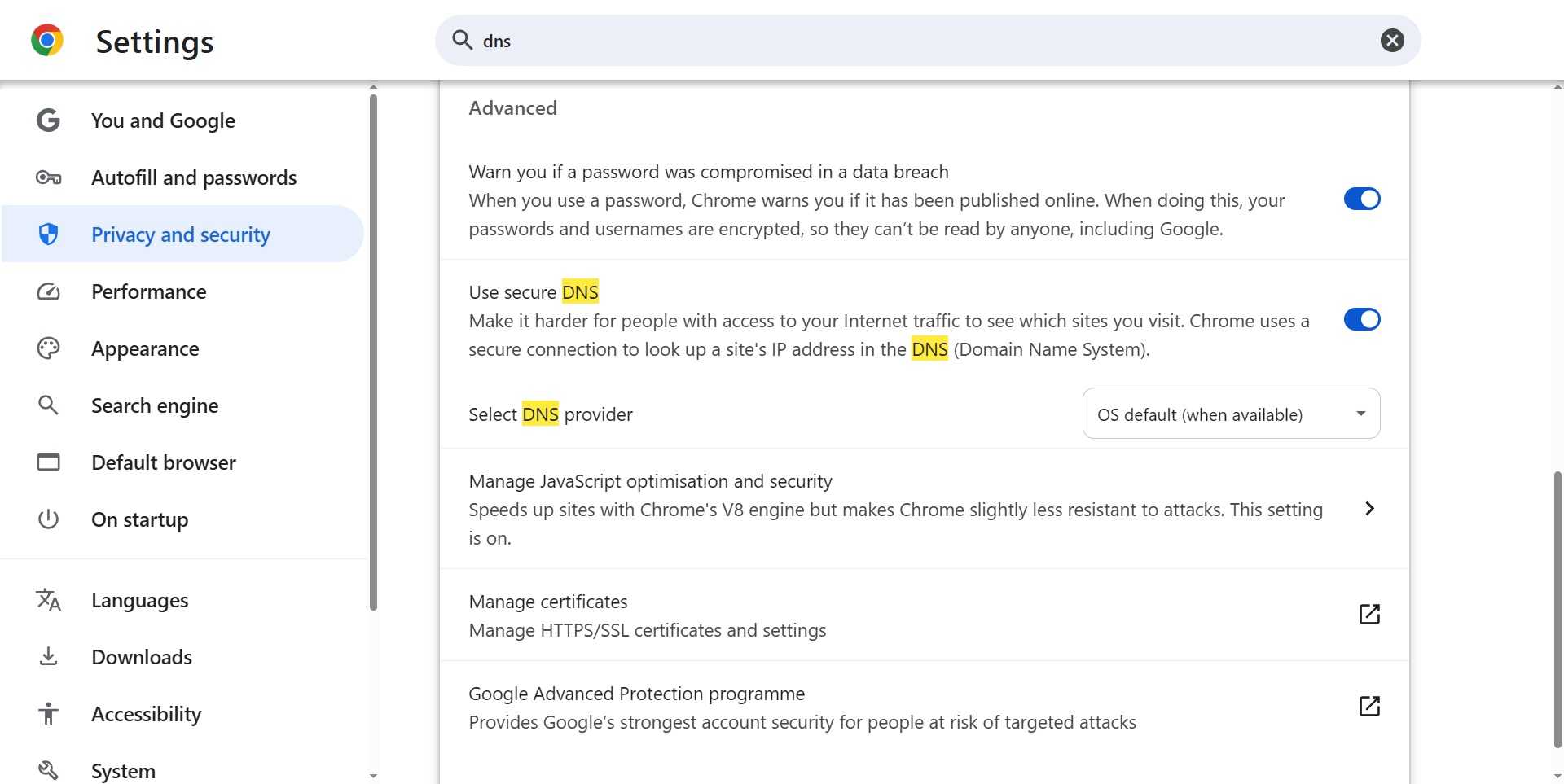
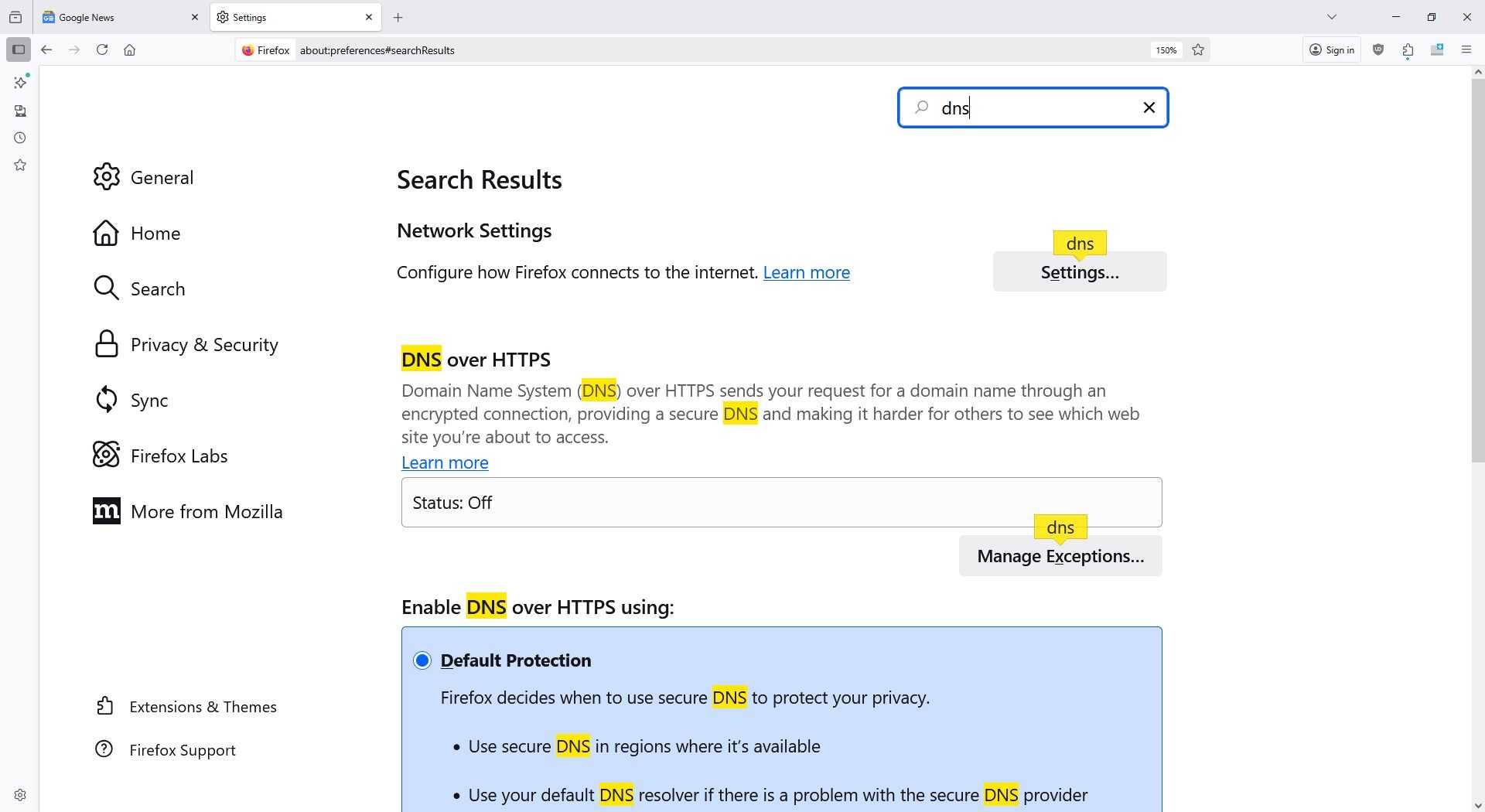
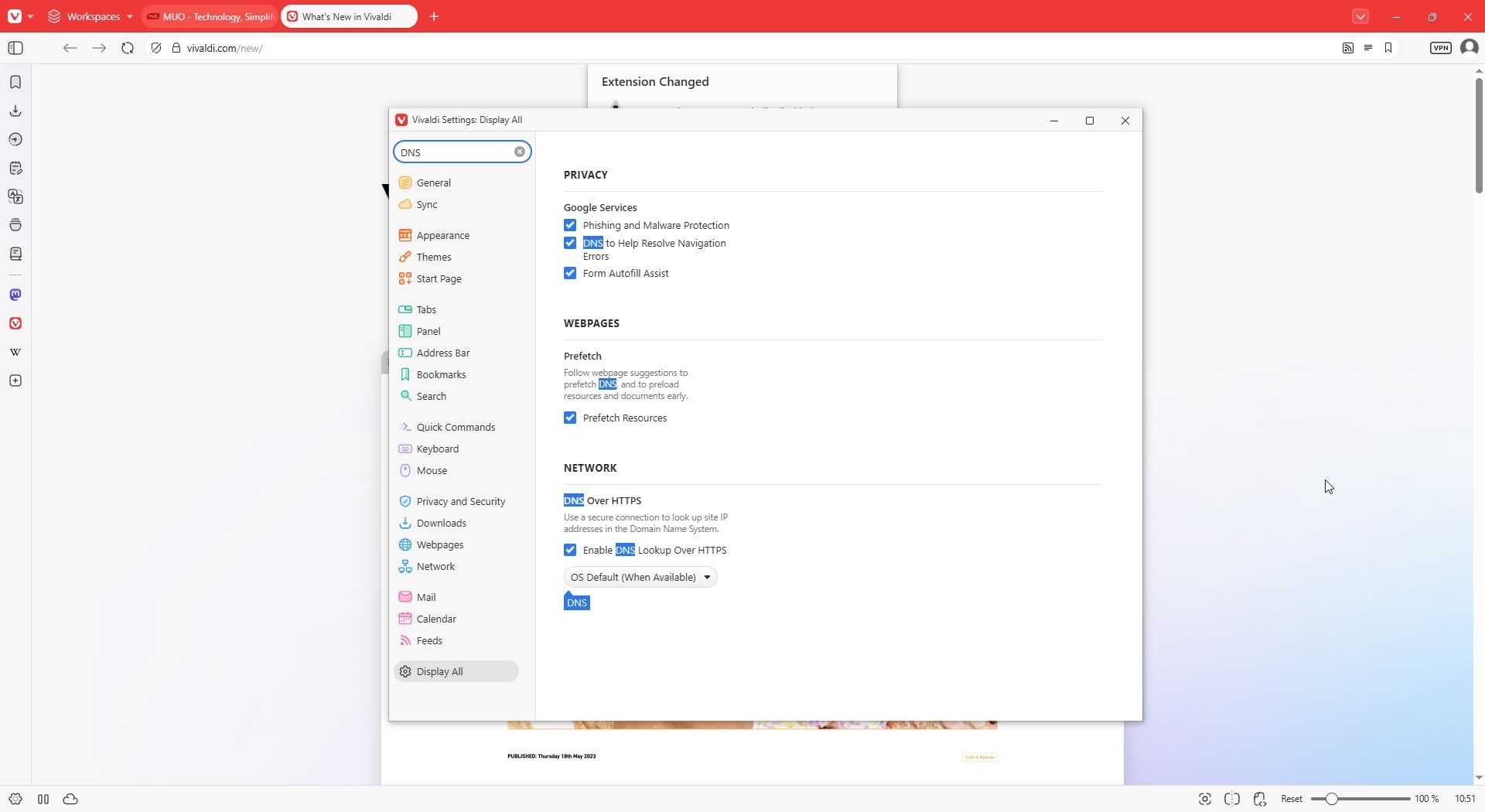
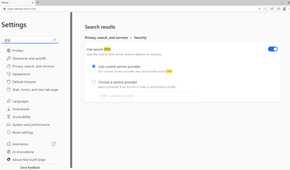
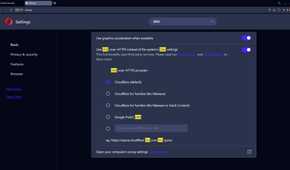
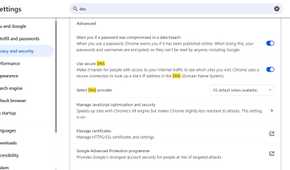
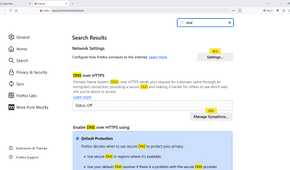
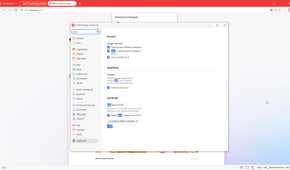
Traditional DNS sends queries unencrypted (in plaintext). Your device asks a resolver for the IP address behind a domain name, and anyone in a position to watch that traffic can potentially see what you're asking for.
Several encrypted alternatives have shown up over the years. DNS-over-TLS (DoT) wraps DNS queries in a TLS connection and usually uses port 853. DNS-over-HTTPS (DoH) sends them over HTTPS on port 443, which lets DNS traffic travel alongside ordinary web traffic. Modern DoH can also run over HTTP/3 and QUIC (Quick UDP Internet Connections) instead of relying entirely on TCP.

DNS-over-QUIC (DoQ) is a newer encrypted DNS option beyond DoH and DoT, carrying encrypted DNS directly over QUIC. QUIC supports independent streams, so packet loss affecting one DNS request doesn’t have to stall unrelated ones behind it. On unreliable or congested networks, that can give DoQ an edge over older TCP-based approaches.
You don’t need to memorize the plumbing. For most people, the useful part is that DoH, DoT, and DoQ all encrypt DNS traffic between your device and the resolver.
DoQ has also moved well beyond the experimental stage. Public DNS providers now run it on production networks, although whether you can use it still depends on support from your operating system, router, browser, or DNS app.
One easy thing to miss is that switching DNS providers does not automatically encrypt anything. You can point your device at 1.1.1.1 and still send ordinary plaintext DNS queries. Changing the resolver only changes who answers them, while protecting the traffic itself requires an encrypted transport such as DoH, DoT, or DoQ.
That gets especially easy to overlook now that browsers and operating systems bury the technical details behind names like “Secure DNS” and “Private DNS.” Those settings are often the part that actually determines whether your DNS traffic is encrypted, and DNS over HTTPS can stop your ISP from seeing individual domain lookups rather than merely changing which resolver answers them.
Your resolver is now part of your privacy policy
Encryption changes who you trust rather than removing trust altogether

Encrypted DNS stops people between you and the resolver from casually reading your DNS queries. It does not make the resolver itself disappear from the picture. The resolver still sees the domains you ask it to look up, so choosing one is partly a privacy and policy decision.
Different providers have different rules around logging, retention, malware blocking, content filtering, DNSSEC, and jurisdiction. Quad9, for example, operates from Switzerland and focuses heavily on privacy and blocking malicious domains. There are also free DNS providers that beat Google and Cloudflare at specific jobs, depending on whether your priority is filtering, security, privacy, or something else.

Even sticking with one of the big-name providers doesn't necessarily mean you get only one set of rules. Major services often expose alternate DNS modes for malware blocking and other filtering, so changing the resolver address can change what gets blocked without changing providers altogether.
Your ISP may offer some of the same things, but using a different resolver lets you choose whose rules and privacy policy you prefer. There is no single best DNS provider for everyone. The useful thing to remember is that your ISP's default resolver is still a choice, even if you never made that choice yourself.
A DNS switch still isn't a VPN
Changing your DNS settings can improve your privacy, but it does not make you invisible online.
Encrypted DNS prevents people watching the connection between your device and your DNS provider from simply reading the domain names you look up. ECH can also hide the website name that used to appear during the initial HTTPS connection. Together, they close two useful windows into your browsing.
But your ISP can still see the IP addresses your device connects to, and the websites you visit still see your IP address. In some cases, those IP addresses and other clues can reveal or at least narrow down where your traffic is going. So encrypted DNS and ECH make tracking harder, but they do not provide the same privacy as a VPN.
Where you turn on encrypted DNS also matters. If you enable "Secure DNS" only in Chrome, for example, Chrome gets the protection while other apps may continue using your device's normal DNS settings. Android's Private DNS works more broadly because it applies at the operating-system level, although apps that handle DNS themselves can still behave differently.
So don't simply replace your ISP's DNS address and assume you're done. Choose a DNS provider you trust, then make sure you're actually using an encrypted option rather than ordinary plaintext DNS.