


Home servers hold backups, photos, and some databases; the kind of data we can't afford to lose. But do we ever pause to question if our setup has actually earned the trust we put in it? The reality is that in most home setups, even a corrupt file may be saved, backed up, and treated as the real thing because nothing checks whether the data has changed before it's written permanently. The fix starts with ECC memory, a piece of hardware that most home servers skip.
Some corruption leaves no trace
Why damaged files don't always trigger an error

Random computer errors are quite common and may be triggered by factors as mundane as electrical interference on the memory bus, degraded DRAM cells, manufacturing defects, or an aggressively undervolted CPU. Indeed, cosmic radiation can also cause file corruption. However, on this list, it's the least common factor.
In many cases, a flipped bit is overwritten seconds later, causing no harm. However, the kind of errors that you should be wary of are corrupted data sitting in your RAM that eventually gets written to disk before it's noticed. That incorrect copy on disk becomes your only copy, and neither the filesystem nor the OS detects the change. Later, when you need the file, you might see missing pixels in an image or incorrect values in databases. This corruption can also result in an archive you can't extract when you need it.
This is worse than a crash, because a crash signals a problem immediately, whereas silent corruption can go unnoticed.
ECC catches what you can't
How ECC detects and corrects memory errors

Error-Correcting Code (ECC) does exactly what the name implies. ECC RAM stores additional check bits alongside your data. These check bits are needed by the memory controller to detect and correct single-bit errors before the bad value is moved or saved. Standard RAM has no mechanism to detect or correct these errors and will store whatever values it's given, even with mistakes.
ECC protects servers from the costs of downtime and bad data. However, it's often skipped on home servers, where there's more tolerance for occasional errors in daily workloads, or because it's an additional cost to the setup.
You need to choose the right hardware to add ECC to a home server, as not all consumer boards support it. With AM5 motherboards, support is inconsistent, as some will not even boot with ECC memory installed. Support is almost entirely skipped on Intel's mainstream desktop chips. However, there are two reliable paths:
|
Route |
Example hardware |
ECC support |
What to know |
|---|---|---|---|
|
DIY, AMD platform |
ASRock Rack's AM5 server boards (e.g. AM5D4ID2) with a Ryzen 7000/8000/9000 or EPYC 4004/4005 chip |
Yes, listed explicitly |
These are dedicated server boards |
|
DIY, Intel platform |
ASUS Pro WS W880-ACE SE or ASRock Rack W880M WS with a Core Ultra Series 2 chip |
Yes |
W880 supports ECC, while the consumer Z890 does not |
|
Prebuilt NAS |
Synology DS923+ / DS925+ |
Yes, standard |
ECC RAM ships built in, nothing to verify yourself |
|
Prebuilt NAS, budget tier |
Synology DS425+ |
No |
Drops ECC to hit a lower price point |
On regular DDR5, there is an on-die ECC feature, which is internal DRAM protection and not full system-level ECC with end-to-end reporting. Once you have hardware that supports ECC, the ECC RAM itself isn't much more expensive than standard RAM.
ECC isn't the whole answer
Other tools that help protect your data



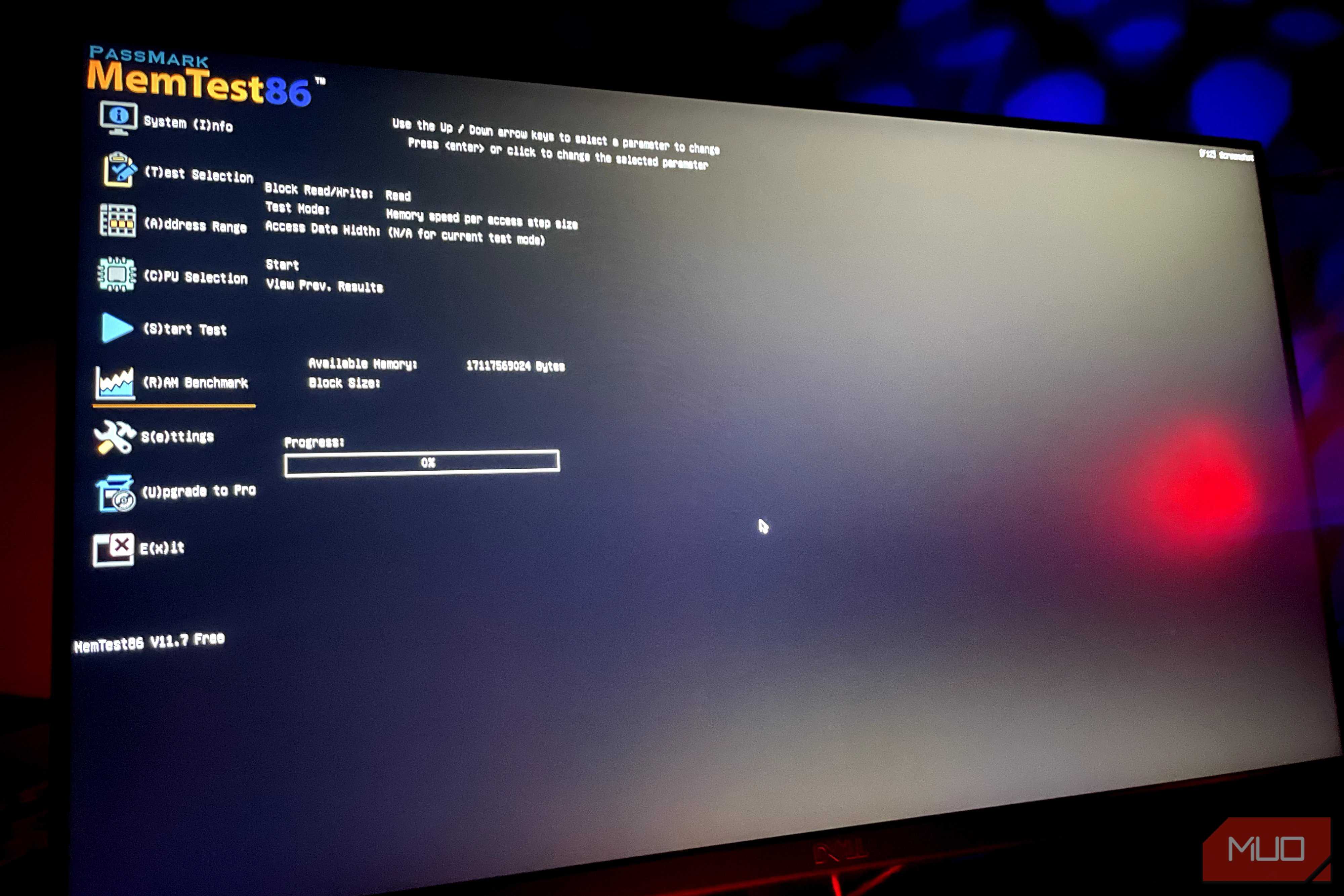
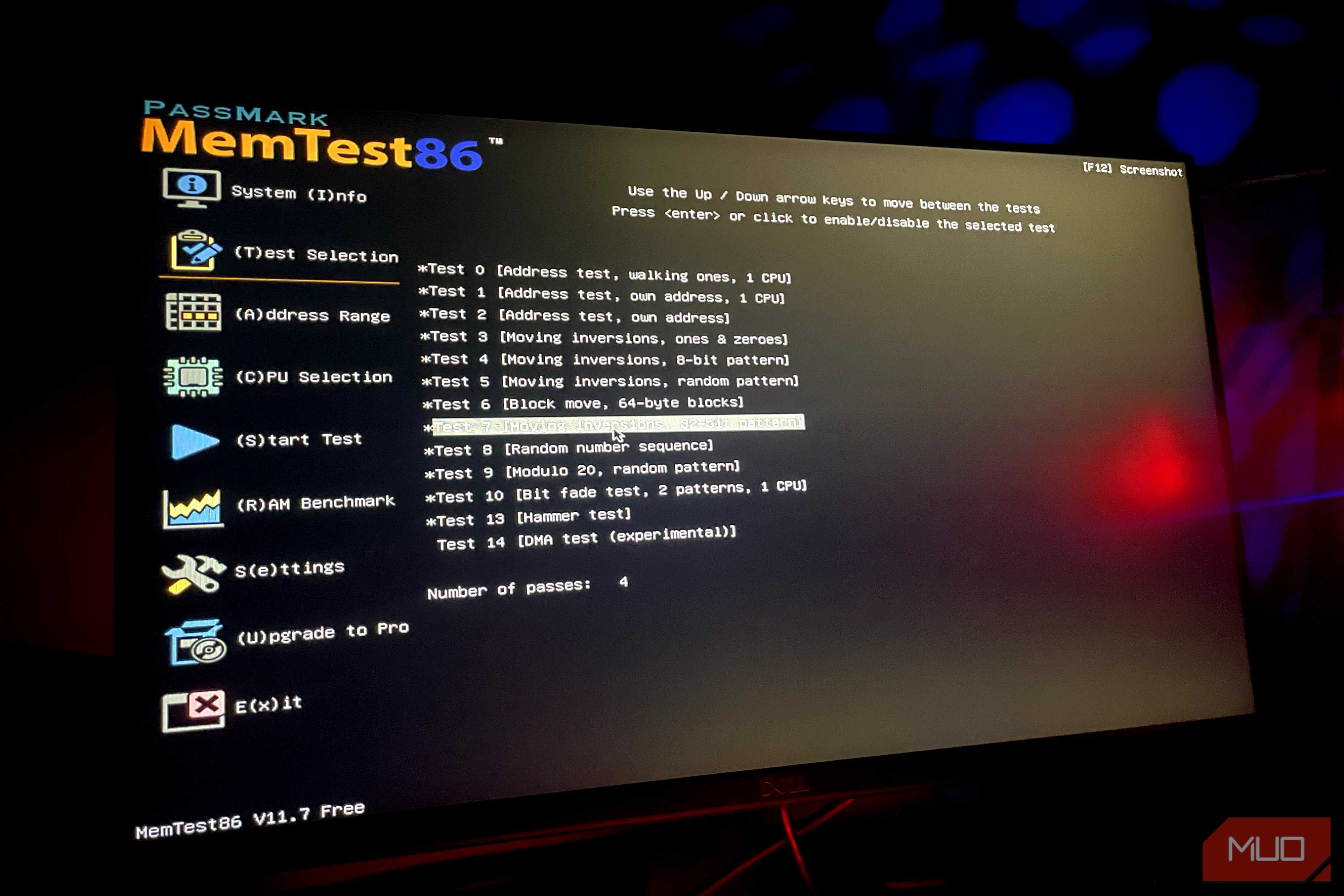
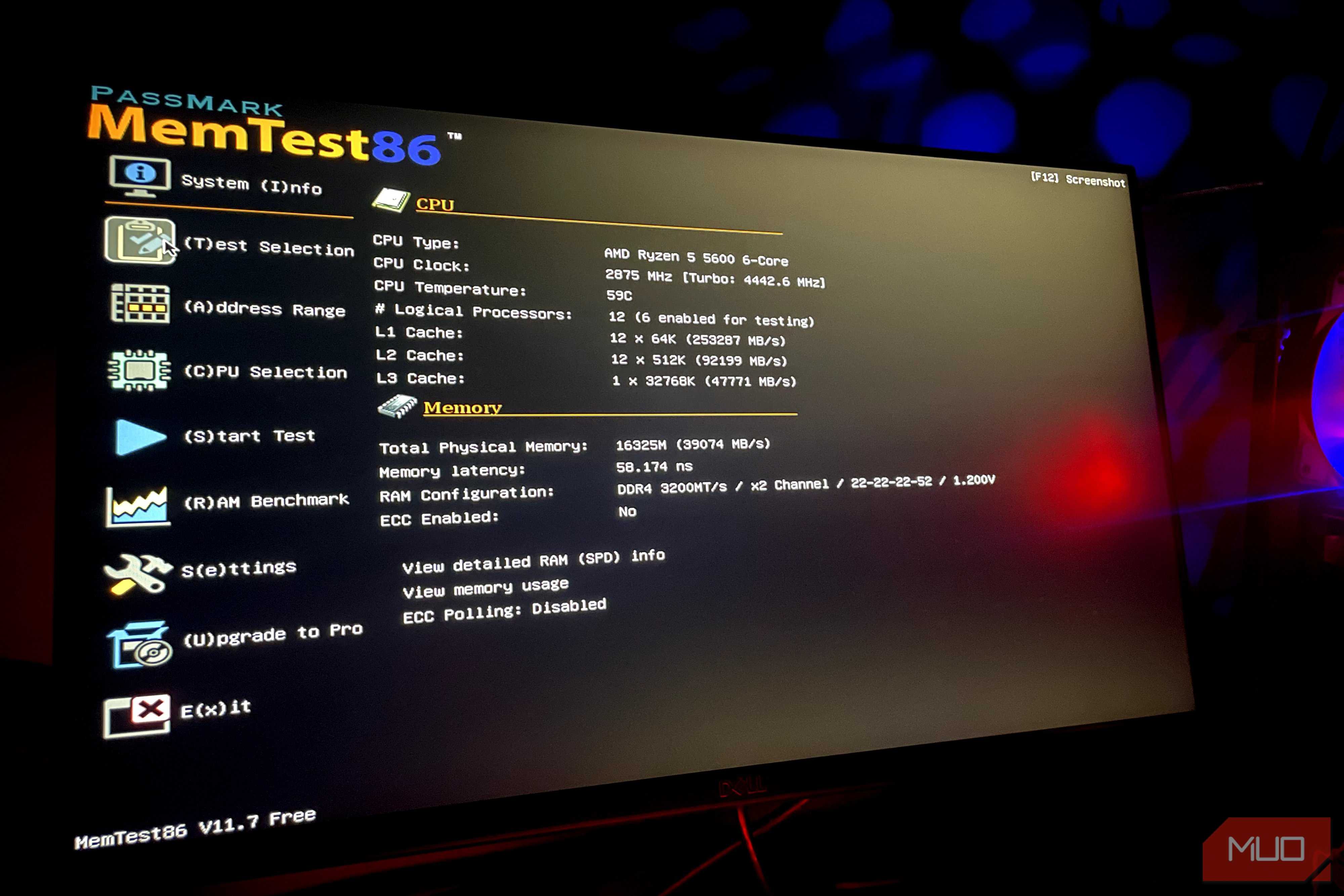
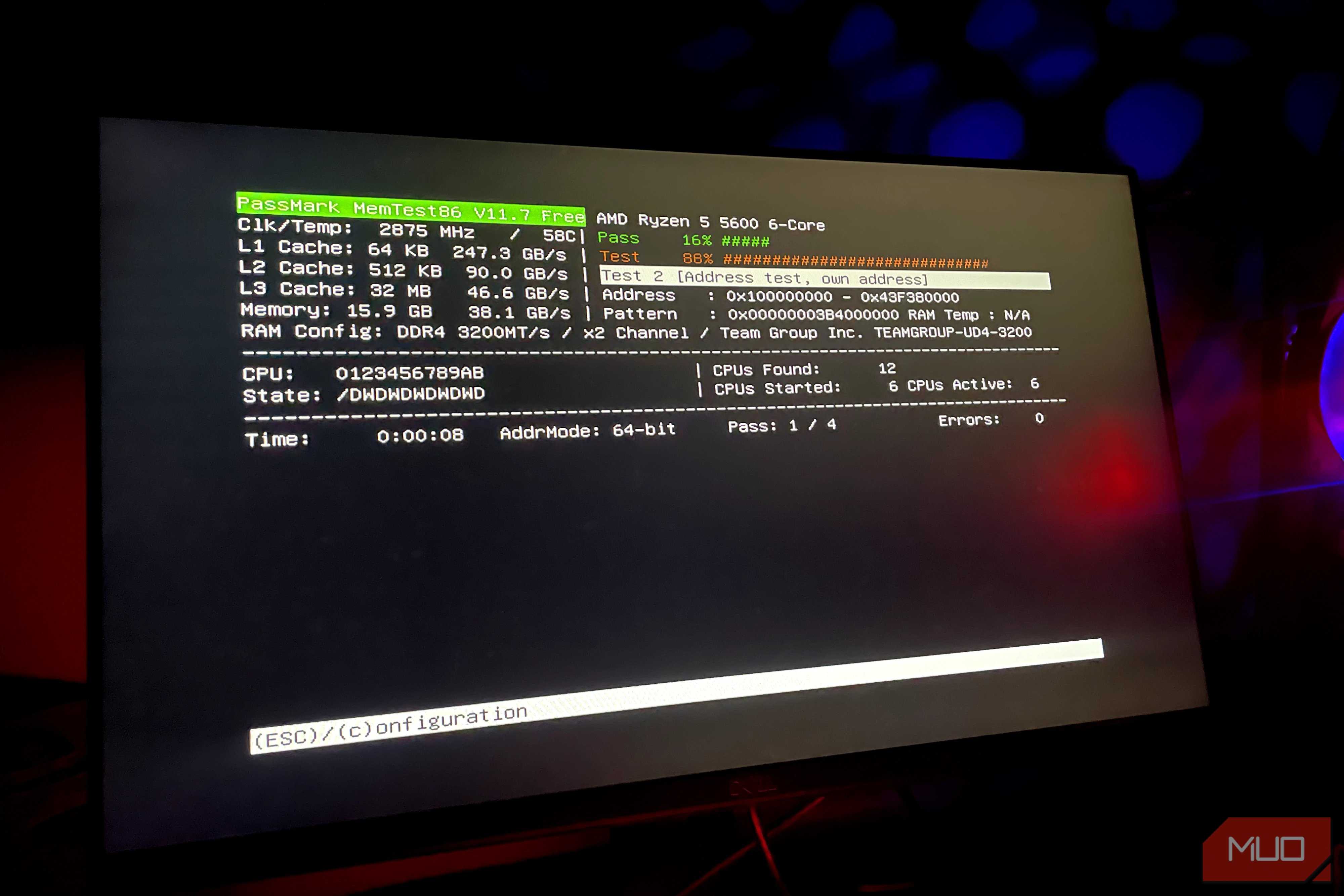


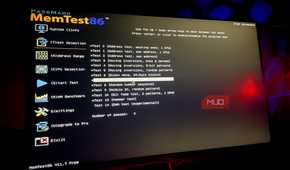
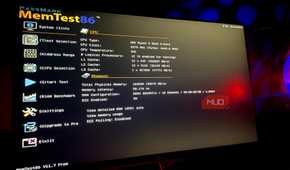
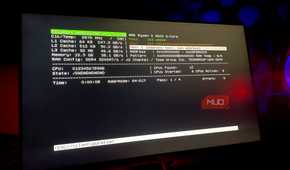
ECC is great for catching memory errors, but what happens to files already on disk is a different matter. Here, you need ZFS or Btrfs filesystems. With each block of data, they keep a checksum. The data is checked against the checksum whenever the block is read. When there is a mismatch, the filesystem knows, and this is more than you get with ext4 or NTFS.
However, knowing a problem exists doesn't mean it's automatically fixed. You need to have a healthy copy before automatic repair can kick in. So if you don't have a backup, the checksum can only do half the work.
Scrubbing is also an essential element. Scrubs read through stored data on a schedule, checking it against checksums. This allows corruption to be caught early, long before the day you need that specific file. Tools like MemTest86 or Memtest86+ are also essential if you suspect your RAM is the problem. Both run memory through hours of testing, checking whether it throws any errors.
|
Protection |
Helps protect against |
|---|---|
|
ECC RAM |
Memory errors |
|
ZFS/Btrfs checksums |
Silent data corruption |
|
Redundant storage (RAID, mirrors) |
Drive failure and data repair |
|
Backups |
Deletion, ransomware, catastrophic loss |
|
UPS |
Corruption from unexpected power loss |

MemTest86
MemTest86 is a diagnostic tool used to stress-test the RAM to trigger RAM failure by running 14 different algorithm tests.
The setups that need ECC
It's misleading to treat ECC as mandatory on every home server. Whether you need it depends on what you stand to lose.
ECC is a relatively inexpensive way to eliminate a category of risk on servers that hold family photos, personal documents, backups of your other machines, or a database.
However, it shouldn't be the entire plan against data corruption because it doesn't work beyond the scope of memory errors before they reach your storage. The more comprehensive protection includes redundant storage, real backups, and a UPS.