


One of the biggest breakthroughs in gaming has been upscaling. For Nvidia, which dubbed this technology DLSS, it has evolved far beyond its original form and now refers to many more things, including an image filter that has recently been making the rounds for the worse.
Some games bundle Frame Generation with DLSS/FSR/XeSS, so when you turn the upscaler on, you're probably not just upscaling the video — Frame Generation might also run in the background, which can significantly boost your FPS. So if you think turning on DLSS alone makes a big difference in frames, that may be partially true, and there's more to the story.
What your FPS counter actually counts
Rendered and generated frames share one number
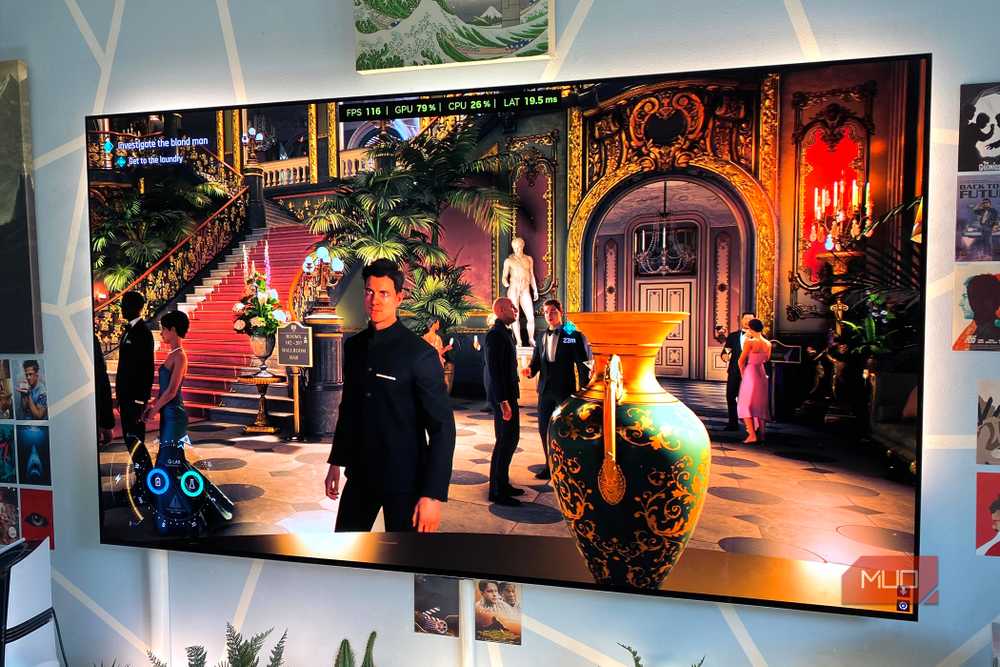
The FPS counter displays the frames being output on your screen, regardless of their origin. However, Frame Generation doesn't magically increase your system's performance; instead, it uses AI to insert extra predicted frames between natively rendered ones, giving you the illusion that frames are being doubled.
Frame Generation has evolved well beyond adding one interpolated frame after a natively rendered one — now it adds five, giving you six total frames instead of the one you usually get with DLSS 4.5. This is called Multi-Frame Generation, and it's available on AMD too; however, the ceiling there is just 2X, and on Intel it's 4X for Arc GPUs.
So with simple Frame Gen enabled, if you're getting 60 FPS, your system is essentially rendering only 30 FPS and generating the rest. With Multi-Frame Generation, you can only imagine how many additional frames you might get on top of the rendered ones, and while it may sound like a lot, those frames aren't real and come with drawbacks.
Why Frame Generation adds latency
A higher frame rate doesn't mean a faster response
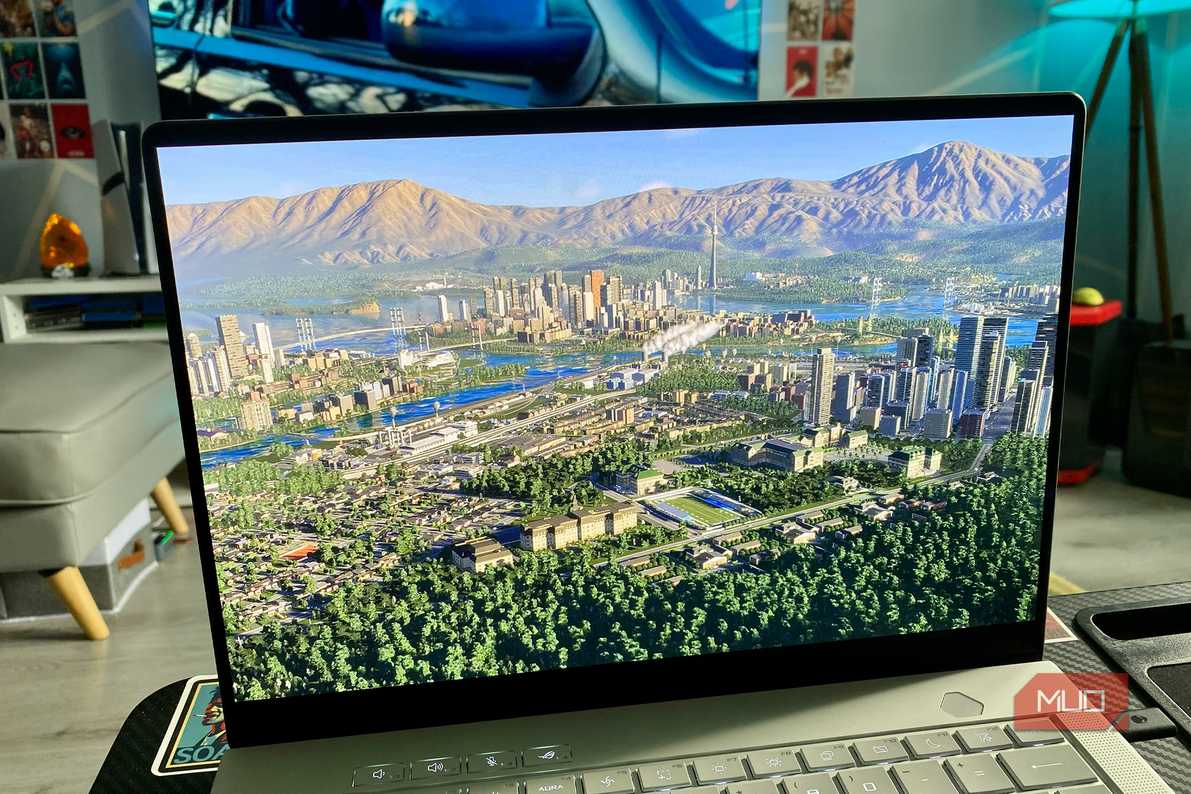
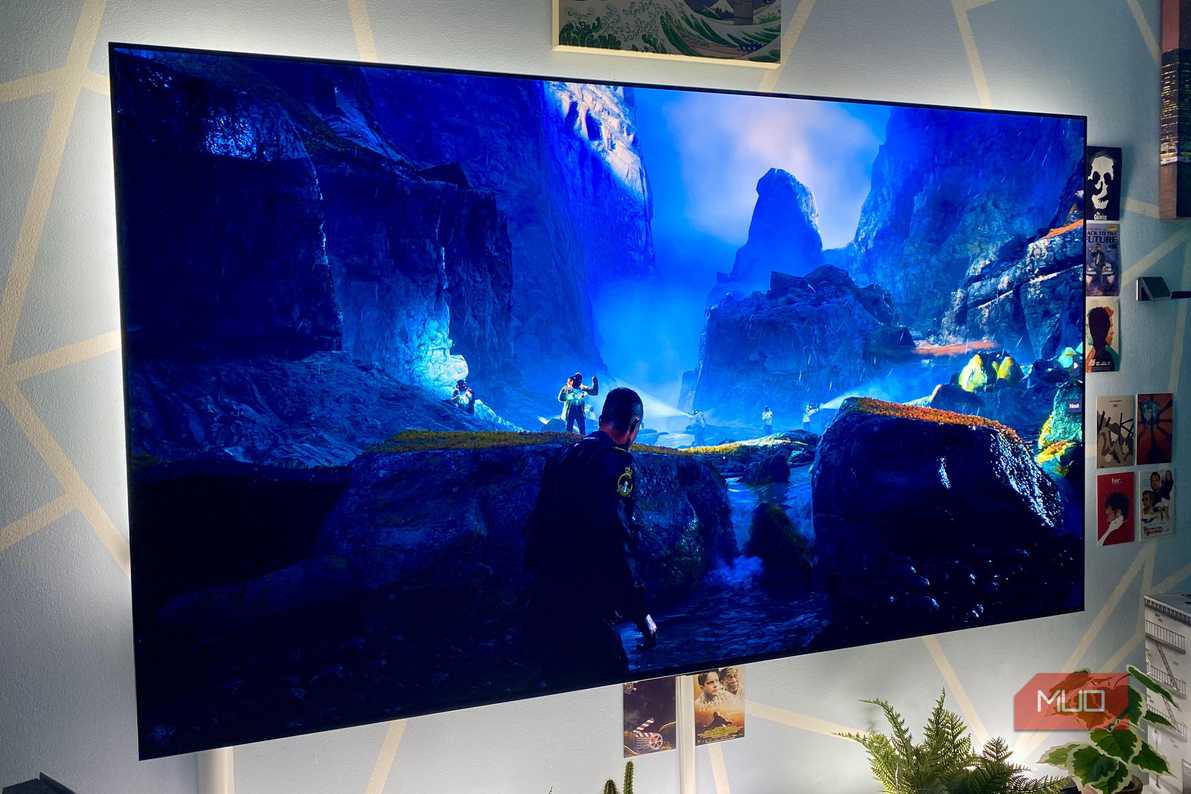


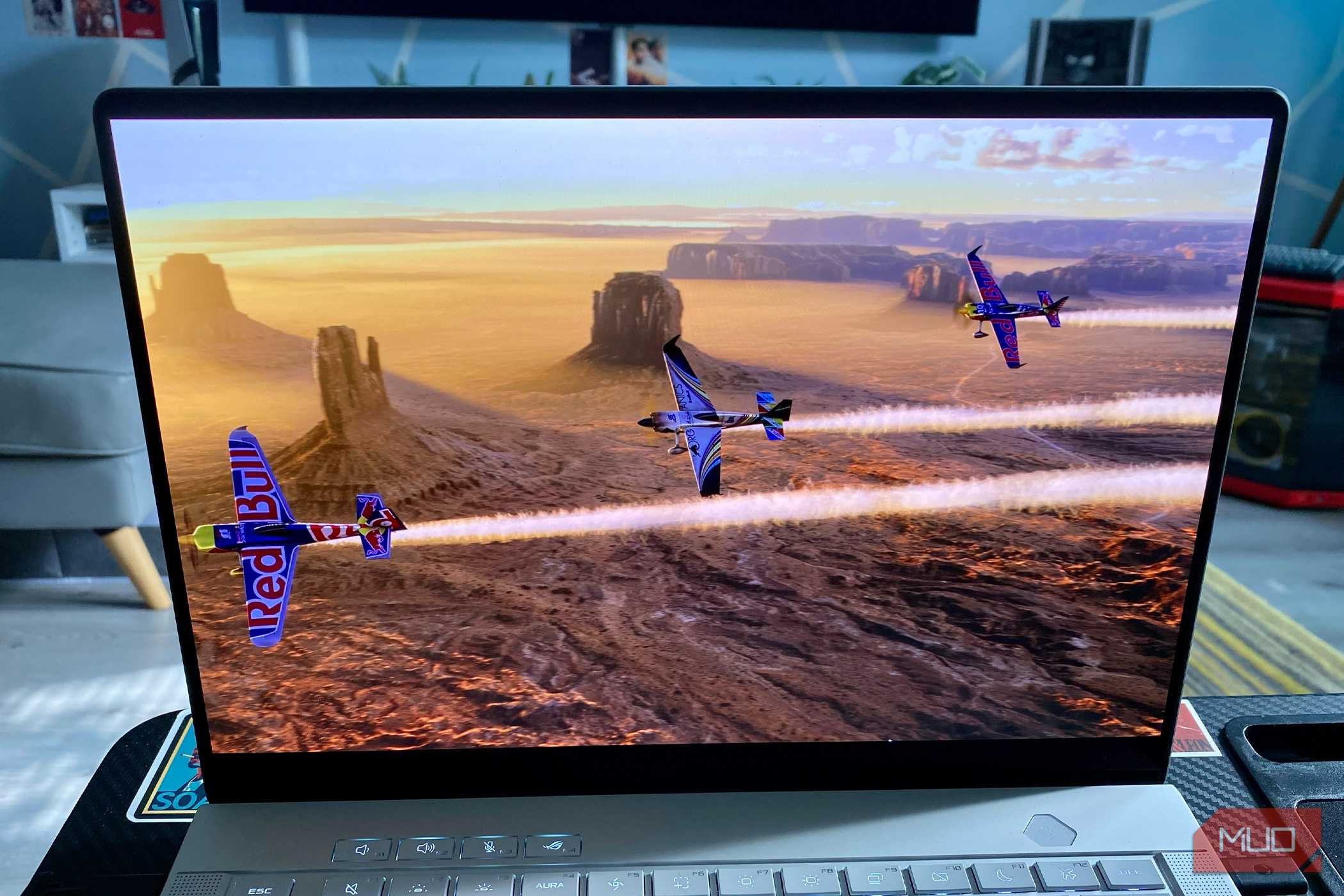
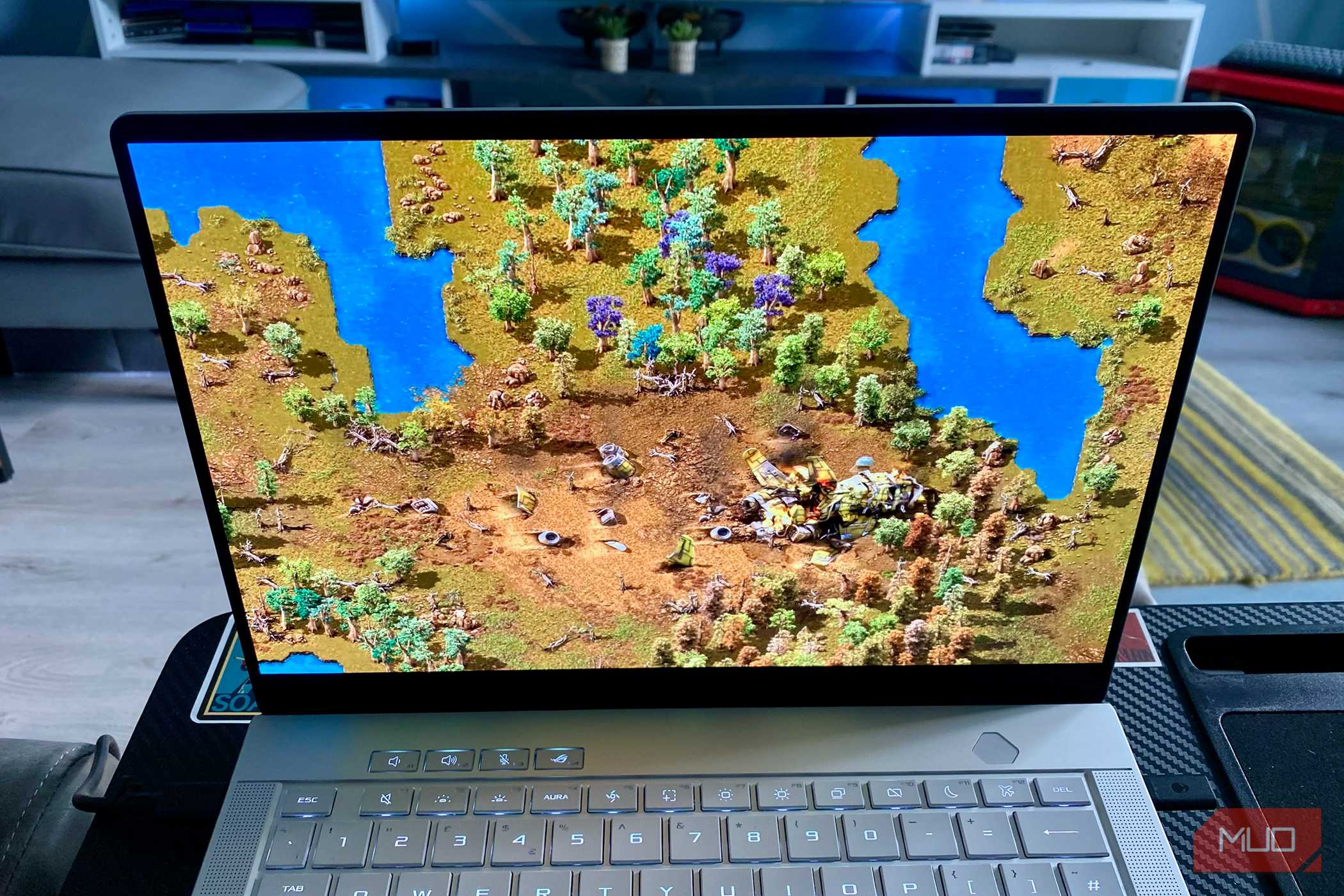
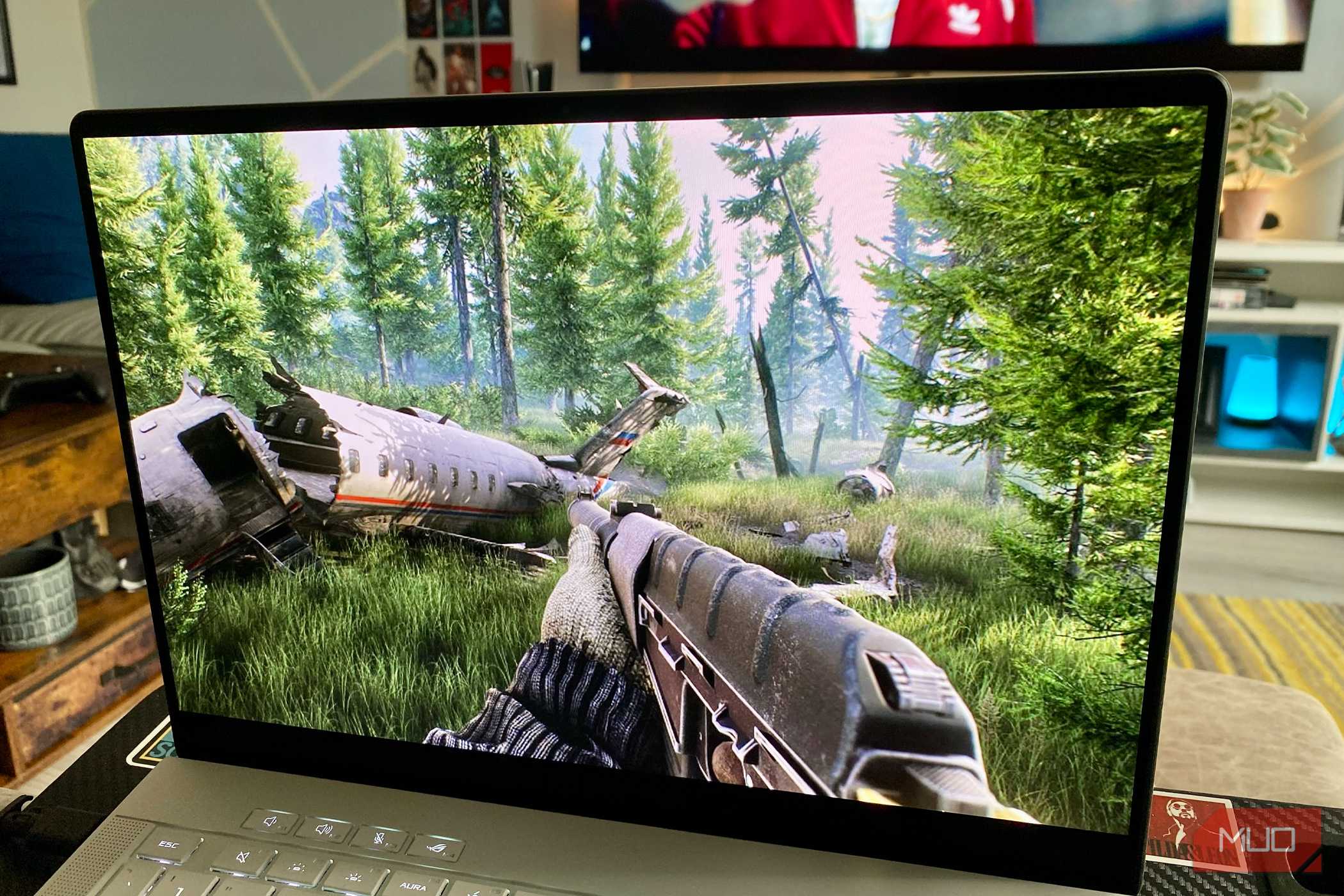
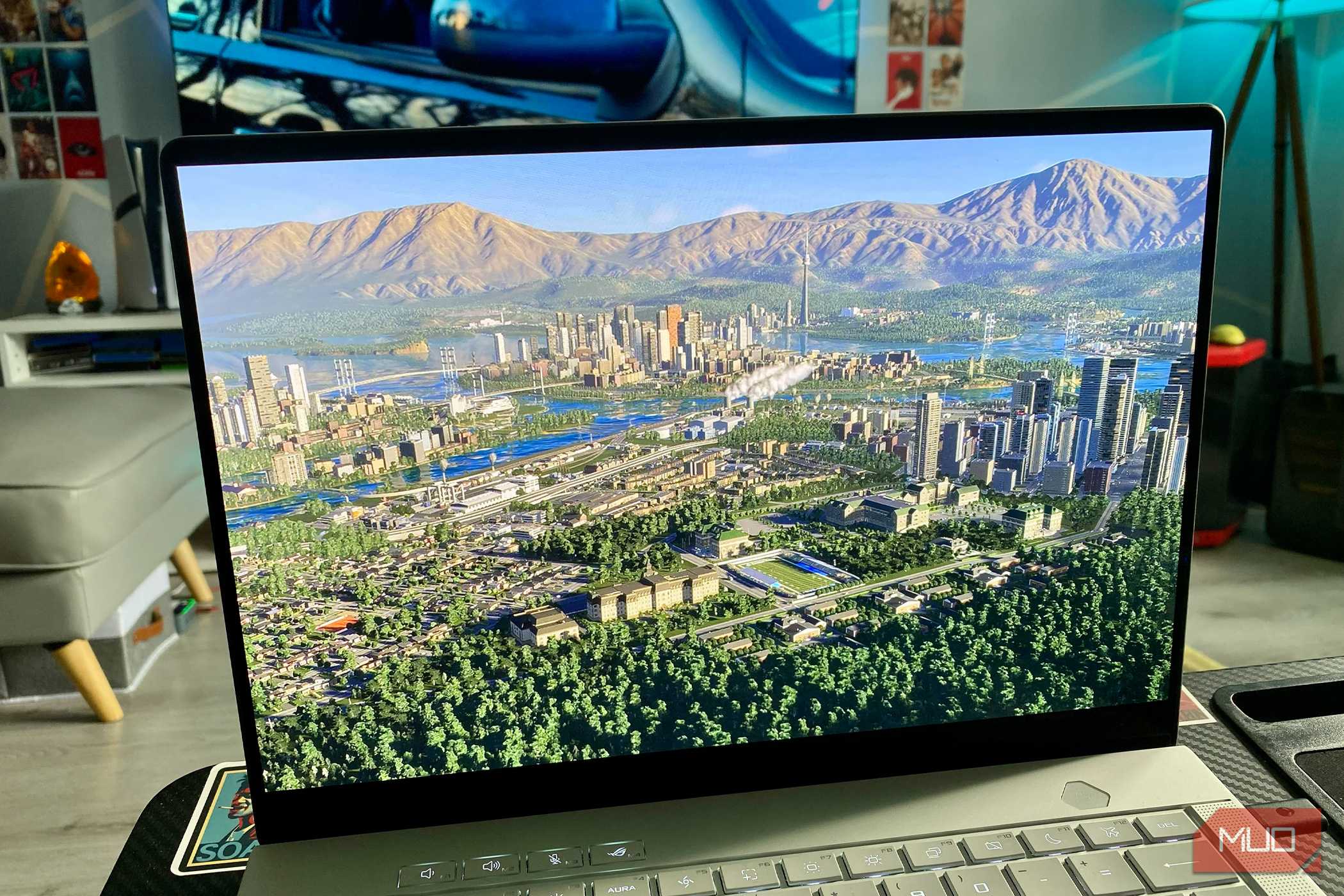
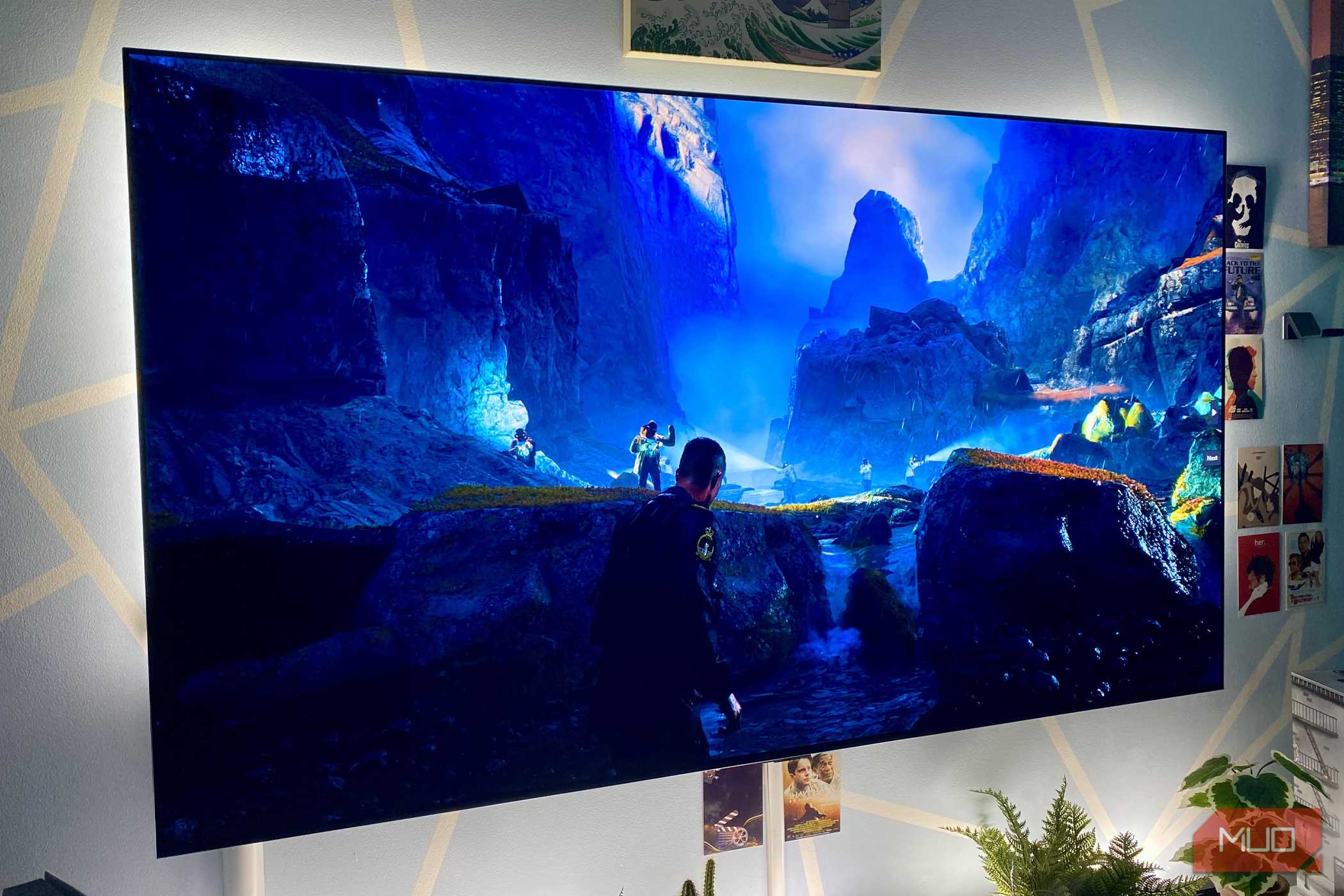
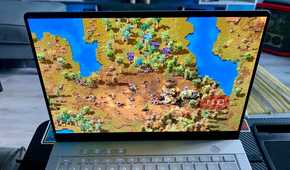
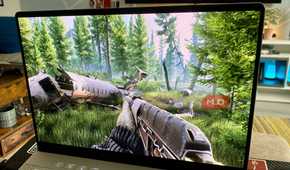
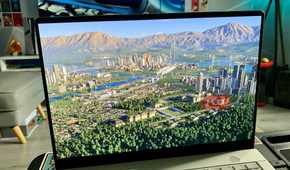
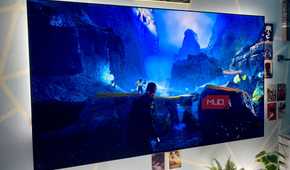
Personally, I've never really been a huge fan of Frame Generation because it's just fake frames, and it can distort visuals and increase latency.
Take a game like Cyberpunk 2077 natively rendering 60FPS, which runs at 16.7ms per frame. Using Frame Generation to get 120FPS will increase latency (even though latency is supposed to decrease at higher FPS) because the game logic, frame pacing, and inputs are tied to the native 60FPS and not the inflated 120FPS.
The lower your native FPS is, the more visible these factors become. For multiplayer games, Frame Generation can hurt performance too, because of latency and sluggish response.
Latency isn't the only drawback to turning Frame Generation on
Visual artifacts and hidden GPU costs
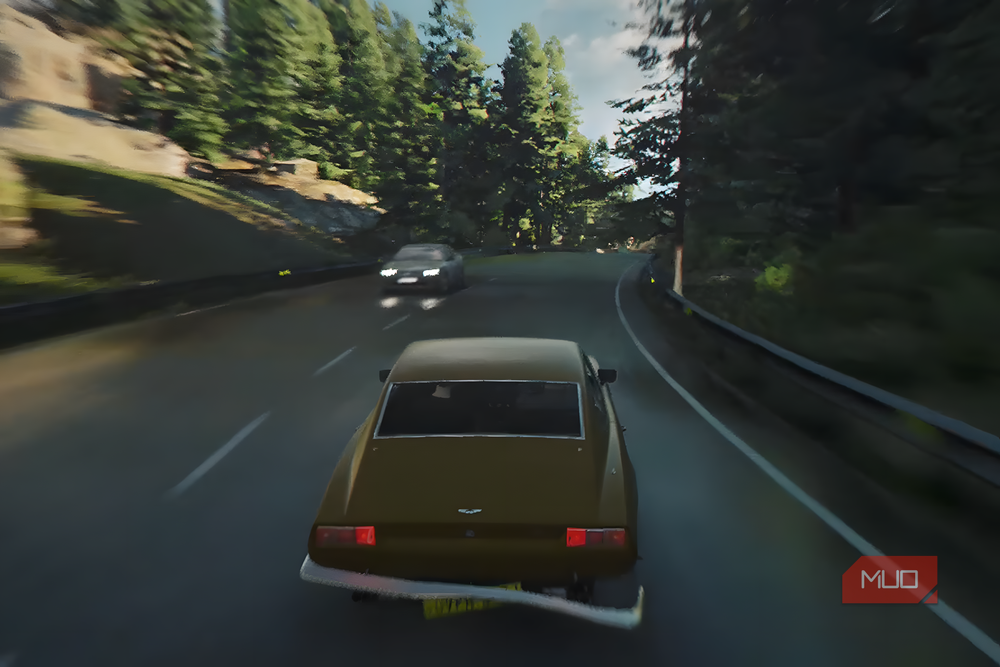
Latency isn't the only drawback. Frame Generation can also introduce visual artifacts. AI-generated frames aren't perfect and can make mistakes, especially with fine details and moving objects, leaving ghosting trails, flickering, and weird textures.
This is especially noticeable in fast-paced and multiplayer games, which can ruin your experience.
Also, if you think Frame Generation is free performance, you're wrong, because AI-generated frames take up VRAM and GPU processing to boost FPS. If your GPU is already maxed out, turning on Frame Generation will improve FPS, but it will slash your base FPS, giving you a worse feel, with a higher FPS count masking it.
How to find your real performance
Divide by multiplier, then account for overhead
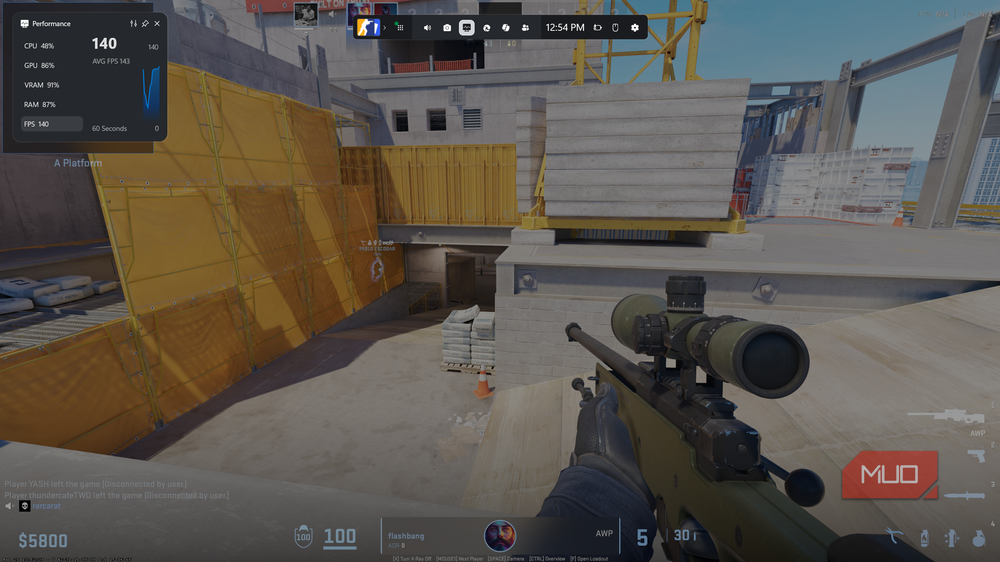
If your game has already enabled Frame Generation after you turned on DLSS/FSR/XeSS, or if you enabled it manually but still don't know the exact native frame rate, you can estimate it by halving the frame rate. However, if your GPU throttles under Frame Generation, you might get a different number that may seem confusing.
For instance, if a game renders 60FPS natively, Frame Generation should technically make it 120FPS, but instead it might make it 100FPS. That's not because Frame Generation isn't working properly. Your native frames drop by 10 due to the overhead of turning the setting on, so in that case your native frames must be 50FPS, costing 10 frames' worth of performance to turn the setting on.
When Frame Generation is worth turning on
If you already have a good, playable FPS (usually 60FPS or more) and want to make the game even smoother, turn on Frame Generation. At higher FPS, it works better and doesn't introduce much of the aforementioned problems. Stick to using Frame Generation in single-player titles, since it hurts multiplayer games due to latency and distortions.
Also, if you have an Nvidia GPU, RTX 50-Series or above, you can try Dynamic Frame Generation. It dynamically adjusts your Frame Generation multiplier in real time to match your monitor's refresh rate, balancing image quality and FPS while minimizing latency.