


Making sure my phone and PC are synced is one of the first things I do every morning. I don't want to be left wondering if I missed an important message. On Windows 11, I usually rely on Phone Link for that, although I still end up opening WhatsApp Desktop or finding another way to move files between devices.
So when I started using Zorin OS, I wanted to see whether Zorin Connect could handle those small everyday tasks without adding more hassle. Since it's based on KDE Connect, I already had an idea of the things you can do with KDE Connect on Linux. But reading about the features is one thing and using them is completely different. After trying it, three features made Zorin Connect far more useful than I expected.
Zorin Connect handled more than I expected
I could reply to WhatsApp without opening another app

When I'm on my Windows 11 PC, I usually keep Phone Link open to see what's happening on my phone. But I also have WhatsApp Desktop open so I can answer my messages. On Zorin Connect, I only had to use one app instead of two. For example, a WhatsApp notification appeared at the top of my Zorin desktop, even though my phone was locked. I could see the sender and message, and it stayed there until I interacted with it.
When I opened the notification, I could see a reply box and a Send button. So I could answer without having to unlock my phone. I could also see my Gmail notifications. The notification showed me things like the sender, subject, Gmail icon, and a decent part of what was in the email when I hovered over it. By seeing what the email was about, I could decide whether it could wait. I'm not saying this is going to replace the full WhatsApp or Gmail experience. But it's a great option when I need a quick glance at what came in or need to give a quick answer.
Sending files on Zorin Connect was easier than I expected
I sent a meme from my phone to my PC


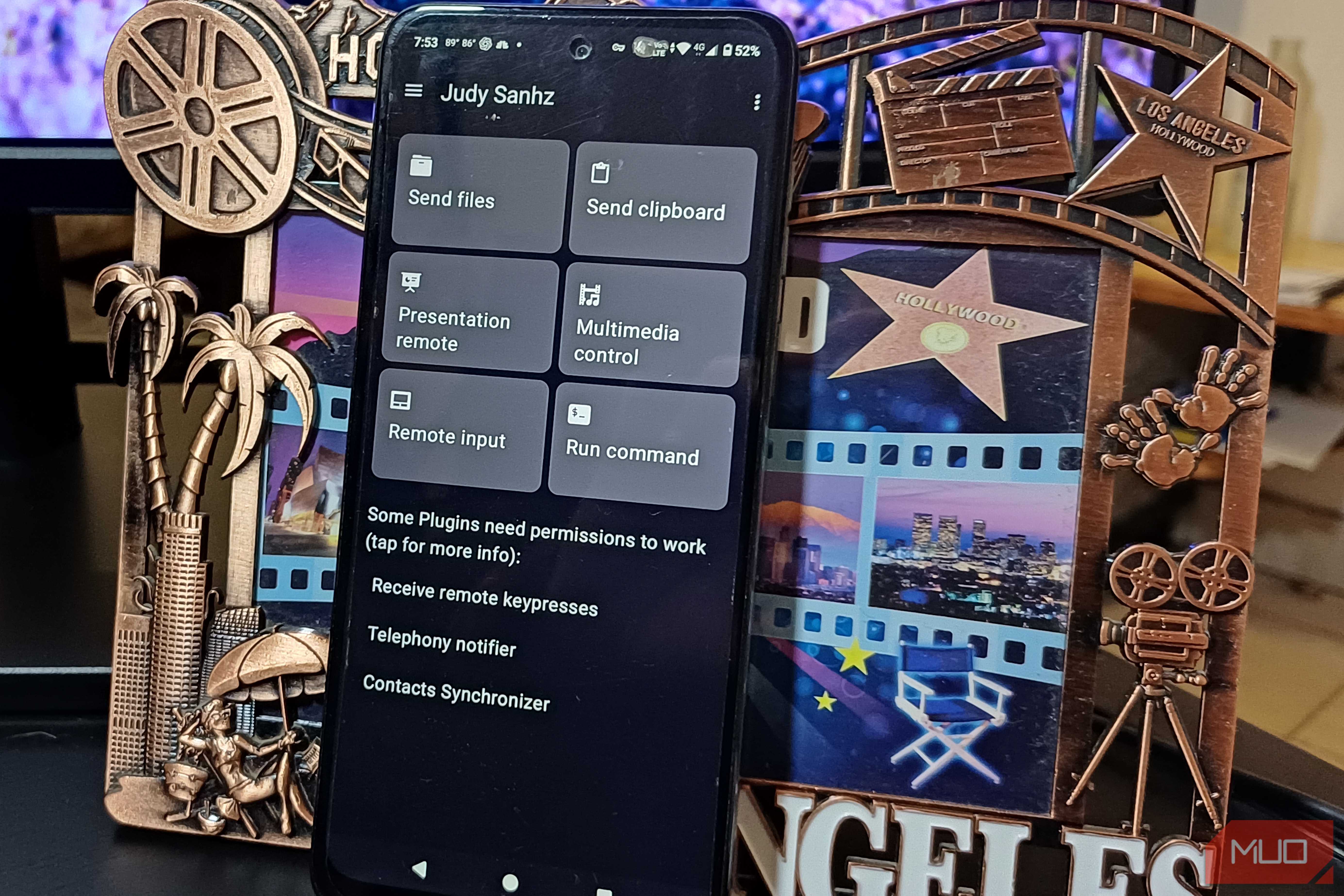
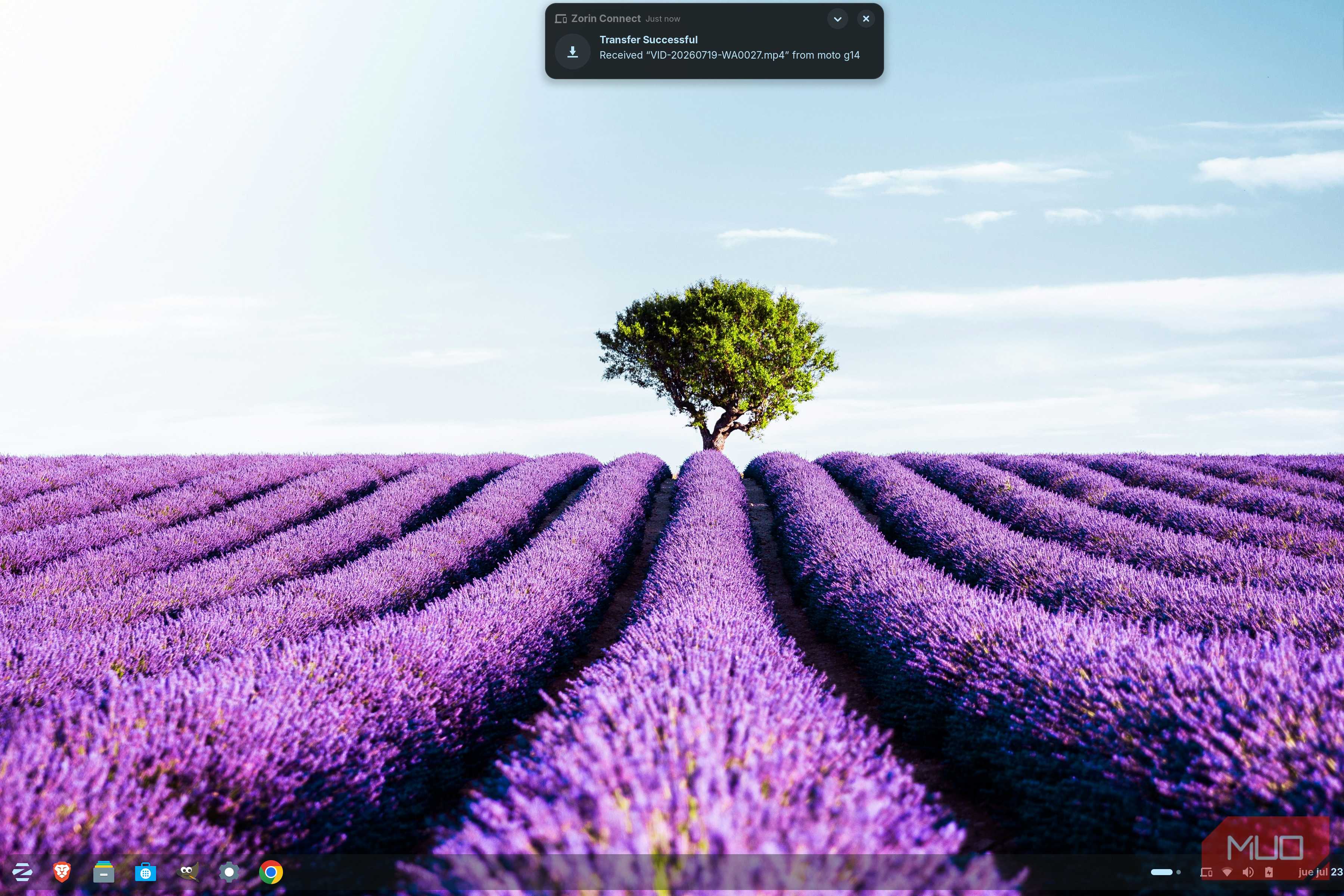
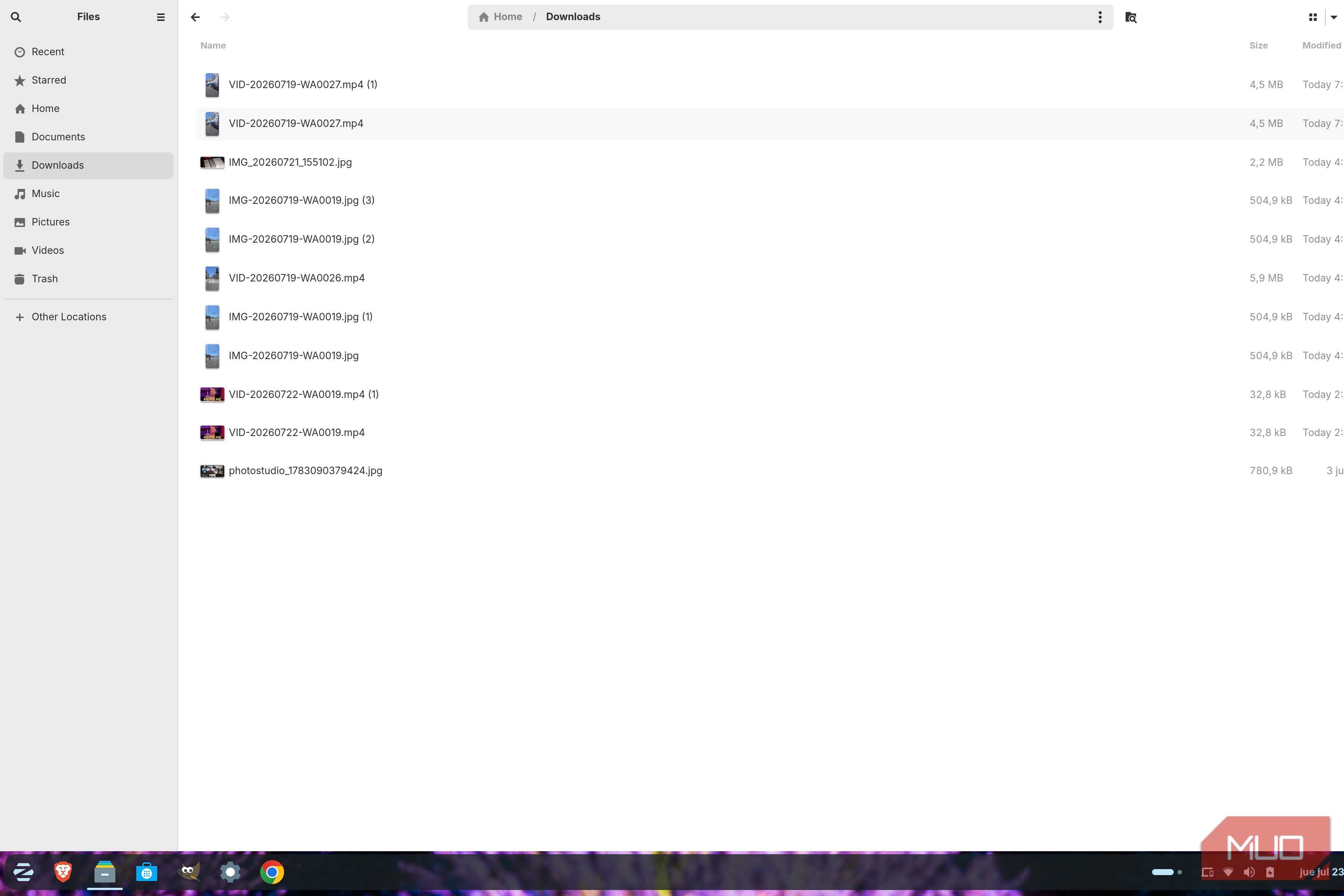
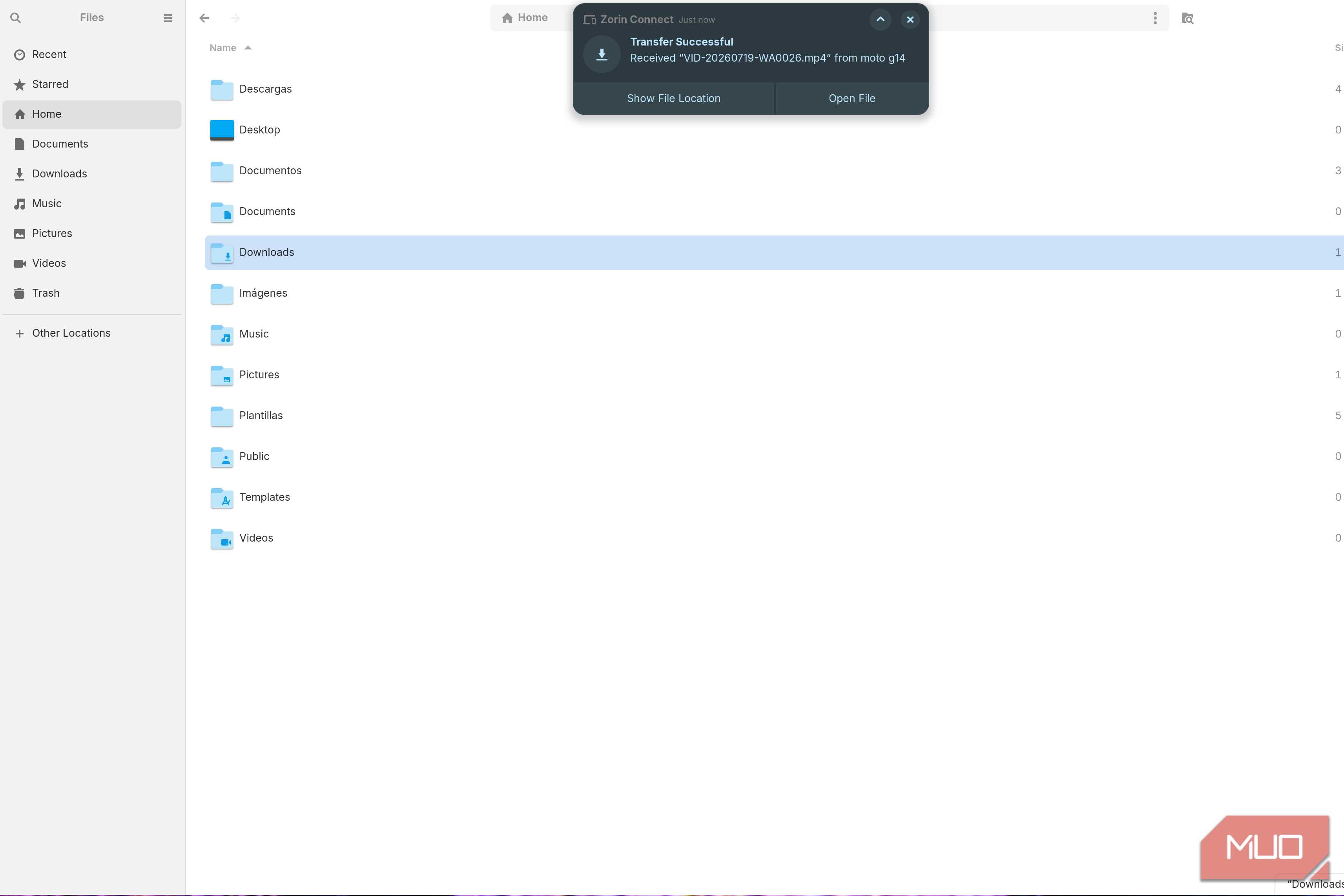
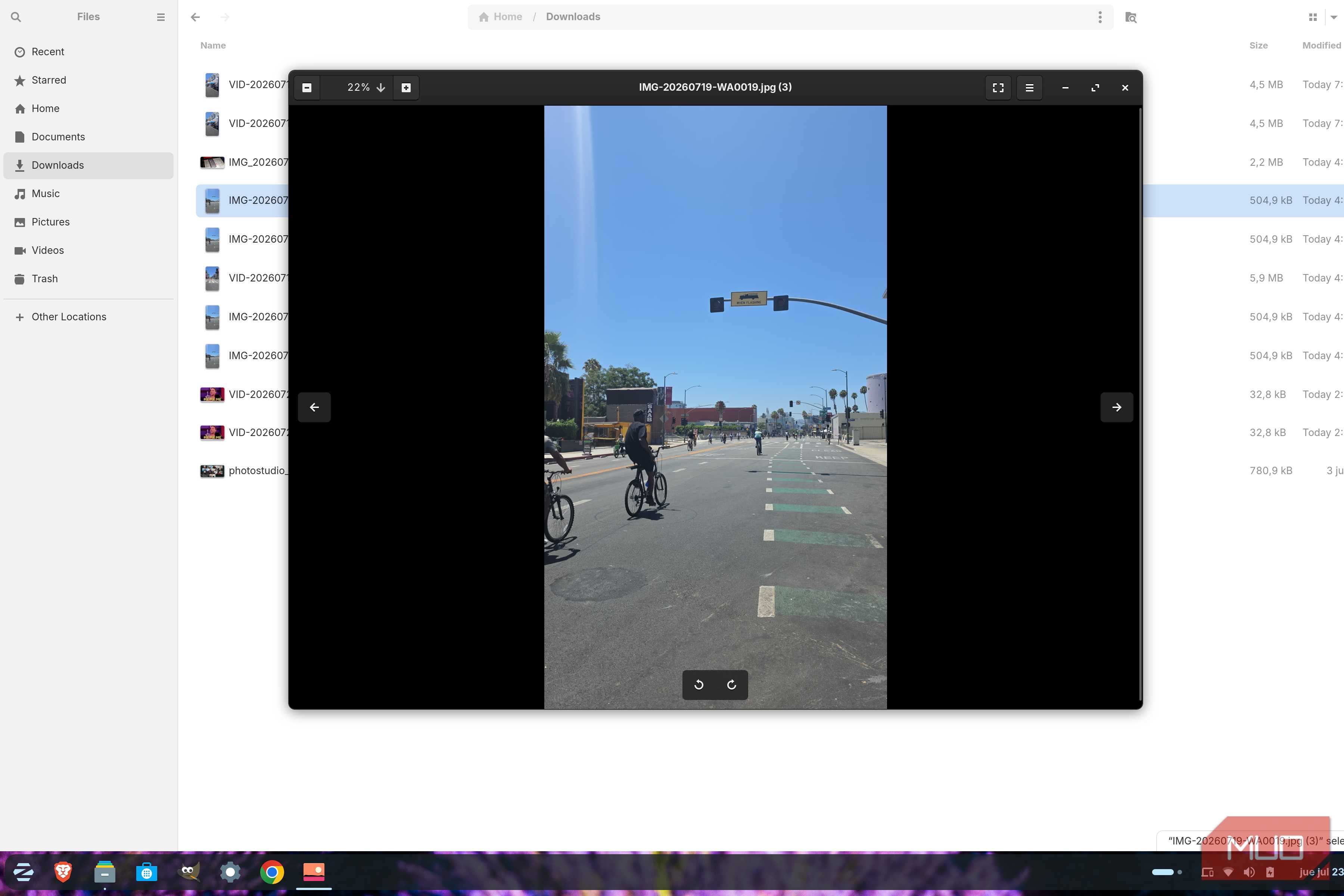
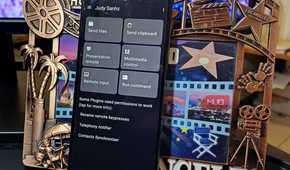

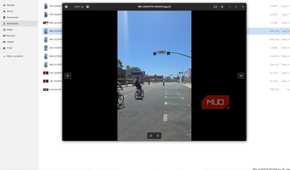
I regularly have to send files from my phone to my PC, and that was something I needed Zorin Connect to do without the hassle. To my surprise, sending photos and an MP4 was straightforward. I only had to:
- Open Zorin Connect on my Android phone
- Tap the Send files option
- Choose the file
After that, I received a notification on my computer. The notification showed me the options to either Open File or Show File Location.
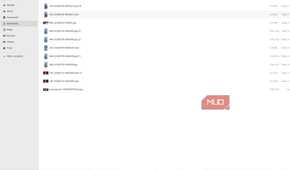
I sent a funny meme as an MP4, and a few seconds later, the transfer notification appeared on my PC. I clicked Open File, pressed Play, and the meme played. I also checked the Downloads folder, and everything I had transferred was there. It would've been nice if the app that opened the image on Zorin had some basic editing features, but I'm happy that the files went through.
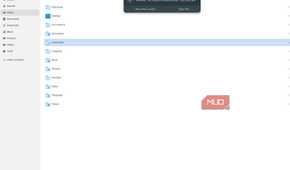
Since I also wanted to test it the other way around, I opened the Files app on Zorin, right-clicked an image, and chose Send to moto g14. A notification appeared on my phone a few seconds later, and when I tapped it, the image opened without any issues. The transfer worked in both directions without any problems.
My phone turned into a remote I'd really use
Slides were nice, but it was controlling YouTube that won me over

I don't give presentations very often, but I do from time to time. So, when I do give one, it's nice to know that I can open LibreOffice Impress and create one there. Once it's done, I can turn to Zorin Connect and the Presentation Remote option to control it. The arrows on my phone let me move through the slides, but I could also point something out by pressing the Pointer button and moving my phone around to guide the pointer.
The feature that I absolutely loved was Multimedia Control. Zorin Connect detected that I was playing a YouTube video in Chrome, and it showed all sorts of information about it. I could see things like:
- The title
- Thumbnail
- Playback bar
- Playback controls
I tested it by pausing and playing the video repeatedly. I also dragged the volume all the way up, and when the video was halfway through, I dragged the playback bar back to the beginning. My PC followed each change, and that sold me more than the presentation mode, since now I can control whatever is playing on my PC, even if I'm not sitting at my desk.
Zorin Connect isn't going anywhere for me
Zorin Connect did exactly what I wanted it to do: make my phone and PC work better. What won me over was how often it saved me from reaching for my phone or opening something else on my computer. After a while, using it started to feel like a normal part of working on Zorin rather than an extra feature I had to remember was there.
I'll still use Phone Link when I'm on Windows 11, but Zorin Connect made using Zorin OS feel less limited. The notification replies were useful, but the file sharing and remote controls surprised me the most. If you already use an Android phone with Zorin OS, it's worth going past the basic setup and trying the features you might normally ignore.