

Wi-Fi 8: The Next Big Upgrade Beyond Speed
Wi-Fi 8 is designed for reliability, addressing frustrating signal, latency, and power issues, with AI agents playing a key role in optimizing networks.
Search
Results for "20mhz".
Wi-Fi 8 is designed for reliability, addressing frustrating signal, latency, and power issues, with AI agents playing a key role in optimizing networks.

Rob LeFebvre's analysis shows Wi-Fi 6 still delivers significant benefits, even with its limitations.

Setting your router's 2.4GHz band to 40MHz can interfere with nearby networks, leading to poor Wi-Fi performance. This guide explains the risks and provides solutions.

Your slow Wi-Fi might be due to everyone on your street picking the same channel, leading to congestion and reduced performance.

Learn how to optimize your home network by ignoring the majority of your router's 2.4GHz channels, improving performance and stability.

Switching from 20MHz to 80MHz on your 5GHz band can deliver noticeable speed improvements, but it's not a one-size-fits-all solution. Consider your local Wi-Fi interference and choose the right channels for best results.

I recently adjusted my Wi-Fi channel width from 20MHz to 80MHz and experienced a consistent improvement in speed, though it's not always as simple as 'bigger is better'.

Increasing Wi-Fi channel width can improve your network's reliability, but it's not always the best choice. Learn when to use and when not to adjust channel width settings for optimal performance.
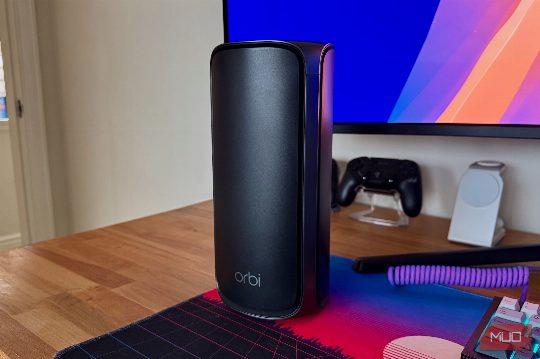
By narrowing your Wi-Fi channel to 20MHz, you can improve internet stability and speed in your home, especially if you live in a crowded area with many nearby networks and devices.