

Overview of the Issue
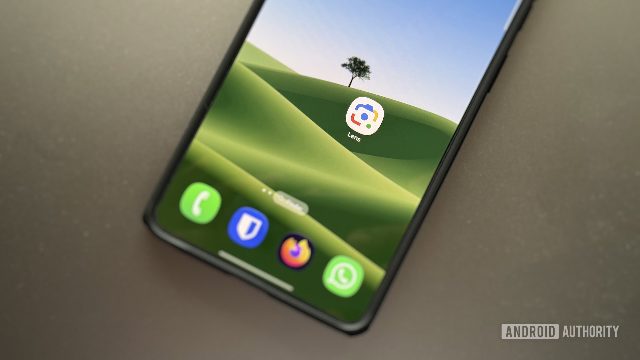
Google Lens, a feature within Chrome, has been experiencing a bug that prevents users from closing the side panel. This issue has been reported by users who have tried various troubleshooting methods, including closing tabs, restarting the browser, and clearing cache and cookies. The problem appears to stem from a CSS issue introduced in a recent Chrome update.
Symptoms and User Experience
Users have reported that the close button, which should allow them to exit the Google Lens feature, is missing. This has led to frustration as users are unable to exit the panel, even after attempting to close the tab or restart the browser. Some users have found a temporary workaround by dragging the tab containing the Google Lens panel into a new window and then back into the original window.
Google's Response
Google has acknowledged the issue and stated that it is fixed in the latest update. However, some users continue to experience the problem, indicating that the fix may not have been fully implemented. Google has not provided a timeline for when the fix will be available to all users.
Potential Causes and Solutions
The issue appears to be related to a CSS problem introduced in a recent Chrome update. Users have reported that the close button is missing, making it difficult to exit the Google Lens feature. While some users have found a workaround, others continue to experience the issue. Google has not provided a specific solution or timeline for when the fix will be available to all users.
Conclusion
Google Lens, a useful tool for users who need to search for information using images, has been experiencing issues with a missing close button. Despite Google's acknowledgment that the issue is fixed, some users continue to experience the problem. It is unclear when the fix will be available to all users, and users who continue to experience the issue may need to use a workaround until the issue is resolved.
Comments