
Introduction to Blip: A New Android Launcher for Dual-Screen Devices
A Spanish software engineer named Endika has developed a new Android launcher called Blip, designed to enhance the gaming experience on dual-screen devices. Blip is compatible with a variety of devices, including the Retroid Pocket Duo Lite Plus, AYN Thor, and Anbernic devices, all of which run Android 12 or later. The primary feature of Blip is its ability to split the screen for games meant to be played on two displays, providing a more immersive gaming experience. For single-screen experiences, Blip will display additional information such as game art, instruction booklets, and game info on the secondary screen. This feature is particularly useful for games that require a more detailed view of the game environment or information.
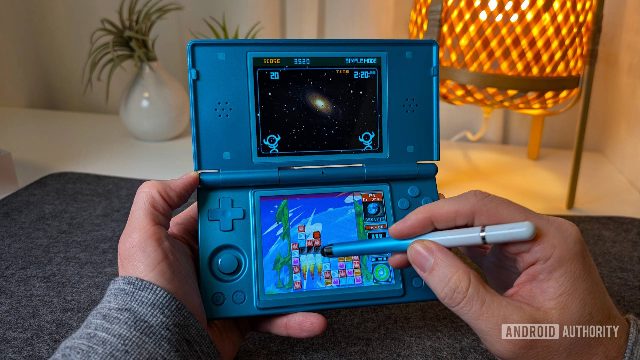
Blip's Compatibility and Functionality
Blip is designed to work seamlessly with a range of devices, including phones, tablets, and other Android devices that support Android 12 or later. The launcher's functionality is optimized for dual-screen gaming devices, ensuring that users can take full advantage of the unique features these devices offer. The Blip launcher also includes a feature called Blip Cloud, which allows users to back up their saves and sync them across different devices. This feature is particularly useful for users who frequently play games on multiple devices and want to ensure that their progress is always up-to-date.
Conclusion
Blip is a valuable addition to the Android gaming landscape, offering a unique and immersive gaming experience for users of dual-screen devices. With its split-screen functionality and Blip Cloud feature, Blip is a must-have for any Android gamer looking to take their gaming experience to the next level. As the Android handheld world continues to evolve, developers like Endika are working to provide users with the best possible gaming experience, and Blip is a prime example of this trend.