

Introduction
Google’s redesigned Gmail settings are rolling out with full Material 3 Expressive styling. The updated interface includes colorful icons, rounded cards, larger controls, and better-organized settings. The redesign has been spotted in Gmail version 2026.11.02.1020540846, but availability remains limited.
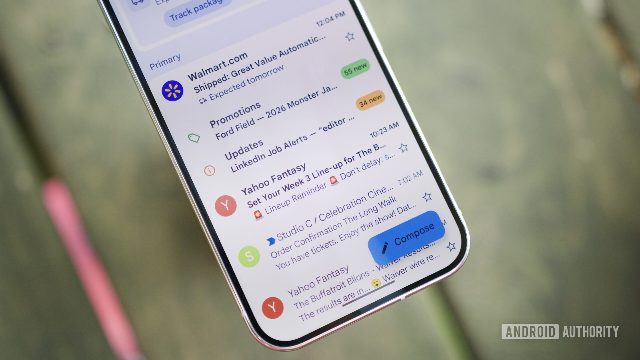
Design Features
The redesigned Gmail settings feature several key design elements:
- Colorful Icons: The icons in the settings menu are now vibrant and eye-catching, enhancing user engagement.
- Rounded Cards: The cards used to display settings information are now rounded, providing a more modern and user-friendly appearance.
- Larger Controls: The settings controls, such as sliders and buttons, are now larger, making them easier to interact with and reducing the need for zooming.
- Better-Organized Settings: The settings menu has been reorganized, making it easier for users to find and manage their preferences.
Availability and Timeline
The redesigned settings have been spotted in Gmail version 2026.11.02.1020540846, but availability remains limited. Google has been gradually rolling out the new design to Android users, starting with those running Android 16 and higher.
Background
Google has been giving its Android apps a fresh coat of paint, but Gmail’s settings have remained old-fashioned. The redesigned settings experience was first discovered in October, but it lacked the system-level Material 3 Expressive styling introduced with Android 16. As a result, users could see the reorganized settings but not the full visual makeover Google had planned.
Conclusion
Google’s redesigned Gmail settings are a step in the right direction, bringing a fresh and modern look to the app’s settings menu. With the full Material 3 Expressive styling now available, users can expect a more engaging and user-friendly experience in the future.
Comments