

How to Safely Manage SSDs: A Comprehensive Guide
Never defragment your SSD, but understanding why and how to manage it effectively is crucial for maintaining your system's performance and longevity.
Category
Tips to adjust, organize and solve common Windows tasks.
569 tips in this category.
Never defragment your SSD, but understanding why and how to manage it effectively is crucial for maintaining your system's performance and longevity.
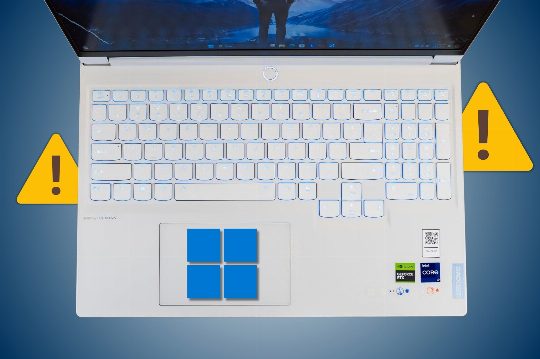
Windows comes with a variety of hidden services that can consume significant CPU resources, but many are unnecessary. Learn how to disable these services to improve your system's performance and reduce CPU usage.

Windows manages SSD space in several ways, including built-in safety nets that can consume a significant portion of your SSD's capacity. Understanding these features can help you manage your storage more effectively.
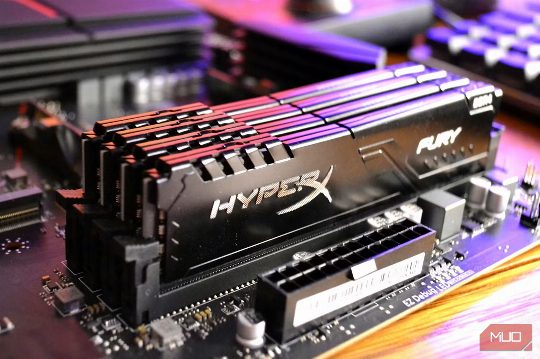
Windows runs hundreds of services in the background and I found three worth setting to Manual to win back.
Technical guide and practical analysis regarding How to play Bloodborne on a Windows PC without conventional emulation, highlighting key configuration, performance, and stability criteria.

If you're looking to maximize your PC's performance, switching to the High Performance plan is a smart choice, but understanding the trade-offs is crucial.
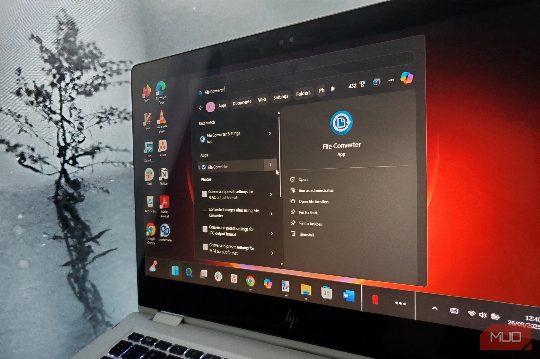
File Converter is a powerful yet simple tool for converting files without the hassle of clunky software or nagging upsells.

PowerToys, a free utility for Windows, simplifies the process of controlling external monitor brightness by integrating it directly into the taskbar. Learn how to enable and use this feature to streamline your workflow and avoid physical monitor buttons.
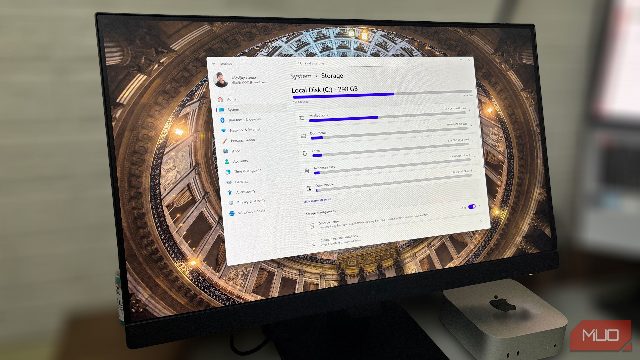
Discover hidden Windows folders that consume SSD space and learn how to clean them up. Learn about Storage Sense and other tips to optimize your SSD storage for better performance and longevity.
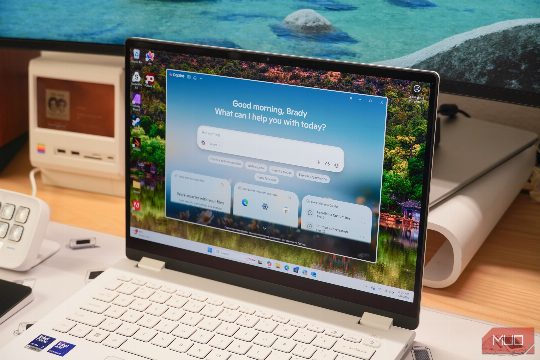
Microsoft is removing several Copilot features from Windows 11, including the useful AI Compare Images shortcut. Here's how to find alternatives and prepare for the change.
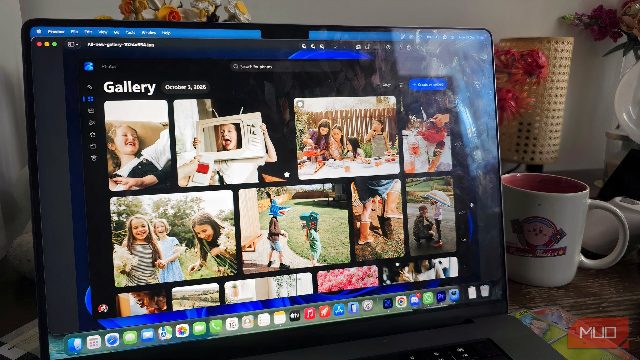
A lean Photo Viewer surfaces for single-file edits, double-click opens it fast with HEIC, SVG and AI Relight.
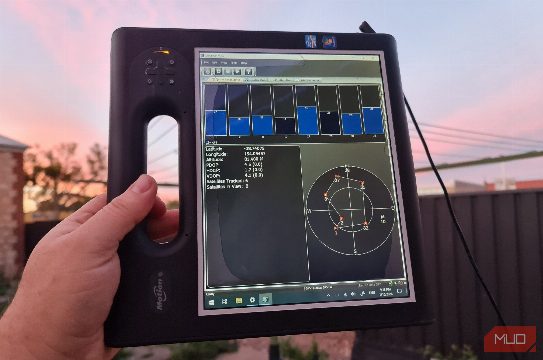
A stellar e-waste find let me watch satellite signals, clock errors, and see how GPS works in real.