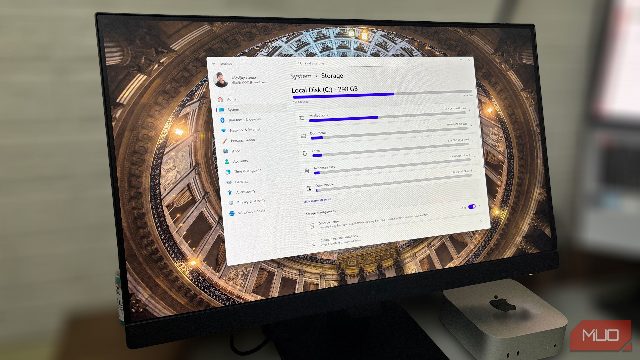
If you're experiencing unexpected storage issues on your SSD, it's likely due to hidden Windows folders that are consuming your available space. These folders include Temp, Download, and Recycle Bin. To manage these folders and optimize your SSD, consider the following steps. First, turn on Storage Sense in Control Panel to automatically clean up these folders. Additionally, consider using third-party tools like CCleaner to remove unnecessary files. Another tip is to regularly delete temporary files and cache, as these can quickly accumulate and take up space. By following these steps, you can ensure your SSD remains healthy and your laptop runs smoothly.