

Introduction
If you’ve been searching for a classic non-smart TV, you might have noticed that they’ve become scarce. However, with a bit of effort and knowledge, you can still find a screen that offers a traditional viewing experience without all the smart TV functionality. This guide will help you explore various alternatives, from refurbished models to CRTs and monitors, ensuring you find a screen that suits your needs.
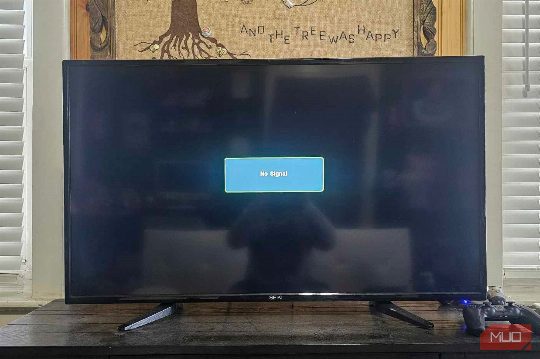
Exploring Non-Smart TV Alternatives
Searching for a Non-Smart TV
Before diving into specific alternatives, it's worth giving your hunt a proper try. You might stumble upon a non-smart TV, either brand new or refurbished. For your search, familiar platforms like Amazon, Walmart, Craigslist, eBay, and Facebook Marketplace are great starting points. Specialized electronics retailers like Newegg and brand-specific sites such as Westinghouse can also be useful. Use terms like "non-smart TV" or apply filters to exclude anything labeled "smart."
CRT TVs: A Retro Option
CRT (cathode ray tube) TVs are a great option, especially for retro gaming. They are gloriously offline by design and shine when it comes to retro consoles like the SNES or Sega Genesis. These TVs are typically available on platforms like Craigslist, Facebook Marketplace, local thrift stores, or by asking around. They often come with composite or coaxial inputs, which were standard back then. If you plan to use modern devices, you may need an HDMI-to-RCA converter to connect them.
Monitors as Non-Smart TVs
Modern monitors offer excellent picture quality and a wide range of sizes, from compact 22-inch displays to massive 43-inch panels. They are innately "dumb," meaning you don’t have to deal with tracking, forced updates, or baked-in streaming apps. They are straightforward and do exactly what you want them to do. Look for monitors with HDMI inputs to connect devices like streaming sticks, Blu-ray players, or cable boxes. Brands like Dell, ASUS, and LG offer solid monitor options at reasonable prices.
Unsmarting Your Smart TV
If you have a smart TV you never wanted, you can still "unsmart" it. Start by skipping the Wi-Fi setup during installation. No internet means no auto-updates, targeted ads, or background data collection. If the TV insists on a connection, consider using a fake or firewalled network using a travel router or guest network with no internet access. Next, turn off as many smart features as possible in the settings menu. Look for options such as "auto app updates," "voice control," and "diagnostics," and turn them all off. If your TV has a privacy or advertising section in the settings, opt out of everything you can.
Conclusion
Finding a non-smart TV can be a fun and rewarding experience. Whether you opt for a refurbished model, a CRT, or a monitor, you can enjoy a classic TV experience without the added complexity of smart functionality. Remember to inspect the ports, check the resolution, and ensure you have the necessary inputs for your devices.
Comments