
Nvidia has just released a new GPU driver update, version 621.01, which includes Microsoft’s Advanced Shader Delivery tech. This update aims to greatly speed up game launches by offloading the CPU load to the cloud. The new driver update is available for download and is part of a larger series of updates to improve gaming on Nvidia GeForce. Here are some standout recommendations and actionable tips to make the most of this update for your PC games.
Standout Recommendations
- Install the New Driver Update: The first and most important step is to download and install the Nvidia 621.01 driver update. This can be done from the Nvidia website or via the Nvidia GeForce Experience software.
- Use the Xbox PC App: To take advantage of the new shader system, you’ll need to download the games via the Xbox PC app. This will ensure that you can benefit from the new shader system even when playing Steam games as long as the Xbox app remains installed.
Actionable Tips
- Pre-compile Shaders for Faster Game Launches: With the new driver update, the cloud network can pre-compile shaders for hundreds of thousands of hardware and driver combinations, significantly reducing wait times for game launches. This means you’ll experience faster game launches and smoother gameplay.
- Avoid Mid-Game Shader Compilation: The new shader system also removes mid-game “just-in-time” shader compilation, which can cause CPU spikes and frame stutters. This ensures a more stable and responsive gaming experience.
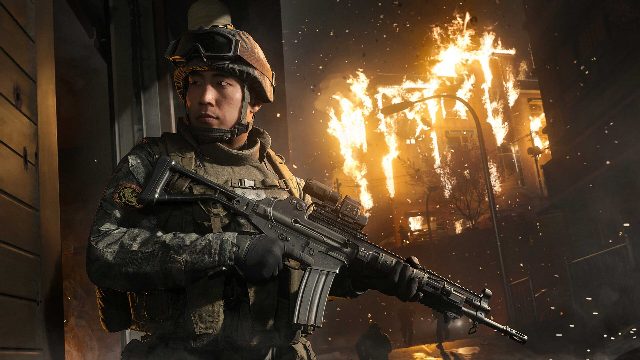
- Support for New Games: Currently, only Call of Duty: Modern Warfare 4 and Gears of War: E-Day support Advanced Shader Delivery. However, as the new driver update is part of a larger series of updates, it’s likely that more games will support this technology in the future.
Conclusion
The Nvidia 621.01 driver update is a significant improvement for PC gamers. By offloading the CPU load to the cloud, it ensures faster game launches and smoother gameplay. Whether you’re a casual gamer or a dedicated PC enthusiast, this update is worth installing to enhance your gaming experience. Don’t forget to download the games via the Xbox PC app to fully benefit from the new shader system. Stay tuned for more updates and improvements from Nvidia as they continue to optimize gaming on their platform.