
Getting a new PC is always exciting, but tuning it for your workflow can be a daunting task. Microsoft's default additions to the OS often include features and apps that you may never use. This is where Win11Debloat comes in. Developed as a PowerShell script, Win11Debloat helps declutter and customize the Windows 11 experience, making your device more efficient and user-friendly. Here's how to use it effectively and make the most of your new PC's resources.
Key Recommendations
- Start with a Backup: Before running Win11Debloat, it's crucial to back up your registry, Start menu layout, and System Restore point. This ensures you can restore your system if needed. Win11Debloat provides these precautionary steps to help you feel secure during the process.
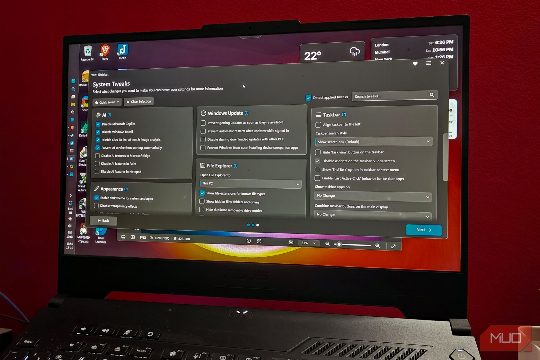
- Choose Your Mode: Win11Debloat offers two modes: Default Mode and Custom Setup. Default Mode automatically removes a wide range of pre-installed apps and features, while Custom Setup allows you to customize which apps and features are removed. This gives you more control over your device's configuration.
Actionable Tips
- Remove Unnecessary Apps: Win11Debloat categorizes apps into Recommended, Optional, and Not Recommended. By default, it removes apps in the Not Recommended category, which are often tied to features you may not need. This can help you save storage space and improve performance.
- Disable Invasive Features: Win11Debloat also allows you to disable features such as telemetry data collection and unnecessary system updates. This can reduce the amount of data your device sends to Microsoft, improving privacy and reducing bandwidth usage.
- Customize User Accounts: If your device ships with promotional apps, Win11Debloat can remove them. This is particularly useful if you want to use your device for work or gaming, where you may not need these apps. Additionally, you can choose which user accounts are affected by the changes, giving you more control over your device's setup.
Conclusion
Win11Debloat is a powerful tool for anyone looking to optimize their new Windows 11 PC. By removing unnecessary apps and features, you can reclaim valuable storage space and improve the overall efficiency of your device. Whether you're a casual user or a power user, Win11Debloat can help you make the most of your new PC. Give it a try and see how it can enhance your Windows 11 experience.