
Using Tailscale, you might have noticed some of your connections taking longer than expected. This article will guide you through optimizing your Tailscale connections for faster and more reliable performance. Understanding the difference between direct and DERP connections is key to troubleshooting and improving your network experience. Here are two standout recommendations and actionable tips for ensuring your devices communicate efficiently and securely.
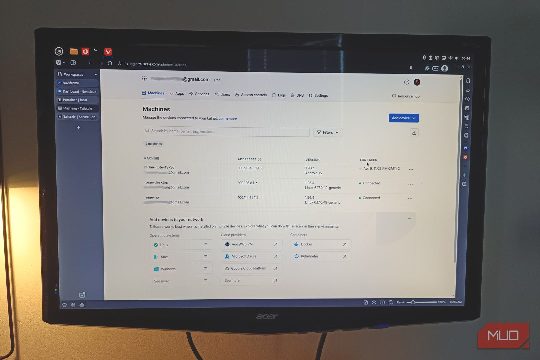
Understanding Tailscale Connections
Tailscale's core advantage lies in its ability to create a private network across devices, regardless of their physical location. However, the performance of these connections can vary significantly. The primary difference between direct and DERP connections is the presence of a relay server. Direct connections bypass the relay and establish a direct path between devices, while DERP connections use a relay to establish a more indirect route. The choice between these two options can impact the speed and reliability of your connections.
Identifying and Troubleshooting Issues
If you notice your Tailscale connections are slower than expected, it's worth checking your connection settings. The Tailscale status command can help you verify the current connection status. To check the status of your Tailscale connections, run the command tailscale status. This will display the current connection status, including whether your devices are using direct or DERP connections. If you see a consistent 'relay' status, it may indicate a problem with your connection.
To troubleshoot, you can use the tailscale ping command to test the latency of your connection. This command will attempt to establish a direct connection and return the latency. If your connection consistently uses the relay, it's likely that a relay server is causing the delay. In such cases, you can try restarting the Tailscale app or reconnecting your devices to see if the issue persists.
Recommendations for Optimizing Your Tailscale Connections
- Monitor Your Network: Keep an eye on your Tailscale connections to ensure they are using the most efficient route. Use the
tailscale statuscommand to check the connection status andtailscale pingto test the latency. If you notice a consistent issue with the relay, consider restarting the Tailscale app or reconnecting your devices.
- Optimize Your Network Environment: If you are using Tailscale in a public or shared network environment, such as a café or hotel, you may encounter issues with the relay. In such cases, consider using a direct connection. To switch to a direct connection, you can use the
tailscale configcommand to set thedirectoption totrue. This will ensure that your devices use direct connections, bypassing the relay server.
- Regularly Update Tailscale: Keeping your Tailscale software up to date is crucial for maintaining optimal performance. Regular updates can include bug fixes and performance improvements that can help ensure your connections are running smoothly.
By following these recommendations and tips, you can optimize your Tailscale connections for faster and more reliable performance. Remember, the key to a successful Tailscale network is to ensure that your devices are communicating efficiently and securely, regardless of their physical location. With the right configuration and troubleshooting, you can enjoy a seamless and secure private network experience.
Tags: Tailscale, DERP, direct connections, network optimization, troubleshooting, security.