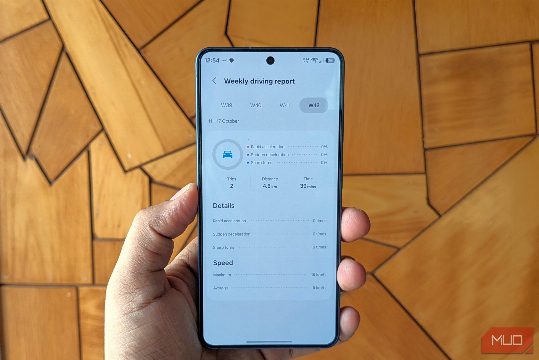
Samsung's Driving Report feature in One UI 9 is a valuable tool for anyone who wants to monitor their driving habits. Here’s a comprehensive guide on how to use it effectively and its standout features that you should consider implementing in your daily routine. First, you need to enable the feature by going to Settings > Connected devices > Driving Report and following the prompts to allow necessary permissions. Once enabled, you can track your driving habits, including route, distance, time, and average speed. The feature also monitors how you drive, noting rapid acceleration, sudden deceleration, sharp turns, and phone usage. At the end of each trip, you receive a notification with a detailed report. The feature works automatically in the background, so you don't have to manually enable it every time. In addition to the core functionality, the feature also offers a weekly combined report, which is especially useful for beginners or those who want to improve their driving skills. The standout recommendation is to use the feature to review your driving habits after every trip, as it provides valuable insights into your driving patterns. Another tip is to share your driving habits with a driving instructor or a friend who can provide feedback and advice to improve your driving skills. By leveraging these features, you can make your driving more efficient and safer.