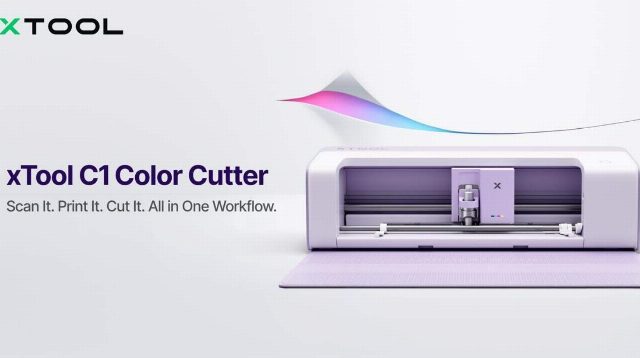
The xTool C1 Color Cutter is a powerful tool for DIY enthusiasts and experienced crafters, offering a streamlined solution for multiple creative tasks. Here’s a comprehensive guide on how to use this versatile device effectively for your projects. The C1 combines a scanner, full-color printer, and precision blade cutter in one machine, eliminating the need for multiple devices. One of its standout features is the Contact Image Sensor (CIS), which allows you to see a 1:1 live preview of your materials directly in the software interface. This feature is particularly useful for ensuring precise cuts and designs. The C1 also supports auto-contour extraction, automated nesting, and instant parameter setup via a QR code on official materials, streamlining the process of creating complex designs. The Atomm AI platform further enhances the C1’s capabilities by allowing you to turn text prompts or images into easier-to-cut vectors. Other features include one-click background removal, artistic text generation, and image-to-line-art conversion. The C1 also supports various tool attachments, including fine-point, deep-point, rotary, and 3mm cutting blades, providing flexibility for different projects. For users who want to take advantage of these features, a subscription is required. The xTool C1 starts at US$469 (C$658) and is set to ship globally on November 5. By combining the functions of a scanner, printer, and cutter, the xTool C1 is a must-have for anyone looking to streamline their crafting workflow and enhance their creativity.