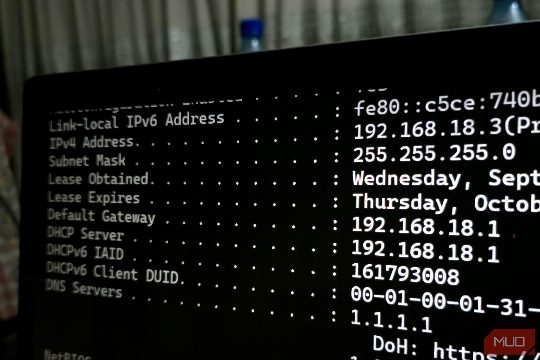
When setting up a home network, it's common to use the 192.168 IP range for local devices. However, this is just one of the three private IP ranges reserved by RFC 1918. The other two are 10.0.0.0/8 and 172.16.0.0/12, both of which have been in use since 1996. Understanding these ranges is essential for troubleshooting and securing your network. For instance, if you encounter a network issue, knowing that a device is using a 192.168 address can help you narrow down the problem. On the other hand, using a 10.0.0.0/8 or 172.16.0.0/12 address could indicate a misconfiguration or a security breach. To avoid conflicts, it's important to understand the limitations of these ranges and use them judiciously. For example, a home router can use 10.0.0.0/8 for its internal network, but this address space is reserved for large organizations and cloud networks. Similarly, the 172.16.0.0/12 range is commonly used by Docker for its container networks, so it's crucial to understand this and other Docker networking basics before setting up a Docker-based home lab. By familiarizing yourself with these private IP ranges, you can better manage your network and ensure its security and efficiency.