
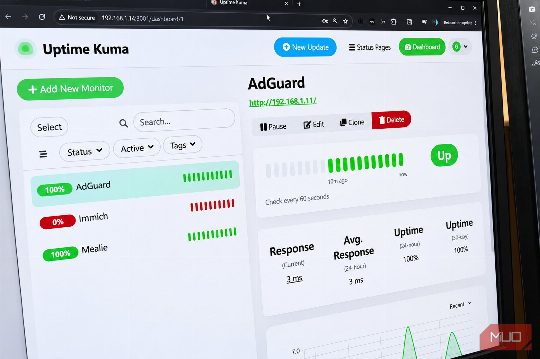
Building a Home Server: The Essential Containers and Tools
Start with these four essential containers to ensure your home server is reliable and backed up.
Search
Results for "Container".
Start with these four essential containers to ensure your home server is reliable and backed up.

One container to manage, update, and watch all your other containers.

Learn the key differences between these three technologies and when to use each for optimal performance and resource management.
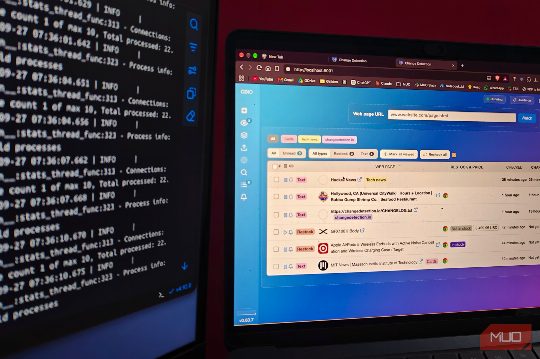
Changedetection.io automates price drops and restocks notifications, saving time and money for online shoppers.

Discover innovative Docker containers for mesh VPN, ad blocking, document management, status monitoring, and file sync. Perfect for beginners and home setups.

One docker compose file later, my browser tabs full of ad-riddled converters are gone.

One browser window, four cleanly separated accounts, zero.

Install these six Docker containers in order to ensure a robust and secure server setup, covering auto-updates, reverse proxy, monitoring, logging, password management, and GUI.

Podman has proven to be a faster and more efficient alternative to Docker Desktop, offering a more streamlined and secure container management experience.

Many of the apps you've installed on your Android or Windows device are actually Progressive Web Apps (PWAs) masquerading as native apps. Learn how to spot them and save storage space by bookmarking services instead.
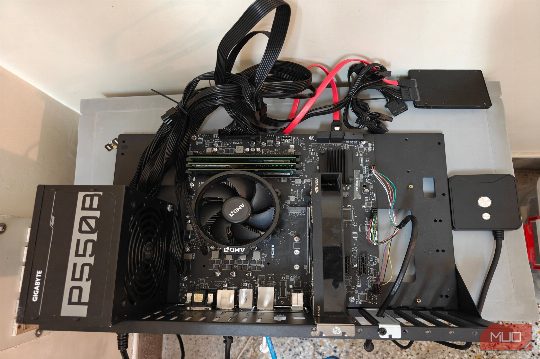
Learn how to reduce power consumption without sacrificing performance, using BIOS tweaks and OS optimizations.
This guide shows how to repurpose an old MacBook into a home server, including setting up a media server and file synchronization.

XPipe streamlines home server management by consolidating SSH, Docker, and Proxmox into one interface, reducing friction and mental overhead.
Dockge streamlines Docker Compose tasks, reducing reliance on SSH and making routine Docker management more accessible.
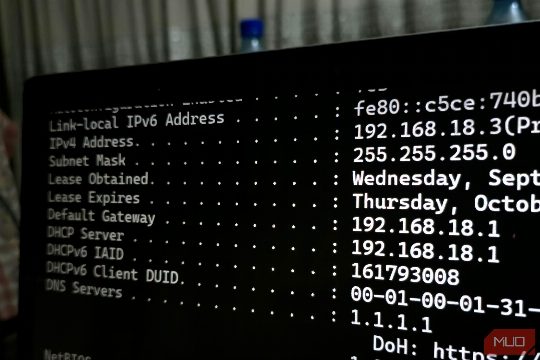
Private IP ranges like 192.168, 10, and 172 are crucial for home and small business networks. Knowing their usage and limitations can help resolve network issues and improve security. This guide explains the basics and provides actionable tips.

Discover how giving your smart home its own DNS policy can prevent privacy settings from breaking your devices, and learn how to implement this solution effectively with actionable tips and recommendations.
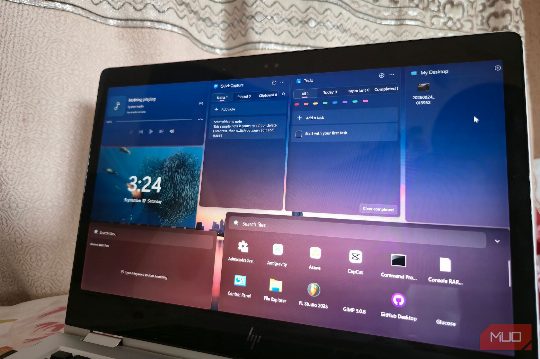
Discover six lesser-known open-source apps that solve specific problems and are worth exploring.

Memories is a lightweight, open-source note-taking app that excels at capturing and organizing thoughts without the clutter of other apps.

Transform your old gadgets into practical tools with minimal effort and cost, perfect for a weekend project.

Building real apps with Docker taught me Docker's fundamentals and made it intuitive, unlike tutorials.
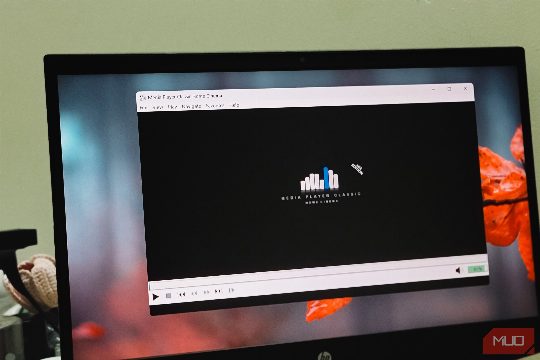
Tashreef's go-to media player for.mkv videos and subtitles is MPC-HC, a lightweight alternative to VLC.

Stirling PDF is a self-hosted PDF toolkit that runs locally, ensuring your sensitive documents stay private and secure.

Gregory Gibson provides a comprehensive guide on managing Docker networks, including addressing, port management, and service isolation.
Going rootless shrank what a compromised container could do to.

3D printer failures are diagnostic messages. Learning to read them helps you solve problems and build confidence in your prints.

Learn how to turn your NAS into a versatile platform capable of running virtual machines and containers, enhancing its functionality beyond basic file storage.

RustDesk offers a free, open-source remote desktop solution that eliminates the commercial-use pop-ups and session limits of TeamViewer, making it a better alternative for personal use.

NFC tags are more than just cool tech, they can solve real-world problems. Discover how to use them for tasks like automating your home, managing your network, and keeping track of your filament. Try them out for yourself!

Grist offers a hybrid solution combining the best of spreadsheets and databases, providing real types and relationships without the complexity of traditional databases, making it ideal for data management in both personal and professional environments.

SmartOS offers a more secure and efficient hypervisor solution compared to Proxmox, suitable for advanced users.