

Software & Apps: Optimize Chrome Memory Usage for Faster Performance
Chrome's memory usage can be significantly reduced by managing tabs efficiently, offering a way to maintain system speed and responsiveness without compromising functionality.
Search
Results for "Optimize".
Chrome's memory usage can be significantly reduced by managing tabs efficiently, offering a way to maintain system speed and responsiveness without compromising functionality.

GTA VI is almost here, and to ensure a smooth gaming experience, you need to optimize your TV settings. Follow these steps to make your TV ready for the game.
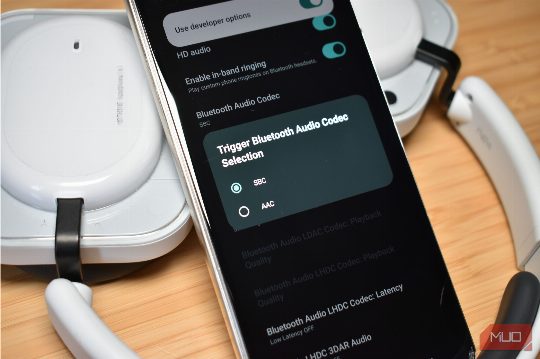
Optimizing your Android headphones for the best sound quality and battery life involves a few simple steps, including enabling advanced audio features and adjusting settings to get the most out of your devices.
Windows comes with a variety of hidden services that can consume significant CPU resources, but many are unnecessary. Learn how to disable these services to improve your system's performance and reduce CPU usage.

Using an older Fire TV Stick can be a bit clunky, but with the right tweaks, you can enjoy your favorite content without the limitations of the newer models.

Jayric shares his experience and steps to improve smart TV performance by changing DNS settings, offering insights on security, speed, and privacy.

Nvidia has released a new GPU driver update that significantly speeds up game launches by offloading the CPU load to the cloud, thanks to Microsoft’s Advanced Shader Delivery tech. Here’s how to get the most out of this update.
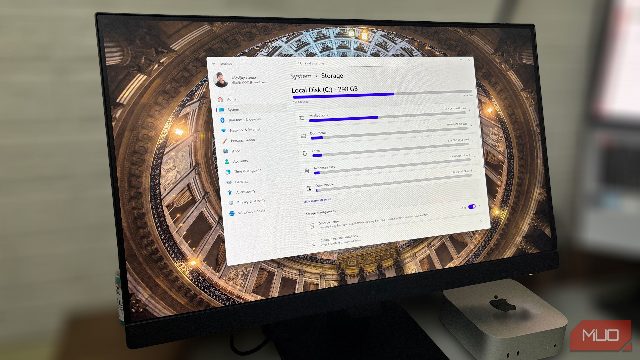
Discover hidden Windows folders that consume SSD space and learn how to clean them up. Learn about Storage Sense and other tips to optimize your SSD storage for better performance and longevity.

Discover how to enhance your voice typing experience on your Samsung tablet with the help of Rambler and Wispr Flow. Learn how to use these tools to improve accuracy, speed, and functionality.
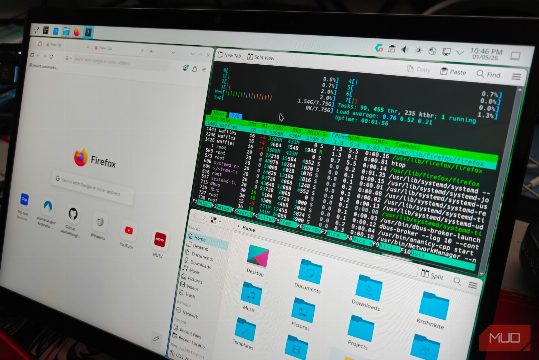
Discover how to optimize your Linux distro for gaming performance with these tips and recommendations.
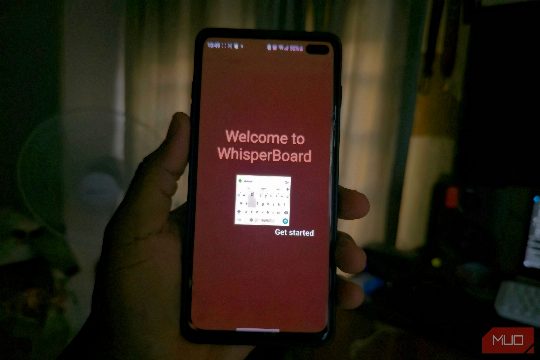
Google’s voice typing has become a reliable tool for Android users. However, switching to an offline speech recognition system can enhance your typing experience, especially in areas with poor internet connectivity.

Swap out Windows' built-in tools and features for faster, more efficient daily tasks. Explore 7-Zip, Everything, and Brave to improve file extraction, search, and browsing experiences.

Smart TVs collect a lot of data to improve your viewing experience. Learn how to limit unnecessary tracking without sacrificing essential features like voice search and personalized ads.

Discover the key settings to tweak on your smart TV to enhance your viewing experience. Learn how to adjust brightness, contrast, and color settings for a more natural look. Also, review home screen settings to avoid unwanted promotions.

Microsoft Edge now automatically puts inactive tabs to sleep after 15 minutes, reclaiming RAM and CPU resources. Here’s how to make the most of this feature and why it’s worth considering if you’re a Chrome user.

Learn how to declutter your Samsung home screen and optimize it for daily use, without needing a third-party launcher.

By locking your router to a single clear Wi-Fi channel, you can improve your network's stability and speed, especially in crowded environments like apartment complexes.

Setting up a new laptop has become routine for Oluwaseun, a tech writer and editor. He always checks the fan settings in the BIOS to ensure his laptop runs quieter and more efficiently, especially for everyday use.

Technical guide and practical analysis regarding I stopped using background RAM optimizers, and here’s the exact reason they make things slower, highlighting key configuration, performance, and stability criteria.

Discover how to enhance your earbuds' sound quality with these three essential tweaks, ensuring they sound better than factory settings.

Discover how to enhance your HDR movie experience by ditching VLC and using mpv, a powerful, open-source media player that supports high-definition content without lag.

Repositioning your router's antennas can significantly improve Wi-Fi performance, especially in multi-story homes. Here's how to do it right.

GTA 6's ambitious visuals can feel underwhelming on PS5 unless you tweak your settings. Learn how to optimize your PS5 and TV settings for the best experience.

Tashreef's experience with VS Code has shown it can be optimized for better performance, even on older hardware. By disabling features like Minimap, CodeLens, and Search on Type, you can enhance your coding experience without switching to a new editor.

USB-C cables are versatile, but their power and speed capabilities are distinct. Learn how to identify and troubleshoot slow transfer speeds.

Discover how to fully leverage your Roku soundbar's surround sound capabilities by adjusting the audio settings in Roku OS. Learn about the different audio formats and connections to ensure your entire AV setup reaches its full potential.

Discover how tagging can streamline your file management process, especially when dealing with a diverse array of files like images, videos, and documents. Learn why an open-source file manager is a game-changer for efficient file organization and retrieval.

FlareCam is a minimalist retro camera app that applies a specific look to your photos without any editing, offering a true-to-life experience on your smartphone.
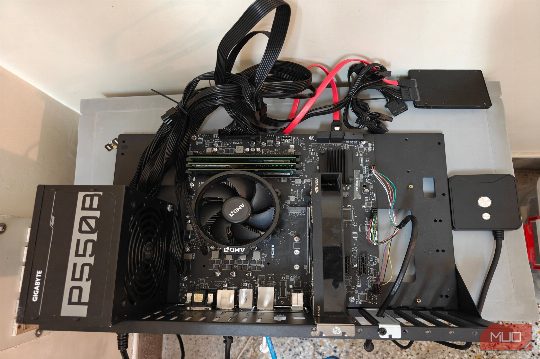
Learn how to reduce power consumption without sacrificing performance, using BIOS tweaks and OS optimizations.

Discover how to free up space in your iCloud by reviewing and deleting unnecessary files, backups, and app data.