

Tech Overview: I disabled my router's power-saving mode and my Wi-Fi jumped 80 percent
My router was saving power, but my Wi-Fi was paying the price.
Search
Results for "Router".
My router was saving power, but my Wi-Fi was paying the price.
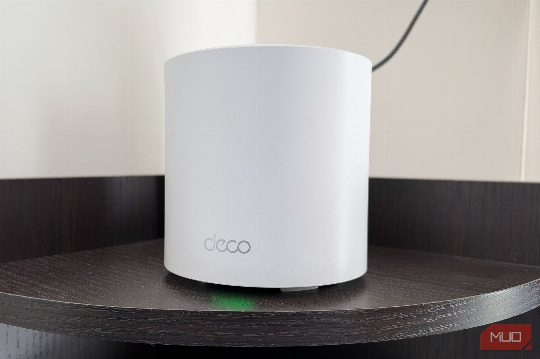
Discover how to optimize your router settings to ensure smooth streaming without breaking the bank. Learn about the QoS feature and other key settings to prioritize your streaming experience and avoid frustrating buffering issues.

Discover the hidden potential of your router's USB port by turning it into a shared storage solution or a backup internet connection. Learn how to leverage this feature effectively and troubleshoot common issues.

Setting your router's 2.4GHz band to 40MHz can interfere with nearby networks, leading to poor Wi-Fi performance. This guide explains the risks and provides solutions.

A single setting change in your router can unlock the speed you already pay.

Four states allege misleading manufacturing and security assertions as router supply chain links trace back to.

Fixing your smart bulbs' connectivity issues can be as simple as adjusting your router's channel width to 20 MHz, ensuring reliable communication for your smart home devices.

Your guest network can secure your home Wi-Fi from insecure devices and manage bandwidth, all without the hassle of managing guests.

ISP-provided routers are often subpar, lacking in features and performance. Buying your own router can greatly improve your home network.

Discover how your router’s guest Wi-Fi can be more than just a feature for visitors, offering enhanced security and control over your network.
Learn how setting your router to max power can slow down your connection and explore solutions to ensure a stable and reliable Wi-Fi network.
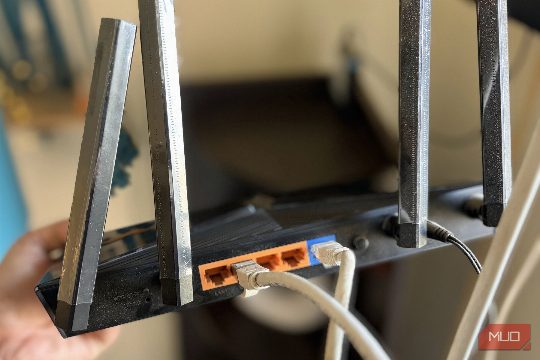
New routers often tout 2.5 Gigabit Ethernet ports, but they rarely offer a significant performance boost for most users.
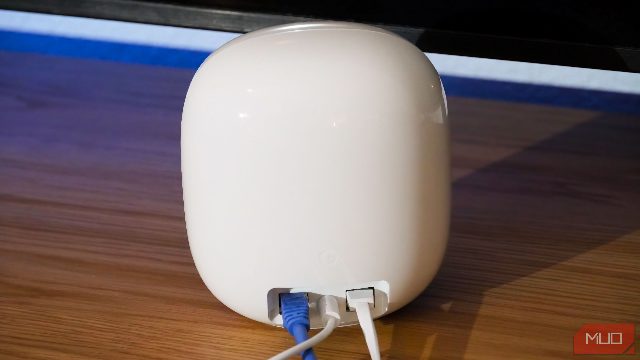
Learn how owning your own Wi-Fi router simplifies moving and optimizes your home network settings for better performance.

Learn how to optimize your home network by ignoring the majority of your router's 2.4GHz channels, improving performance and stability.
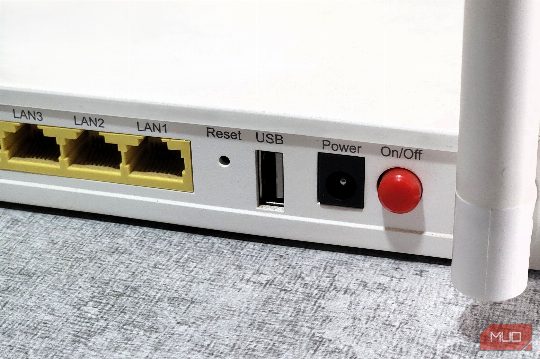
Discover how a forgotten USB port on your router can solve common home-network issues, from file sharing to printer sharing.

Learn about the impact of DNS encryption on your network performance and privacy.

Resumo da fonte MakeUseOf sobre Windows, Windows Tips: I use these Windows commands to solve internet problems that restarting my router won't.
Learn how to replace your ISP's router and ensure a seamless home network experience without falling into common pitfalls.
The NSA has warned about vulnerabilities in poorly configured networking equipment, particularly Cisco routers. Implementing recommended security measures is crucial for protecting your network.

Discover how band steering can fix your Wi-Fi 6E router's performance issues and ensure your devices always get the best possible connection.

OpenWRT became the always-on bridge between my phone and a sleeping.
Resumo da fonte MakeUseOf sobre Networking, Network Issues: I changed my router's Wi-Fi channel, and suddenly Netflix stopped buffering.

Resumo da fonte MakeUseOf sobre Networking, Router: I used a free Android signal meter to find the ultimate location for my router.

Gregory Gibson, an IT specialist and technical writer, shares his experience of replacing an overpriced and unreliable ISP router with an OpenWRT-based edge router, saving money and improving network reliability.

To ensure your router operates optimally and securely, it's important to customize its settings. This guide covers six key settings that can improve your Wi-Fi experience and security.
Repositioning your router's antennas can significantly improve Wi-Fi performance, especially in multi-story homes. Here's how to do it right.

I discovered that turning off two router settings improved my Wi-Fi speeds dramatically, solving my ISP's overselling issue and inconsistent performance on both my laptop and phone.

A practical, in-depth guide on Router QoS for home office: deployment guide with concrete technical steps, security configurations and verification methods.

A practical, in-depth guide on Router QoS for home office: security checklist with concrete technical steps, security configurations and verification methods.

A practical, in-depth guide on Router QoS for home office: maintenance routine with concrete technical steps, security configurations and verification methods.