

Optimizing Your Mesh Wi-Fi Network: A Guide to Faster and More Reliable Connections
Learn how to improve your mesh Wi-Fi network by switching to wired backhaul, reducing speed penalties and enhancing overall performance.
Search
Results for "Mesh".
Learn how to improve your mesh Wi-Fi network by switching to wired backhaul, reducing speed penalties and enhancing overall performance.

Discover how Gregory Gibson successfully set up a Starlink mesh node to create a wired network in his 120-year-old home without running physical cables. Learn the step-by-step process and tips for optimal setup.
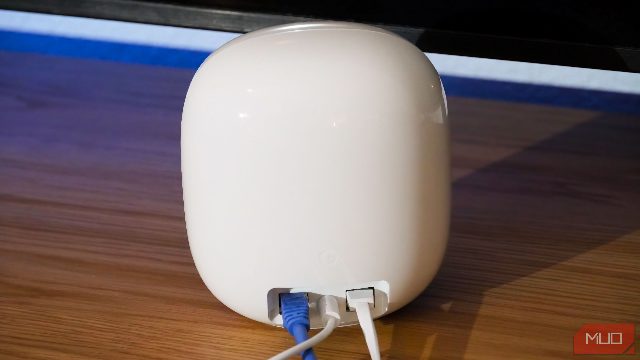
Running a simple speed test throughout every part of your home can help determine the right number of mesh Wi-Fi access points needed for optimal network performance, regardless of the brand or features of your system.

Headscale offers greater control over your mesh network at the cost of some cloud features, making it ideal for personal and small team setups.

Tailscale simplifies remote access to your home server and self-hosted services with its mesh VPN implementation, offering a headache-free alternative to traditional VPNs and their complex configurations.

When setting up a mesh network, consider the placement of nodes and the number of nodes to use for optimal performance. Too many nodes can slow down your Wi-Fi, while too few can leave some areas without coverage.

MoCA adapters offer a reliable and cost-effective alternative to mesh Wi-Fi, providing fast wired networking without the high cost and complexity of mesh systems.

Your mesh Wi-Fi system's performance is more about quality and placement than raw speed, especially if your ISP only offers Gigabit speeds. Proper node placement is crucial for achieving strong mesh connections and reliable coverage.

A selected YouTube video about Home Lab, with context from Cloudflare and a practical checklist before watching.

Walmart is offering early Black Friday deals with discounts up to 35% off on various electronics and home devices, including TVs, monitors, and gaming accessories.

Disabling your router's power-saving mode can significantly improve your Wi-Fi speeds, as demonstrated by a 300Mbps internet user who noticed a 80% increase in performance.

Discover how your Amazon Echo devices can enhance your Wi-Fi network and extend your smart home capabilities.

Apple has introduced the new iPad mini featuring an OLED display, thinner body, and improved camera capabilities, setting a new standard in the tablet market.

Tailscale's Exit Node feature lets you bypass office network limits without a VPN subscription, offering a free, easy-to-set-up solution.
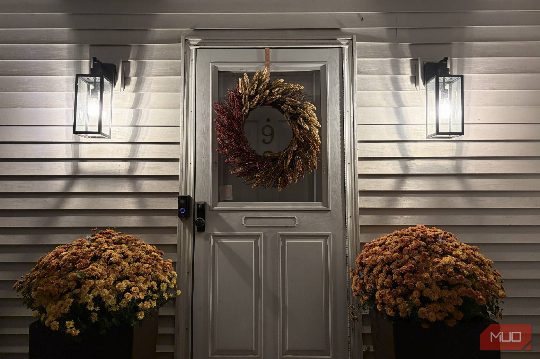
Learn how to set up your smart porch lights for optimal lighting, safety, and energy efficiency.
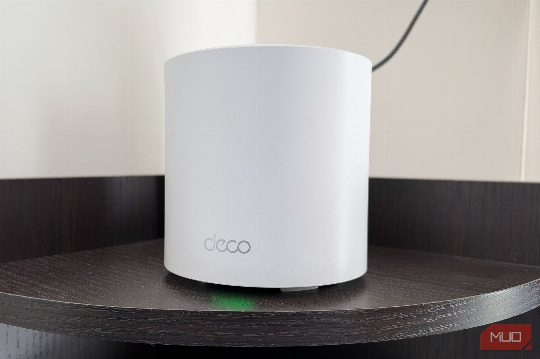
Discover how to optimize your router settings to ensure smooth streaming without breaking the bank. Learn about the QoS feature and other key settings to prioritize your streaming experience and avoid frustrating buffering issues.

The ESP32-S31 combines Wi-Fi 6, Ethernet, and a variety of connectivity features in a single chip, making it a powerful choice for IoT projects.

Rob LeFebvre explains the aluminum foil Wi-Fi trick and its real-world effectiveness, offering insights and practical advice.

Wi-Fi can now detect human presence, turning routers into motion sensors. This technology is accessible to Home Assistant users.

Your fast internet doesn't guarantee fast Wi-Fi. Learn how to optimize your router placement, Wi-Fi bands, and devices to improve performance.

This guide details the transition from Adobe's creative suite to free alternatives, focusing on tools for Photoshop, Lightroom, Illustrator, and Premiere.

Discover innovative Docker containers for mesh VPN, ad blocking, document management, status monitoring, and file sync. Perfect for beginners and home setups.
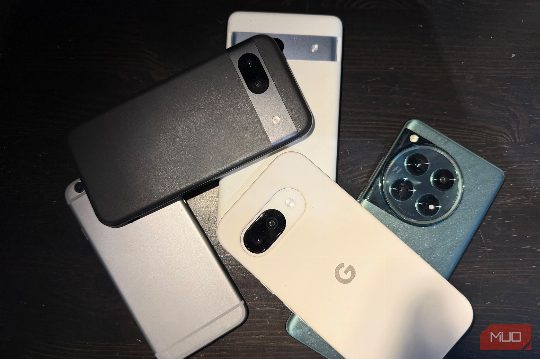
Transform your old gadgets into practical tools with minimal effort and cost, perfect for a weekend project.
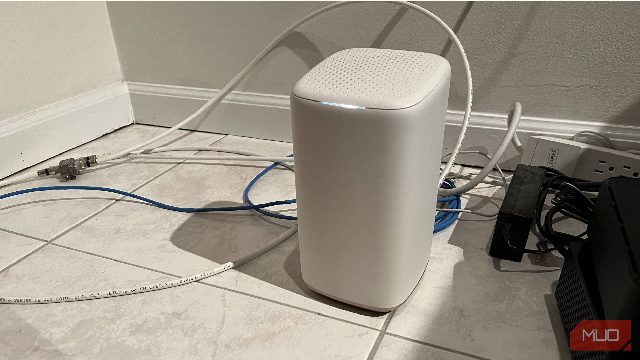
Discover simple yet effective solutions to fix Wi-Fi drops, including router reboots, channel adjustments, and bandwidth upgrades.

Rob LeFebvre's guide to using Meshy AI for easy 3D printing from photos, with tips and insights.
Learn how owning your own Wi-Fi router simplifies moving and optimizes your home network settings for better performance.

The Wi-Fi technology that connects your devices relies on signal processing techniques developed by radio astronomers to handle the challenges of signal smearing and multipath interference.

Adding more mesh points didn't fix my garage Wi-Fi dead zone, and double NAT was the real reason my mesh network couldn't reach the garage. Turning on Starlink's bypass mode finally fixed my Wi-Fi dead zone.

RealityScan, a free app built on photogrammetry tech, allows you to 3D scan objects with your phone's camera and print copies for free. Learn how to get the best results with this guide.

Every router and network settings page includes two DNS boxes: Preferred and Alternate. While the former is the primary, the latter is often seen as a backup.