

Understanding USB4: Beyond the Logo
USB4 doesn't mean what you think it means, and the USB4 logo isn't the be-all-end-all of USB-C capabilities. Look for specific symbols and specs to truly understand a port or cable's performance.
Search
Results for "Usb4".
USB4 doesn't mean what you think it means, and the USB4 logo isn't the be-all-end-all of USB-C capabilities. Look for specific symbols and specs to truly understand a port or cable's performance.

USB-C cables are about to get even more confusing with the introduction of USB4 Version 2.0, which overlaps with the Thunderbolt specification. Learn how to spot USB4 Version 2.0 and understand the differences between USB4 and USB4 v2.

Learn how USB-C ports differ and how to test their capabilities to ensure they meet your needs for data transfer, video output, and charging.
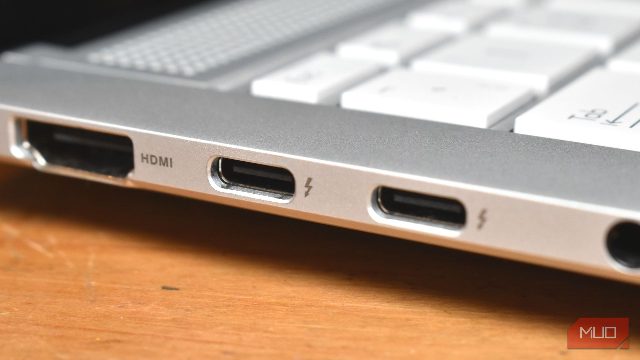
Discover the meanings behind the various icons next to your USB-C port, from SuperSpeed to DisplayPort, and learn how to interpret them for better device compatibility and functionality.
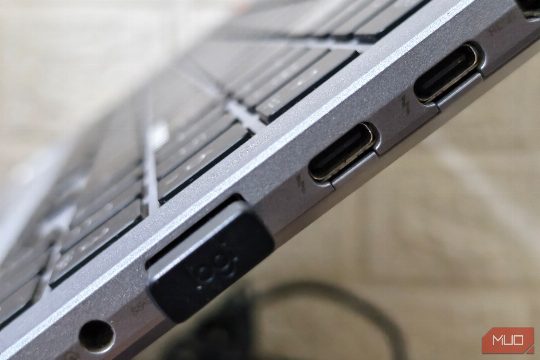
Discover the hidden hardware divide and the importance of matching the right port and cable for optimal performance.

Thunderbolt 5 is twice as fast as Thunderbolt 4, offering significant improvements in bandwidth and charging capabilities. However, the benefits are only realized if your devices support the latest standard.

Testei o eGPU com Oculink e Thunderbolt e fiquei surpreso com os resultados, destacando a superioridade de Oculink em desempenho e estabilidade.

Free USB-C cables often come with your new devices, but they often lack the quality and specifications you expect. Here's a tech guide to help you understand the risks and make informed decisions.

Understanding the importance of e-marker chips in USB-C cables is crucial for ensuring your devices receive the best performance and safety. This guide explains how to identify e-marker chips and their significance.

While USB-C has become ubiquitous, there are still several specialized cables that offer features not available in USB-C.

DisplayPort's Multi-Stream Transport (MST) is a feature that allows monitors to be daisy-chained together, reducing the number of cables needed for setups. While HDMI lacks this capability, MST is available on every DisplayPort version since v1.

The promise of USB-C to rule them all in terms of power, data, video, and peripherals has yet to be fully realized, leaving users like myself questioning whether it's worth the investment.